Forrest Betts
Members
-
Joined
-
Last visited
Everything posted by Forrest Betts
-
-
-
Just a part two video of the homemade 2x72 belt grinder I made. A more in depth look and some extended use grinding an old file into a push dagger. Please give it a watch and let me know you thoughts! I'll probably respond faster if you lave a comment on the video. Click here to watch now! If you haven't seen part one click here.
.thumb.JPG.e88af7c5cdb65db43df1903d3c5df4ad.JPG)
-
Thank you! I do plan to add step pulleys in the future.. Just haven't found a broken drill press to steal them out of yet. Hahaha.. I also plan to update the platen with the one sold from Oregon Blade Maker. Click here to see it. But I was kinda trying to see how cheap I could build it first... The only part I HAD to buy was the drive wheel. Everything else was re-purposed junk essentially. Drive wheel was a little less than $50 So that's all I have into it so far.
-
Made a homemade 2" x 72" belt grinder out of scrap and repurposed parts. Check it out and let me know your thoughts! https://youtu.be/BEi2ruFzGNw
-
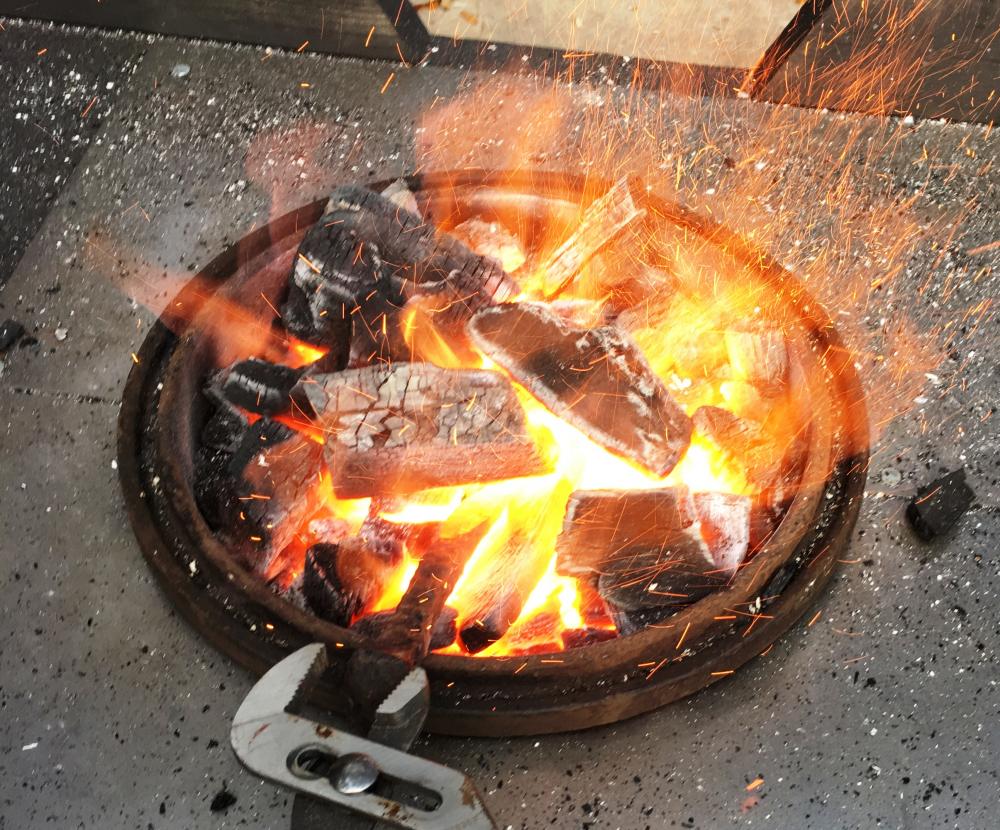
A friend and I were just starting out and came up with this idea to build a forge on the cheap. Check it out and let us know what you think. https://youtu.be/_R-HiuUzTiM

.JPG.e641a72a482e7af084646acab4054a6a.JPG)