Skip to content
View in the app

A better way to browse. Learn more.

I Forge Iron

A full-screen app on your home screen with push notifications, badges and more.

To install this app on iOS and iPadOS
  1. Tap the Share icon in Safari
  2. Scroll the menu and tap Add to Home Screen.
  3. Tap Add in the top-right corner.
To install this app on Android
  1. Tap the 3-dot menu (⋮) in the top-right corner of the browser.
  2. Tap Add to Home screen or Install app.
  3. Confirm by tapping Install.

Ed Hagopian

Members
  • Joined

  • Last visited

  1. I was worried about losing the hardness too but honestly in the month I've been working with it, it's been absolutely solid. I was prepared to harden it but so far I haven't found a reason to. I don't know if it came out of the fact of its heavy use or what but the machinist that ground down the face said he came to the conclusion that the two hardest substances he knew of was carbide and whatever the hell this was. I have TCMB it's a great book and I recommend it to anyone looking to start.
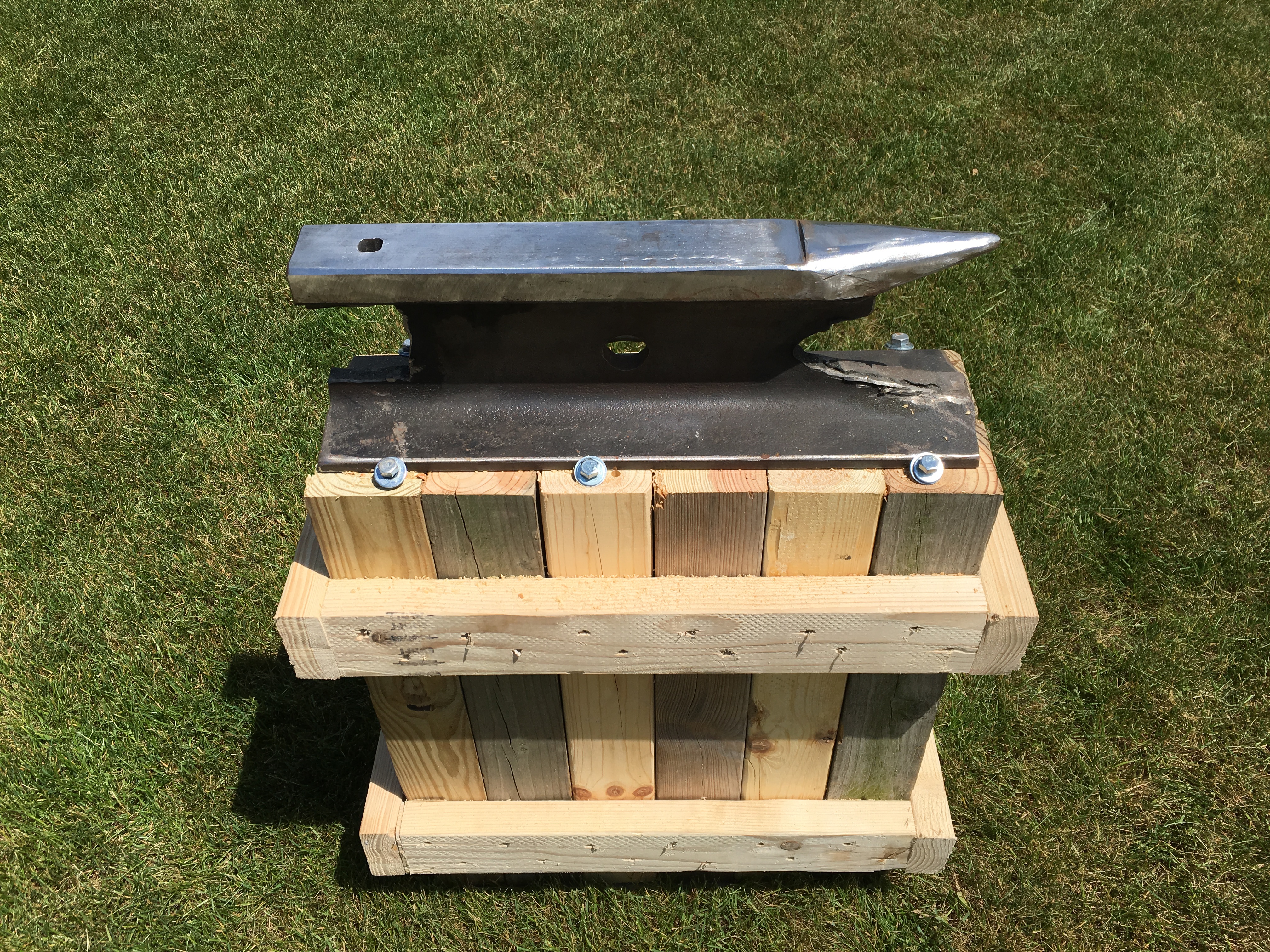
  2. Drilled with normal HSS and then I happened to have access to a Bridgeport endmill where I squared the sides as best I could. It fits rail spikes pretty well so that's what I'm using to weld hardy tools to.
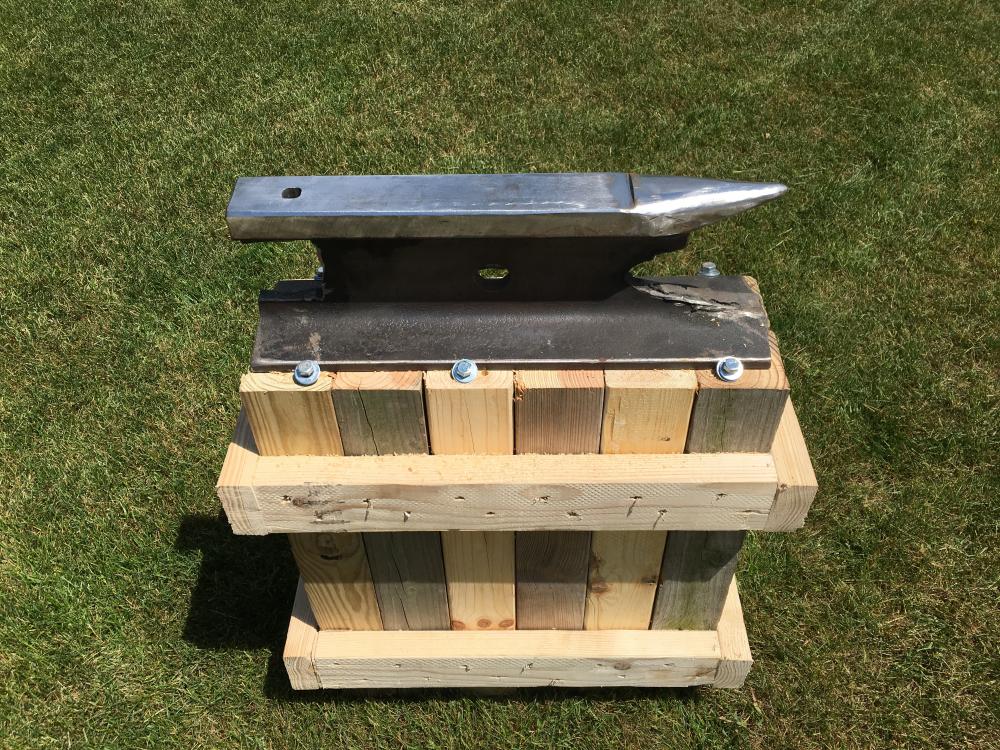
  3. Found a section of rail on a duck hunting trip. Turned it into a lovely little anvil.
Account

Navigation

Search

Search

Configure browser push notifications

Chrome (Android)
  1. Tap the lock icon next to the address bar.
  2. Tap Permissions → Notifications.
  3. Adjust your preference.
Chrome (Desktop)
  1. Click the padlock icon in the address bar.
  2. Select Site settings.
  3. Find Notifications and adjust your preference.