Skip to content
View in the app

A better way to browse. Learn more.

I Forge Iron

A full-screen app on your home screen with push notifications, badges and more.

To install this app on iOS and iPadOS
  1. Tap the Share icon in Safari
  2. Scroll the menu and tap Add to Home Screen.
  3. Tap Add in the top-right corner.
To install this app on Android
  1. Tap the 3-dot menu (⋮) in the top-right corner of the browser.
  2. Tap Add to Home screen or Install app.
  3. Confirm by tapping Install.

Tyson Simmons

Members
  • Joined

  • Last visited

Everything posted by Tyson Simmons

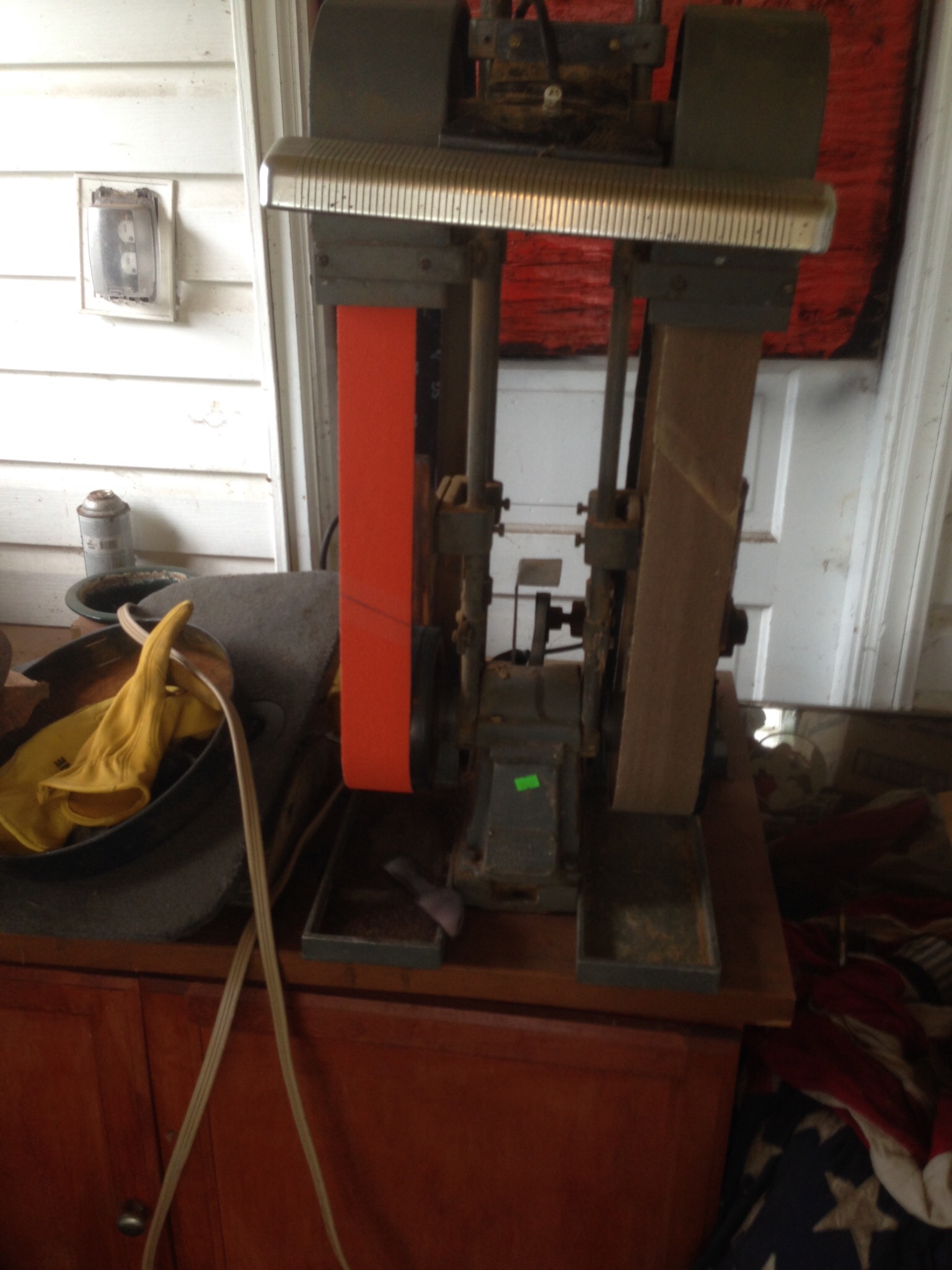
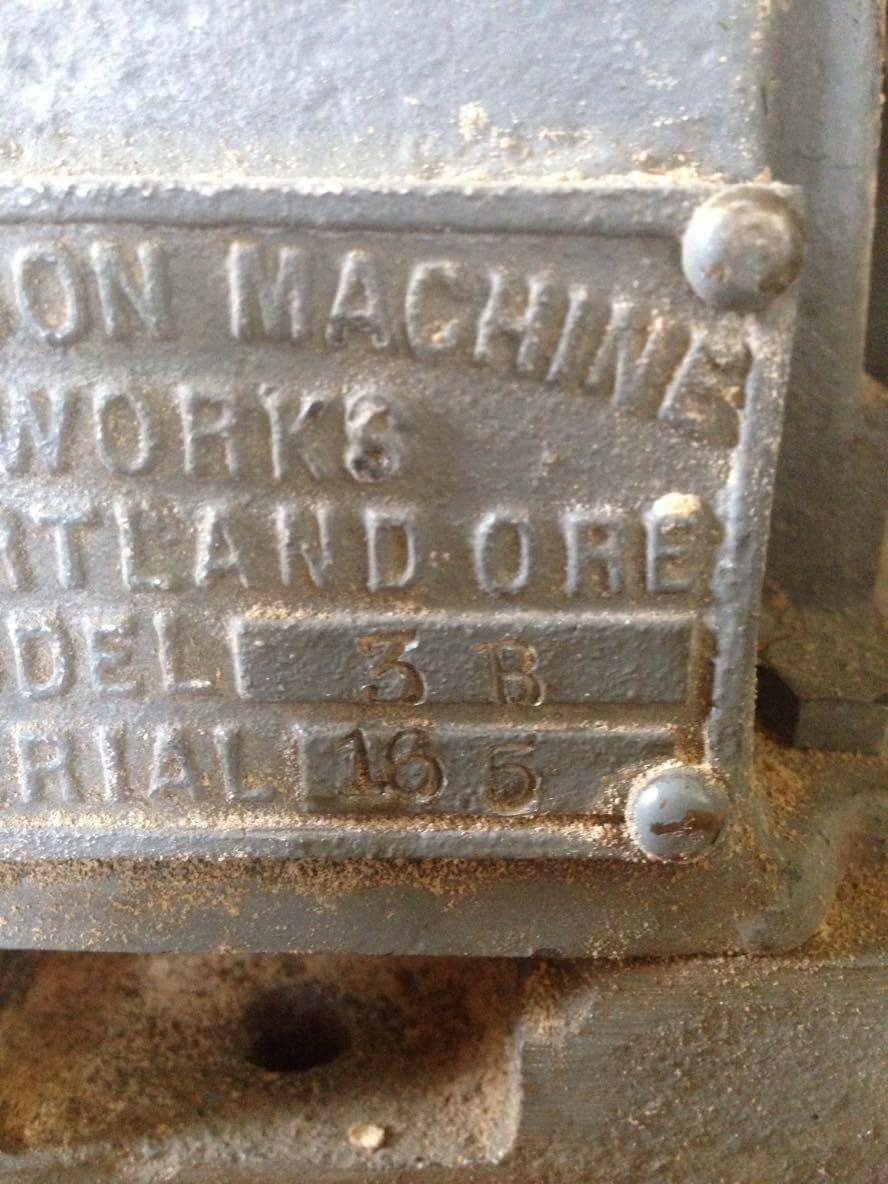
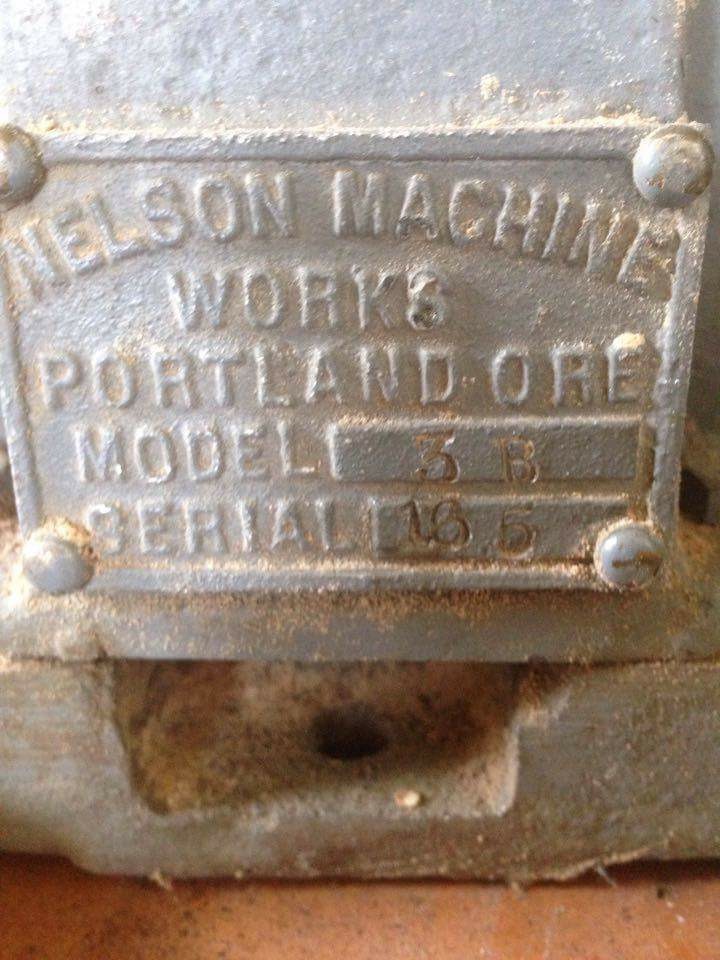
  1. Hello guys I had this sander for some time I'm just wondering if any of you fellow blacksmiths used on like this 21/2x60 I'm just getting into blacksmithing thanks I tried google couldn't find much info
  2. Ok I've learned a lot thanks guys I really appreciate it! I'll keep you guys up dated on my work thanks
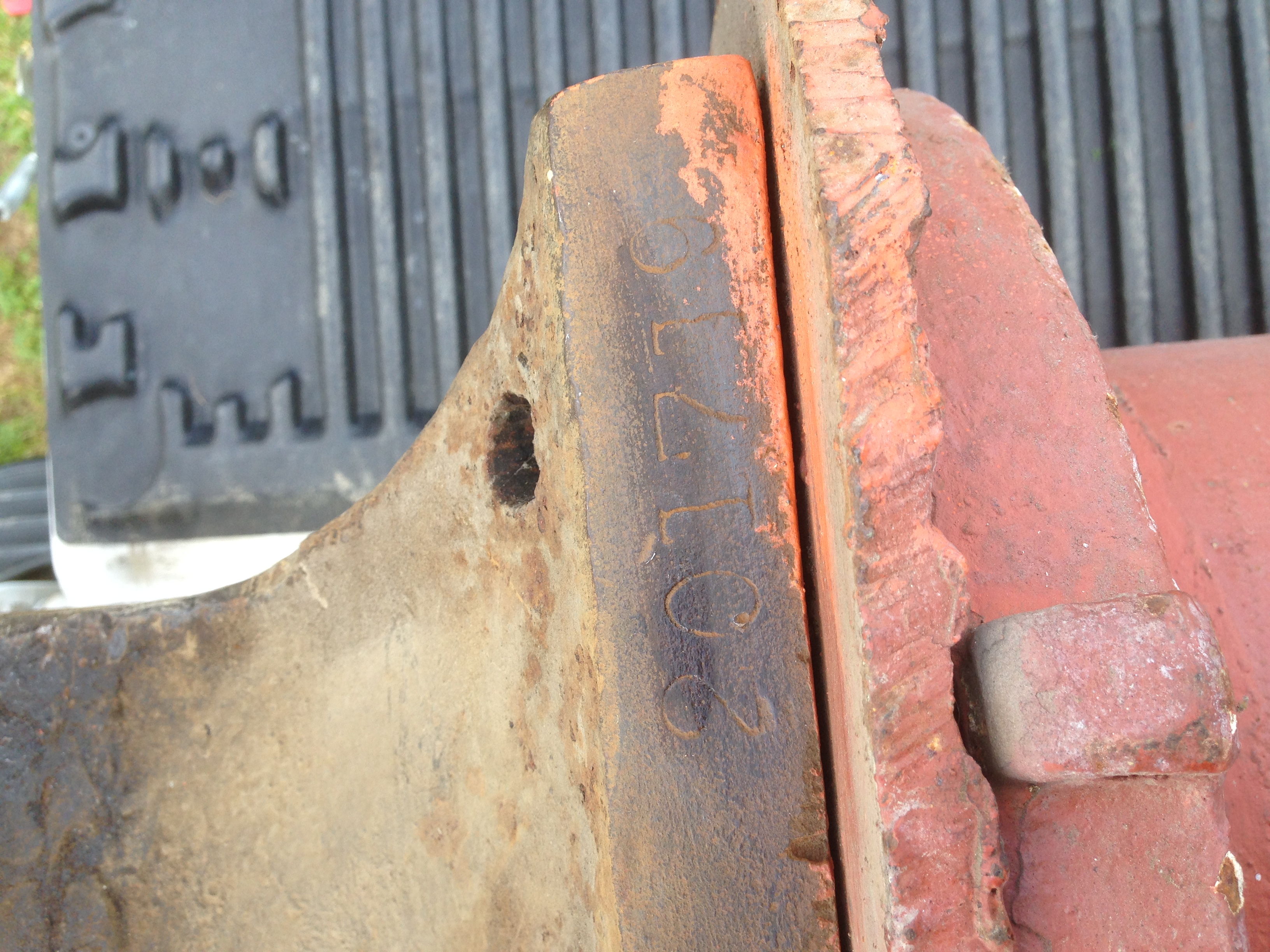
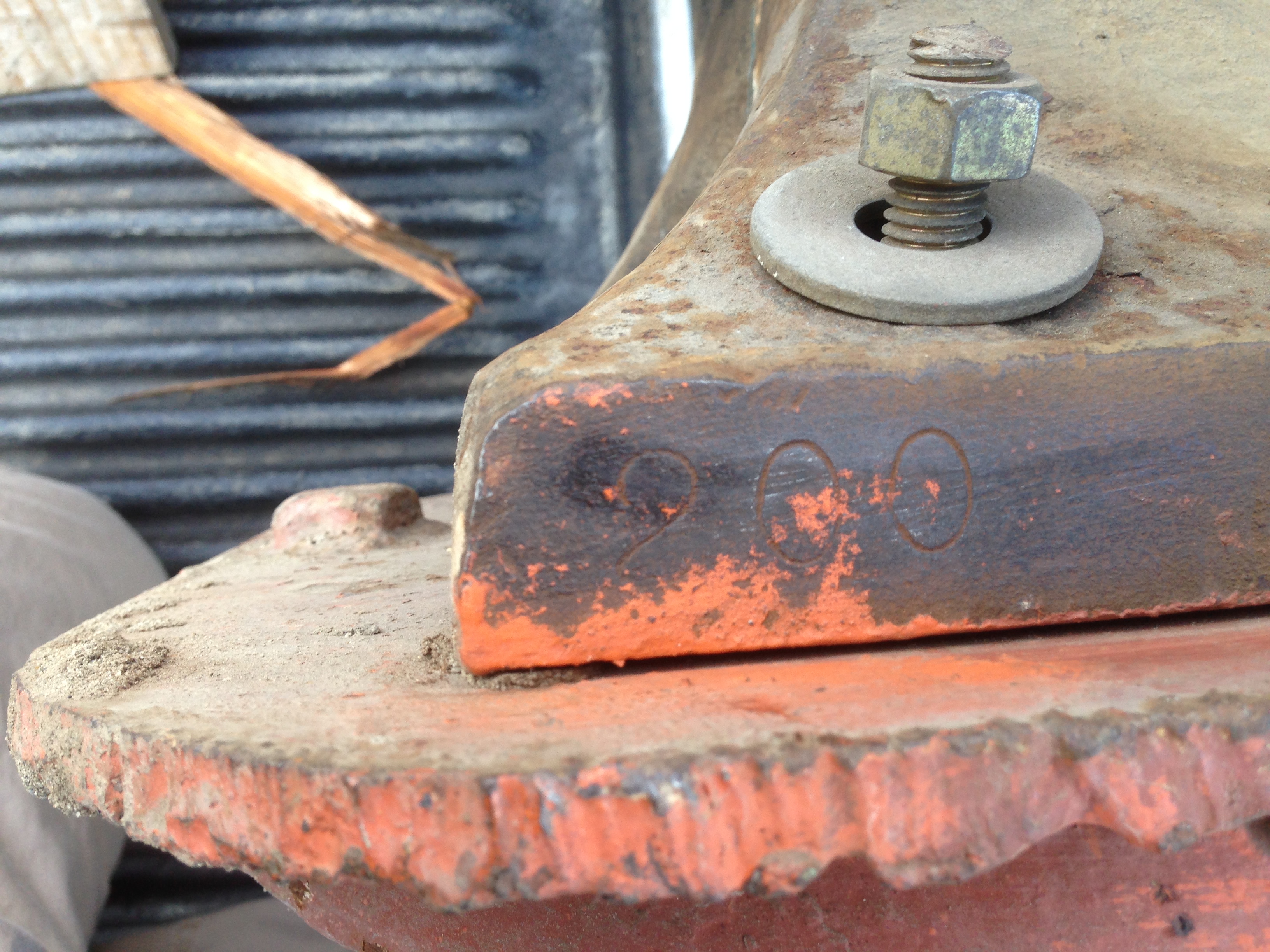
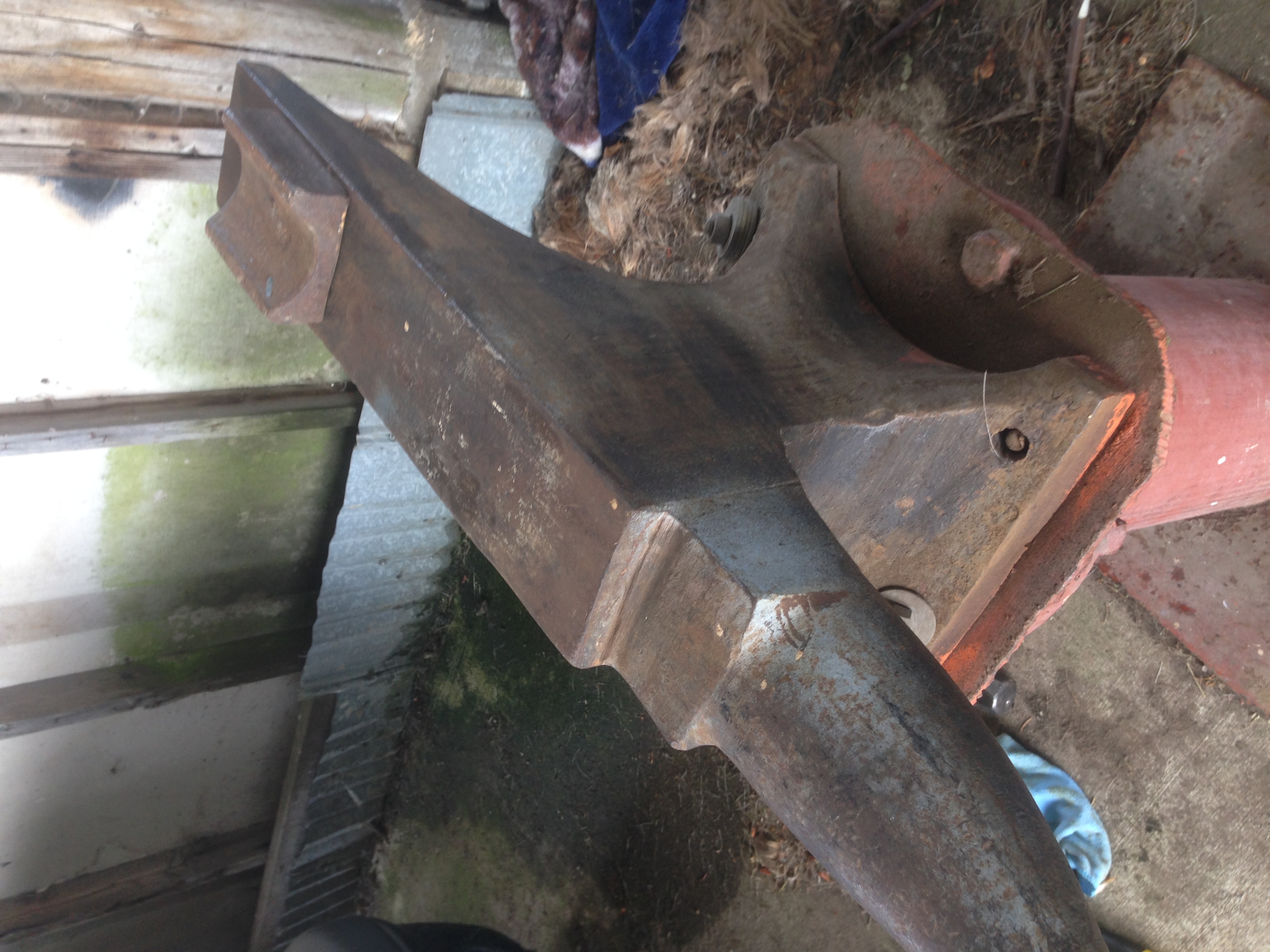
  3. What's the best way to bring this anvil back to life angle grinder and wire wheel like on YouTube??
  4. Hm I'm kind of worried now... What is a caplet depression ?its on a steel base
  5. I just did a rebound test on it had a lot of rebound still but it don't ring to much maybe because it is on the base I have no clue that's guys yeah it's a Trenton

  6. No I'm new to black smithing and I wanna know if I got a good deal or not????

Account

Navigation

Search

Search

Configure browser push notifications

Chrome (Android)
  1. Tap the lock icon next to the address bar.
  2. Tap Permissions → Notifications.
  3. Adjust your preference.
Chrome (Desktop)
  1. Click the padlock icon in the address bar.
  2. Select Site settings.
  3. Find Notifications and adjust your preference.