Skip to content
View in the app

A better way to browse. Learn more.

I Forge Iron

A full-screen app on your home screen with push notifications, badges and more.

To install this app on iOS and iPadOS
  1. Tap the Share icon in Safari
  2. Scroll the menu and tap Add to Home Screen.
  3. Tap Add in the top-right corner.
To install this app on Android
  1. Tap the 3-dot menu (⋮) in the top-right corner of the browser.
  2. Tap Add to Home screen or Install app.
  3. Confirm by tapping Install.

Ford57

Members
  • Joined

  • Last visited

Everything posted by Ford57

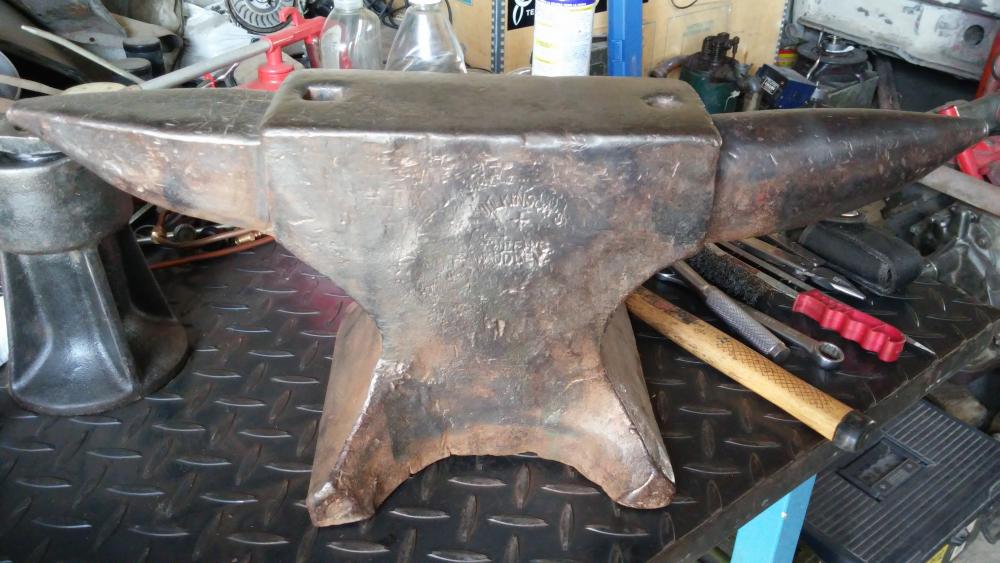
  1. Many thanks guys!! It´s any way to know the age of my anvil, seems to be very old, maybe pre 1900?? I´m right?
  2. Hola Viktor!!! Un gusto!!
  3. Yes, surely I´ll learn to make some stuff in the future!!!!
  4. Hi Littleblacksmit, becasue I only do some shop work on my garage, have a pair of old engines etc...not forge!
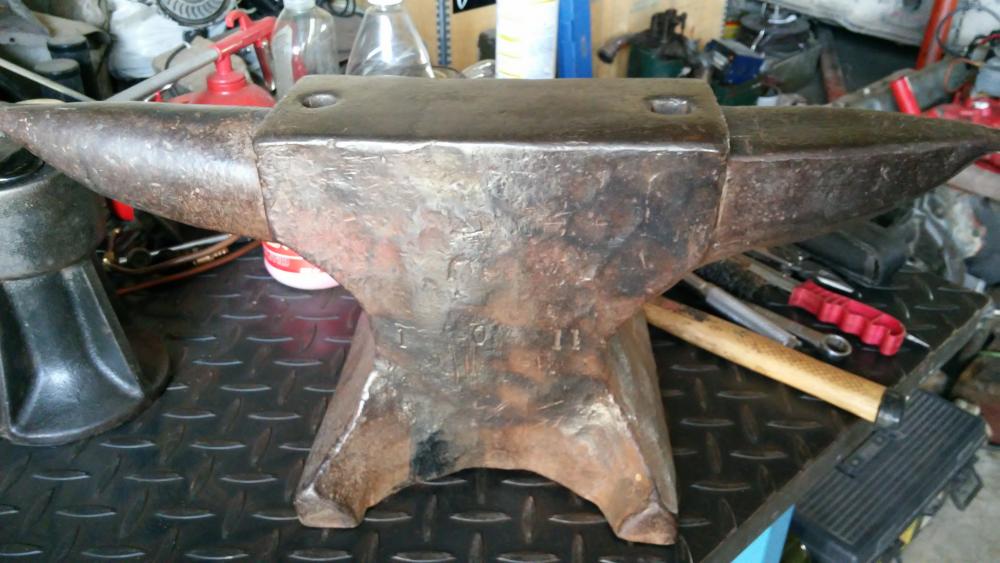
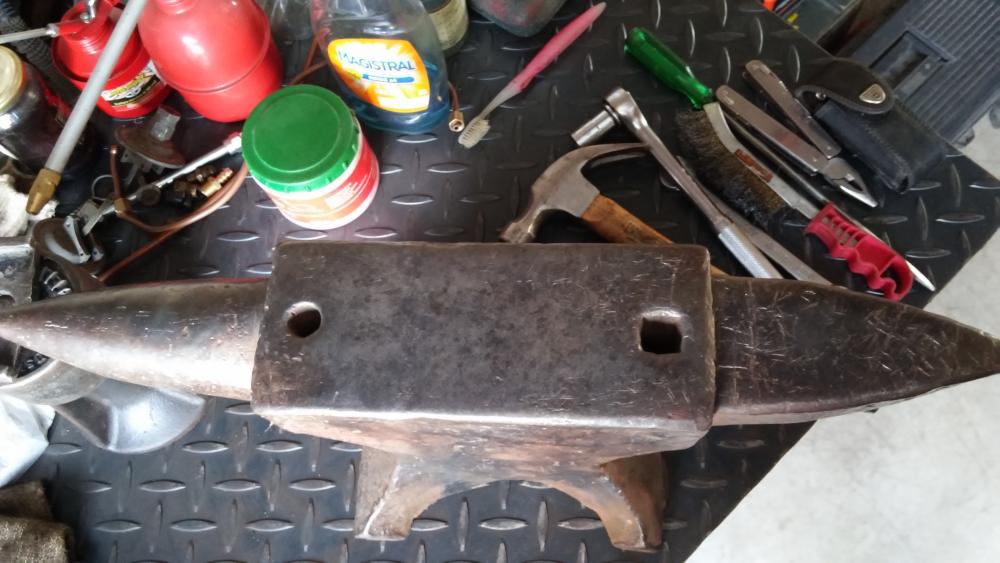
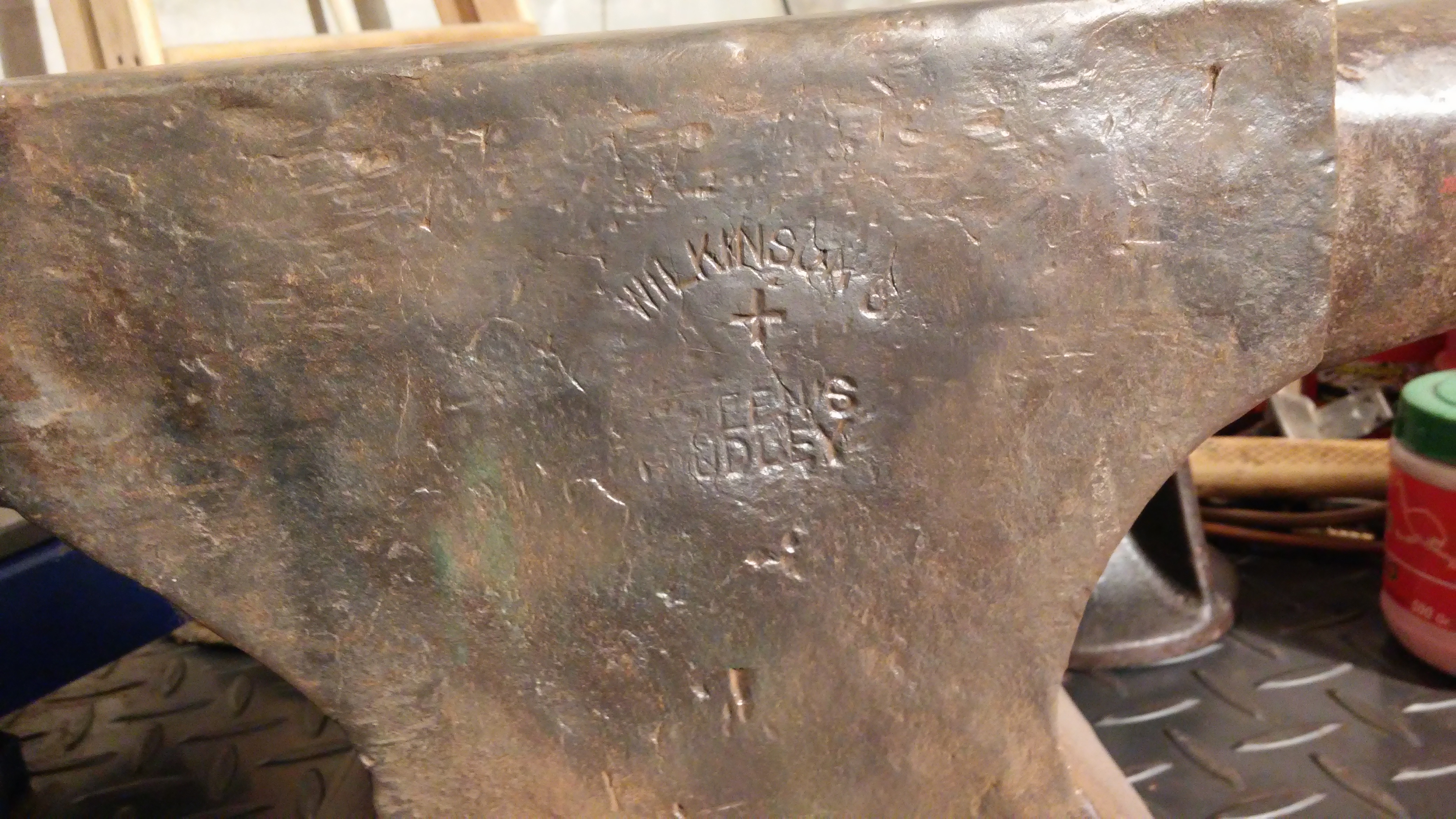
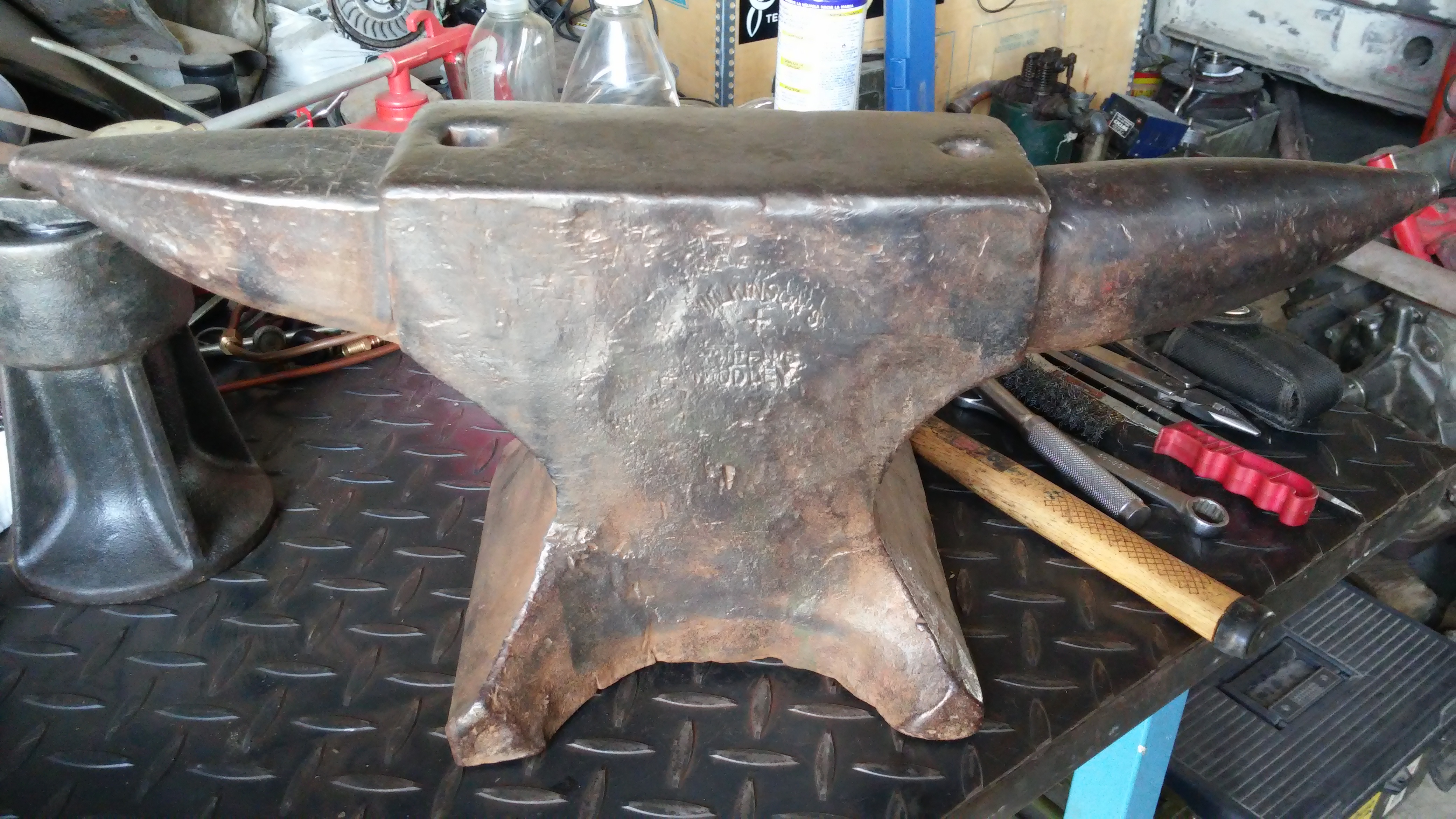
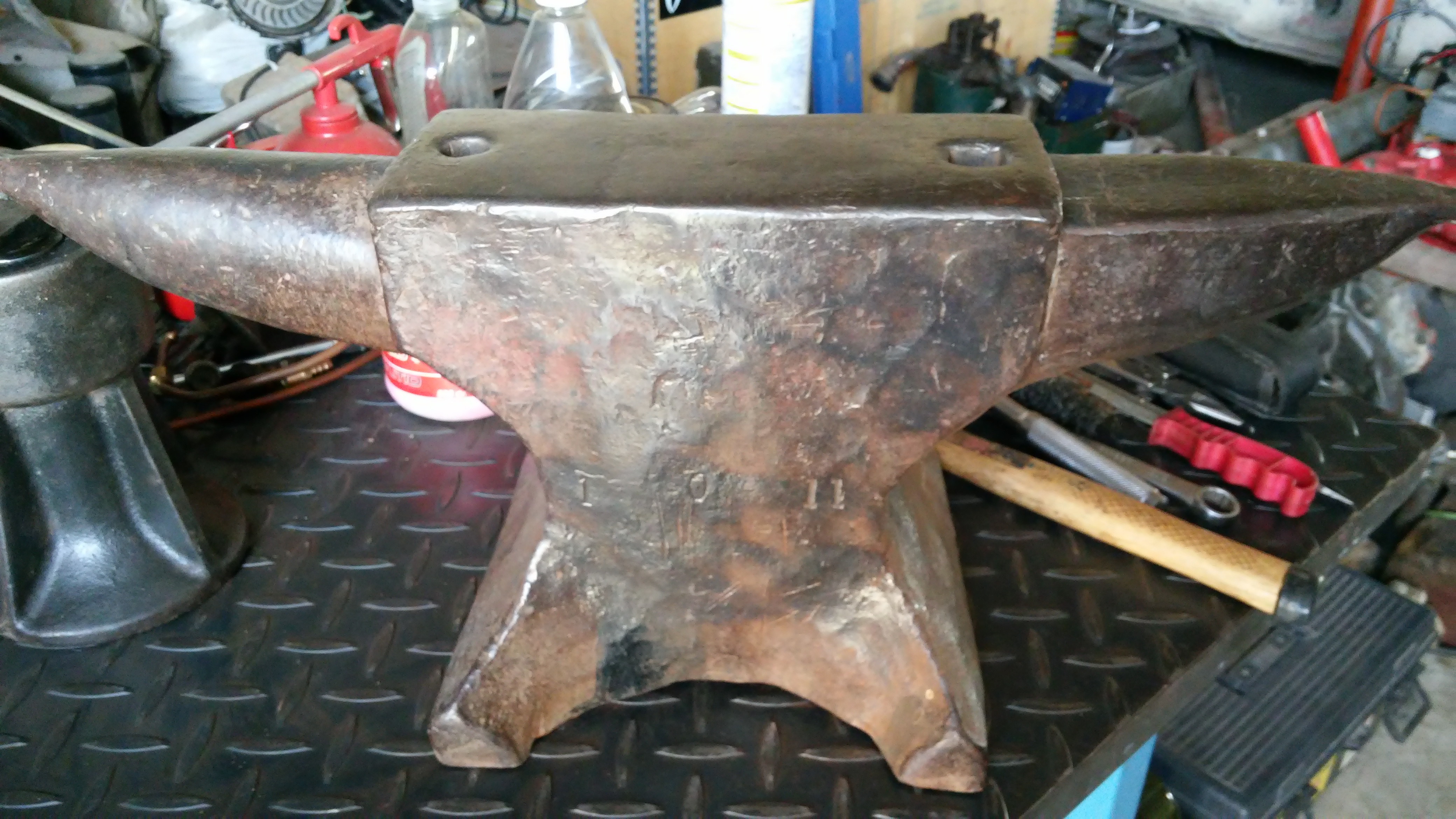
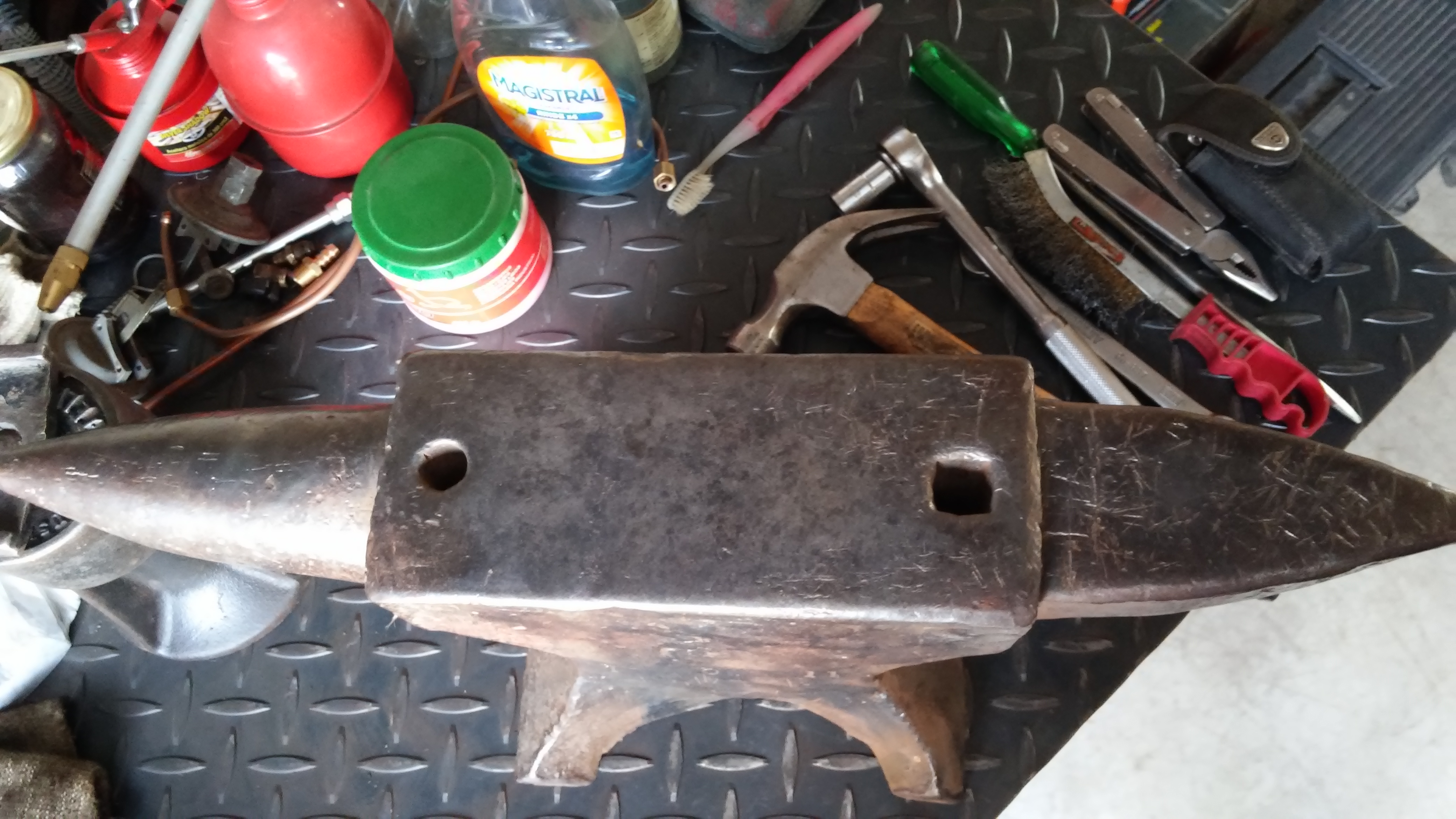
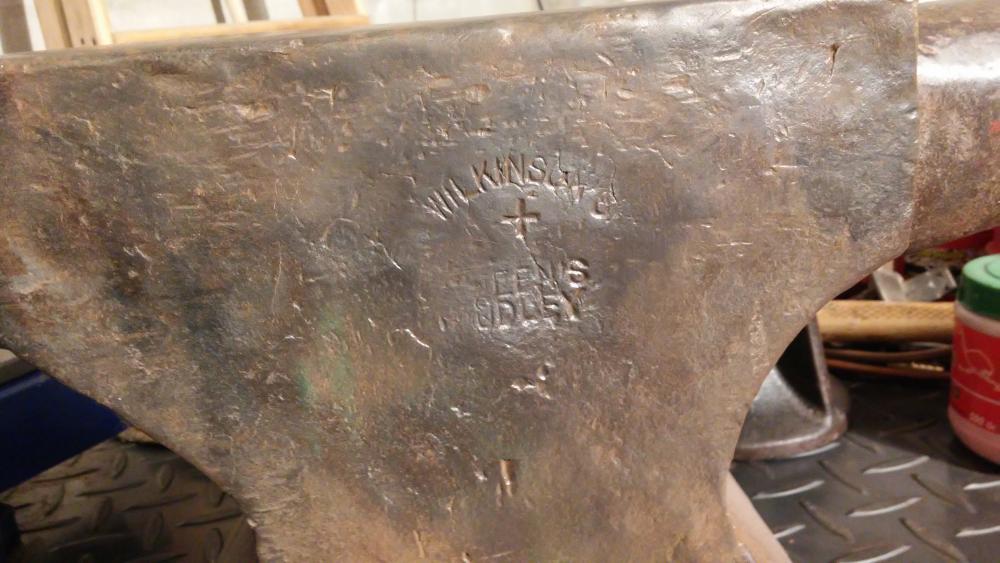
  5. Hi to all, my name is German Morelli, I´m from Cordoba, Argentina. Recently I found an anvil in a flea market for 160 Dollars, so I bought it (not common to see this anvils in my city!!), has stamped "Wilkinsons + Queens Dudley" and in the other side numbers "1 0 11". Any suggestions!? Year of production?? My plans are to use it occasionally, very light use! Many thanks!!!
Account

Navigation

Search

Search

Configure browser push notifications

Chrome (Android)
  1. Tap the lock icon next to the address bar.
  2. Tap Permissions → Notifications.
  3. Adjust your preference.
Chrome (Desktop)
  1. Click the padlock icon in the address bar.
  2. Select Site settings.
  3. Find Notifications and adjust your preference.