Skip to content
View in the app

A better way to browse. Learn more.

I Forge Iron

A full-screen app on your home screen with push notifications, badges and more.

To install this app on iOS and iPadOS
  1. Tap the Share icon in Safari
  2. Scroll the menu and tap Add to Home Screen.
  3. Tap Add in the top-right corner.
To install this app on Android
  1. Tap the 3-dot menu (⋮) in the top-right corner of the browser.
  2. Tap Add to Home screen or Install app.
  3. Confirm by tapping Install.

a2lute

Members
  • Joined

  • Last visited

Everything posted by a2lute

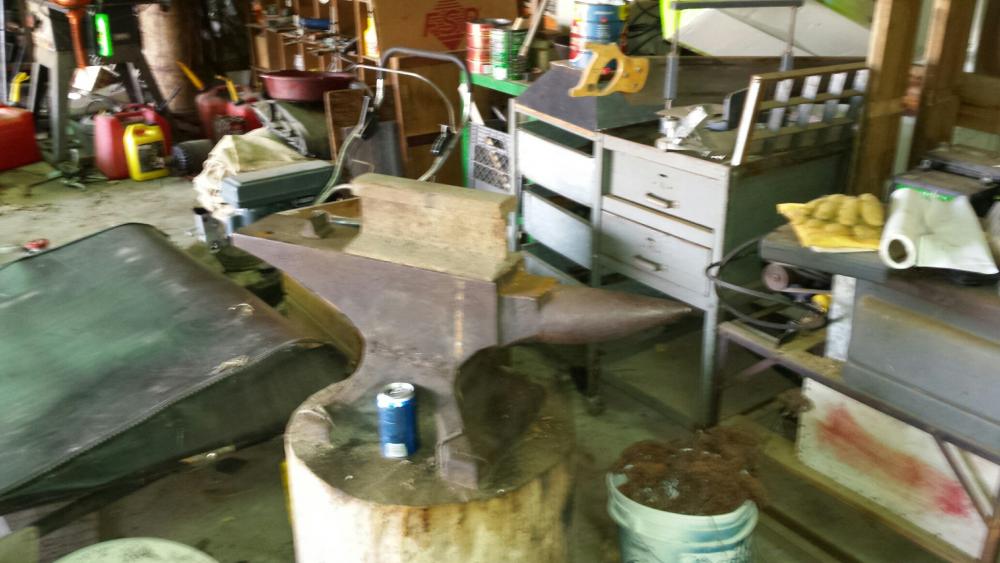
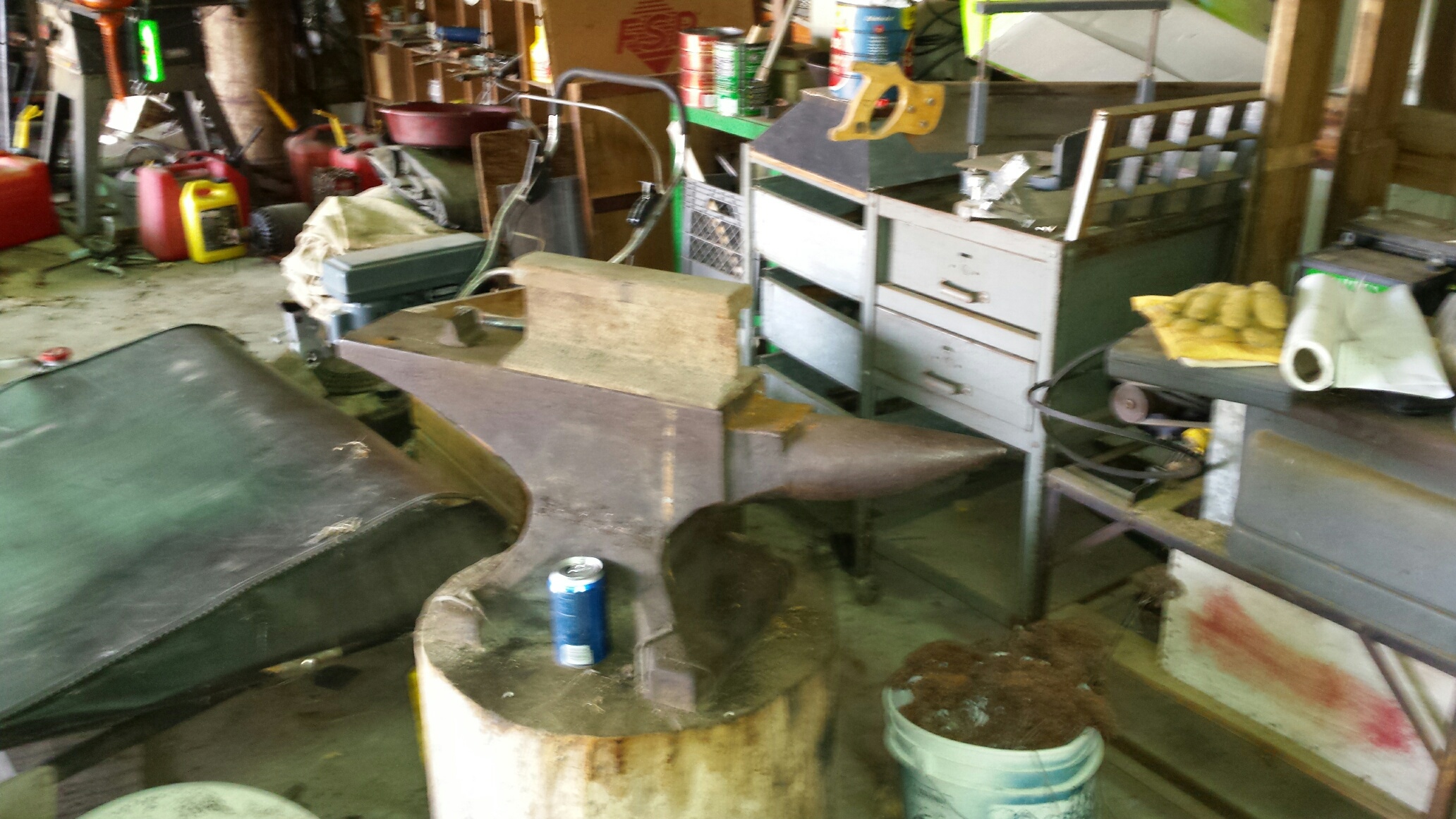
  1. The top is in pretty nice shape, My grandpa says they had a cover or something for it back in the old days. It's long gone. I gotta build my forge before I can start heating stuff! My burner is almost finished so I shouldn't be too long though.
  2. I'm just setting up something at my new house, this is an anvil I got from my grandfather, no identifying markings, but It's also filthy and I don't know where to look
Account

Navigation

Search

Search

Configure browser push notifications

Chrome (Android)
  1. Tap the lock icon next to the address bar.
  2. Tap Permissions → Notifications.
  3. Adjust your preference.
Chrome (Desktop)
  1. Click the padlock icon in the address bar.
  2. Select Site settings.
  3. Find Notifications and adjust your preference.