Skip to content
View in the app

A better way to browse. Learn more.

I Forge Iron

A full-screen app on your home screen with push notifications, badges and more.

To install this app on iOS and iPadOS
  1. Tap the Share icon in Safari
  2. Scroll the menu and tap Add to Home Screen.
  3. Tap Add in the top-right corner.
To install this app on Android
  1. Tap the 3-dot menu (⋮) in the top-right corner of the browser.
  2. Tap Add to Home screen or Install app.
  3. Confirm by tapping Install.

fightingsioux

Members
  • Joined

  • Last visited

Everything posted by fightingsioux

  1. Looks good! What did you use to etch?
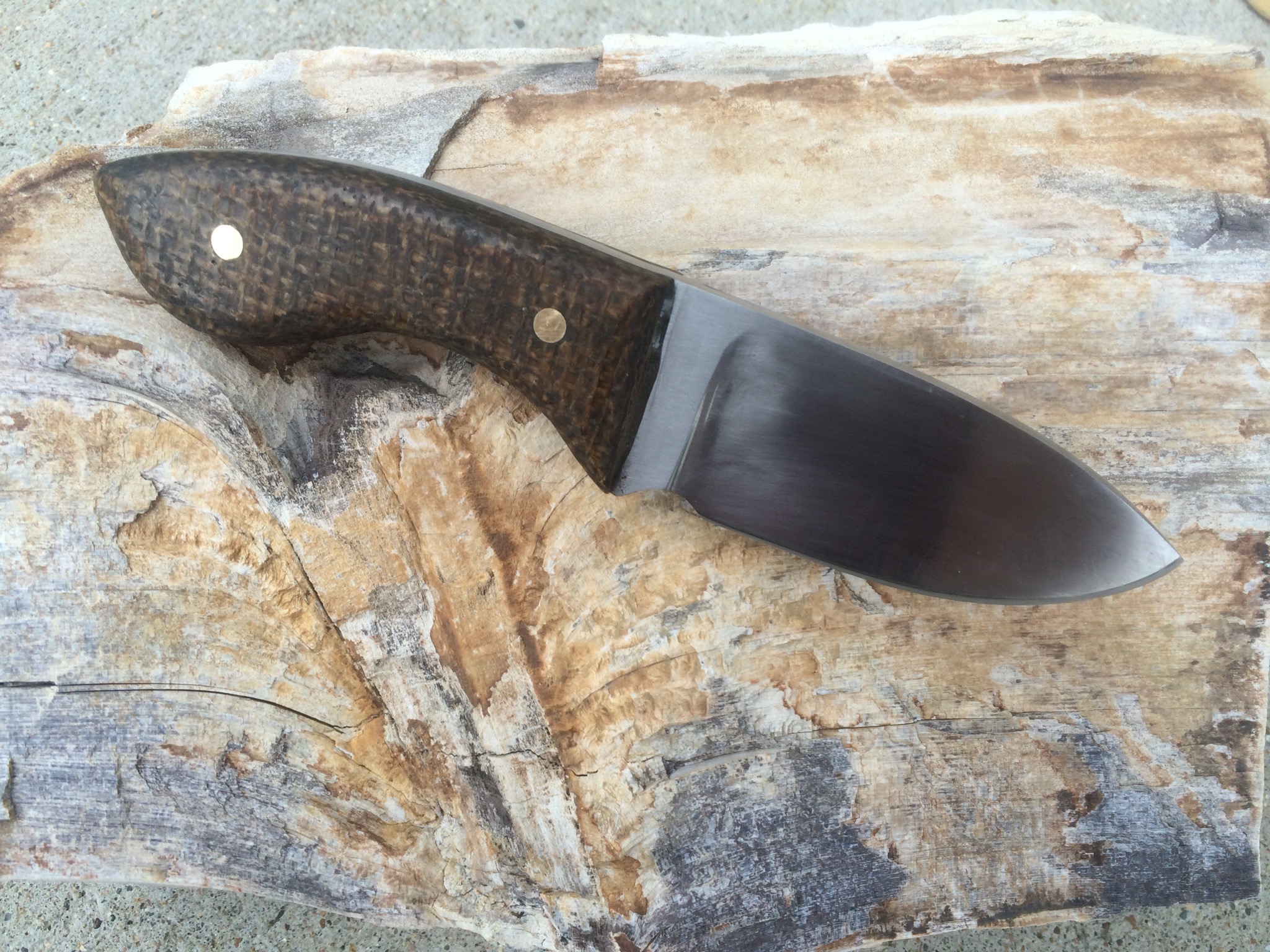
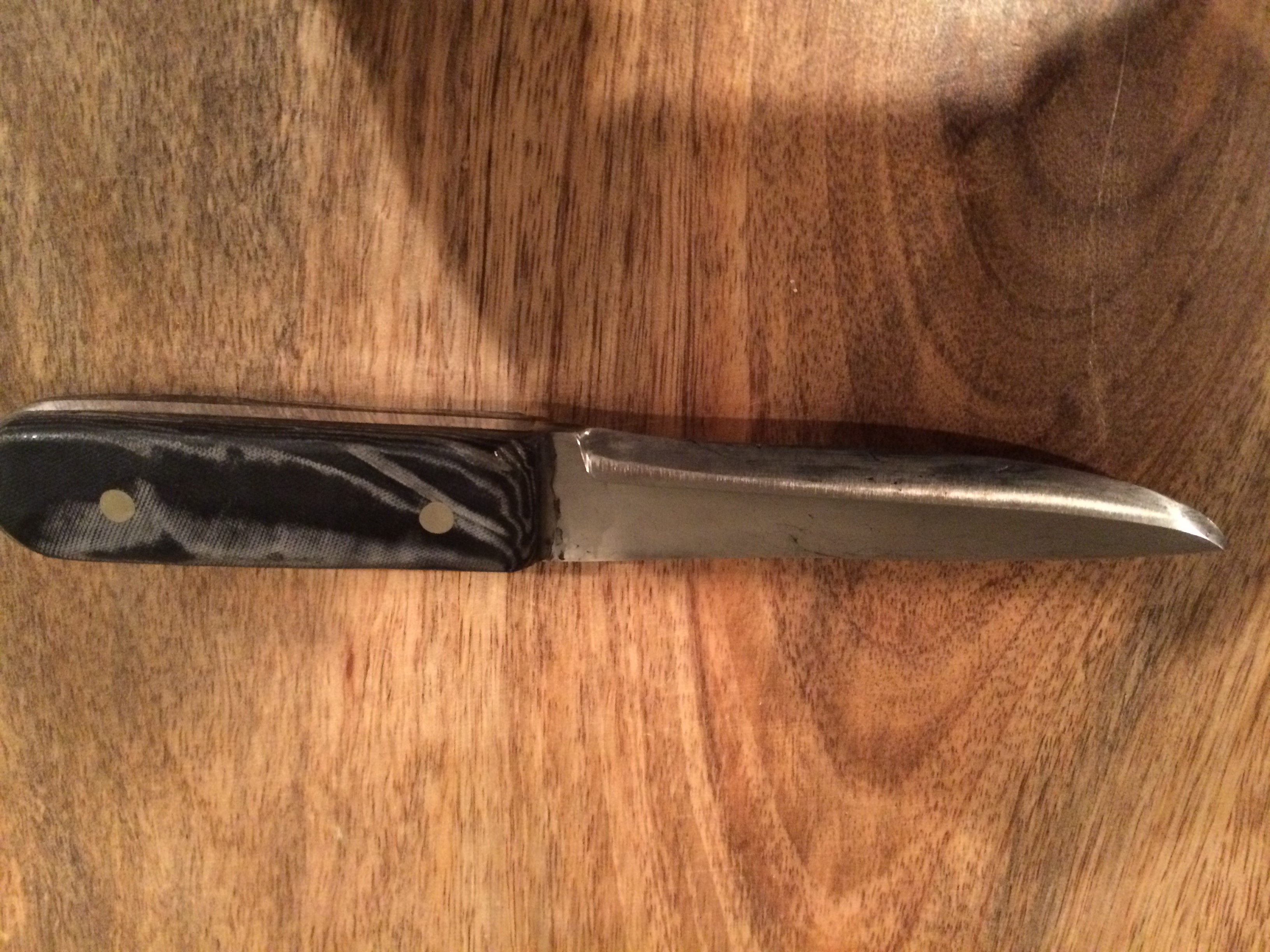
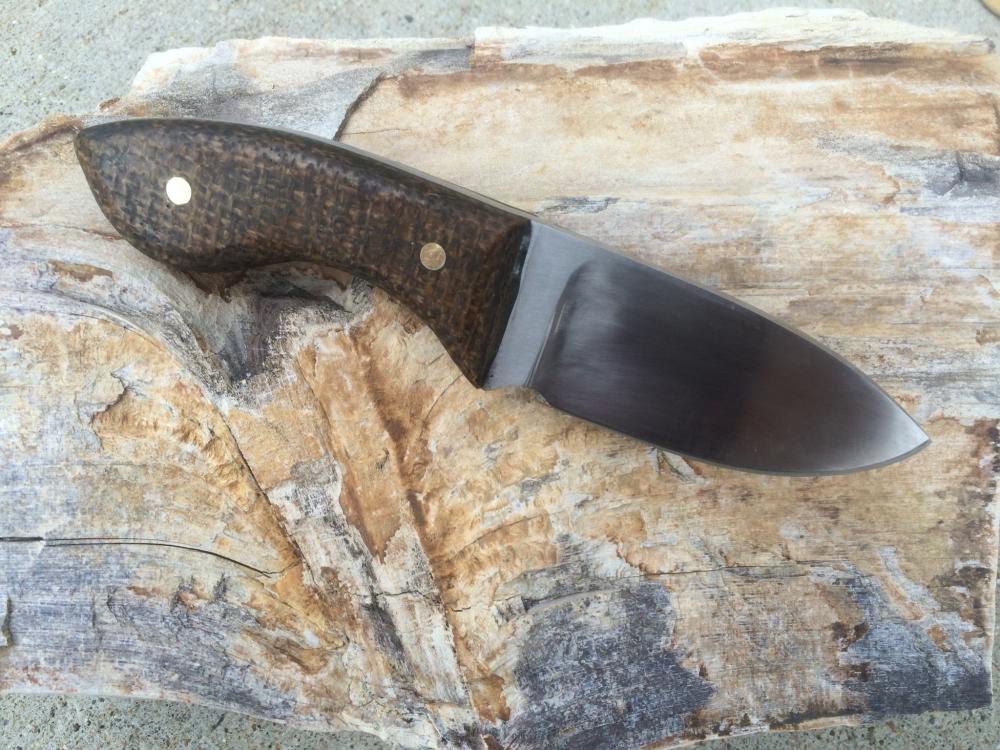
  2. This is the last knife I made. 1095 blade and burlap micarta handles.
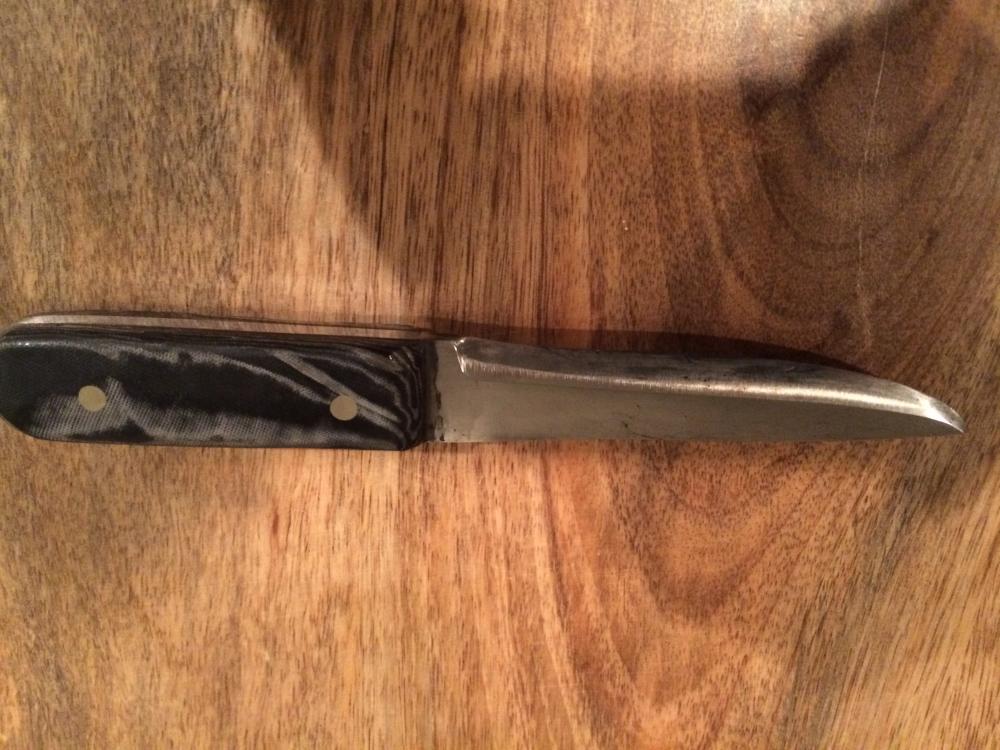
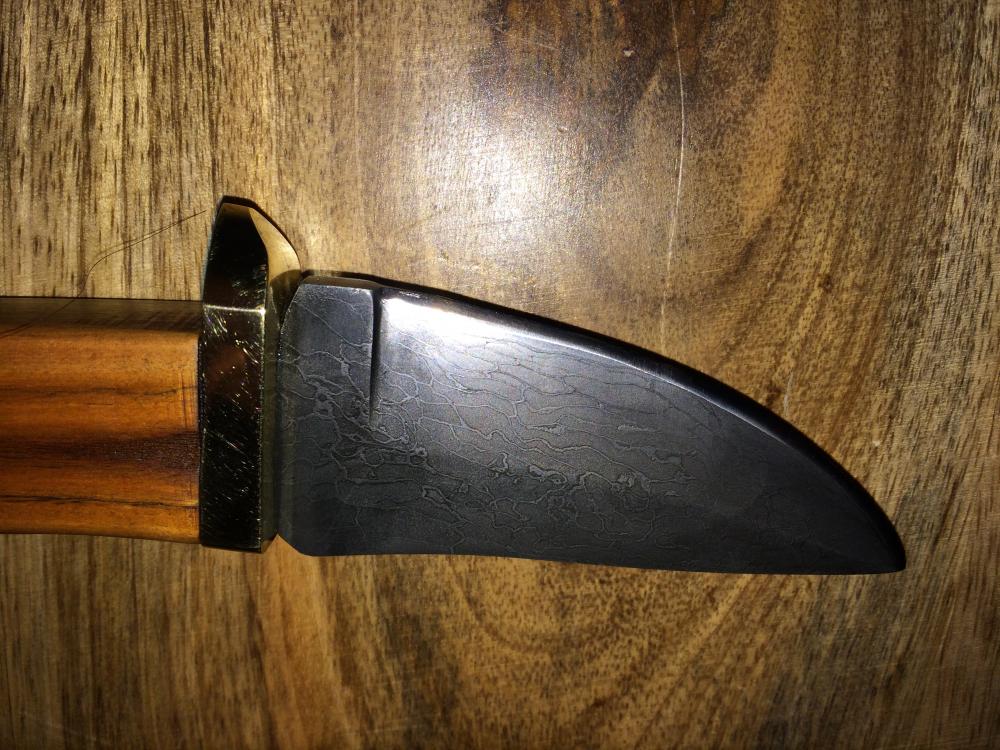
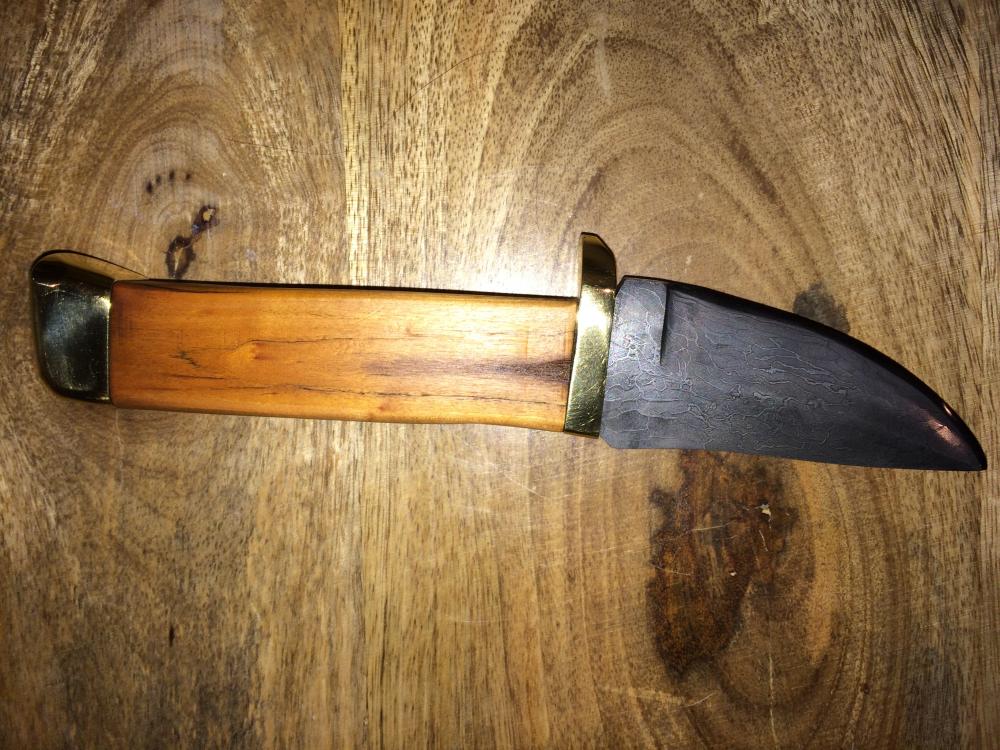
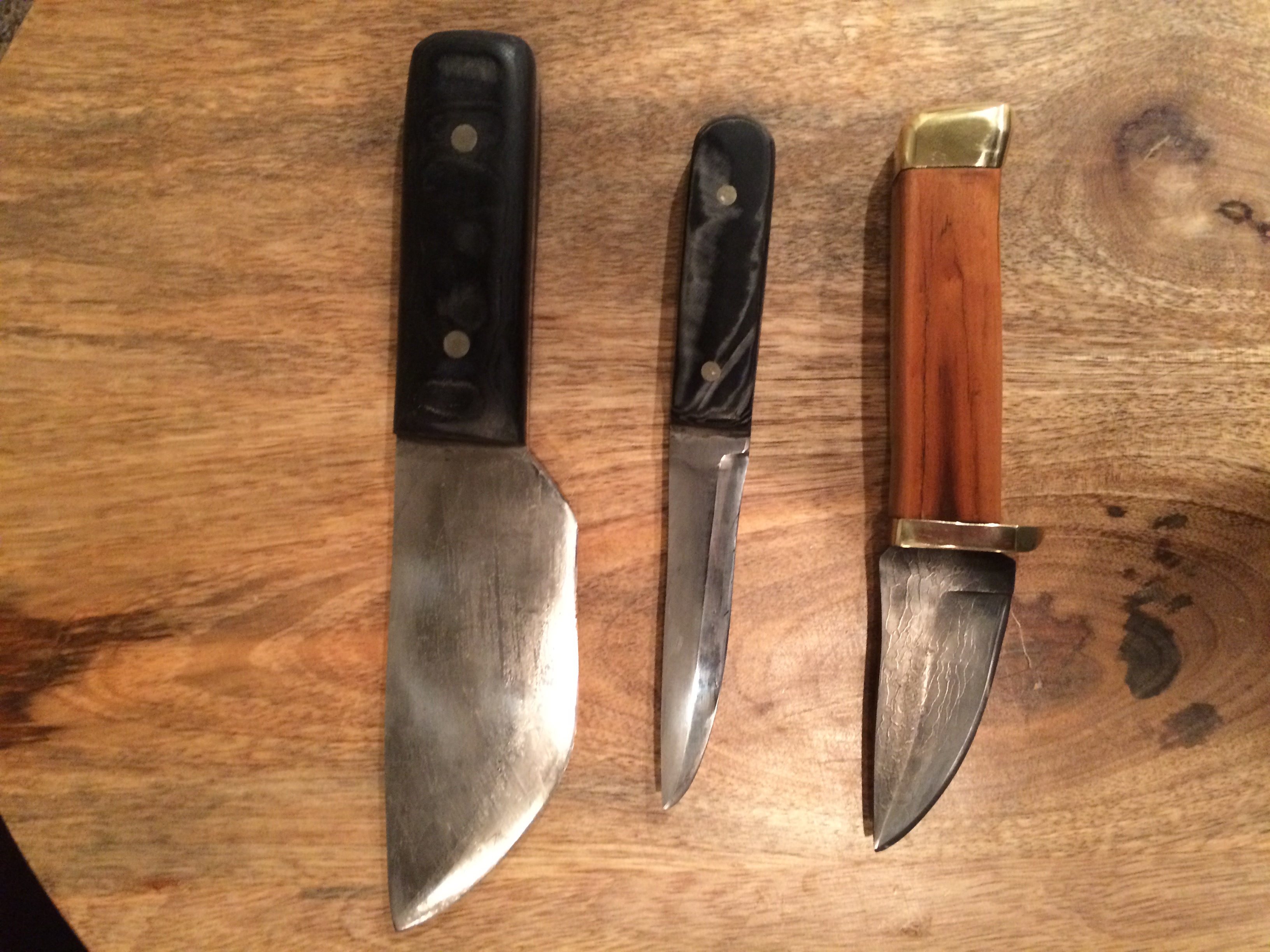
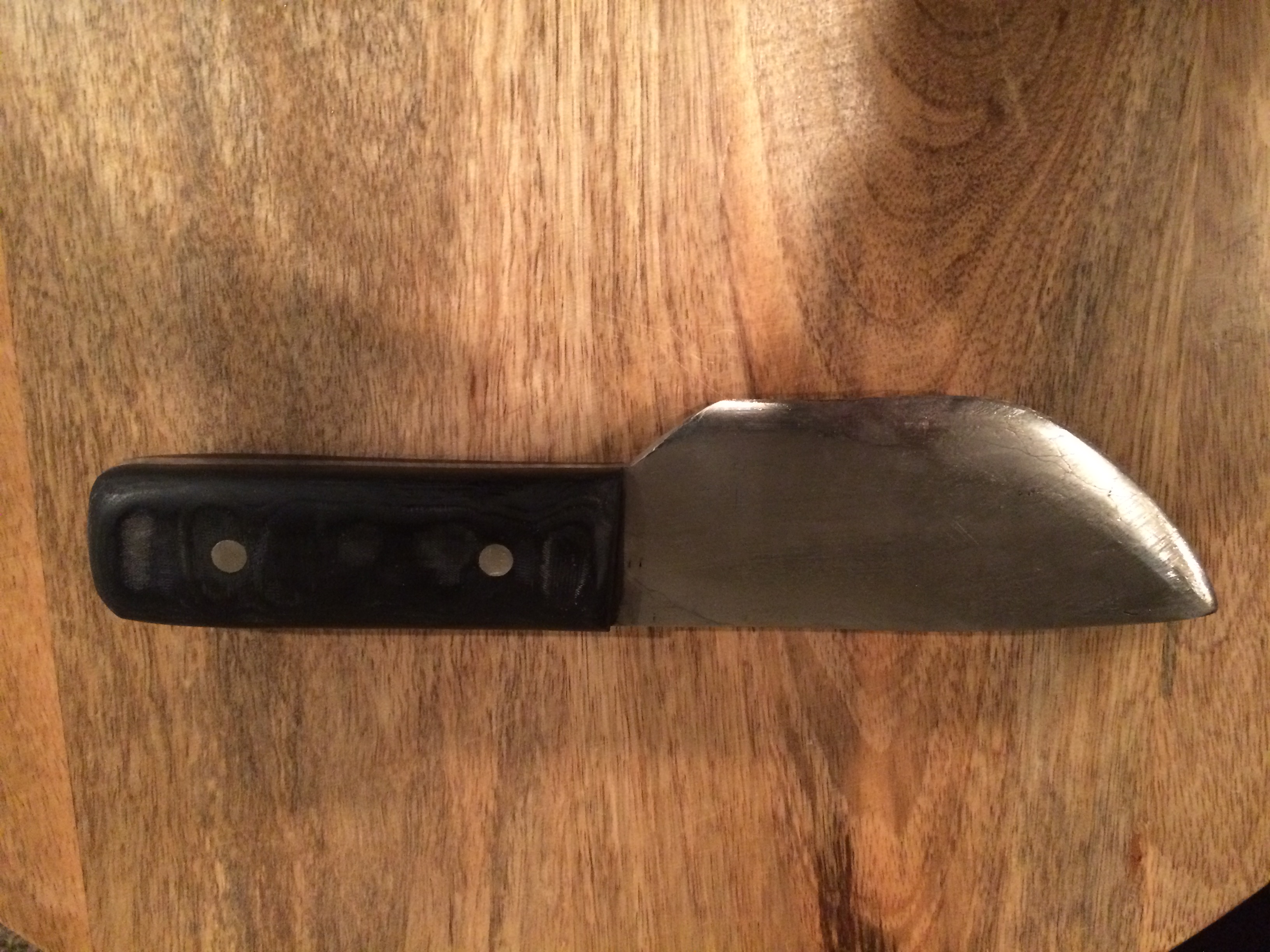
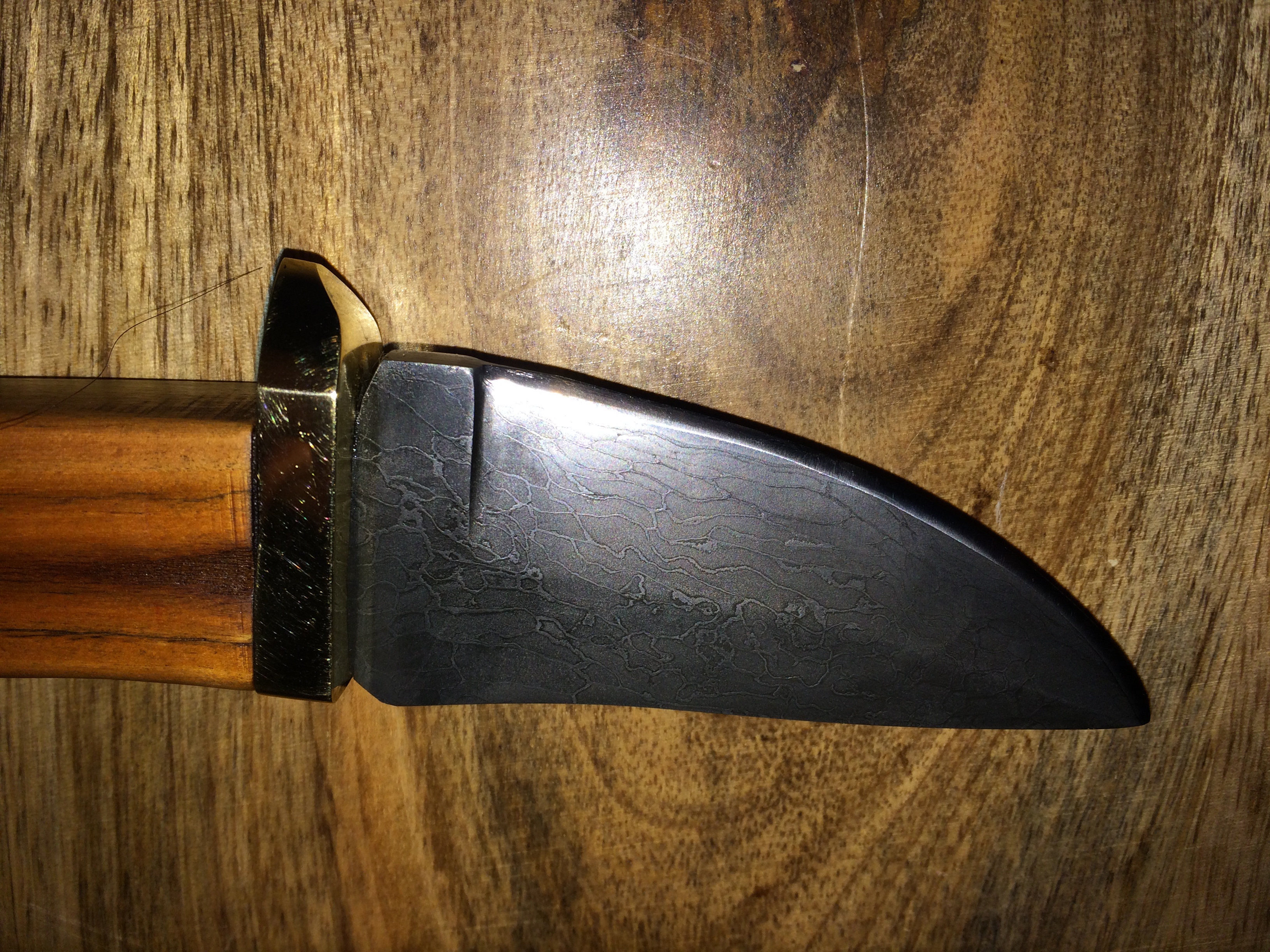
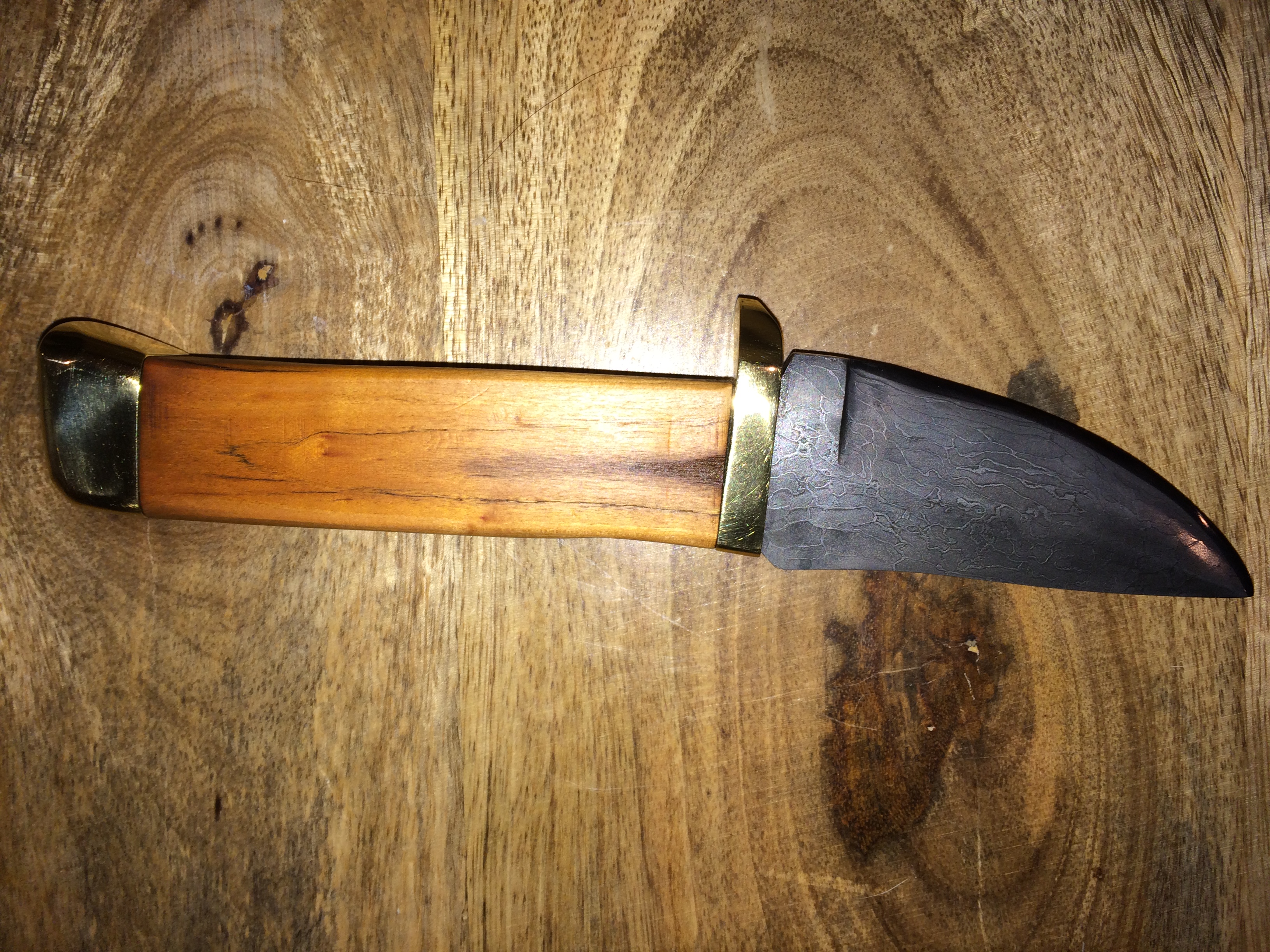
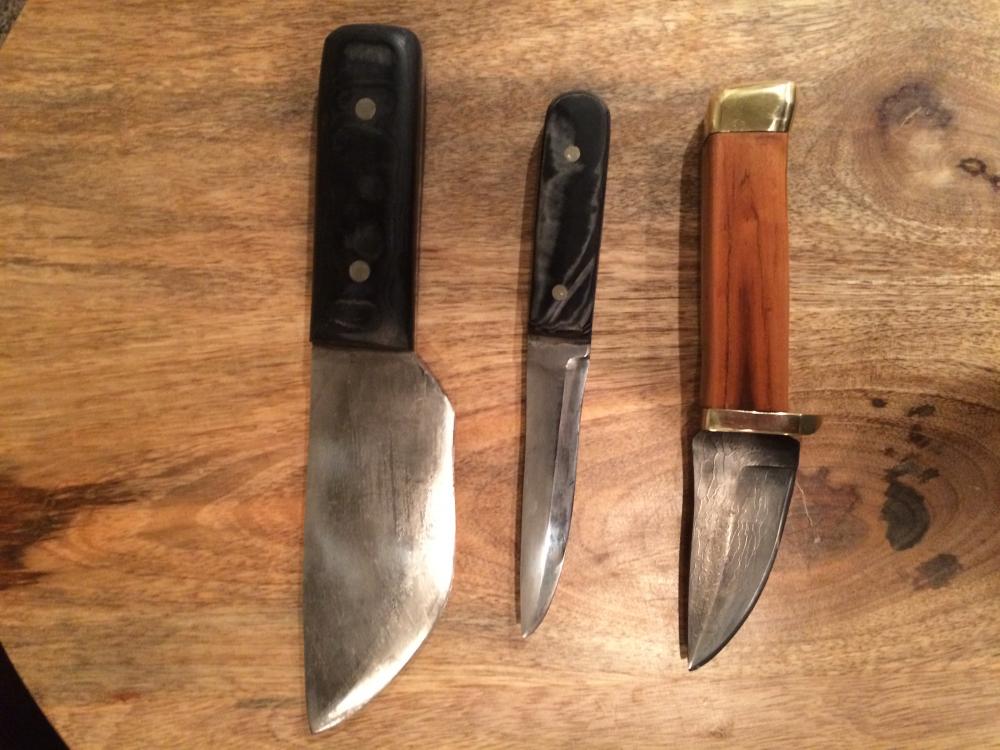
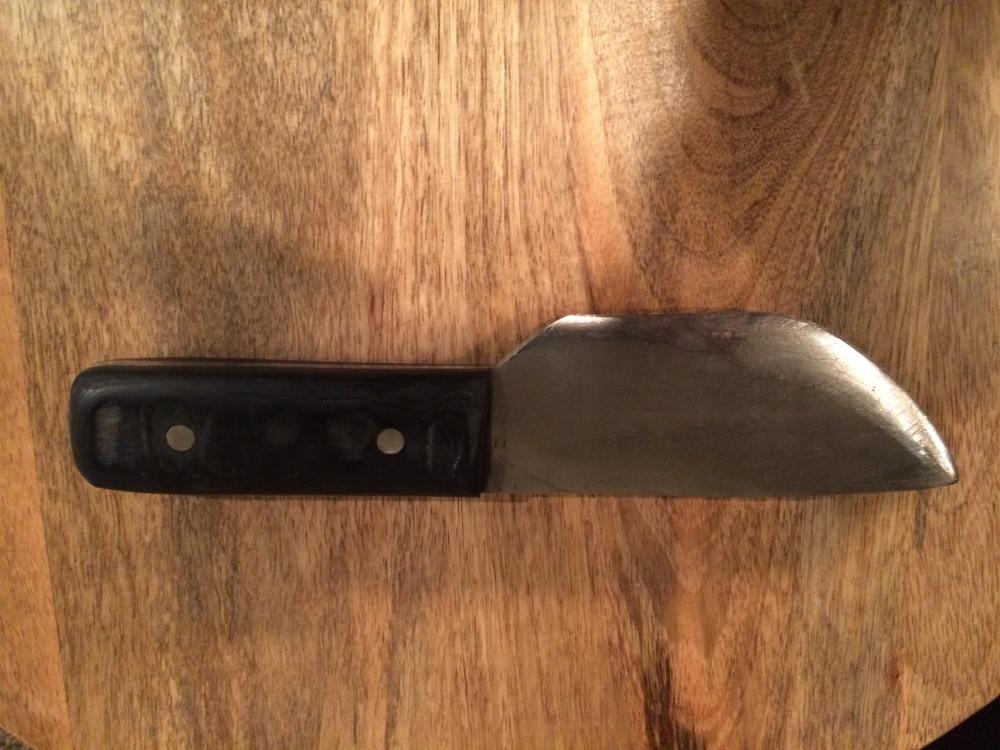
  3. My first three knives. I don't think any of them turned out to bad. I wish I would have spent more time on blade design but overall I am happy with the results. Every one gets a little better. All three are cable Damascus with the last one being a cable Damascus San Mai.
Account

Navigation

Search

Search

Configure browser push notifications

Chrome (Android)
  1. Tap the lock icon next to the address bar.
  2. Tap Permissions → Notifications.
  3. Adjust your preference.
Chrome (Desktop)
  1. Click the padlock icon in the address bar.
  2. Select Site settings.
  3. Find Notifications and adjust your preference.