jb_hayseed
Members
-
Joined
-
Last visited
-
-
-
-
-
-
-
-
-
-
How did you find your hammer?
-
I bought my first forge from mike and he is a very smart smith i had the pleasure of visiting his shop and he has some pretty impressive things going on. his email is [email protected] but good luck getting ahold of him he is very busy and doesnt go online much
-
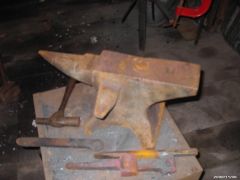
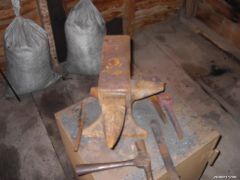
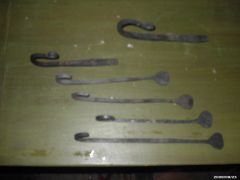
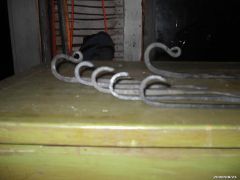
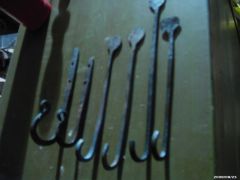
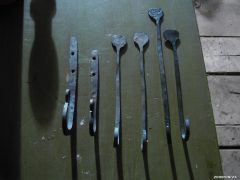
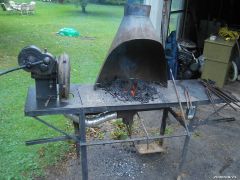
Hey everyone! My name is Jason and I am new to Blacksmithing in general. I recently bought a forge setup with an exhaust hood and Champion 400 hand crank blower and I picked up a small anvil with an extra horn and pritchel hole off of the side. ( ive been told its a carriage makers anvil, or a mouse hole anvil?) It cleaned up very nice with a wire brush and some elbow grease. I have come across a few decent pairs of tongs and have modifided them to work on the small projects ive tried, which include small hooks with rat tail ends or twists. I made a nail heading tool after watching an experienced smith at the farmers museum bang nails out like nothing. I soon found out that it wasnt too easy at first. I think I made 15 or so before i made a good one!! hahaha. I am very interested in learning all I can about smithing so any info or comments are appreciated. Thanks
-