rods8833
Members
-
Joined
-
Last visited
-
this is another try ill figure it out eventually!
-
I keep getting an Invalid URL message
-
if that did not work seach the gallery under rods8833
-
the pictures are , Picture_019,018,0122,0101,0032,0042,0093,0013,0131, hope this works
-
-
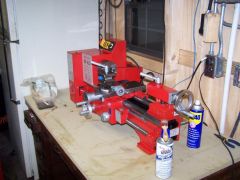
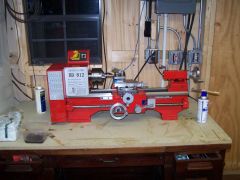
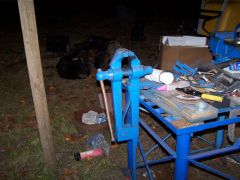 the work bench I had to move out of the way so I could back the truck up to get the lathe into the shop heavy bugger.
 -
-
-
-
-
-
-
-
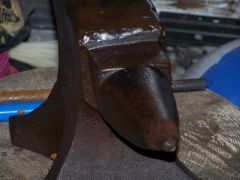
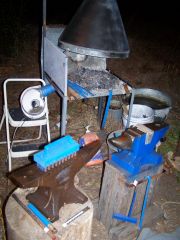
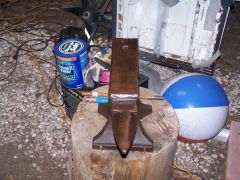
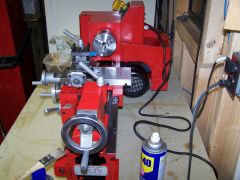
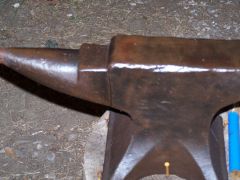
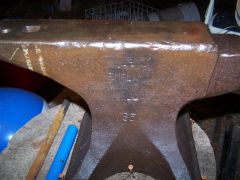
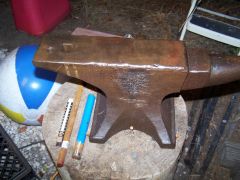 pictures of my new anvil and lathe, for the It followed me home forum rods8833
 -
I recently got a lathe for christmas, but have never used one. Any input on learning the basics would be a great help. I have a general idea on most processes but dont want to mess anything up. Rod