Skip to content
View in the app

A better way to browse. Learn more.

I Forge Iron

A full-screen app on your home screen with push notifications, badges and more.

To install this app on iOS and iPadOS
  1. Tap the Share icon in Safari
  2. Scroll the menu and tap Add to Home Screen.
  3. Tap Add in the top-right corner.
To install this app on Android
  1. Tap the 3-dot menu (⋮) in the top-right corner of the browser.
  2. Tap Add to Home screen or Install app.
  3. Confirm by tapping Install.

Oklahoma

Members
  • Joined

  • Last visited

Everything posted by Oklahoma

  1. Northern by stillwater. I will definately be adding more clay. Thanks for the tip
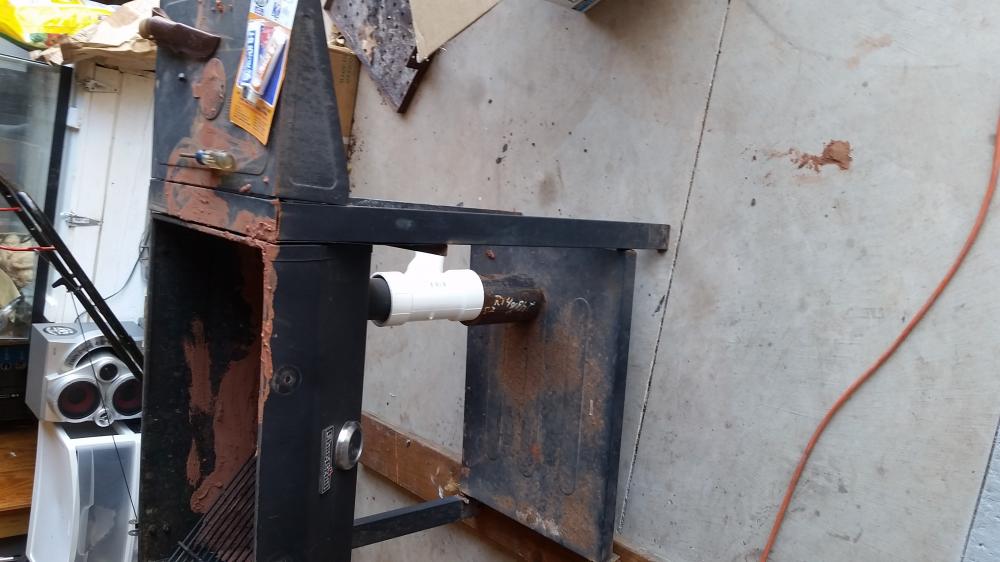
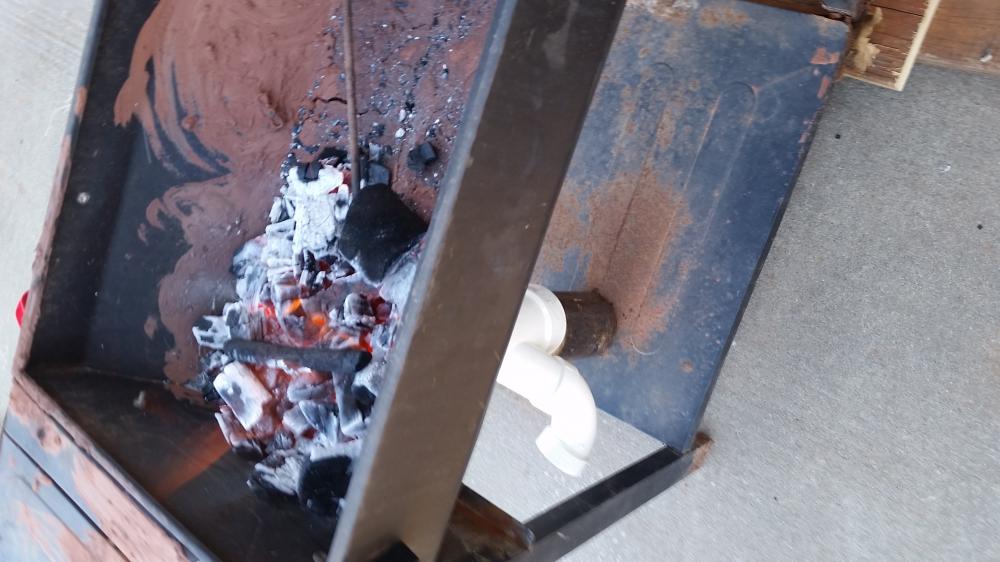
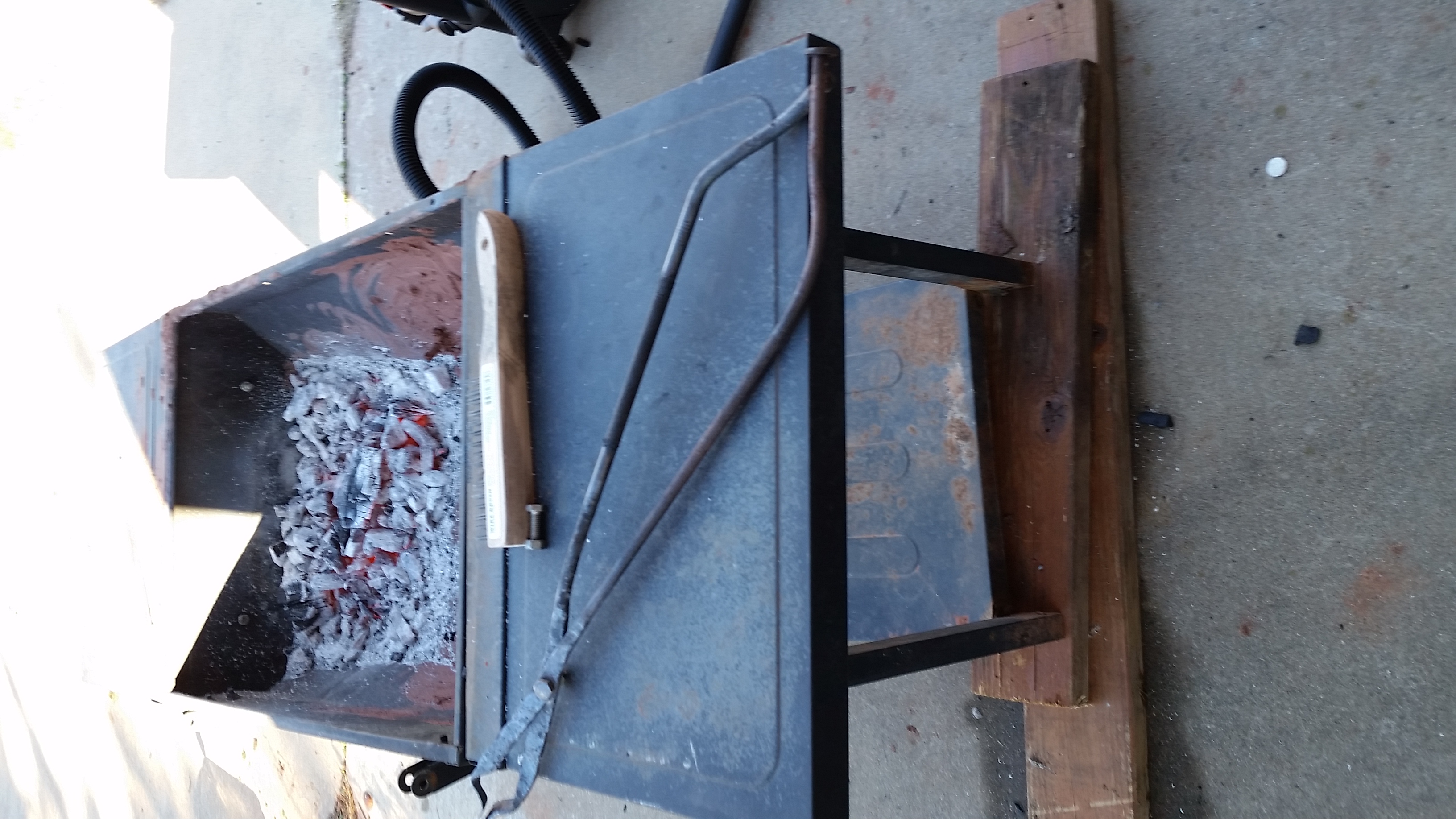
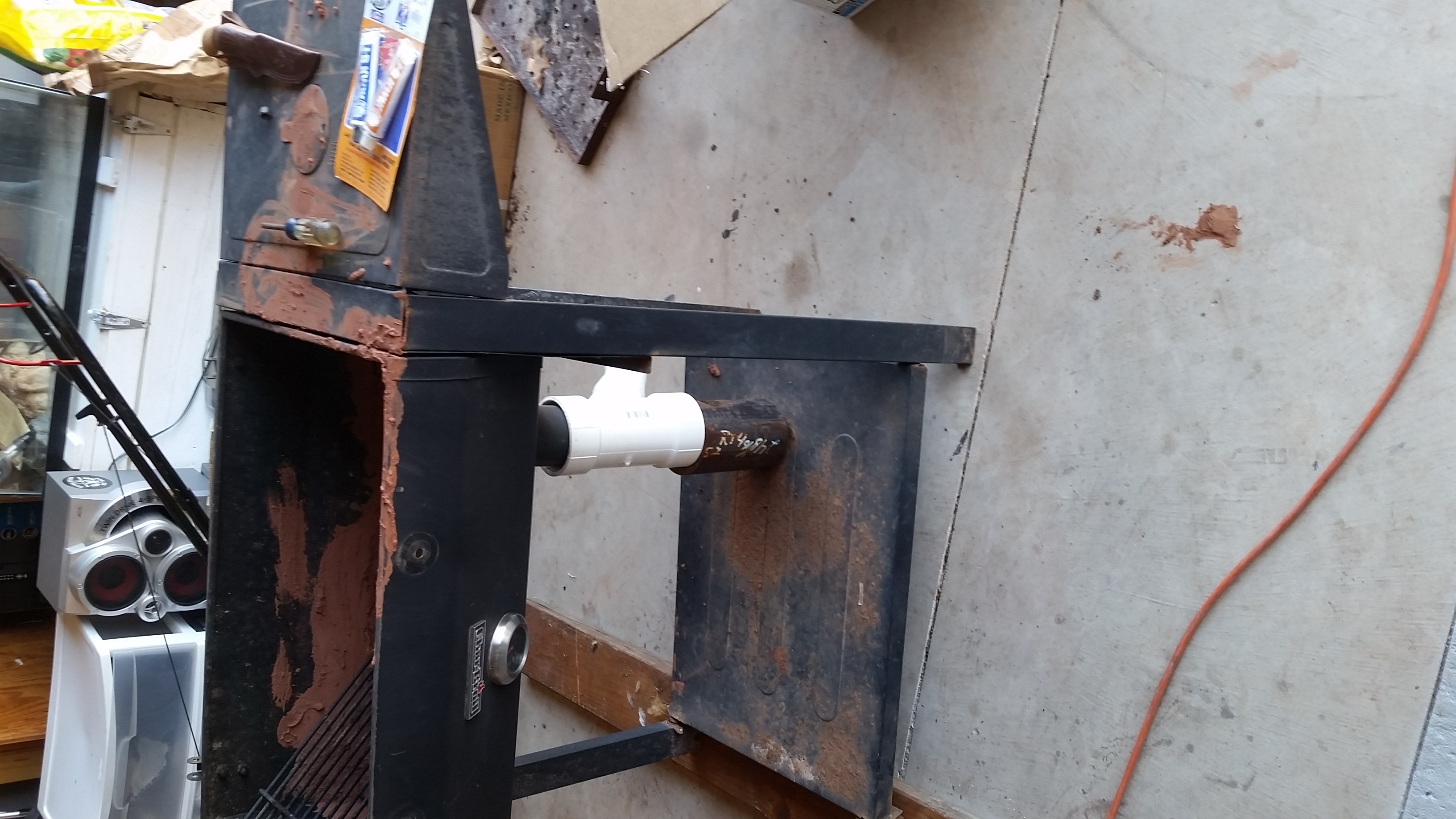
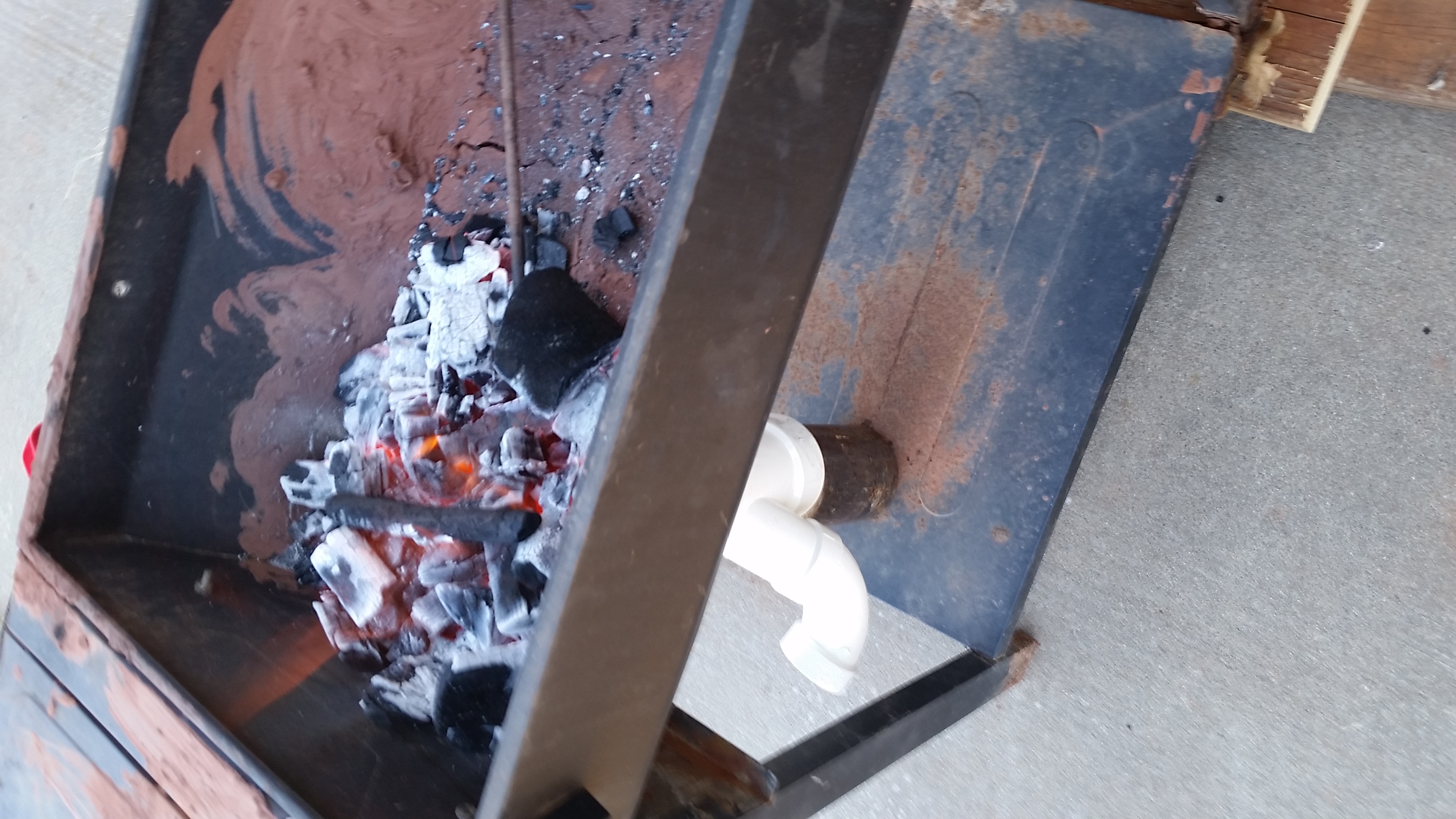
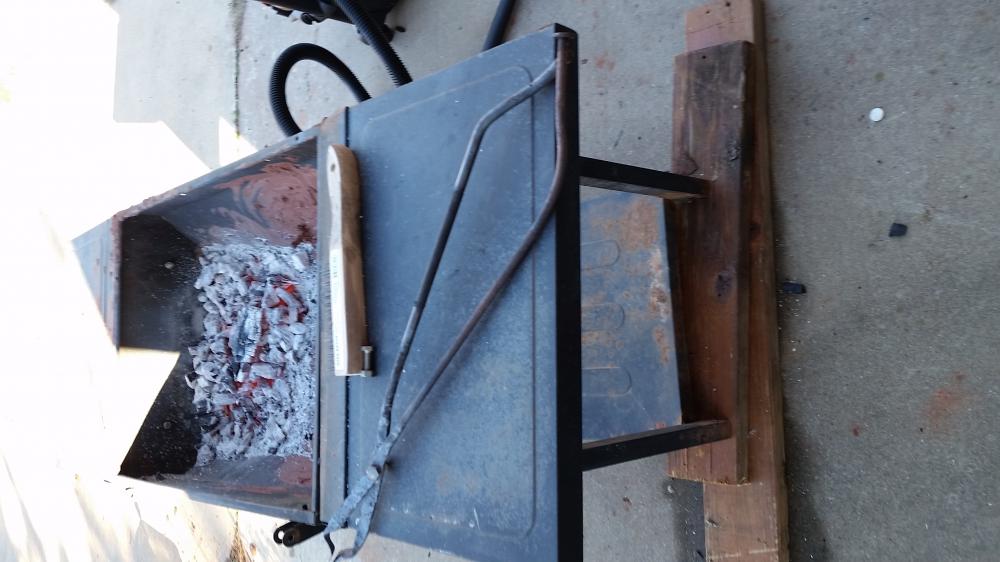
  2. This isn't a final product (nothing I do ever gets to that point lol) I used an old charcoal grill I had the misfortune of destroying on the highway during a move. Or at least the lid and sides from the grill. I used oklahoma red clay from my yard to help insulate (works suprisingly well) I plan to add another inch and extend up the sides to make a larger fireball. I used the existing hood flew from the grill added some pvc pipe and use a shop vac for the blower! I tried to forge some tongs but created a monster instead. The forge works and so do the tongs so j am happy for now! Any feedback on mods would be appreciated.
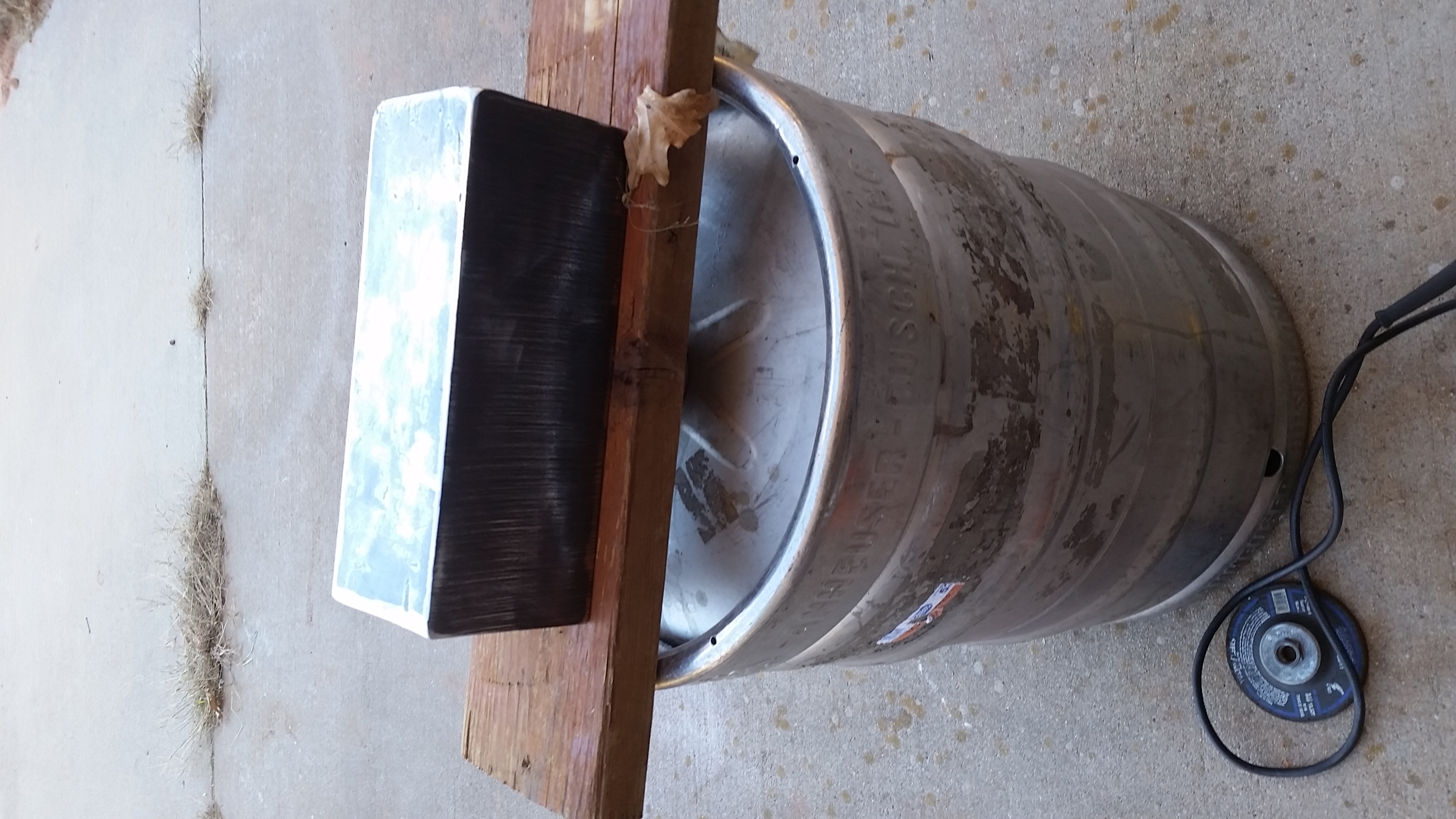
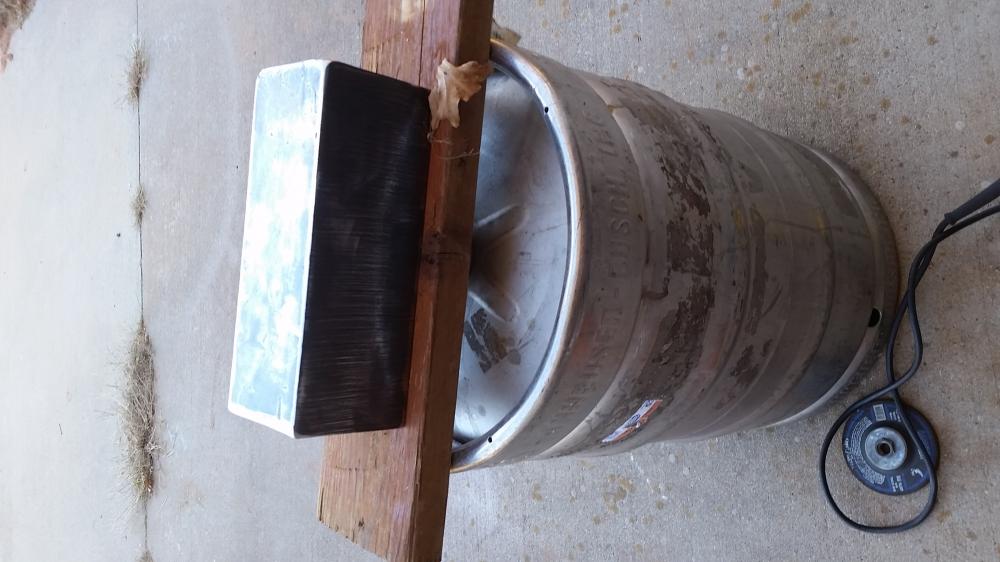
  3. No permanent mount yet. Just built my forge yesterday! Solid piece of steel I will end up using a stump for the mount.

Account

Navigation

Search

Search

Configure browser push notifications

Chrome (Android)
  1. Tap the lock icon next to the address bar.
  2. Tap Permissions → Notifications.
  3. Adjust your preference.
Chrome (Desktop)
  1. Click the padlock icon in the address bar.
  2. Select Site settings.
  3. Find Notifications and adjust your preference.