Skip to content
View in the app

A better way to browse. Learn more.

I Forge Iron

A full-screen app on your home screen with push notifications, badges and more.

To install this app on iOS and iPadOS
  1. Tap the Share icon in Safari
  2. Scroll the menu and tap Add to Home Screen.
  3. Tap Add in the top-right corner.
To install this app on Android
  1. Tap the 3-dot menu (⋮) in the top-right corner of the browser.
  2. Tap Add to Home screen or Install app.
  3. Confirm by tapping Install.

Kjell Are Stokkeland

Members
  • Joined

  • Last visited

Everything posted by Kjell Are Stokkeland

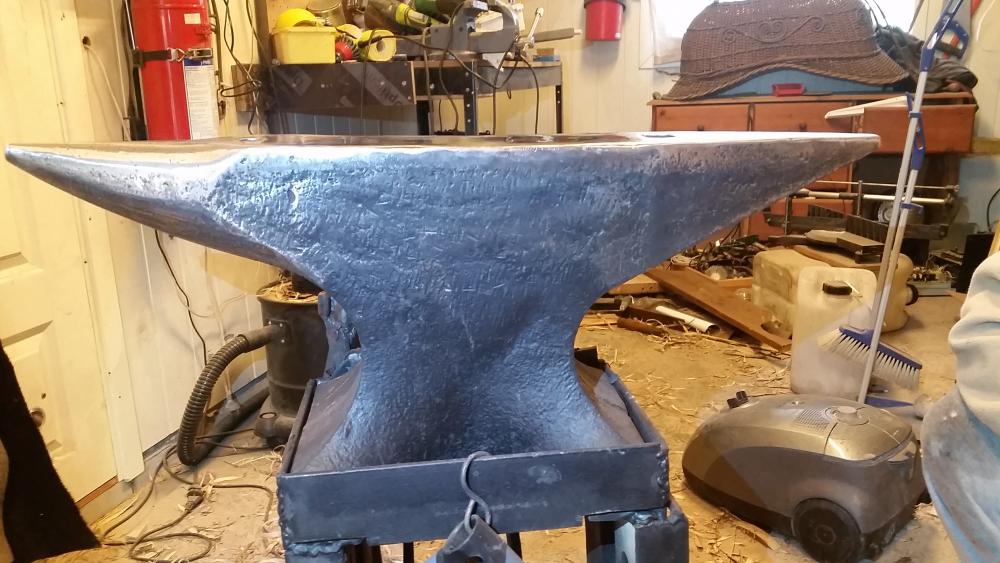
  1. Ah I see. . Im from norway yes. Ah the stores those anvils could tell. . I think your anvil is bigger than mine mine are just 70 kilos. .
  2. Sorry it should say from 1913. . I type wong. .
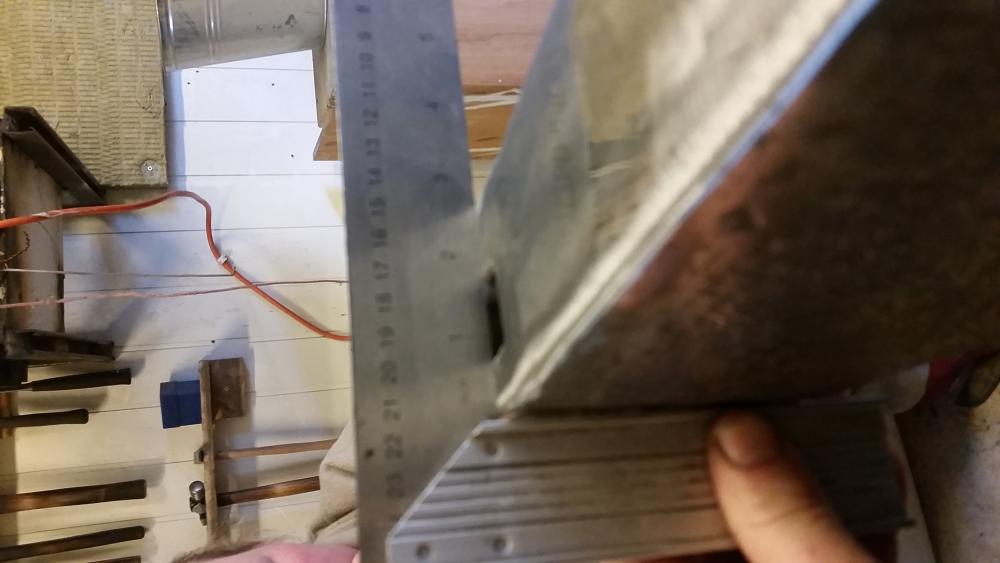
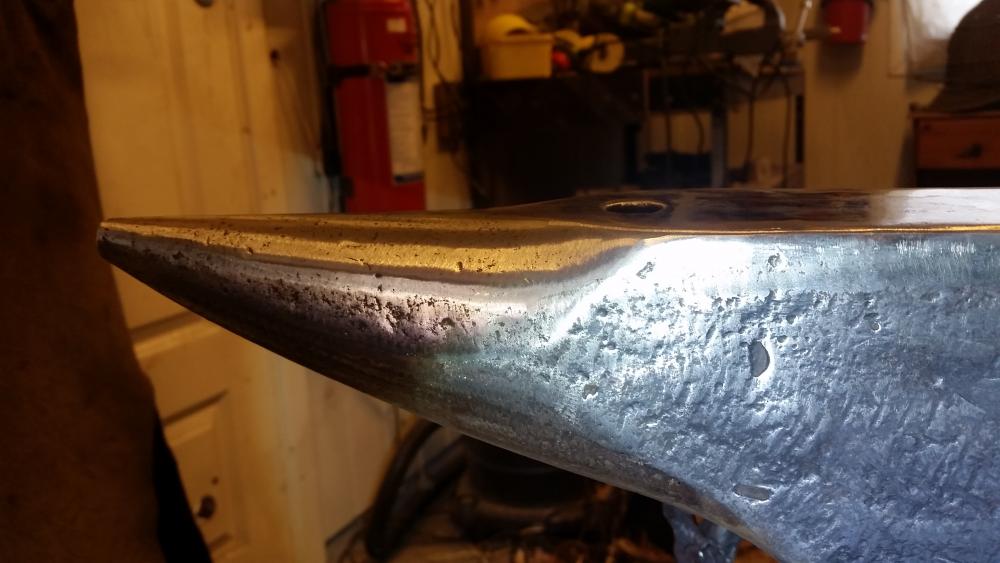
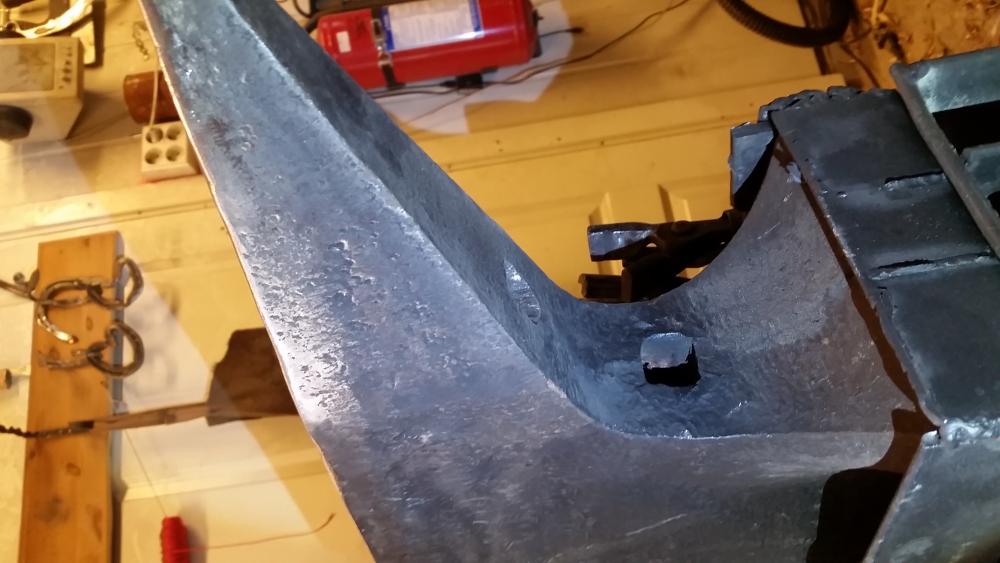
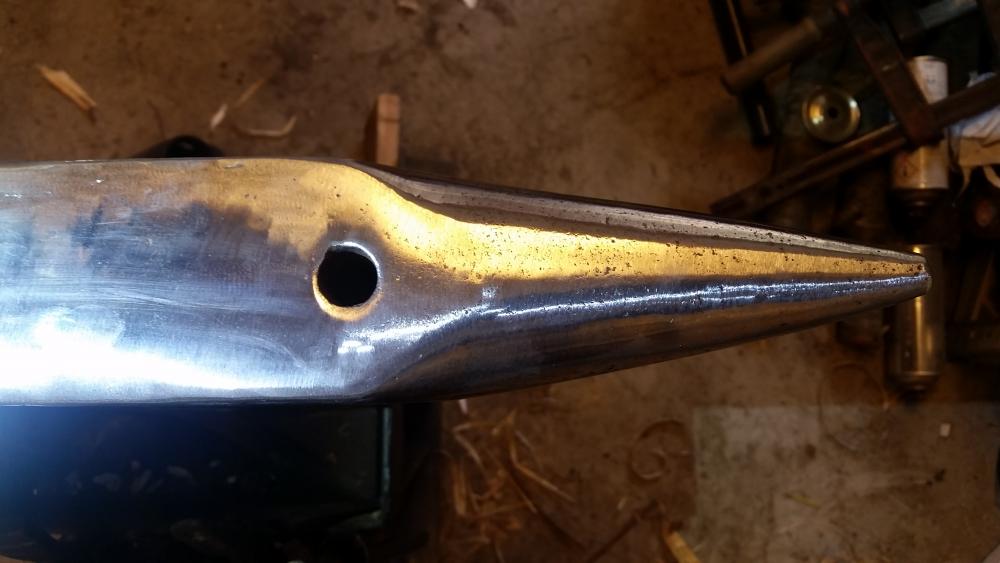
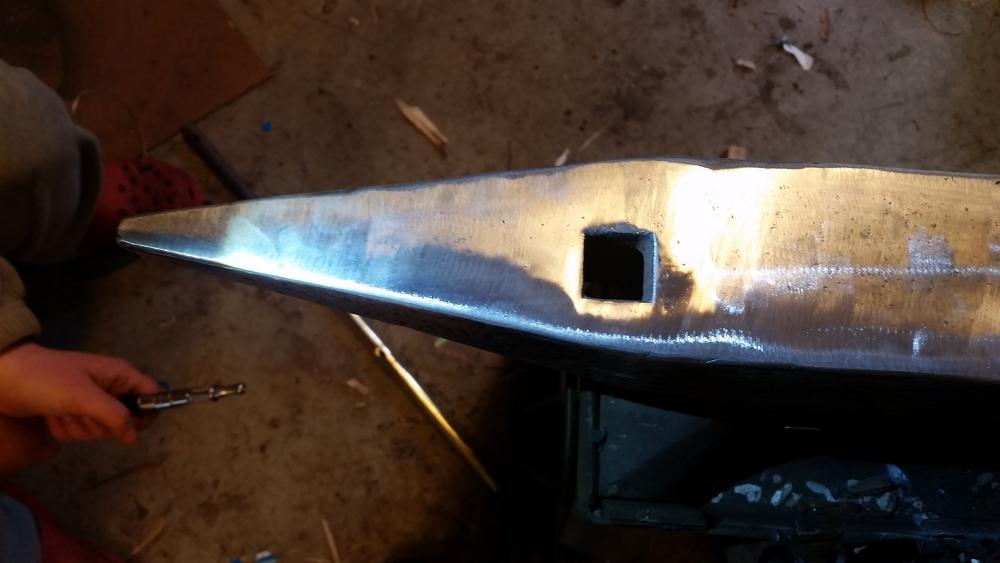
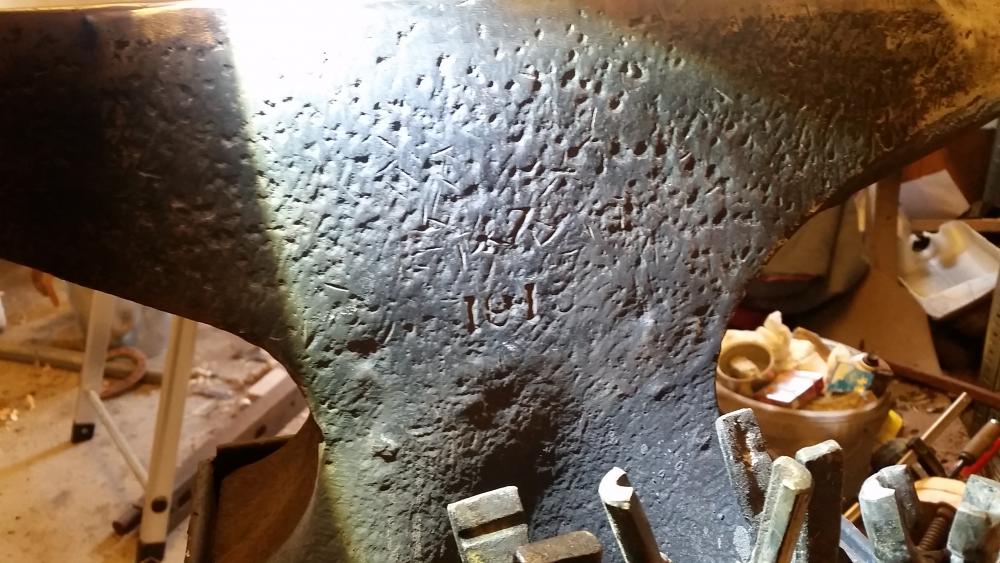
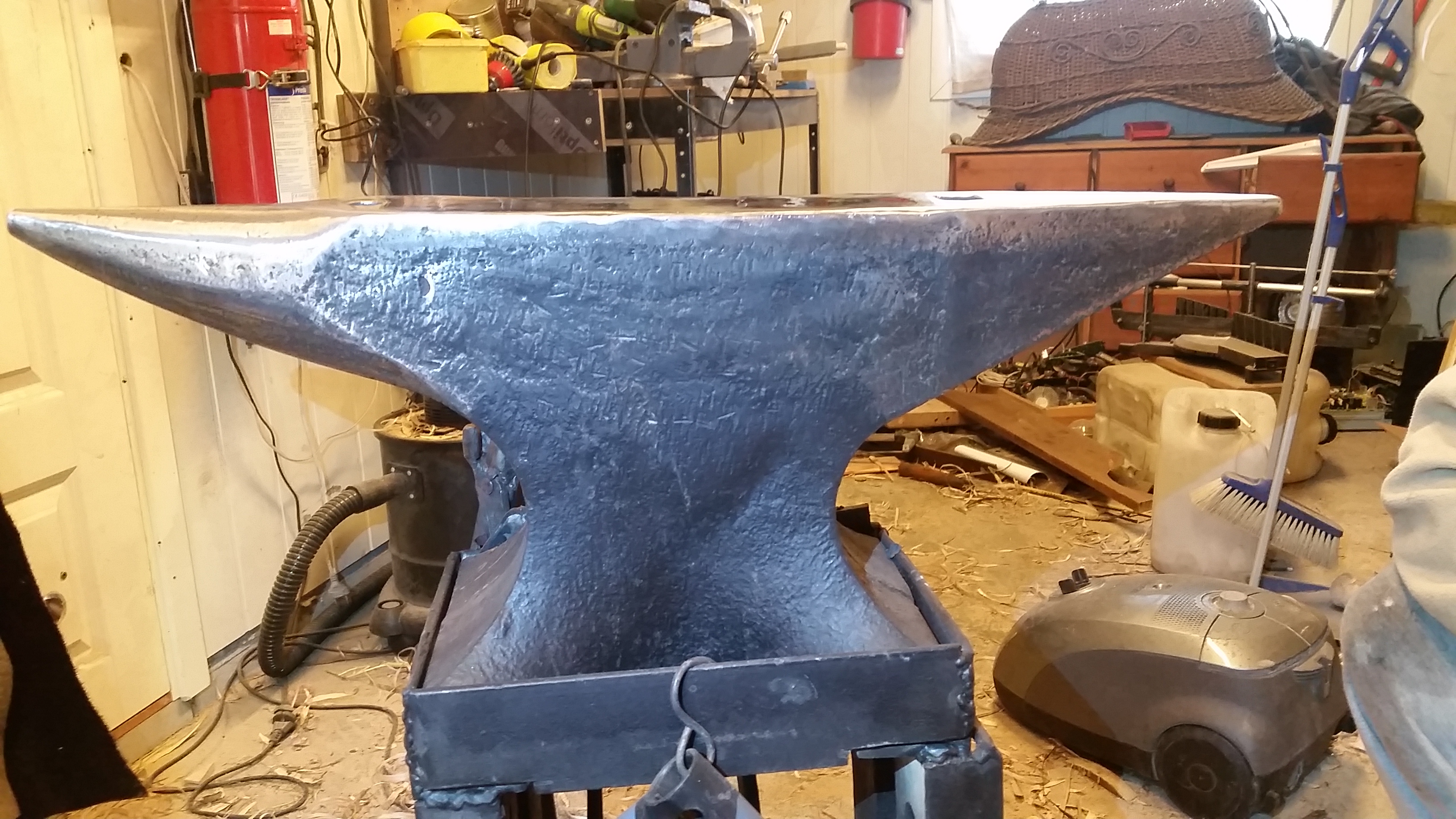
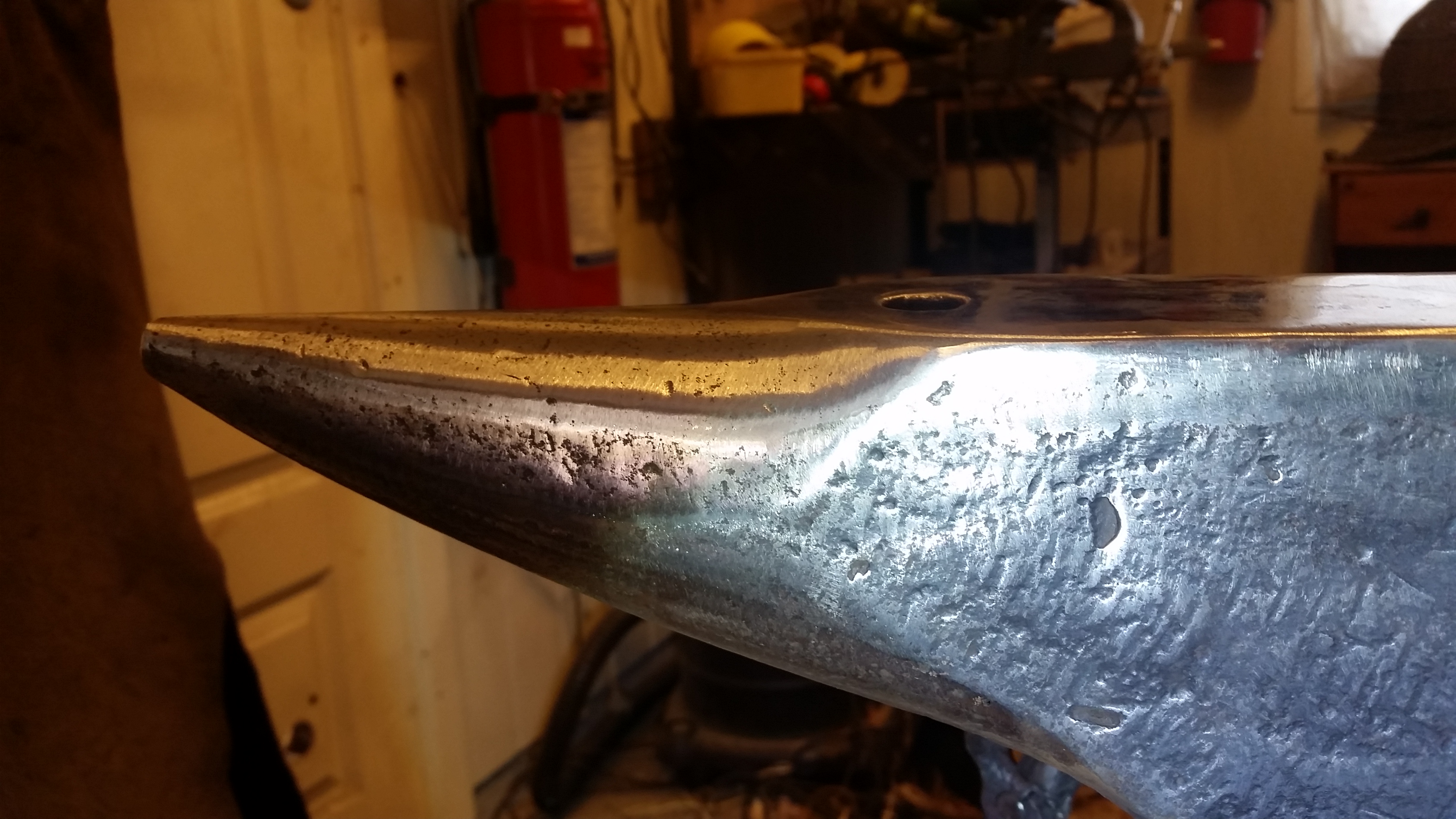
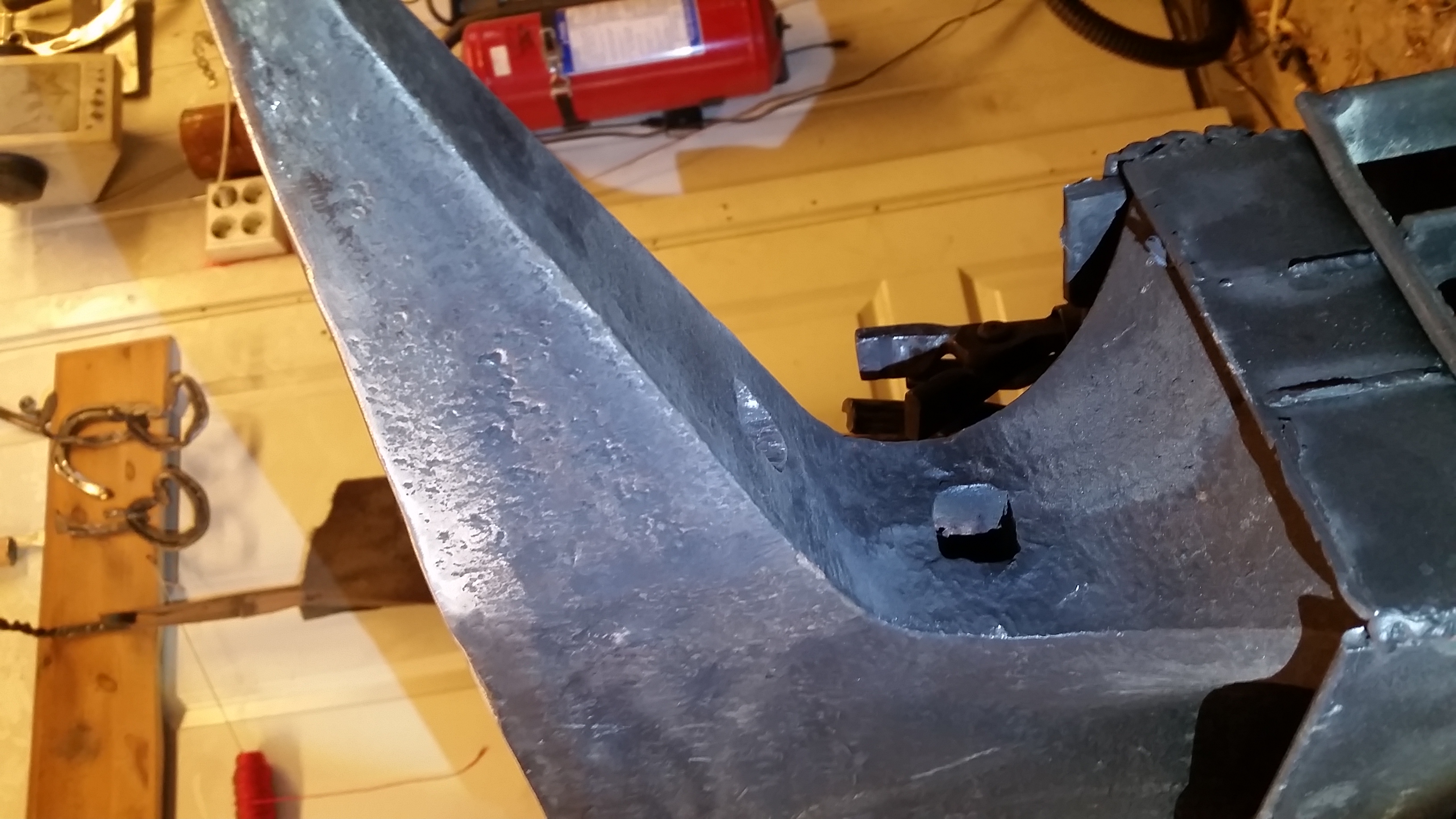
  3. Looks like you have a Nice anvil there its like i have seen that type before do you have a ny info bout it? Is it a søderfors anvil ? I have trues to find out more abrupte mine all i find on it is made 1914 and the number 47 on it.
Account

Navigation

Search

Search

Configure browser push notifications

Chrome (Android)
  1. Tap the lock icon next to the address bar.
  2. Tap Permissions → Notifications.
  3. Adjust your preference.
Chrome (Desktop)
  1. Click the padlock icon in the address bar.
  2. Select Site settings.
  3. Find Notifications and adjust your preference.