Skip to content
View in the app

A better way to browse. Learn more.

I Forge Iron

A full-screen app on your home screen with push notifications, badges and more.

To install this app on iOS and iPadOS
  1. Tap the Share icon in Safari
  2. Scroll the menu and tap Add to Home Screen.
  3. Tap Add in the top-right corner.
To install this app on Android
  1. Tap the 3-dot menu (⋮) in the top-right corner of the browser.
  2. Tap Add to Home screen or Install app.
  3. Confirm by tapping Install.

Dulfermetal

Members
  • Joined

  • Last visited

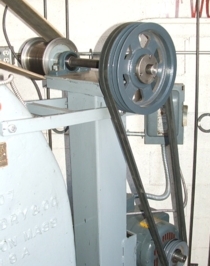
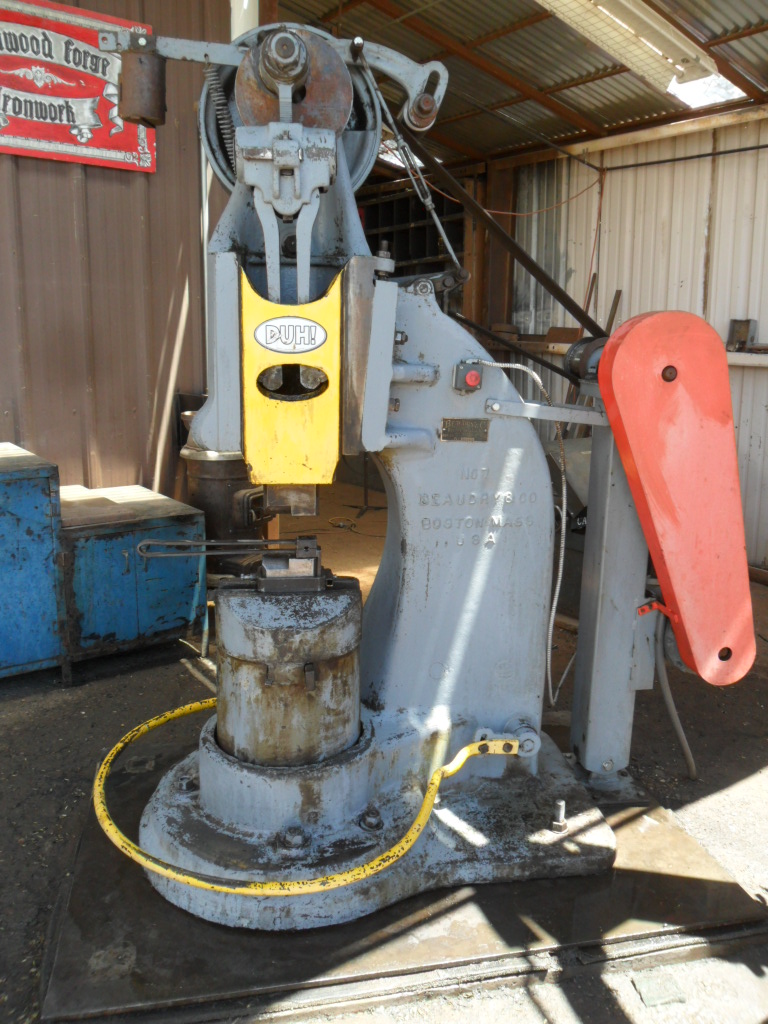
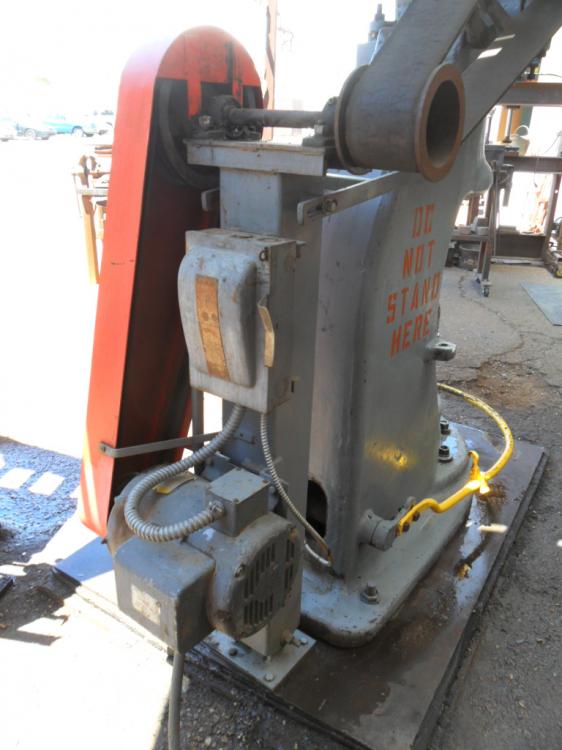
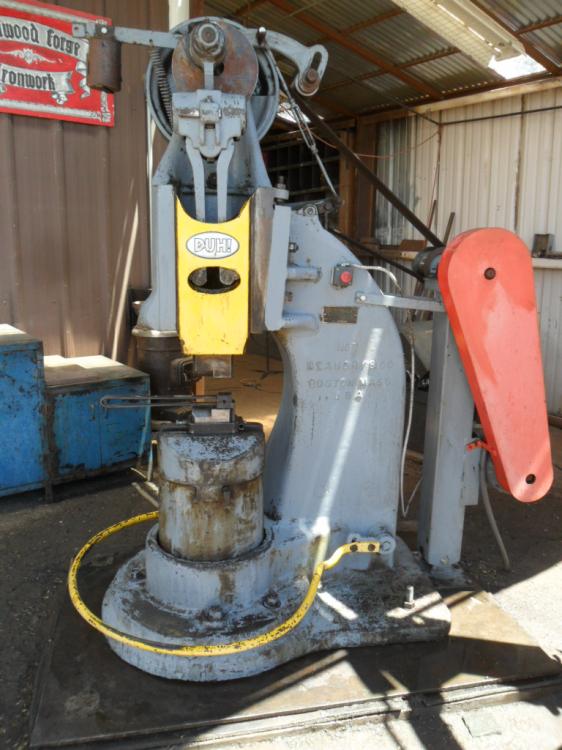
  1. Here's a late response- I did a conversion with my No. 7, which I've been using professionally for 8 years since. In addition to building a tower for the motor and jackshaft, I repositioned the idler arm by cutting off the original pull arm and adding a counterweight. This allows the entire linkage to hang from the idler assembly so there's no slack in it when you first step on the treadle. The idler arm assembly is cast steel so it's easy to weld on new parts. I also replaced the idler pulley with an aluminum one that has ball bearings. It's lighter, more durable, and more concentric. Makes the action snappier. Here are a couple photos to give you some ideas (if you still need any). You will love your hammer once you get it running.
Account

Navigation

Search

Search

Configure browser push notifications

Chrome (Android)
  1. Tap the lock icon next to the address bar.
  2. Tap Permissions → Notifications.
  3. Adjust your preference.
Chrome (Desktop)
  1. Click the padlock icon in the address bar.
  2. Select Site settings.
  3. Find Notifications and adjust your preference.