DUNSTAN
Members
-
Joined
-
Last visited
Everything posted by DUNSTAN
-
-
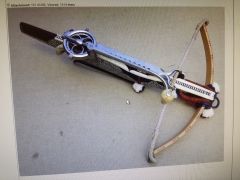 That is awesome.
 -
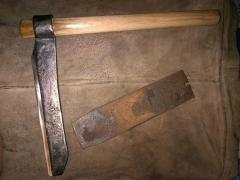 It was hardened and tempered.
 -
Thank you. yes it worked just fine.
-
-
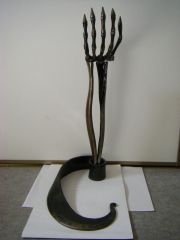 Very nice!
 -
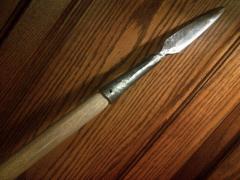 This was made from a piece of shotgun barrel.
 -
 Thanks guys
 -
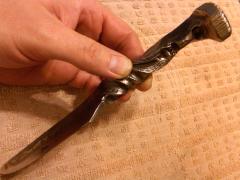 Thank you queljan
 -
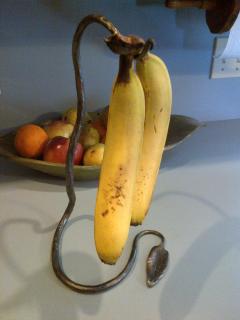
This is the second one i have made. Even with a heavy bunch it's stable.
-
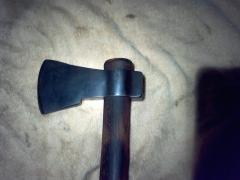 I like this one a lot. What was is make out of?
 -
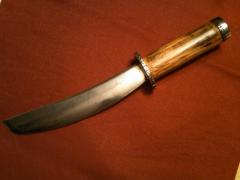 Chevy leaf spring knife
 -
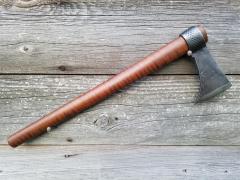
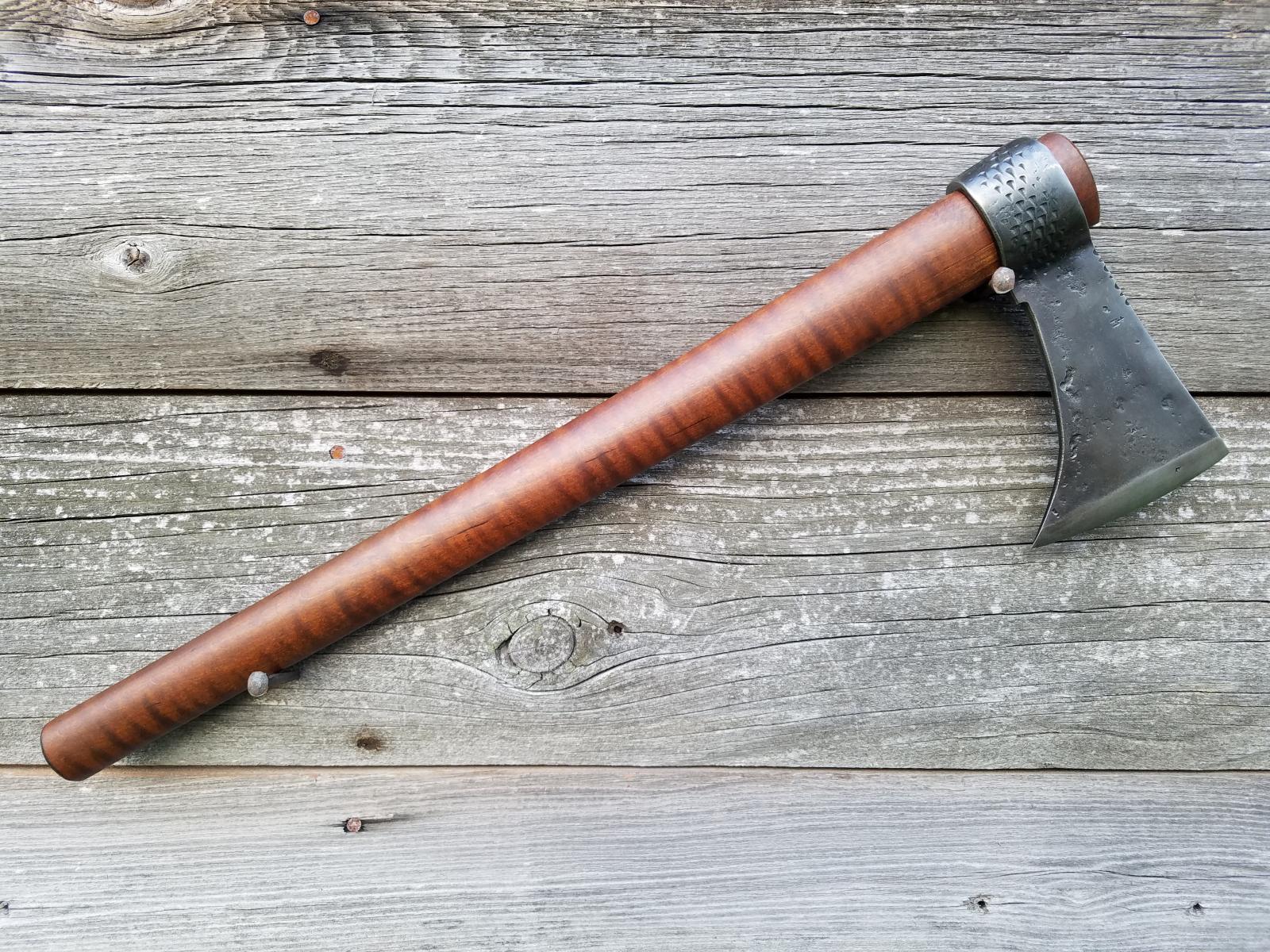
.jpg.4690aa812ec5c02ea3882a2f4b378371.jpg) R R spike tomahawk
R R spike tomahawk -
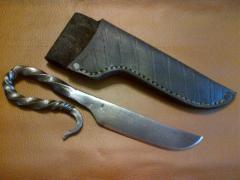 Harden key stock knife
 -
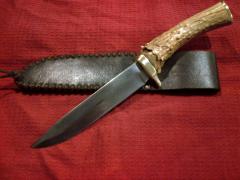 Ball bearing race blade
 -
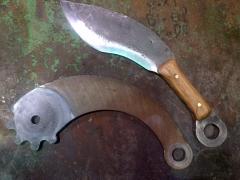 Scrap steel 4140 Kukri
 -
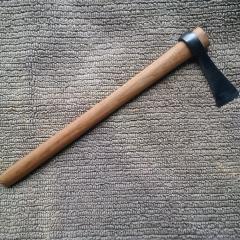
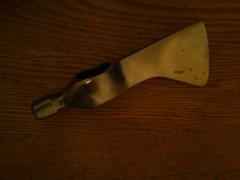
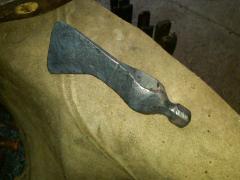
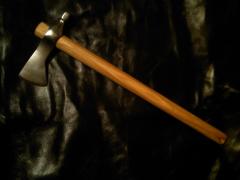 Ball peen hammer tomahawk
 -
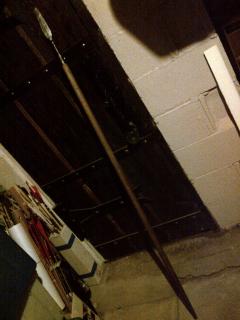
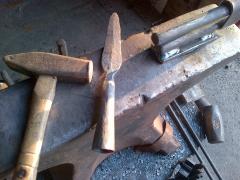
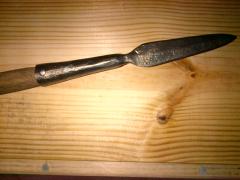 Spear Head made from old shotgun barrel.
 -
-
-
-
-
-
-