aaronbear
Members
-
Joined
-
Last visited
-
seems there's more to this than meets the eye!! thanks for info guys will look in to horse and plow size!
-
Hi everyone i need some input from you guys n gals, i have been asked to make a set of draft horse whipple trees for a guys horse to use in coupling his horse to the various plows for farming, he has shown me a picture of one set but i would like to see some more sets of these trees to get an idea of the variation of designs that are out there. has any of you people made any or have pictures or web sites you can share with me on these. thanks Aaron:confused:
-
Hi everyone just wondering if you have any ideas on tools and stuff for cleaning the hard to get at area's on your piece after you have finished forging, the wire wheel on your bench grinder does most of the job very well but what about the nooks and crannys it cannot reach!
-
-
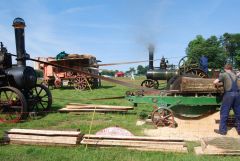
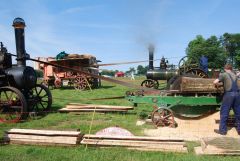 saw bench powered by steam engine
 -
-
-
-
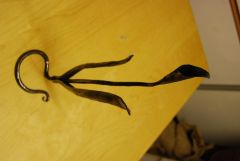
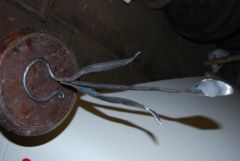
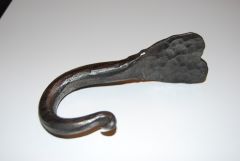 i made half a dozen of these hooks for a friend for his 4 wheeled cart that his heavy horses pull.
 -
-
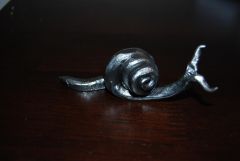
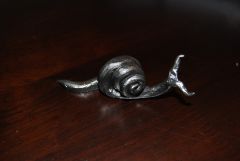 first attempt at creating a snail!
 -
-
-
-
I think each tool brand specialize in 1 or 2 tools and have an average selection of tools to make up there numbers so if you want the the best tools you have to shop with a number of brands just like the mexican bandit on the good,bad and the ugly speggetti western when he enters the gun shop pulls out about 4 different pistols from under the counter pulls them all apart then builds one gun out of the best components of each!