Skip to content
View in the app

A better way to browse. Learn more.

I Forge Iron

A full-screen app on your home screen with push notifications, badges and more.

To install this app on iOS and iPadOS
  1. Tap the Share icon in Safari
  2. Scroll the menu and tap Add to Home Screen.
  3. Tap Add in the top-right corner.
To install this app on Android
  1. Tap the 3-dot menu (⋮) in the top-right corner of the browser.
  2. Tap Add to Home screen or Install app.
  3. Confirm by tapping Install.

Kharen

Members
  • Joined

  • Last visited

  1. I was speaking in Japanese and thanks for the info
  2. When I'm older I plan to study at the Dragon Fly Forge, also I read the beginner mistakes guide,safety,colors,anything else. Also I need one for types of metal and what they do like, sharpness or durability
  3. Then i will keep everyone's tradition alive
  4. Well Thomas I want to keep it alive for the whole world mainly the ancient art such as molds
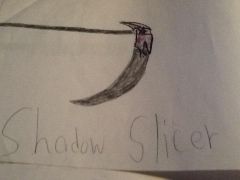
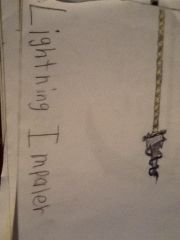
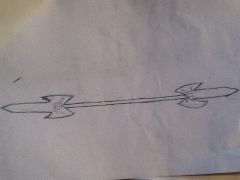
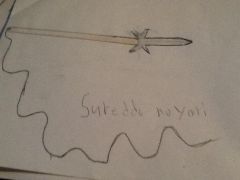
  5. I'm a 13 year old boy determined to keep the art of smithing alive. I practice sword,knife,and spear techniques.im very interested in ancient Japanese weapons such as Kusari-gama,katana,and Yari.After finishing highschool I plan to open a academy that practices smithing and combat.

Account

Navigation

Search

Search

Configure browser push notifications

Chrome (Android)
  1. Tap the lock icon next to the address bar.
  2. Tap Permissions → Notifications.
  3. Adjust your preference.
Chrome (Desktop)
  1. Click the padlock icon in the address bar.
  2. Select Site settings.
  3. Find Notifications and adjust your preference.