mullins1955
Members
-
Joined
-
Last visited
Everything posted by mullins1955
-
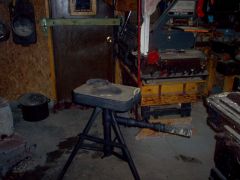 still getting the tools but will be some day
 -
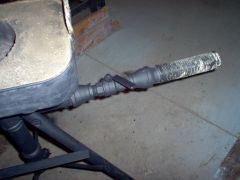 with this can control the air . and with a few could use to pump in lp gas for a forge where you cant get coal
 -
-
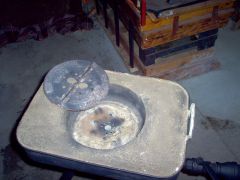
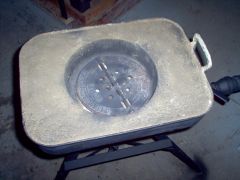 used a old stove pipe damper for grate..
 -
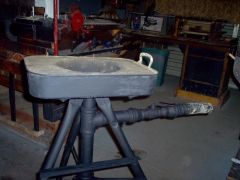
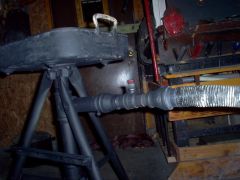 just a few pipes and fittings and some cat litter for fire brick .. use the valve to control air,, still need to make a hood but will have to wait till i find something in the junk that i can use .. am sure i can find something ..
 -
-
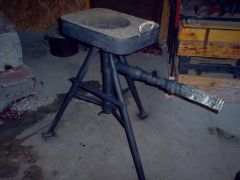 used cat litter for the fire brick. going to hook a fire jet later on so i can use coal or lp gas .. still need to built a hood .. but will as time goes on..
 -
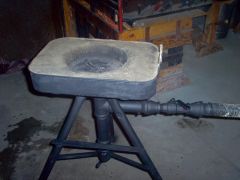 my home made forge not done yet put getting there
 -
hi to all .. looking to find imformation on how to cast .. and make my own forge .. i am a green horn so need all the help i can get.. dty it at home. cast brass .. i guess what i need is how can i .. need to know how to make a mold .. or lost wax. i dont know .. but want to .. any one please help .. i guess what i want to know is how can i melt brass and make my own belt buckle at home .. please help