dseigrist
Members
-
Joined
-
Last visited
-
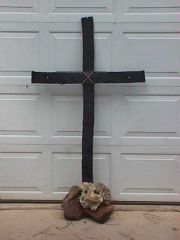 Very well done!
 -
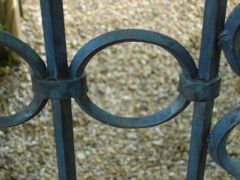 Client would like a quote on this gate. Notice the ring on the diamond.
 -
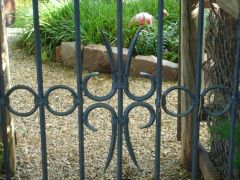 Client would like a quote on this gate. Notice the ring on the diamond.
 -
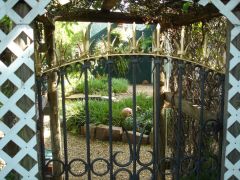 Client would like a quote on this gate. Notice the ring on the diamond.
 -
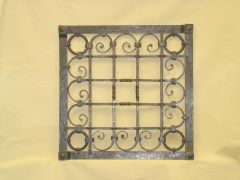 This is a copy of a grill by Schraum where young Francis Whitaker was the apprentice. It's on the back cover of "A Blacksmith's Craft".
 -
Hello JB, I went there in January 2007 and had a great time. Here is a link to the article I wrote for our newsletter: http://www.saltforkcraftsmen.org/Pdf%20flies/Saltfork%20Craftsmen%20march%202007.pdf Take a look and see if it helps. When you spoke with the instructor did you tell him what you expected to learn? It may or may not be on the schedule.
-