dan@modernblacksmith
Members
-
Joined
-
Last visited
Everything posted by dan@modernblacksmith
-
 on top of my house over looking herring cove (can you feel the look of terror? it's a forty foot drop there)
 -
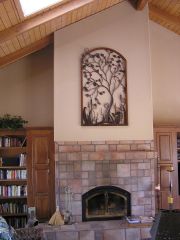 the gate went to California to become wall art (should be in a garden but it does look good up there)
 -
-
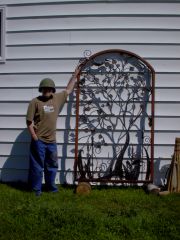 the Tree of life gate (that's my boy jeremy)
 -
-
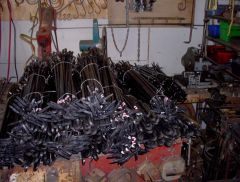 500 fireplace pokers hand-forged in four days (power hammer was down)
 -
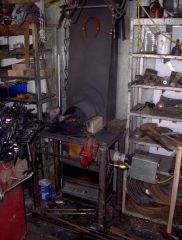
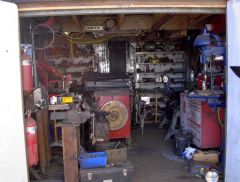 my little shop (disregard all the empty beer cans)
 -
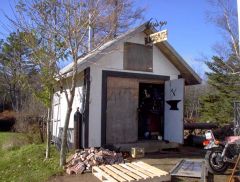 my little shop....don't let the diminutive size fool you we produce a ton of goods every year
 -
-
"To remove the post would be to remove critical information that started the discussion and leave viewers without all the facts needed to form an opinion." when something is censored who is getting all the facts? gone, as are all my previous posts
-
gone
-
gone
-
gone
-
gone
-
-
gone
-
gone
-
a few years back I built a bed for a couple that wanted it to be designed for restraints and had a distictive gothic look and was built to hold up to heavy play.....it was very good money I remember! I've had many crazy requests over the years and I've never turned down any, they're the most fun because they present certain engineering challenges, I'v built a good reputation by building anything and everything in metal. I do make knives and swords also, but building a weapon that was meant for inflicting injury on another would be wrong. but a bed for adults to play around in, that's just fun...... M-01:Edited for word content
-
gone
-
gone
-
gone
-
-
gone
-
gone
-
gone