Skip to content
View in the app

A better way to browse. Learn more.

I Forge Iron

A full-screen app on your home screen with push notifications, badges and more.

To install this app on iOS and iPadOS
  1. Tap the Share icon in Safari
  2. Scroll the menu and tap Add to Home Screen.
  3. Tap Add in the top-right corner.
To install this app on Android
  1. Tap the 3-dot menu (⋮) in the top-right corner of the browser.
  2. Tap Add to Home screen or Install app.
  3. Confirm by tapping Install.

lionheart

Members
  • Joined

  • Last visited

Everything posted by lionheart

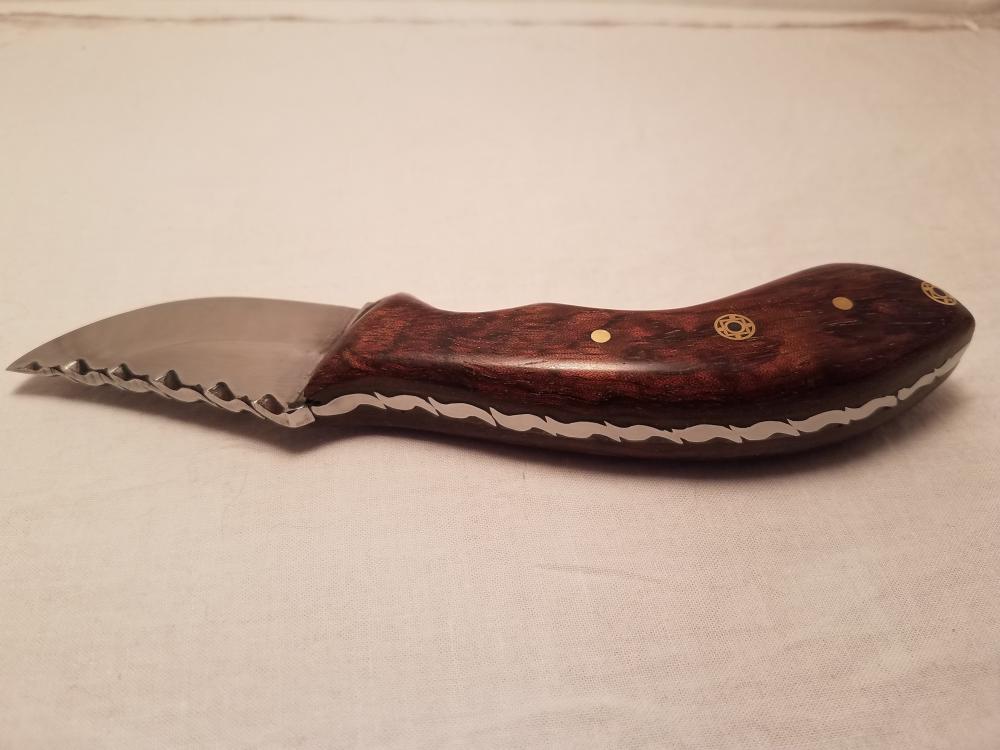
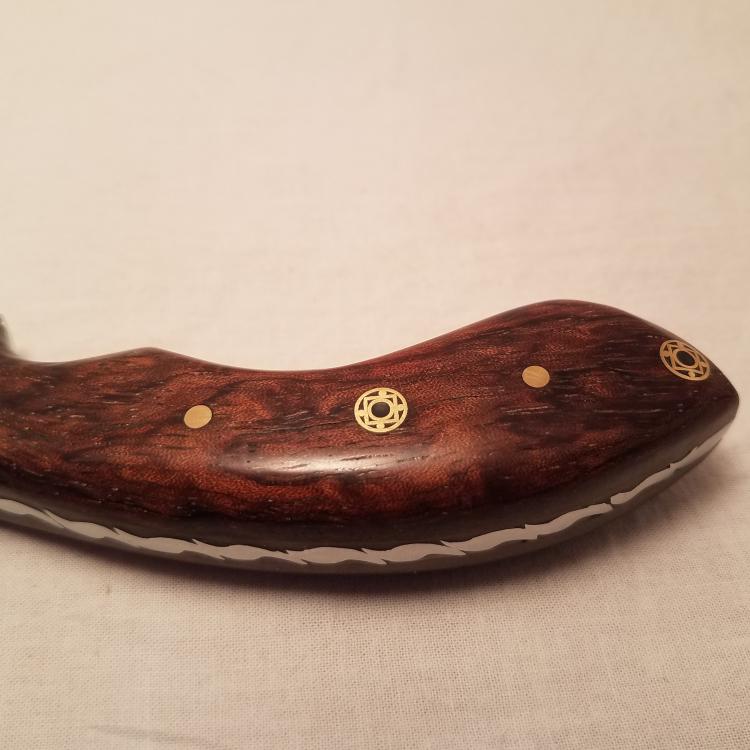
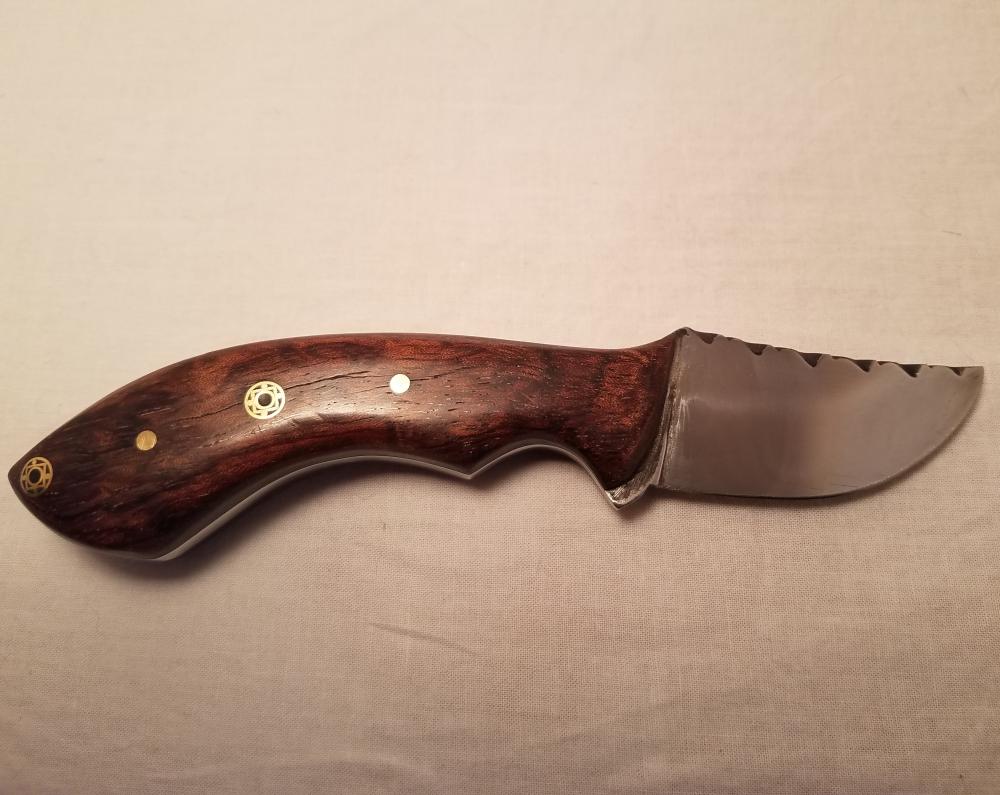
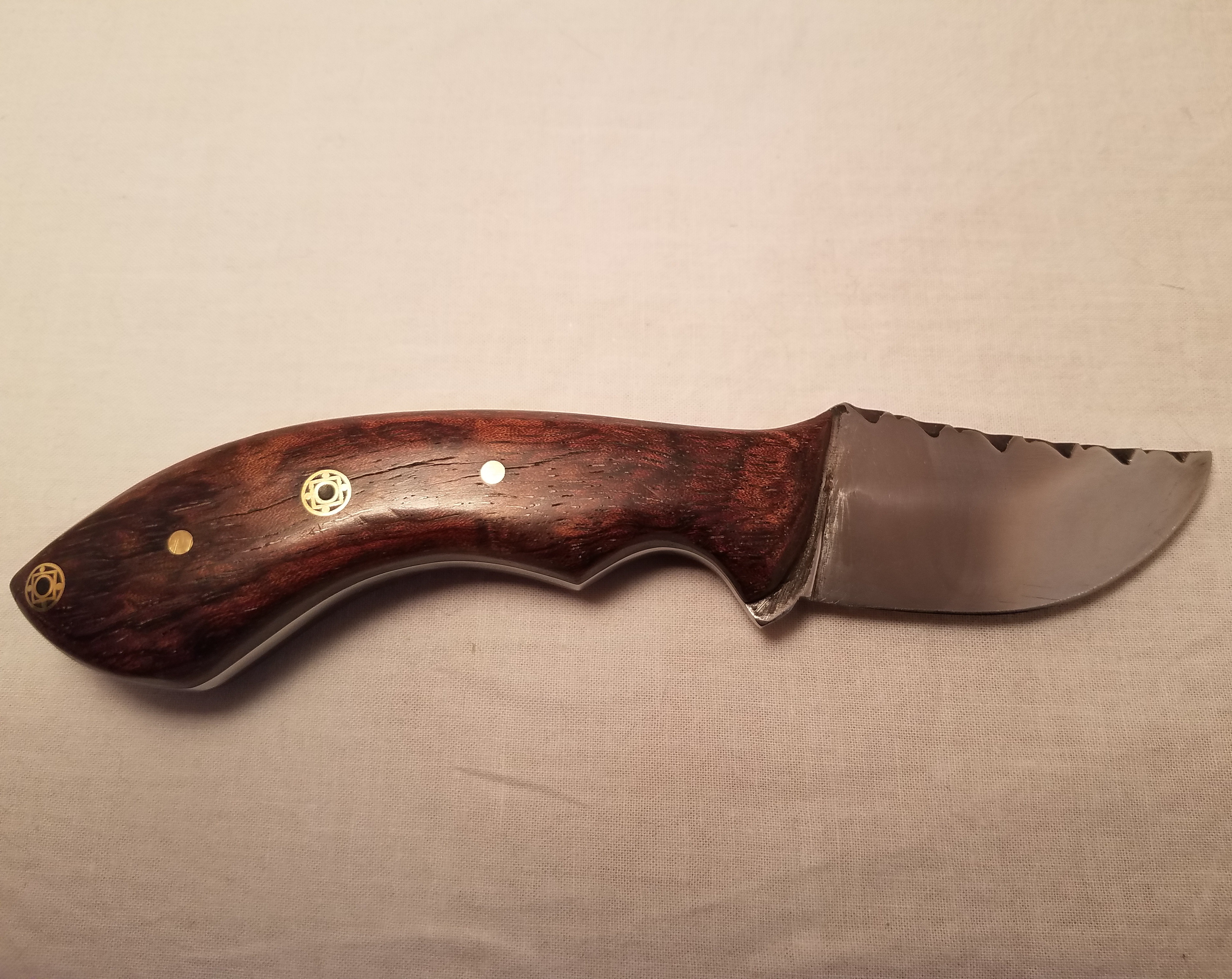
  1. Made this little guy from 440C and bubinga wood with brass and mosaic pins. It was my first attempt at filework on the spine--definitely room for improvement, but I like it.
  2. Looks a xxxxxx lot better than my first try! Echoing what Mr. Powers said, most strap available at hardware stores won't make a decent blade--especially after you beat the carbon out of it, but it's sure fun to practice isn't it? Anyway, not a bad first piece!
Account

Navigation

Search

Search

Configure browser push notifications

Chrome (Android)
  1. Tap the lock icon next to the address bar.
  2. Tap Permissions → Notifications.
  3. Adjust your preference.
Chrome (Desktop)
  1. Click the padlock icon in the address bar.
  2. Select Site settings.
  3. Find Notifications and adjust your preference.