
neb968
Members
-
Joined
-
Last visited
Everything posted by neb968
-
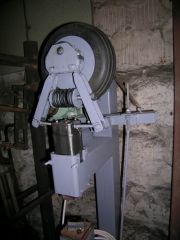
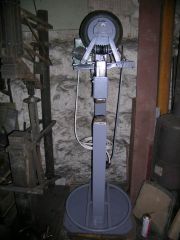 I used Tire Hammer Plans by Clay Spencer . I scaled them to my need and played a little with dimensioning spring and I used parts I had on hand. Sorry for my English . Nebojsa
 -
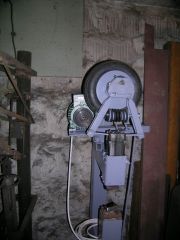 Stock is 25mm - 1" round . This mini tire hammer is too light with its 11lb head for this kind of job.It has its place in my workshop .Next will be full size Clay Spencer tire hammer. .
 -
You can see it running at :
-
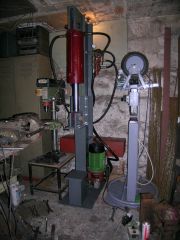 2o t hydraulic press
 -
Link to demo video :
-
I use small 11 lb tire hammer http://www.iforgeiron.com/gallery/image/38032-small-tire-hammer/ http://www.iforgeiron.com/gallery/image/38030-small-tire-hammer-1/
-
11 lbs small tire hammer
© neb968
-
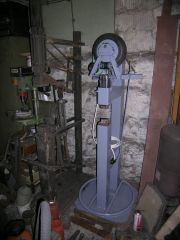 11 lbs small tire hammer
© neb968
-
11 lbs tire hammer
© neb968
-
-
Hi , I am late on this . I have done modification on Clay Spencer tire hammer in way that I made it smaller . I am very pleased how it works no matter it is 5 kilo ( 11 lbs ) hammer . I would not change design as it works great for what it is and that it is not factory made tool . Here are pictures of it . https://picasaweb.google.com/107901101139030898244/SmallTireHammer