Skip to content
View in the app

A better way to browse. Learn more.

I Forge Iron

A full-screen app on your home screen with push notifications, badges and more.

To install this app on iOS and iPadOS
  1. Tap the Share icon in Safari
  2. Scroll the menu and tap Add to Home Screen.
  3. Tap Add in the top-right corner.
To install this app on Android
  1. Tap the 3-dot menu (⋮) in the top-right corner of the browser.
  2. Tap Add to Home screen or Install app.
  3. Confirm by tapping Install.

BP1028 Twists 02

  • Teaser Paragraph:

ForgeIron Blueprints
Copyright 2002 - 2007 IFORGEIRON, All rights reserved.

BP1028 Twists 02
by Uri Hofi


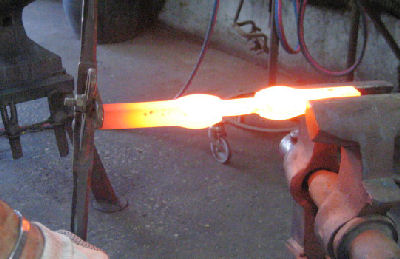
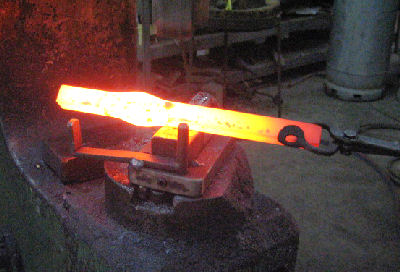
Eight years ago I developed this twist that I forge from different size steel. And for different use, handles staircase, window railing, decorations, etc.


I will demonstrate three types of twists out of 1'' square. This is number two of three different twists


a001.jpg

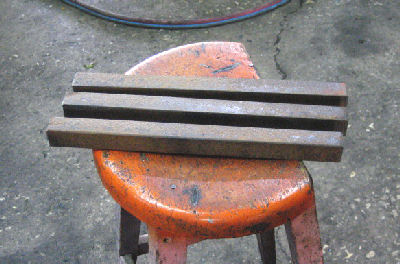
The steel 1'' x 12'' long square steel.


a002.jpg


a003.jpg

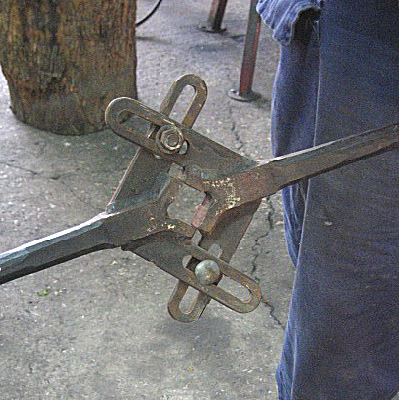
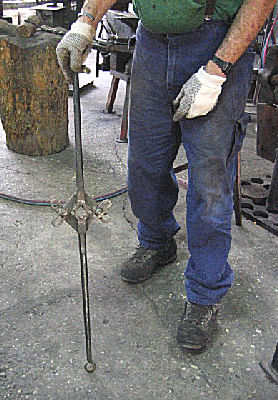
The twisting tool is heavy duty and adjustable up to 2'' steel.


a005.jpg


a006.jpg

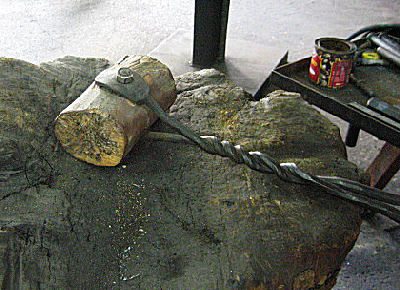
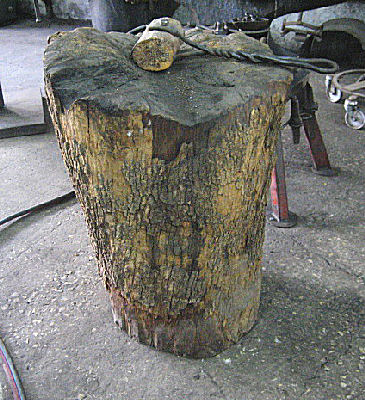
The wood steam and the mallet with the steel handle to prevent the hammer marks when straightening


a007.jpg


a008.jpg

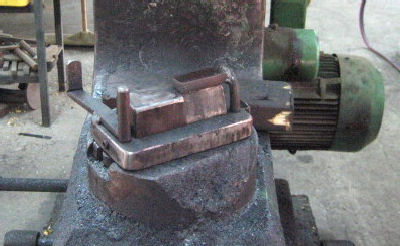
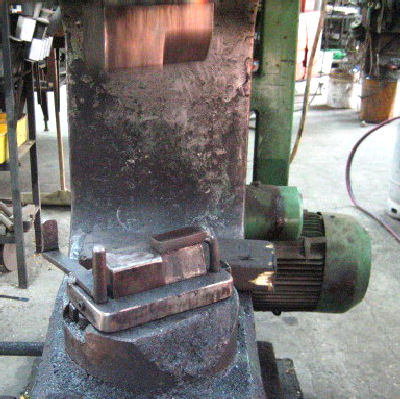
The bottom air hammer die with the stop pin on the right side and the calibration 1/2'' plate on the other side. I forge with the combination die on the wide side 2 inches.


a009.jpg

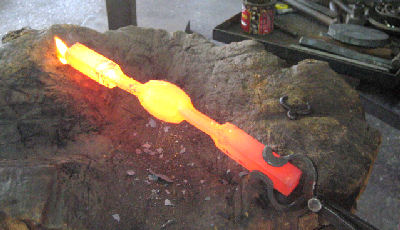
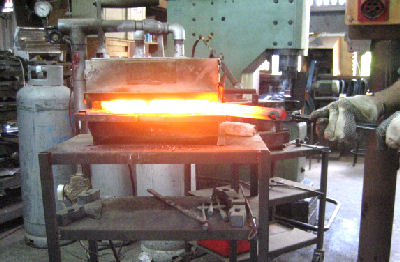
Gas forge double burners that I developed.


a032.jpg


a033.jpg


a034.jpg


a037.jpg


a039.jpg


a041.jpg


a042.jpg


a043.jpg


a045.jpg


a048.jpg


a050.jpg


a052.jpg


a053.jpg


a054.jpg


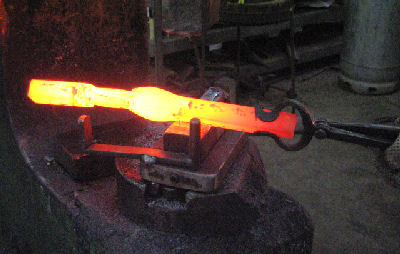
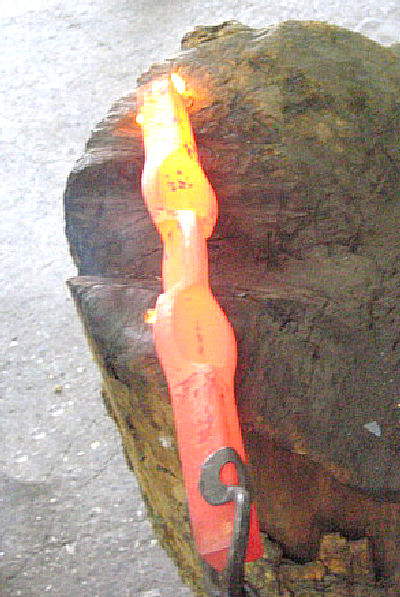
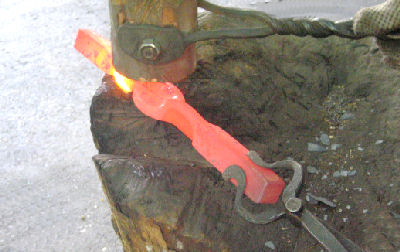
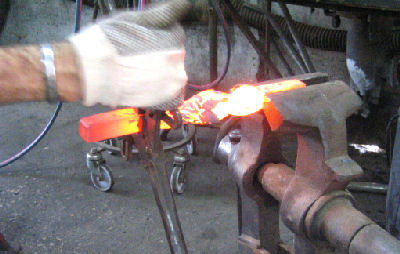
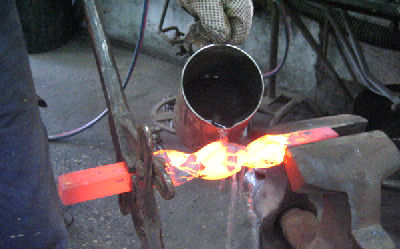
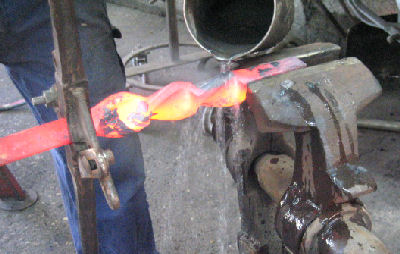
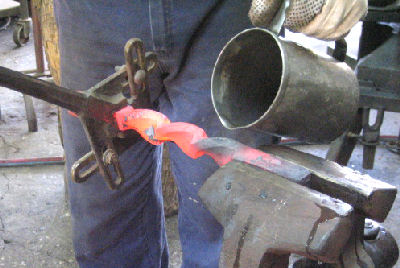
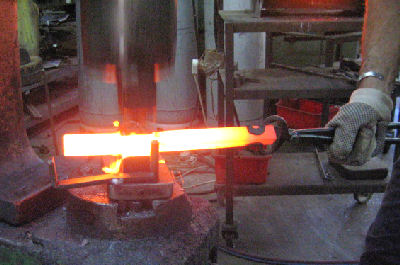
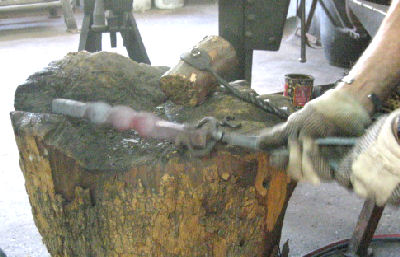
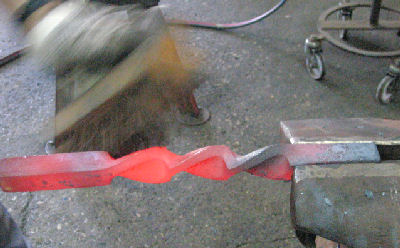
We repeat the same but now we forge on the diamond. Straighten on the wood. And if the heat is not even we can control the twist by cooling the hot point with water.


a057.jpg

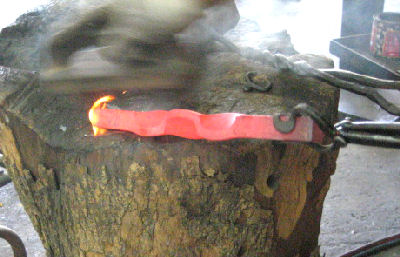
Always straighten on the end with the mallet.


a055.jpg


a056.jpg

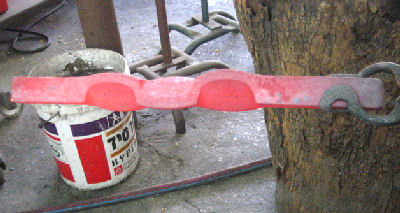
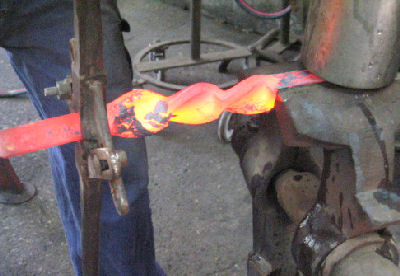
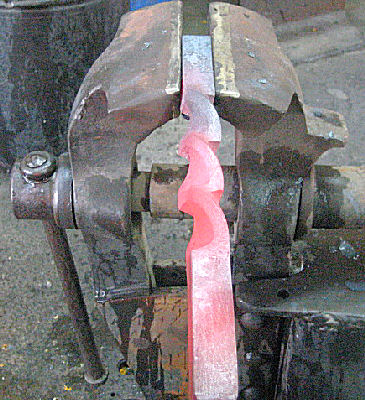
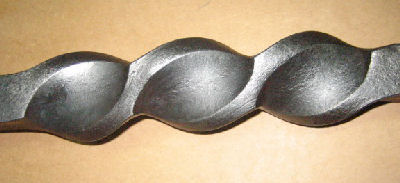
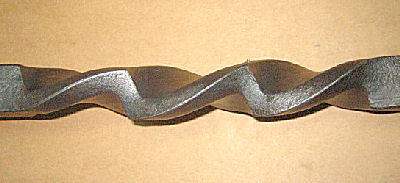
If the twist is good we can see the elements forming one nice line on both sides.


b003.jpg


b004.jpg


a087.jpg

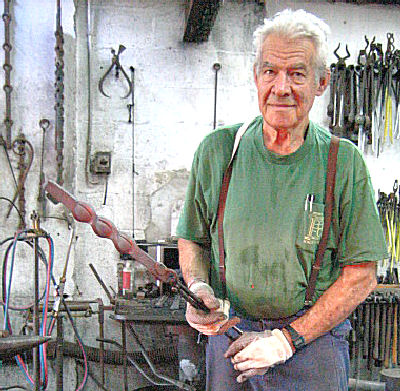
Me with the finished element.

User Feedback

Recommended Comments

Guest

Guest

Guests

Brilliant. You make it look so easy!

Thanks for your help!

johnnie

Members

Very informative, thank you for sharing this! 

Join the conversation

You can post now and register later. If you have an account, sign in now to post with your account.

Guest
Add a comment...

Account

Navigation

Search

Search

Configure browser push notifications

Chrome (Android)
  1. Tap the lock icon next to the address bar.
  2. Tap Permissions → Notifications.
  3. Adjust your preference.
Chrome (Desktop)
  1. Click the padlock icon in the address bar.
  2. Select Site settings.
  3. Find Notifications and adjust your preference.