.jpg.d62409773d2a0376f907b9b93c7c8781.jpg)
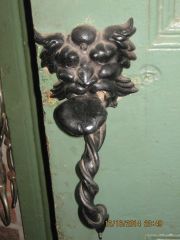
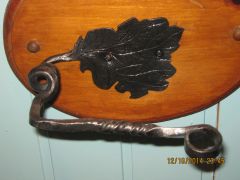
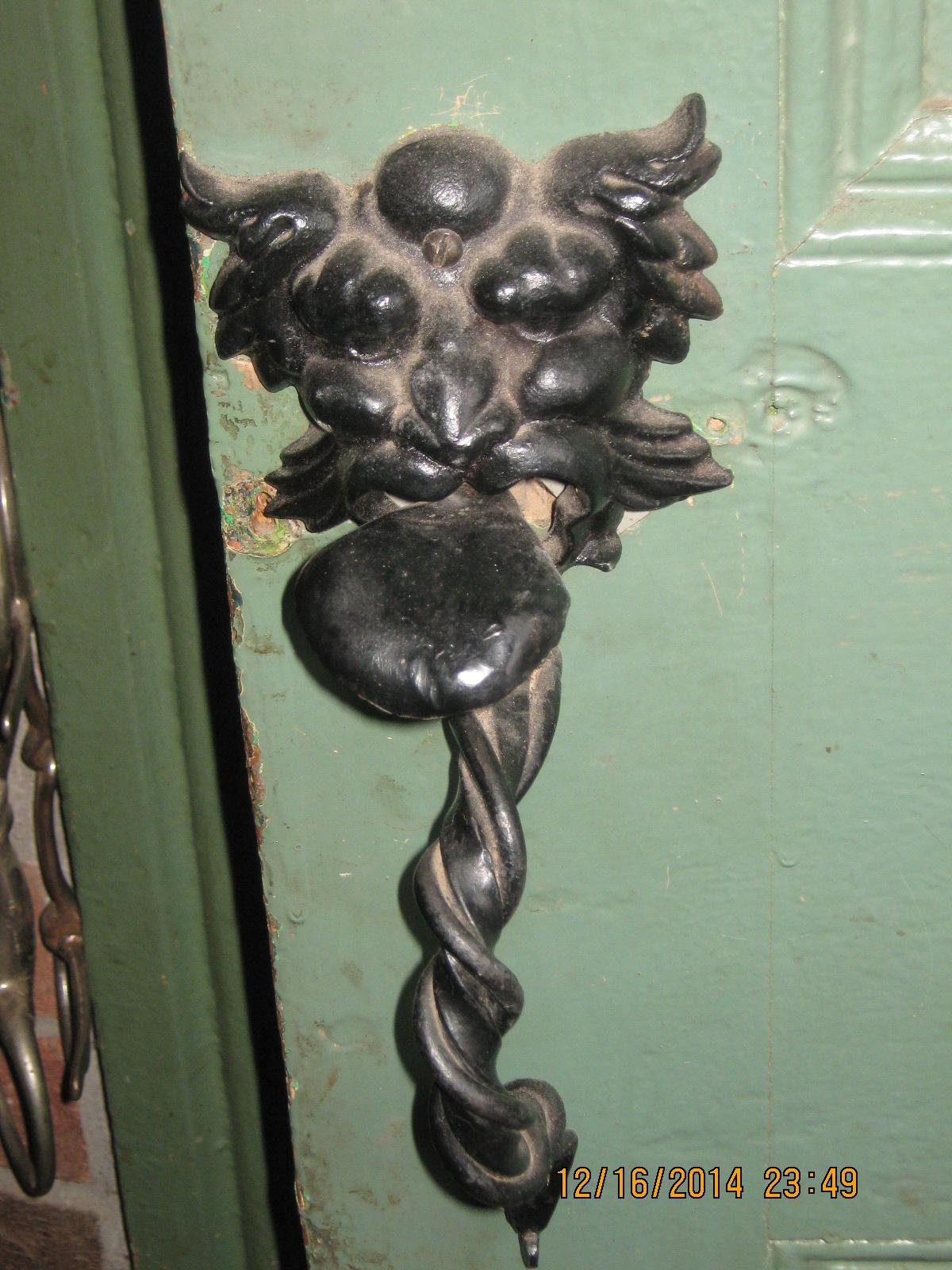
IMG 1089 The show side of the latch set

By sfDuck
- 2,449 views
- View sfDuck's images
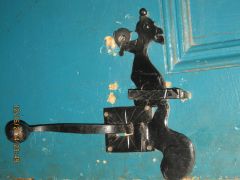
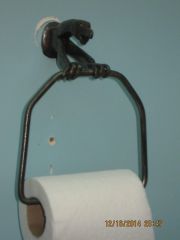
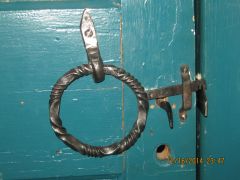
This is a lions face cast piece that I found in a friends store, and said I've been lookin fer something like dis for a while. I made the handle and tongue and most folks get a kick outa it! The bar to join the two parts together was a bit of a pain but the holding pin in the middle of the bar, and its location is vital to its working well. And the order of fitting the various parts together takes a bit of figuring out, but have patience it does work. Then you have to figure out the right type of keeper to put on the door frame to catch the squirrel's tail.
Recommended Comments
Join the conversation
You can post now and register later. If you have an account, sign in now to post with your account.