Skip to content
View in the app

A better way to browse. Learn more.

I Forge Iron

A full-screen app on your home screen with push notifications, badges and more.

To install this app on iOS and iPadOS
  1. Tap the Share icon in Safari
  2. Scroll the menu and tap Add to Home Screen.
  3. Tap Add in the top-right corner.
To install this app on Android
  1. Tap the 3-dot menu (⋮) in the top-right corner of the browser.
  2. Tap Add to Home screen or Install app.
  3. Confirm by tapping Install.

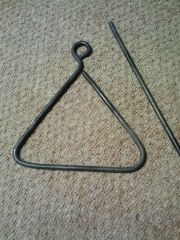
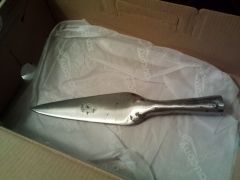
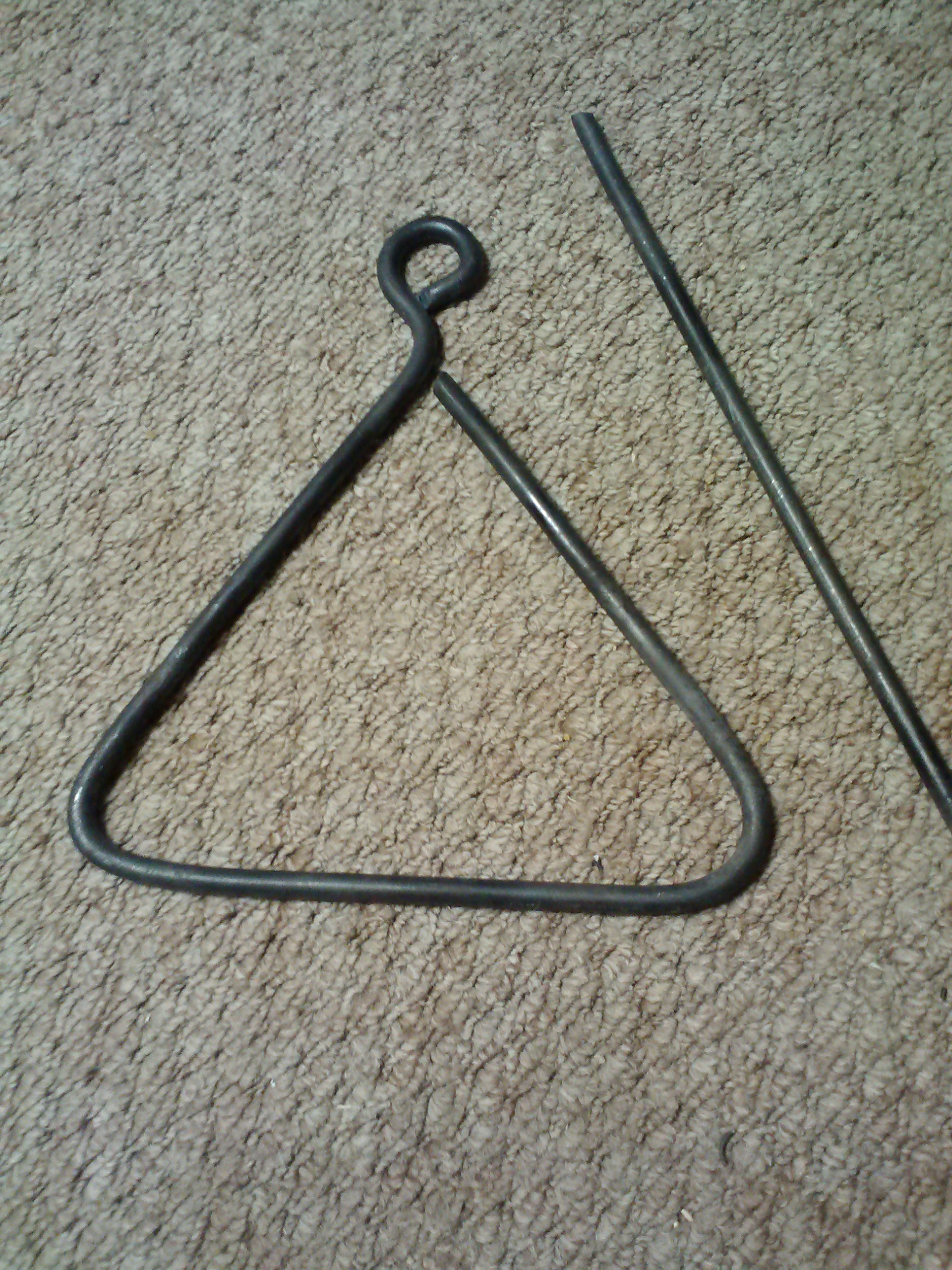
Bitumous triangle

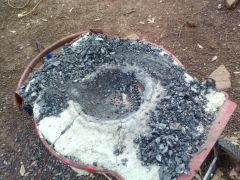
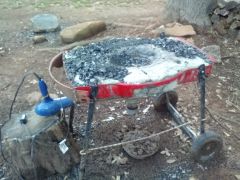
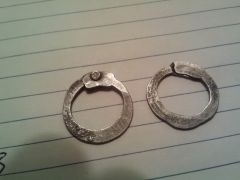
So, finally breaking up with anthacite and going to bitumous. Wanted to try the new stuff, and make something that would be hard to mess up. After I finished messing that up, I made this. It's just an old triangle, it goes jingle jangle, all along the banks of the Royal Canal.......
  • From the category:

    Member Galleries

    · 11,262 images

    Photo Information

    • Taken with LG Electronics LG-LS840
    • Focal Length 4.3 mm
    • Exposure Time 1/24
    • Aperture f/2.4
    • ISO Speed 1516

    Account

    Navigation

    Search

    Search

    Configure browser push notifications

    Chrome (Android)
    1. Tap the lock icon next to the address bar.
    2. Tap Permissions → Notifications.
    3. Adjust your preference.
    Chrome (Desktop)
    1. Click the padlock icon in the address bar.
    2. Select Site settings.
    3. Find Notifications and adjust your preference.