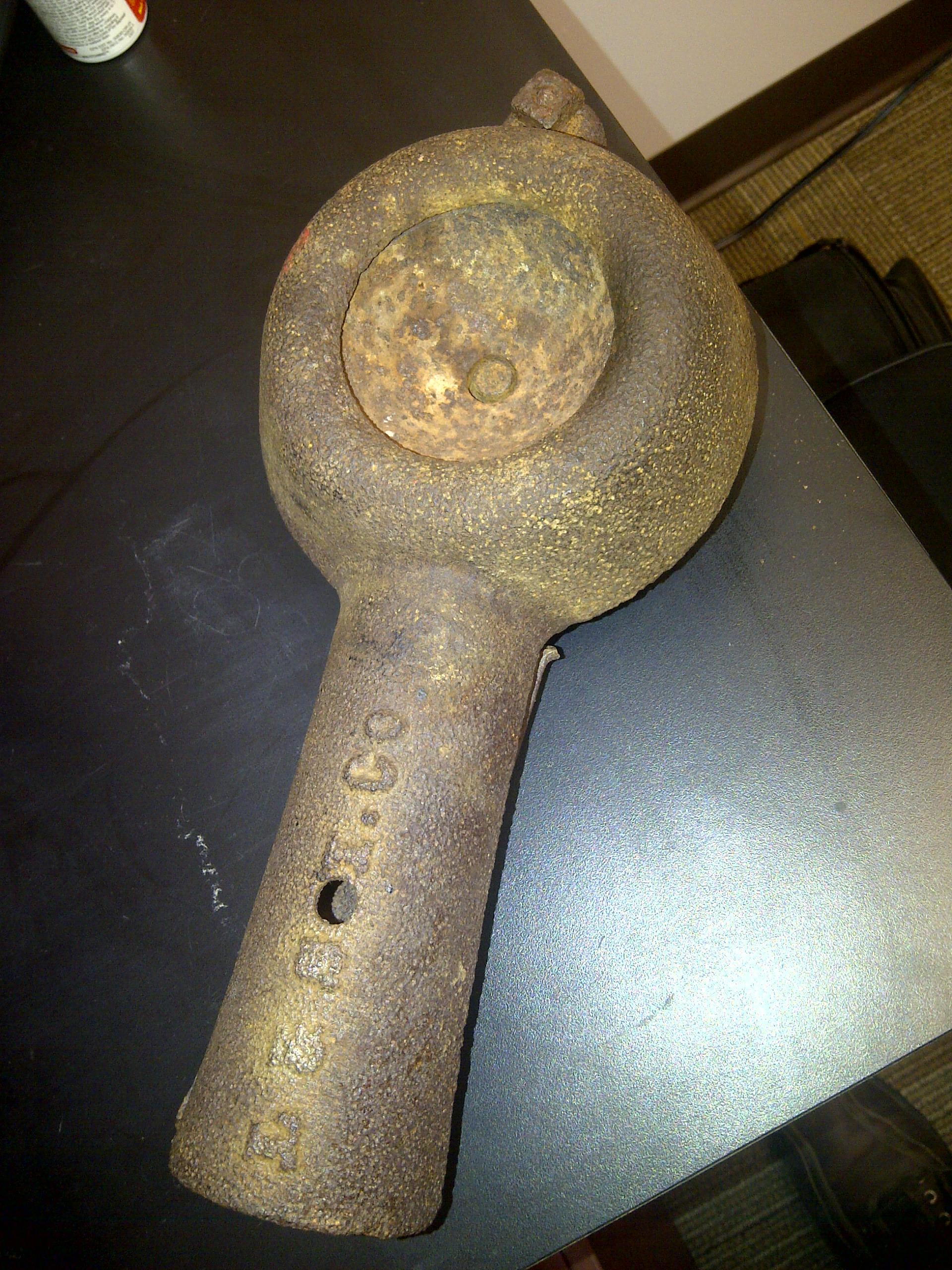
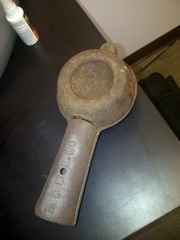
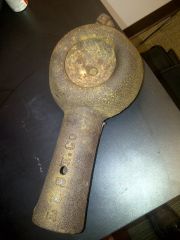
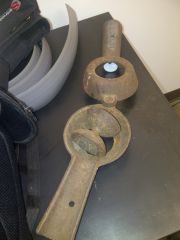
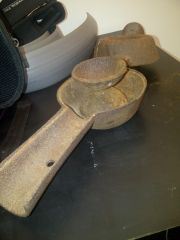
Identification help forge burner blower mold tool Share https://www.iforgeiron.com/gallery/image/36362-identification-help/ Share on LinkedIn Share on X Share on Facebook {lang="reddit_text" Share via email Share on Pinterest More sharing options... Followers Any idea what this is or what it is used for? It was acquired from an abandoned blacksmith shop and there were railroad related things there also. It appears to have L & S I.Co cast in the handle.

Recommended Comments
Join the conversation
You can post now and register later. If you have an account, sign in now to post with your account.