Skip to content
View in the app

A better way to browse. Learn more.

I Forge Iron

A full-screen app on your home screen with push notifications, badges and more.

To install this app on iOS and iPadOS
  1. Tap the Share icon in Safari
  2. Scroll the menu and tap Add to Home Screen.
  3. Tap Add in the top-right corner.
To install this app on Android
  1. Tap the 3-dot menu (⋮) in the top-right corner of the browser.
  2. Tap Add to Home screen or Install app.
  3. Confirm by tapping Install.

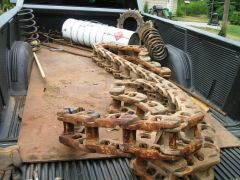
Christmas - August 15, 2007

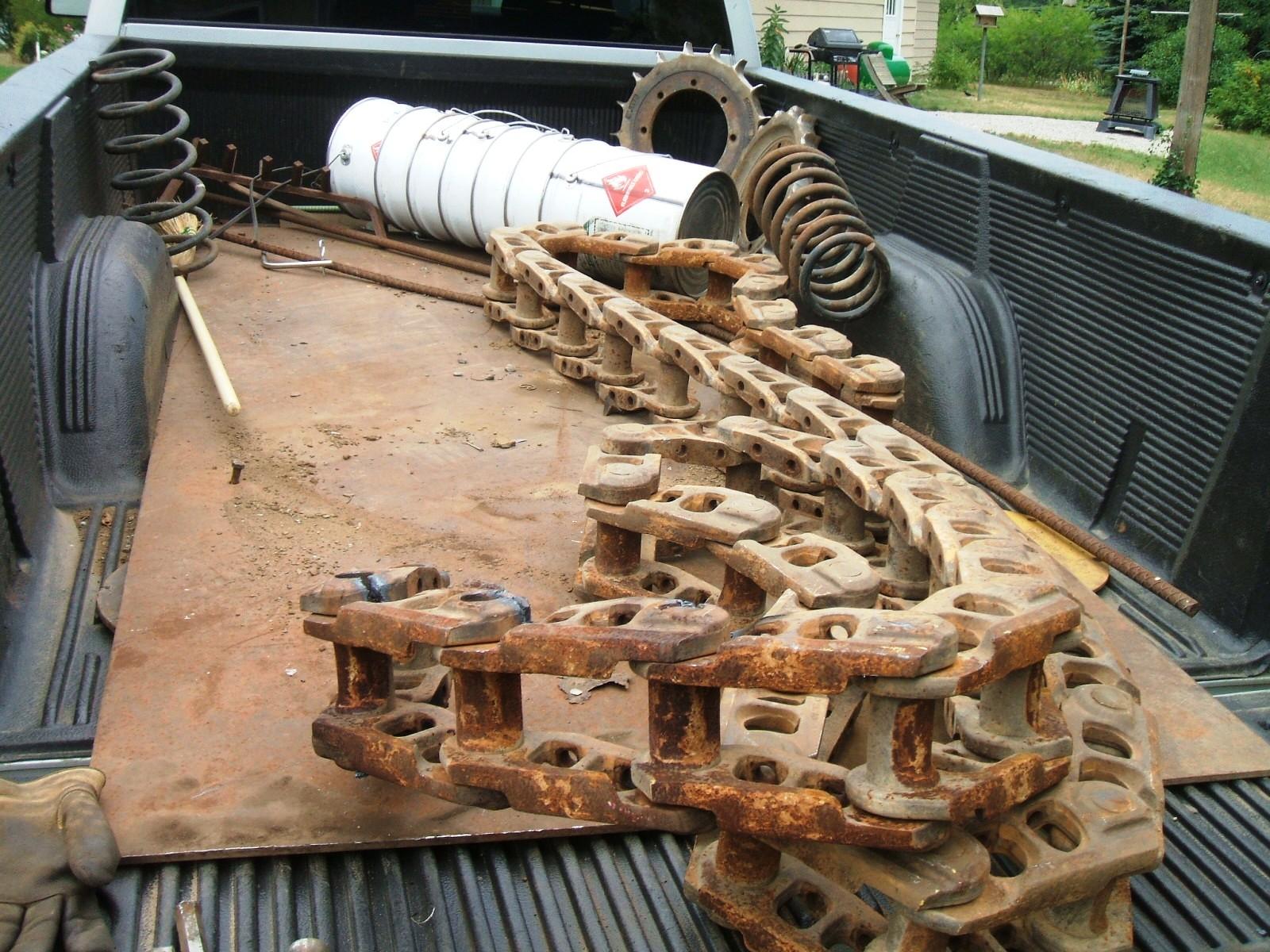
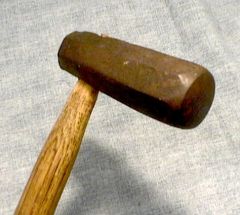
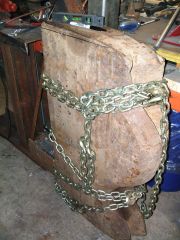
Well, it was just like Christmas.....got all this stuff from my favorite scrapyard.....4'x8' steel plate 3/8" thick; cat track to get the pins; steel buckets; some rebar; fireplace rack; two large sprockets for swages; coil springs and leaf spring; large screw from jack stand to repair post vises; several round pieces of steel plate to use as bases for something; big chunk of lead. I love that place!

  • From the album:

    Tools and Stuff

    · 124 images

    Account

    Navigation

    Search

    Search

    Configure browser push notifications

    Chrome (Android)
    1. Tap the lock icon next to the address bar.
    2. Tap Permissions → Notifications.
    3. Adjust your preference.
    Chrome (Desktop)
    1. Click the padlock icon in the address bar.
    2. Select Site settings.
    3. Find Notifications and adjust your preference.