

Ted's new shop
By Ted T
- 3,900 views
- View Ted T's images
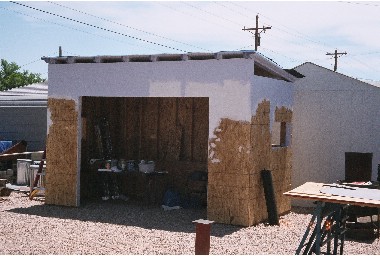
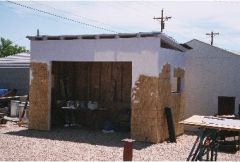
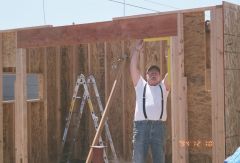
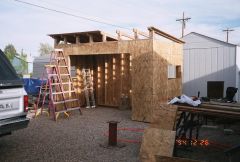
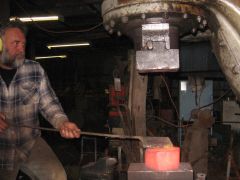
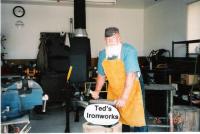
Forge Station Build explanation: The reason I am posting about this is because I know of some other blacksmiths that have lung problems also. If this works for me, it may help them! This is a couple of photos of my new Forge Station that I am building. This forge station is separate from my main shop due to having problems with in-adequate ventilation in my main shop. I require a fume free environment, but I refuse to quit blacksmithing. I have Reactive Lung Disease and have to be very careful about air quality. I am building this small forge station with the idea in mind to keep a good air flow ventilating through it, at the same time it is designed to meet all requirements of the local building code. As it will stand, the Forge Station is not large enough for what my needs are (14
Recommended Comments
Join the conversation
You can post now and register later. If you have an account, sign in now to post with your account.