LarryHouse
Members
-
Joined
-
Last visited
-
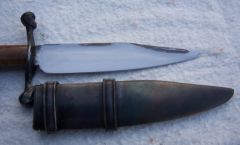 Sheet stock, laid the blade on the sheet, drew a line around it. Added some room for the clearance and cut it out. Used the first for a pattern and made a second plate. Then I formed the edges over to make the shape. A weld around the seam and a quick grind to clean up the edges and there you have it. The bands were made up and hot drifted over the sheath.
 -
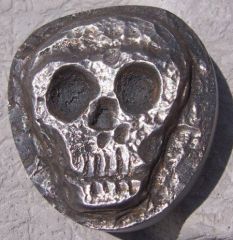
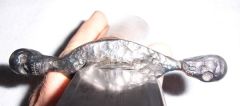
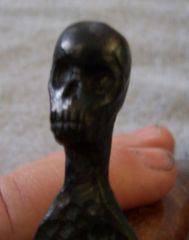
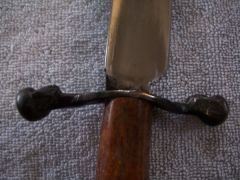
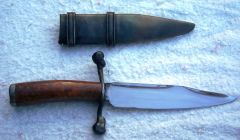
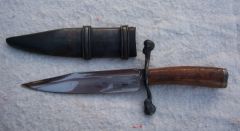
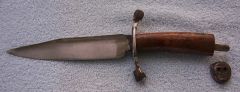 A lady friend asked for a pirate dagger. I did a couple of basic sketches and she picked this style.
 -
-
-
-
-
-
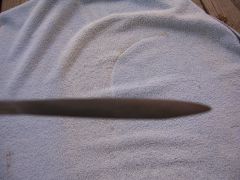 Hard to see, but this blade has a "T" back to give it strength.
 -
-
-
-
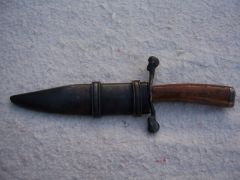 A friend asked for a dagger with a pirate theme. So I realize that this is not what most will call a "dagger" I think she will be happy with it.
© Larry House
-
I live on the edge of a swamp, but have never found any bog iron. Am I not looking under the right rock, no wait, we don't have any rocks here either. Just muck.
-
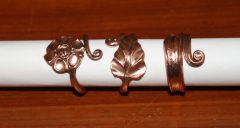 Missed my chance to watch and learned this at FitS. Hope I can get to spend some time with you guys again sometime when I don't have as many distractions. Looking forward to it. Larry
 -
I would be interested in some copper, the purer the better as I want to melt it down and alloy it myself. Just let me know the cost of a flat rate box. Thanks! Larry