De_Snowgoose
Members
-
Joined
-
Last visited
Everything posted by De_Snowgoose
-
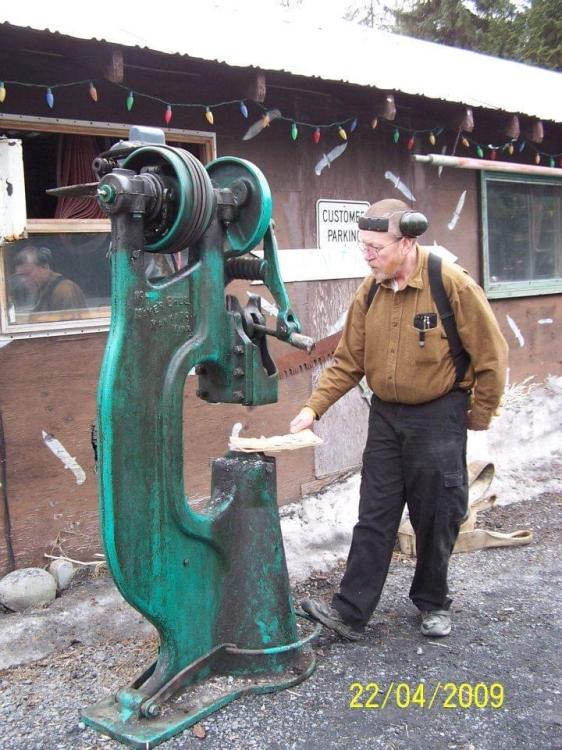
Mostly I’m here for the memories of my deceased husband, Jerry Frost (Frosty). I can almost hear him talking when he responded to posts here). He’s been gone almost six months now and I’m reluctantly preparing to liquidate his metal shop. It’s HARD. I will have the assistance of members of the Alaska Blacksmith Association, but thought perhaps members here might be able to answer some questions regarding the value of certain tools and equipment? It’s a big shop, with LOTS of stuff mostly alien to me. Here’s a picture of Frosty the day he bought his Little Giant power hammer. Happy man - new toy! Sadly, he bought the power hammer just 6 months before suffering a severe TBI, so didn’t get the many years of use out of it he was expecting. And yes, it’s for sale. Meadow Lakes, Alaska.