Skip to content
View in the app

A better way to browse. Learn more.

I Forge Iron

A full-screen app on your home screen with push notifications, badges and more.

To install this app on iOS and iPadOS
  1. Tap the Share icon in Safari
  2. Scroll the menu and tap Add to Home Screen.
  3. Tap Add in the top-right corner.
To install this app on Android
  1. Tap the 3-dot menu (⋮) in the top-right corner of the browser.
  2. Tap Add to Home screen or Install app.
  3. Confirm by tapping Install.

David b

Members
  • Joined

  • Last visited

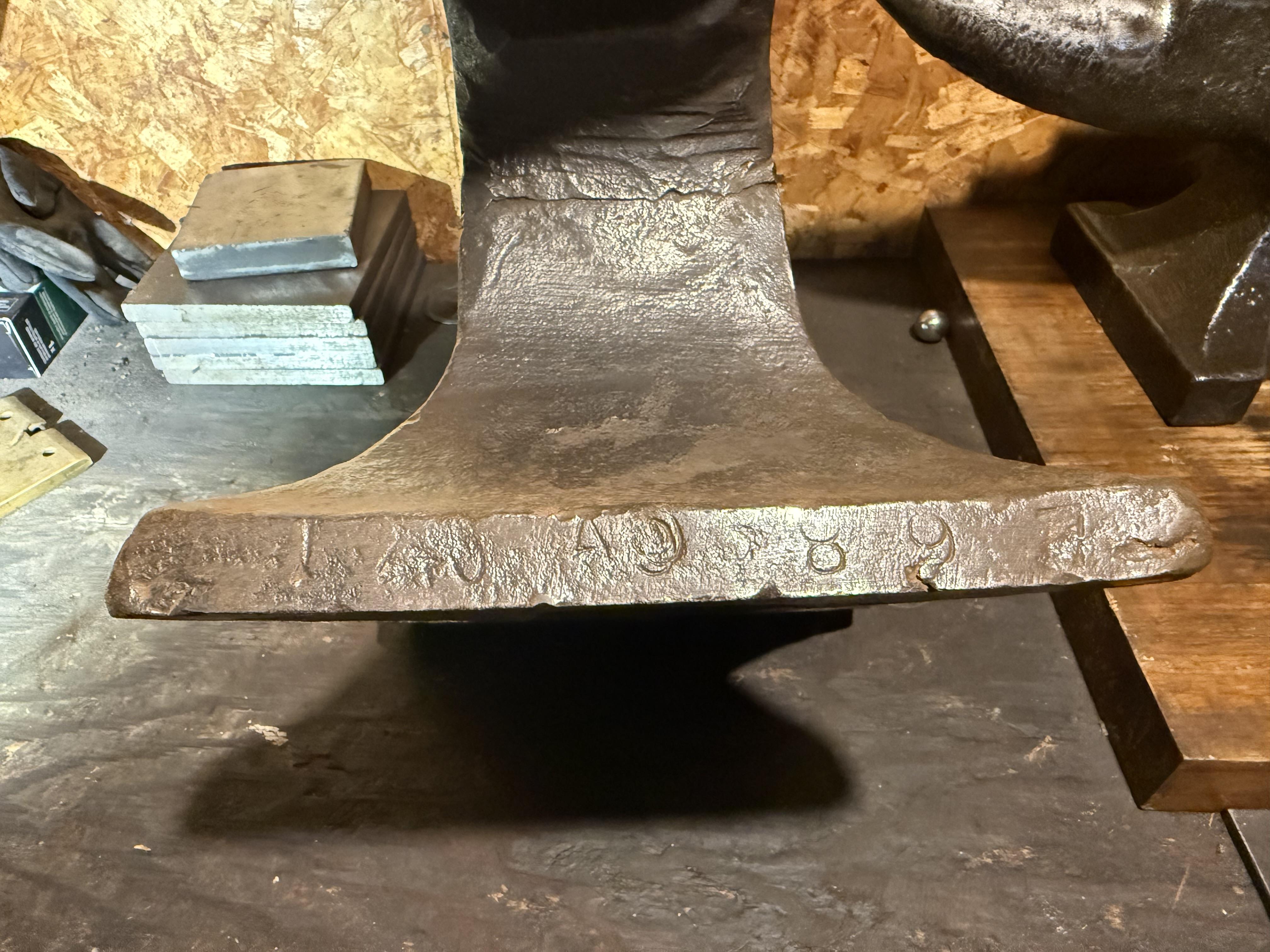
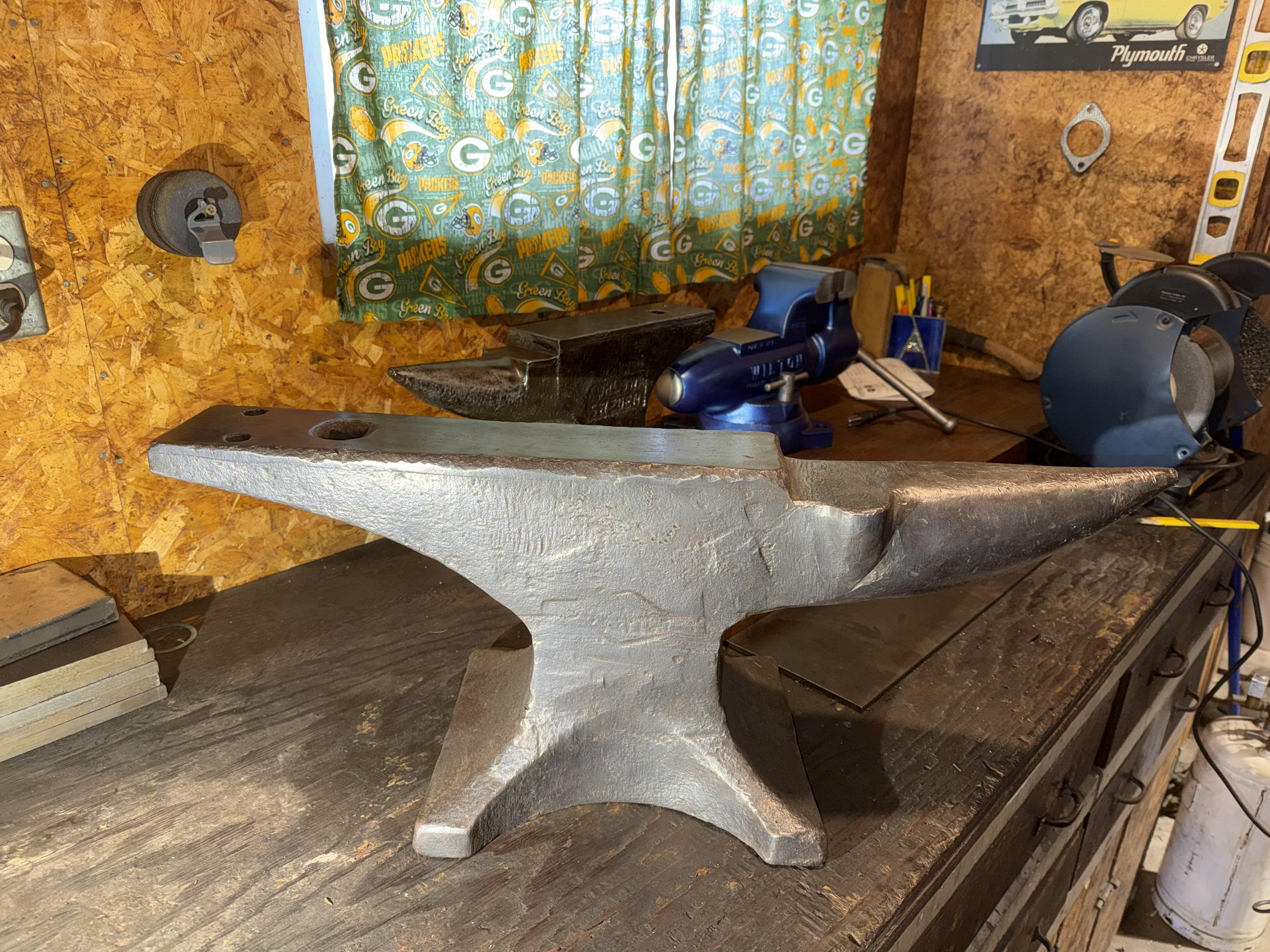
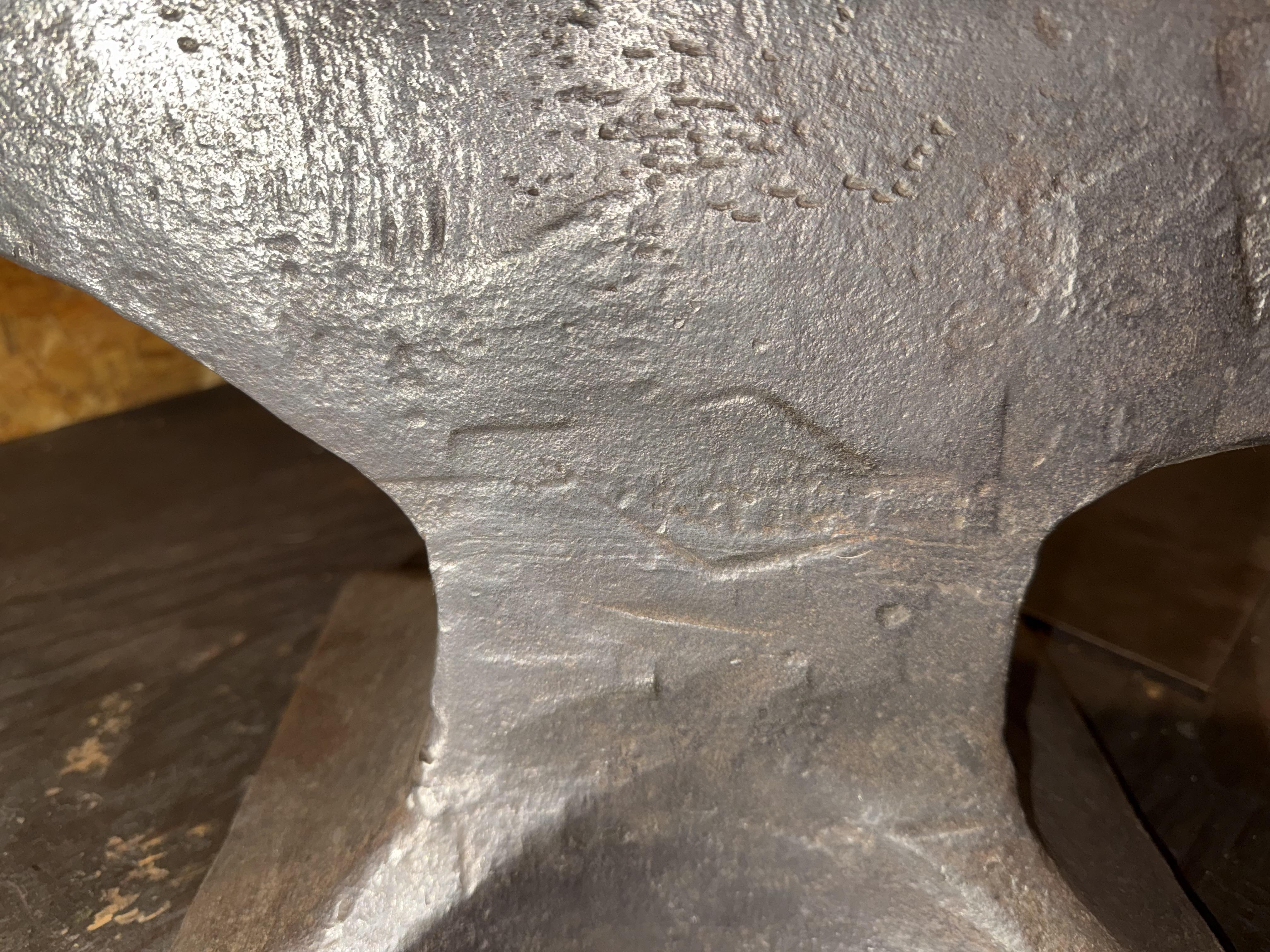
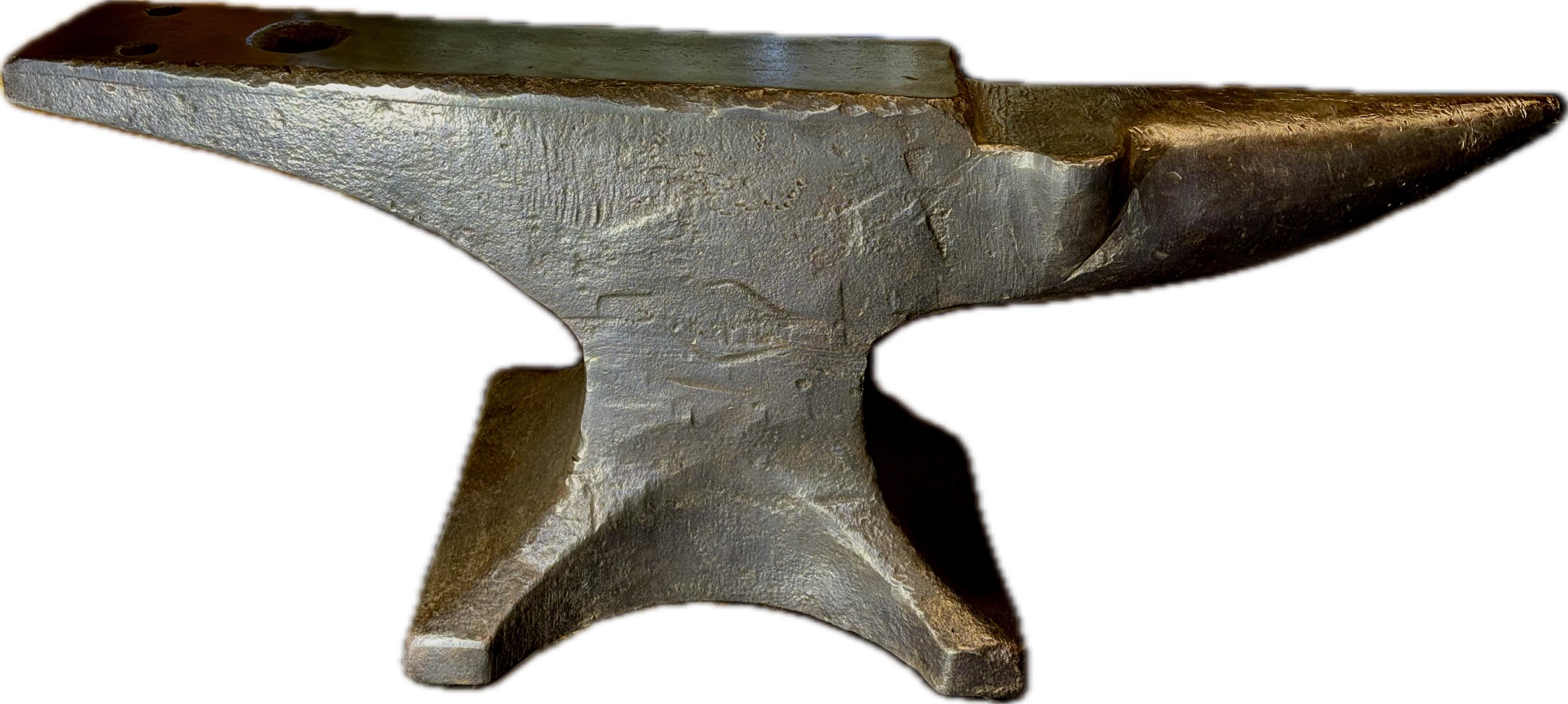
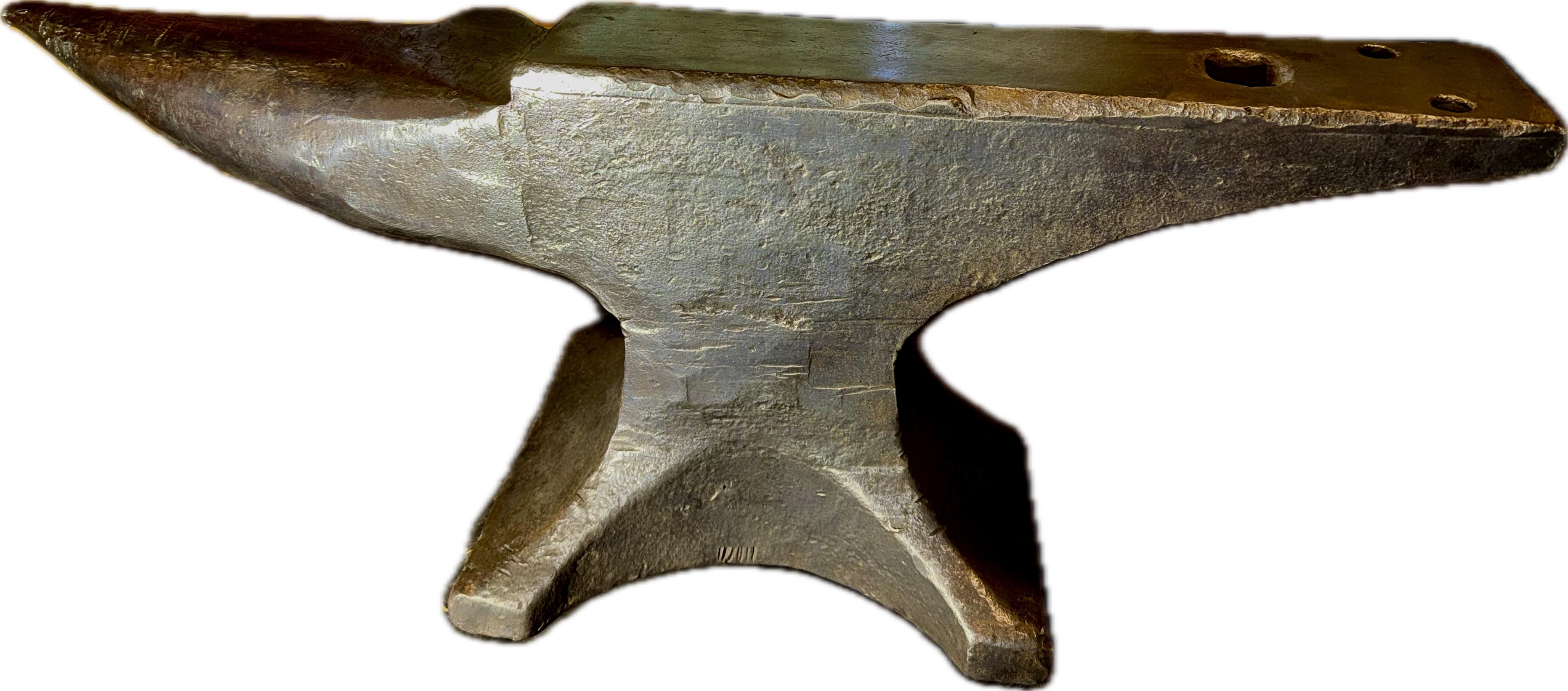
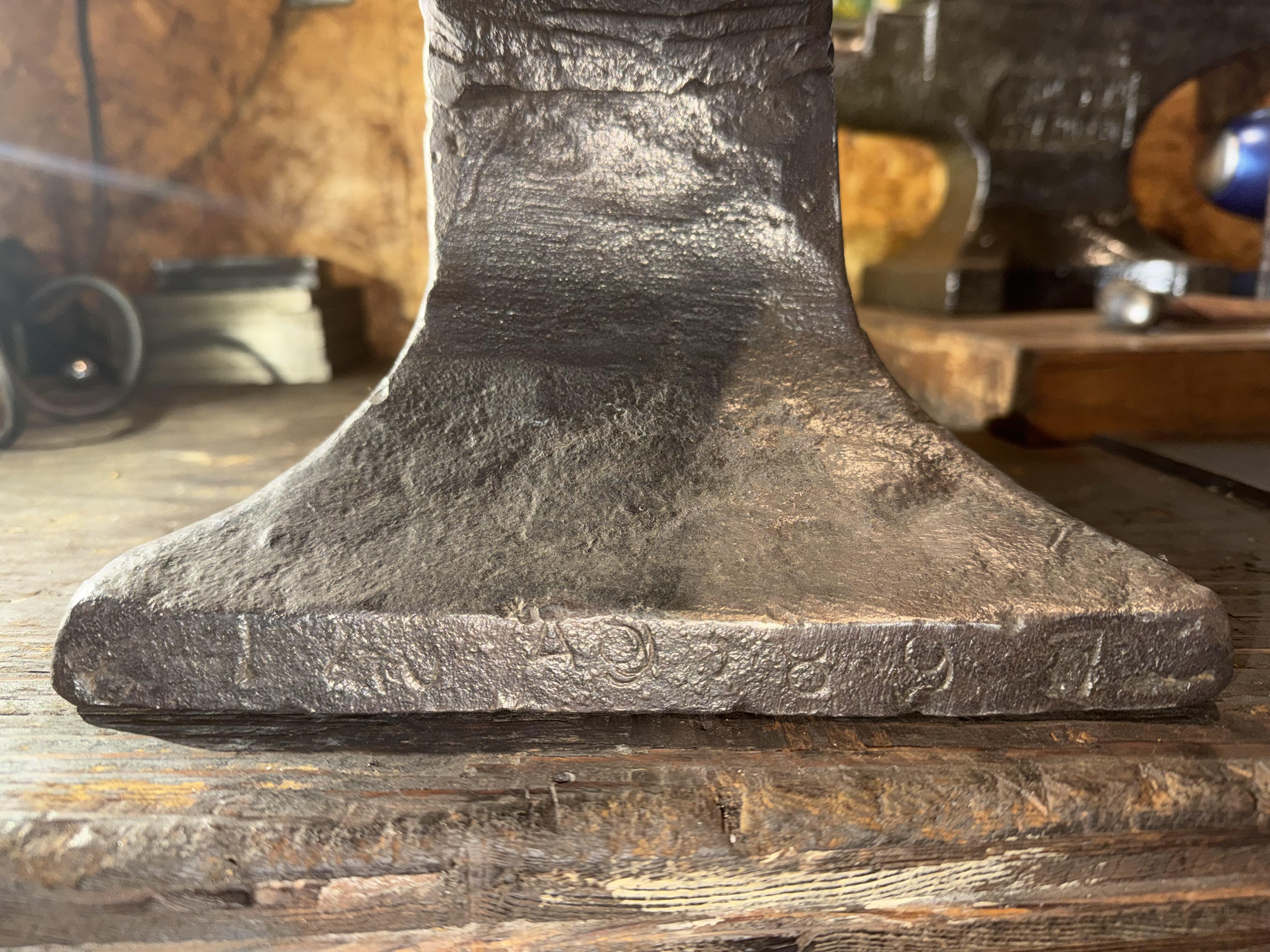
  1. Yes, I’m in Wisconsin !!! Not a true Packer fan but the wife is I’m originally from Colorado go Broncos all day long As far as the anvil goes, I did post some pictures of the serial number. It’s hard to make out!!!! I did try to do some research online and the best I can come up with is early 1900s Possibly 1910 to 1912 but I’m definitely not 100% sure was thinking maybe somebody was more experience would have some insight

Account

Navigation

Search

Search

Configure browser push notifications

Chrome (Android)
  1. Tap the lock icon next to the address bar.
  2. Tap Permissions → Notifications.
  3. Adjust your preference.
Chrome (Desktop)
  1. Click the padlock icon in the address bar.
  2. Select Site settings.
  3. Find Notifications and adjust your preference.