Skip to content
View in the app

A better way to browse. Learn more.

I Forge Iron

A full-screen app on your home screen with push notifications, badges and more.

To install this app on iOS and iPadOS
  1. Tap the Share icon in Safari
  2. Scroll the menu and tap Add to Home Screen.
  3. Tap Add in the top-right corner.
To install this app on Android
  1. Tap the 3-dot menu (⋮) in the top-right corner of the browser.
  2. Tap Add to Home screen or Install app.
  3. Confirm by tapping Install.

Dan Coate

Members
  • Joined

  • Last visited

About Me

Very new to the forging arena. Here to glean any information I can from those who have already made the mistakes! I will do my best to find answers to my questions in the forums, books, Google, etc. before posting here. I hope to not be a bother at first, and possibly be of assistance in the future!
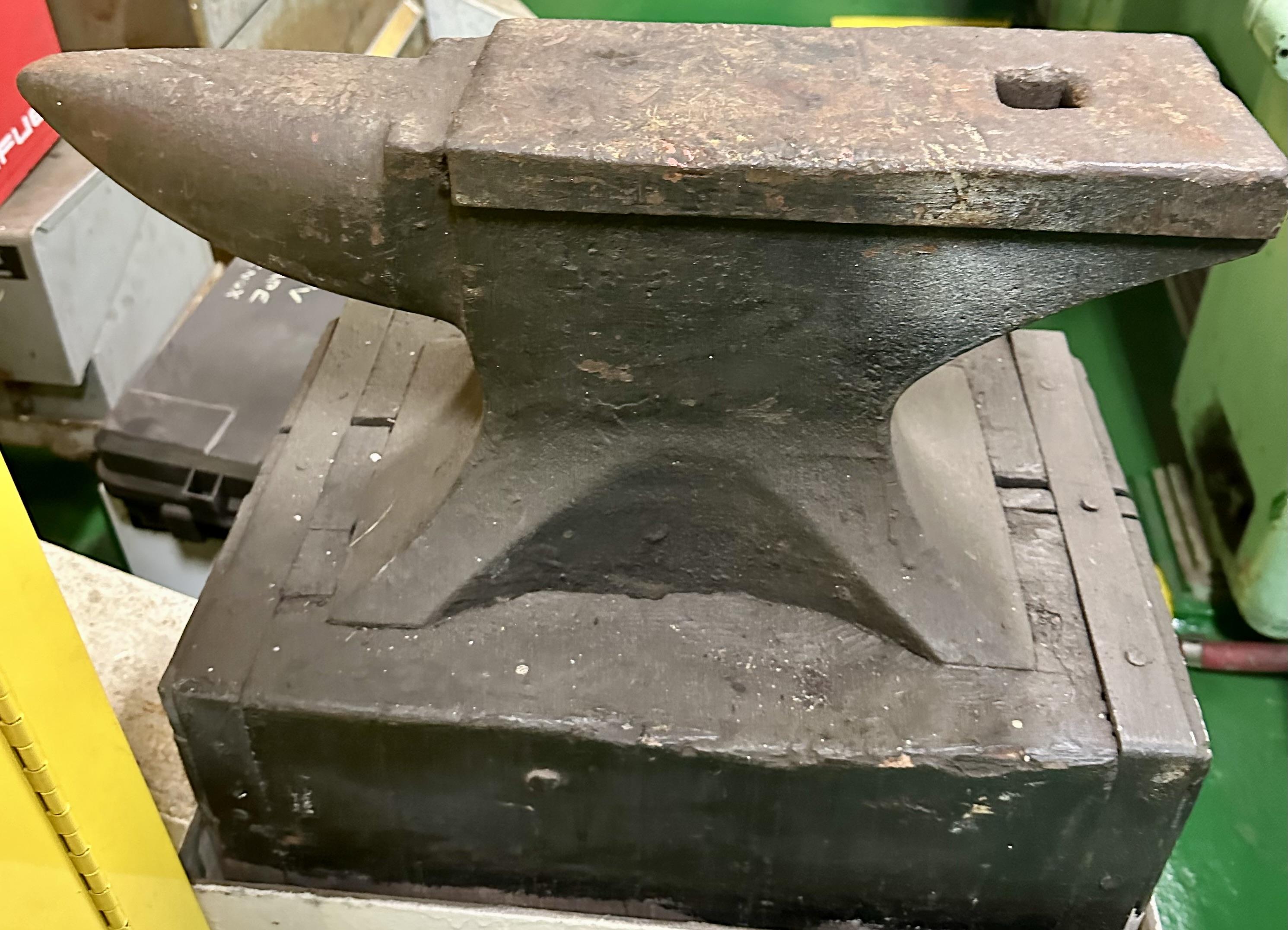
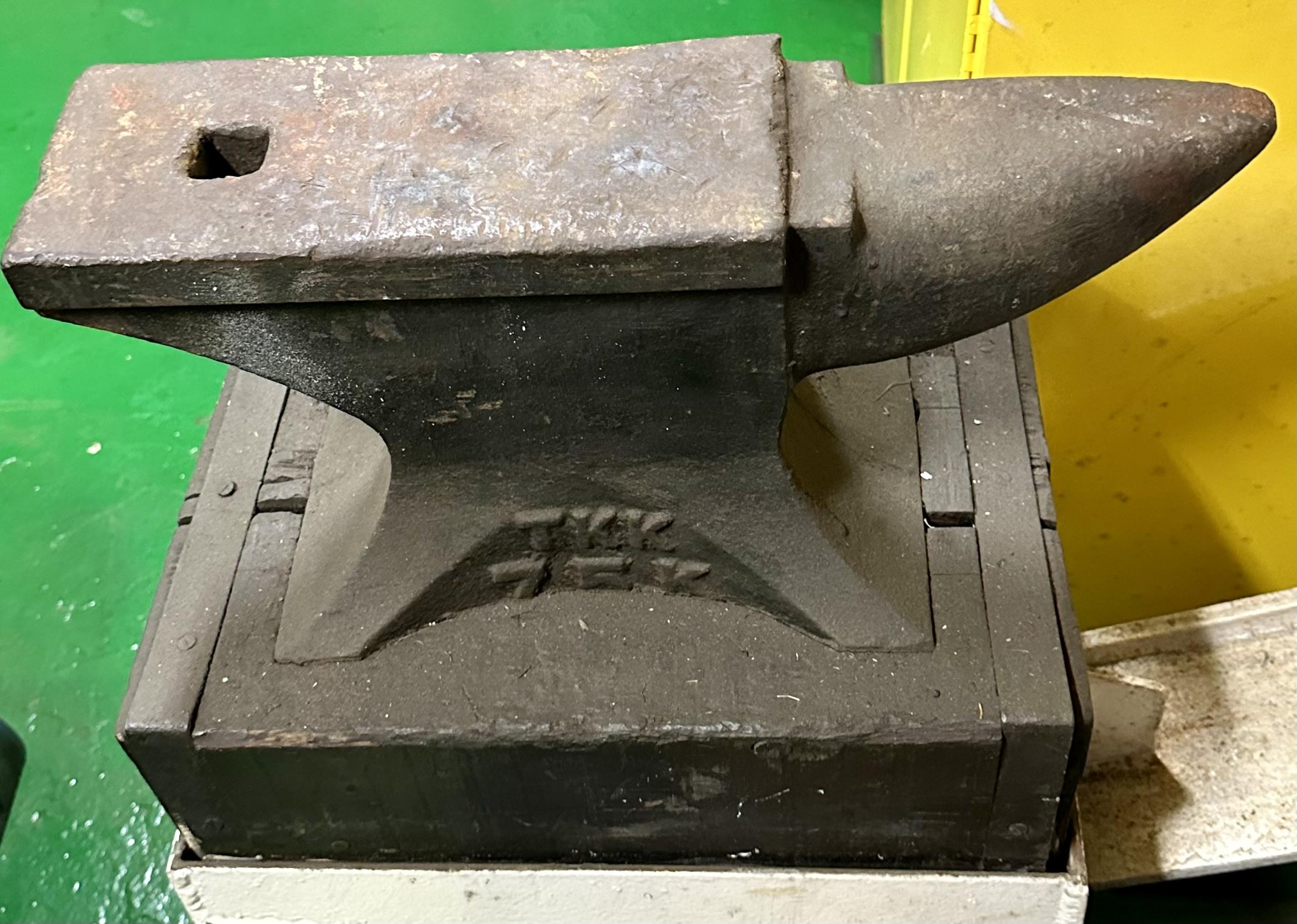
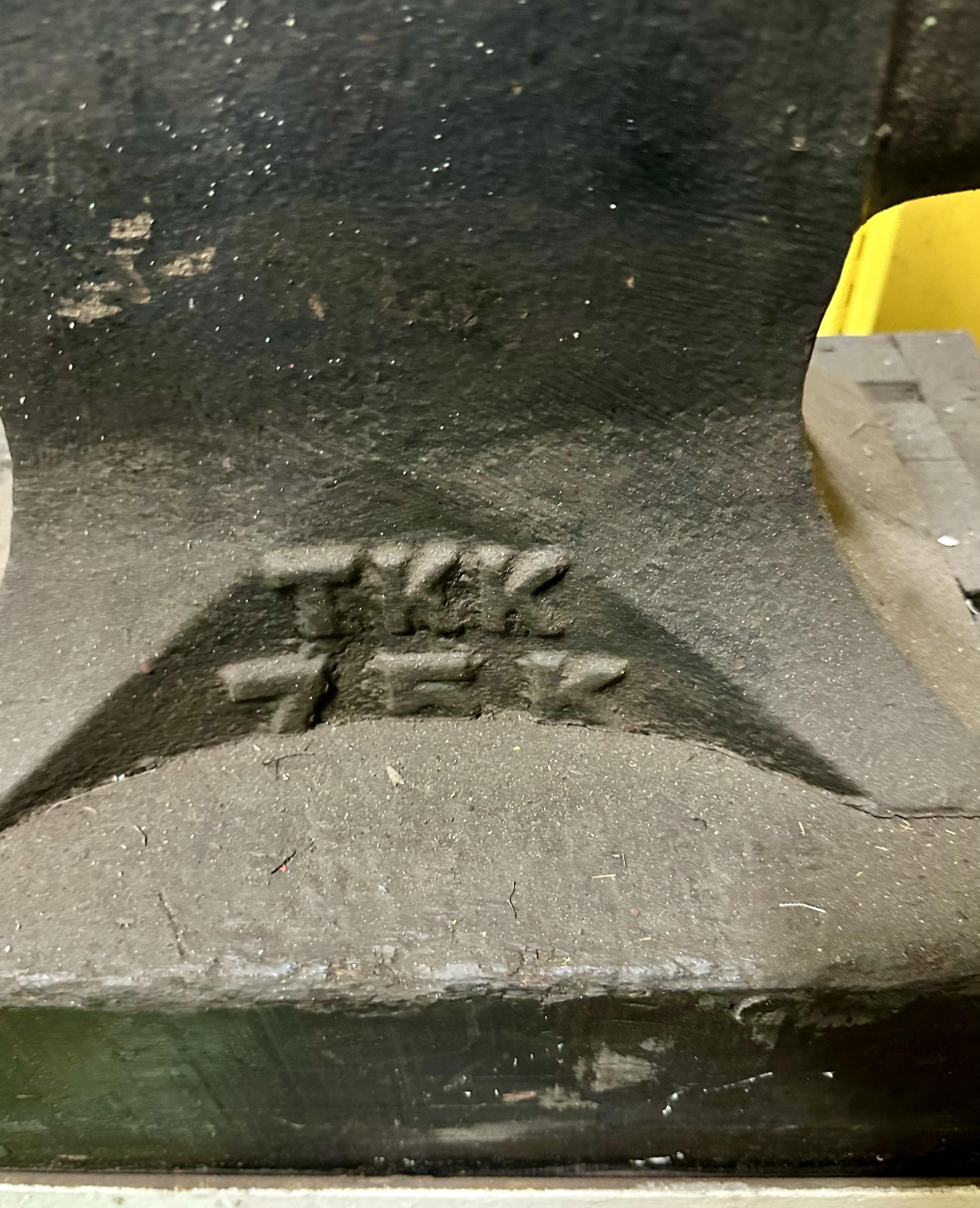
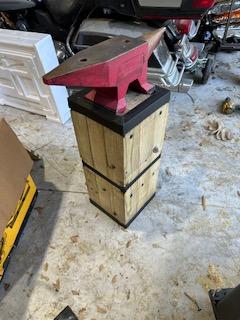
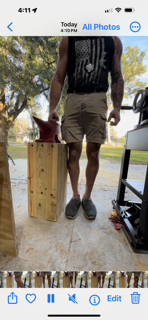
IMG_2518.jpeg

IMG_2517.jpeg

IMG_2516.jpeg


image5.jpeg

image3.png

image0.jpeg

Account

Navigation

Search

Search

Configure browser push notifications

Chrome (Android)
  1. Tap the lock icon next to the address bar.
  2. Tap Permissions → Notifications.
  3. Adjust your preference.
Chrome (Desktop)
  1. Click the padlock icon in the address bar.
  2. Select Site settings.
  3. Find Notifications and adjust your preference.