Skip to content
View in the app

A better way to browse. Learn more.

I Forge Iron

A full-screen app on your home screen with push notifications, badges and more.

To install this app on iOS and iPadOS
  1. Tap the Share icon in Safari
  2. Scroll the menu and tap Add to Home Screen.
  3. Tap Add in the top-right corner.
To install this app on Android
  1. Tap the 3-dot menu (⋮) in the top-right corner of the browser.
  2. Tap Add to Home screen or Install app.
  3. Confirm by tapping Install.

KLOG

Members
  • Joined

  • Last visited

Everything posted by KLOG

  1. You guys are awesome, thanks for the feedback.
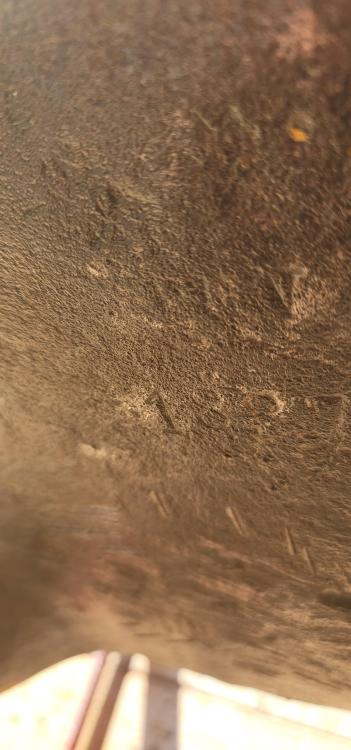
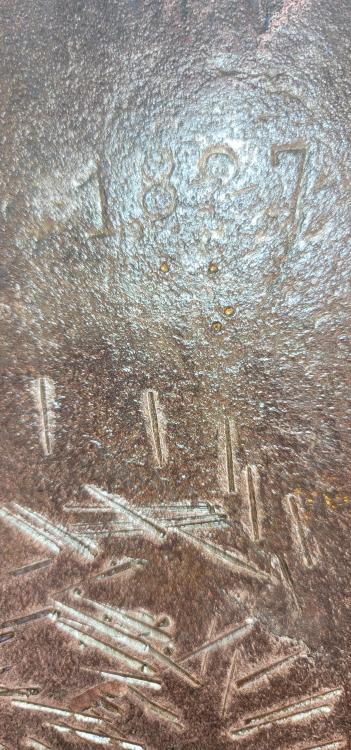
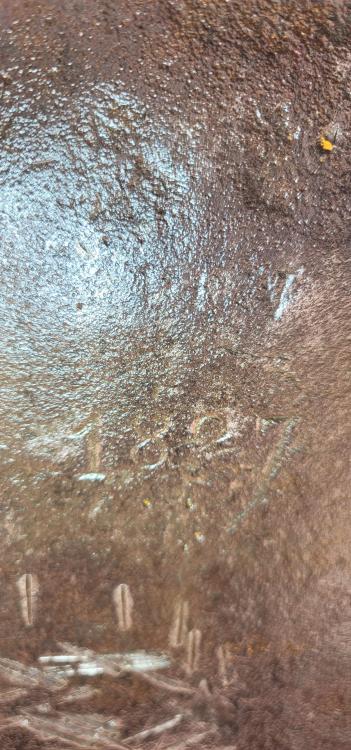
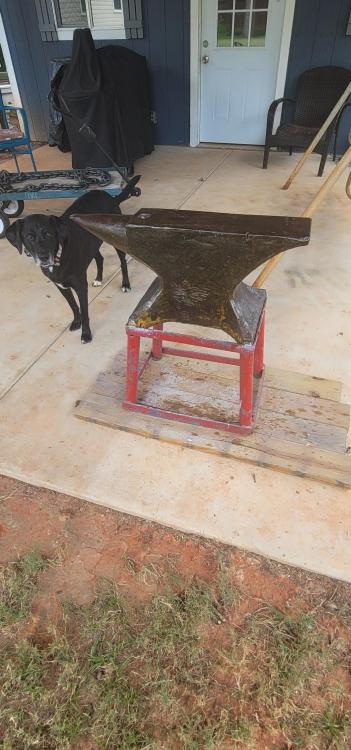
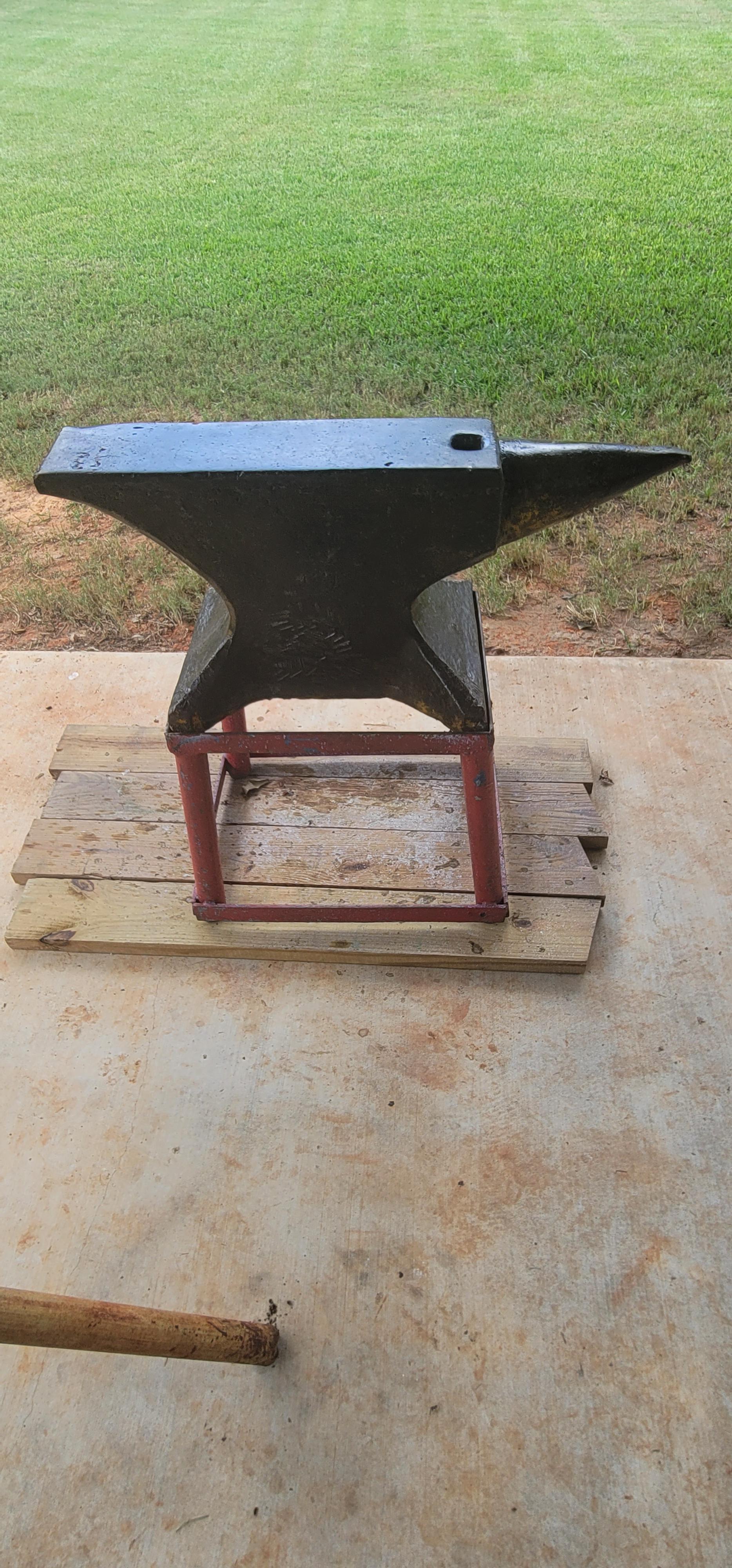
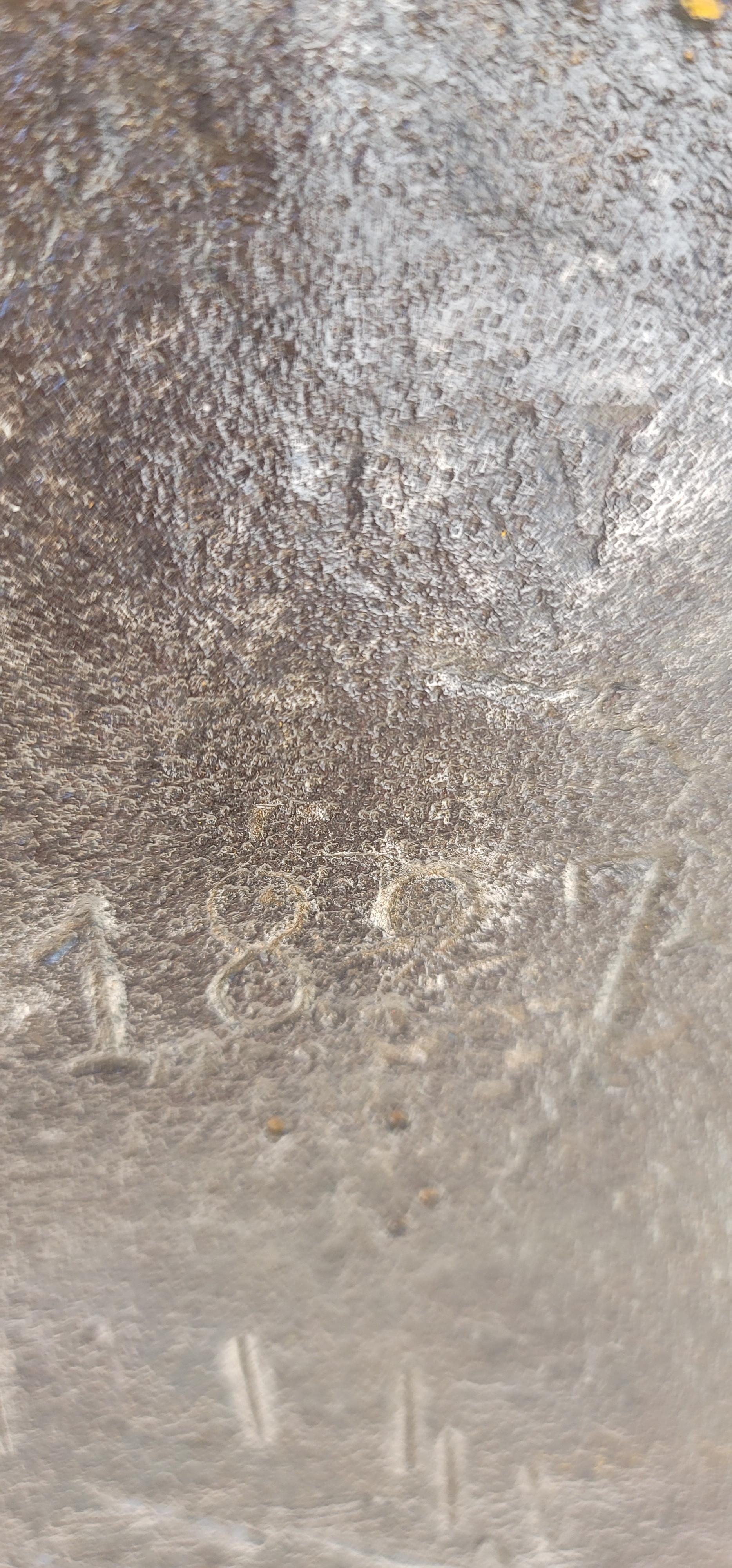
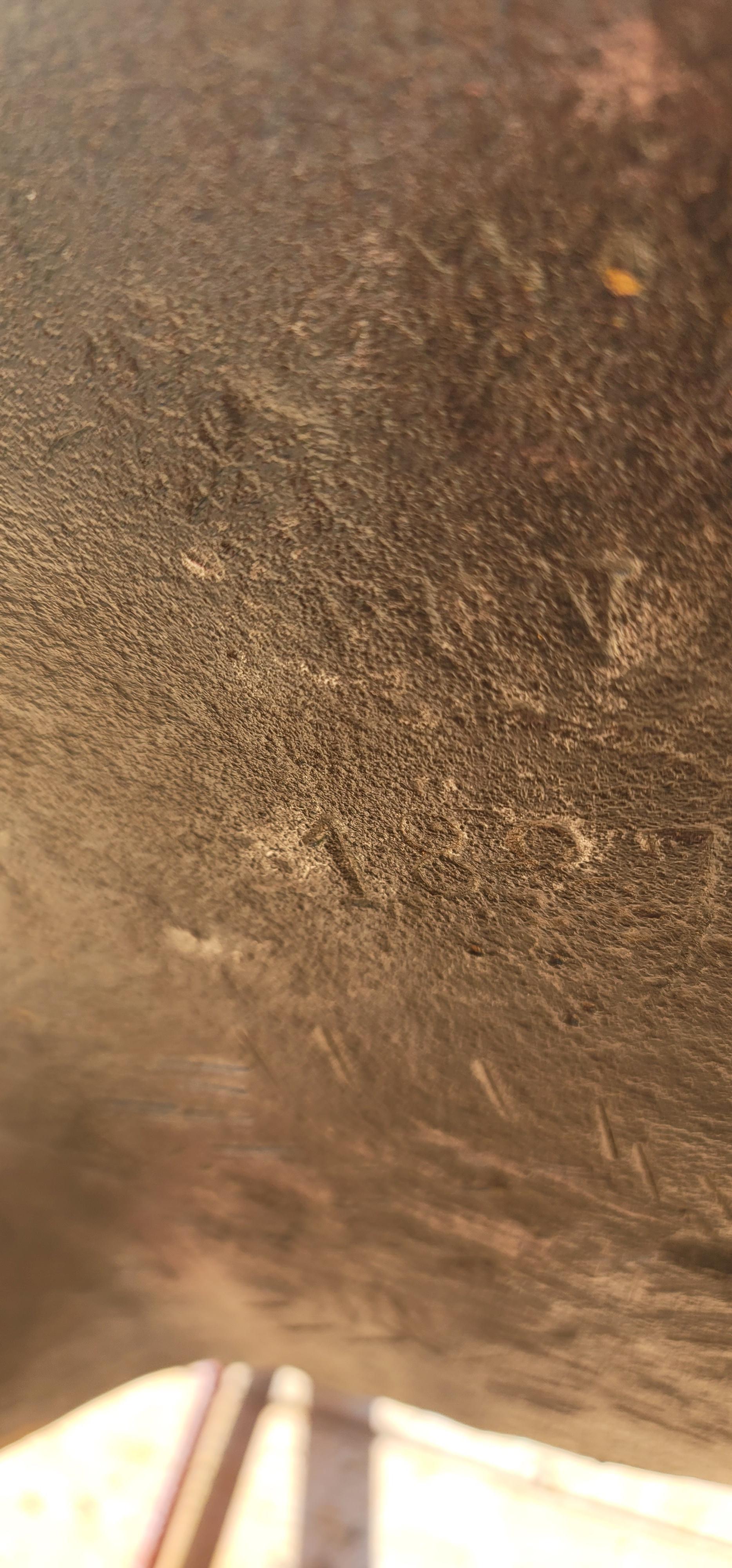
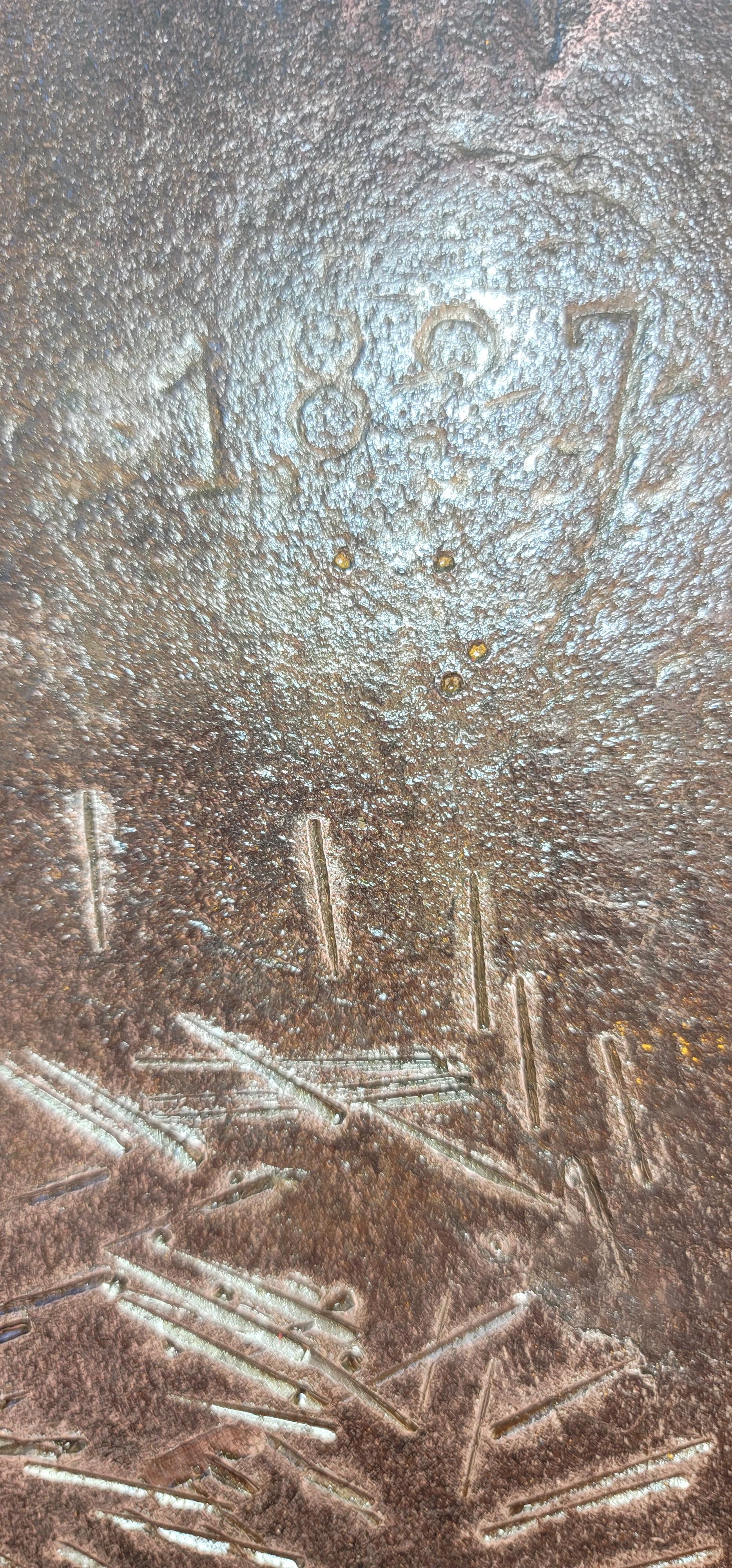
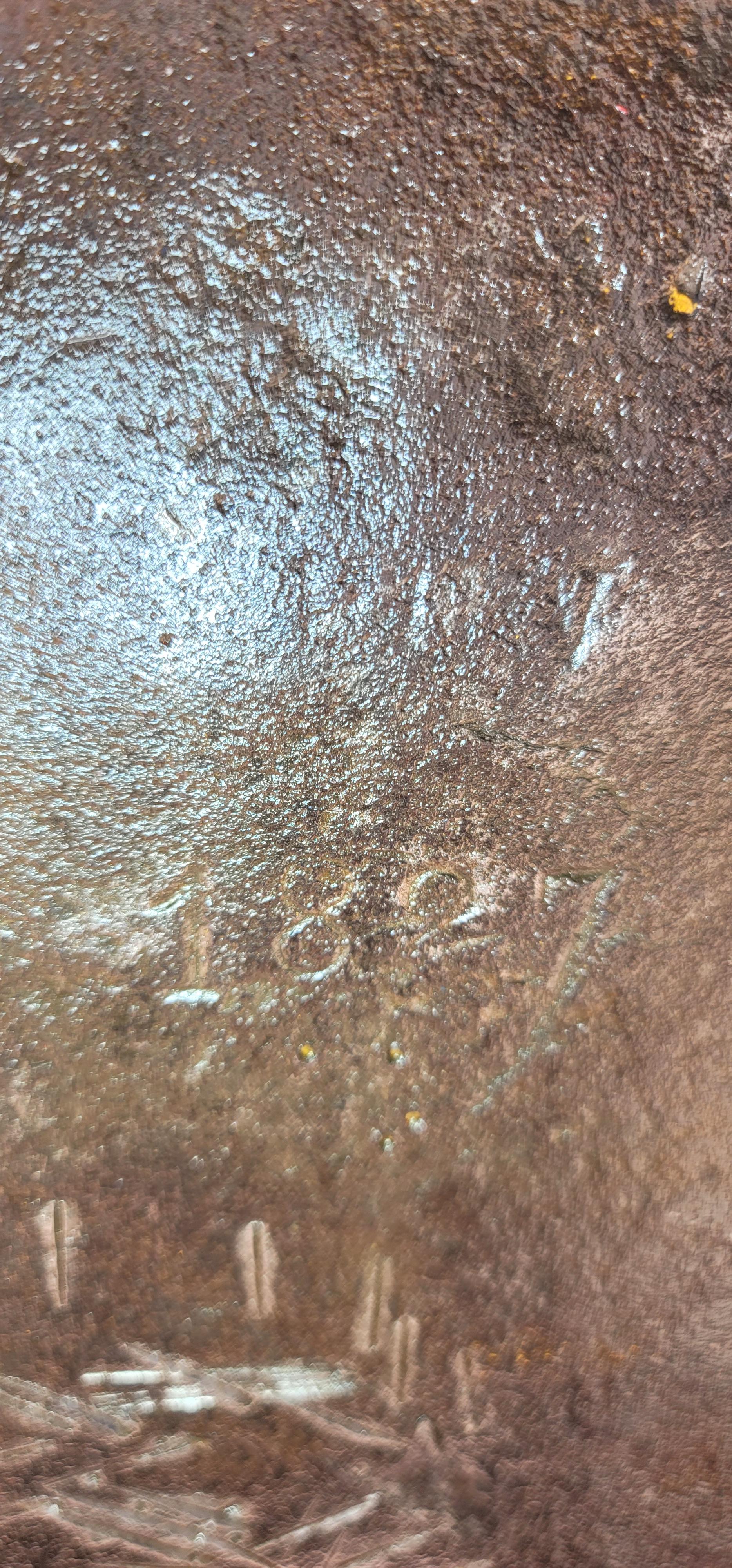
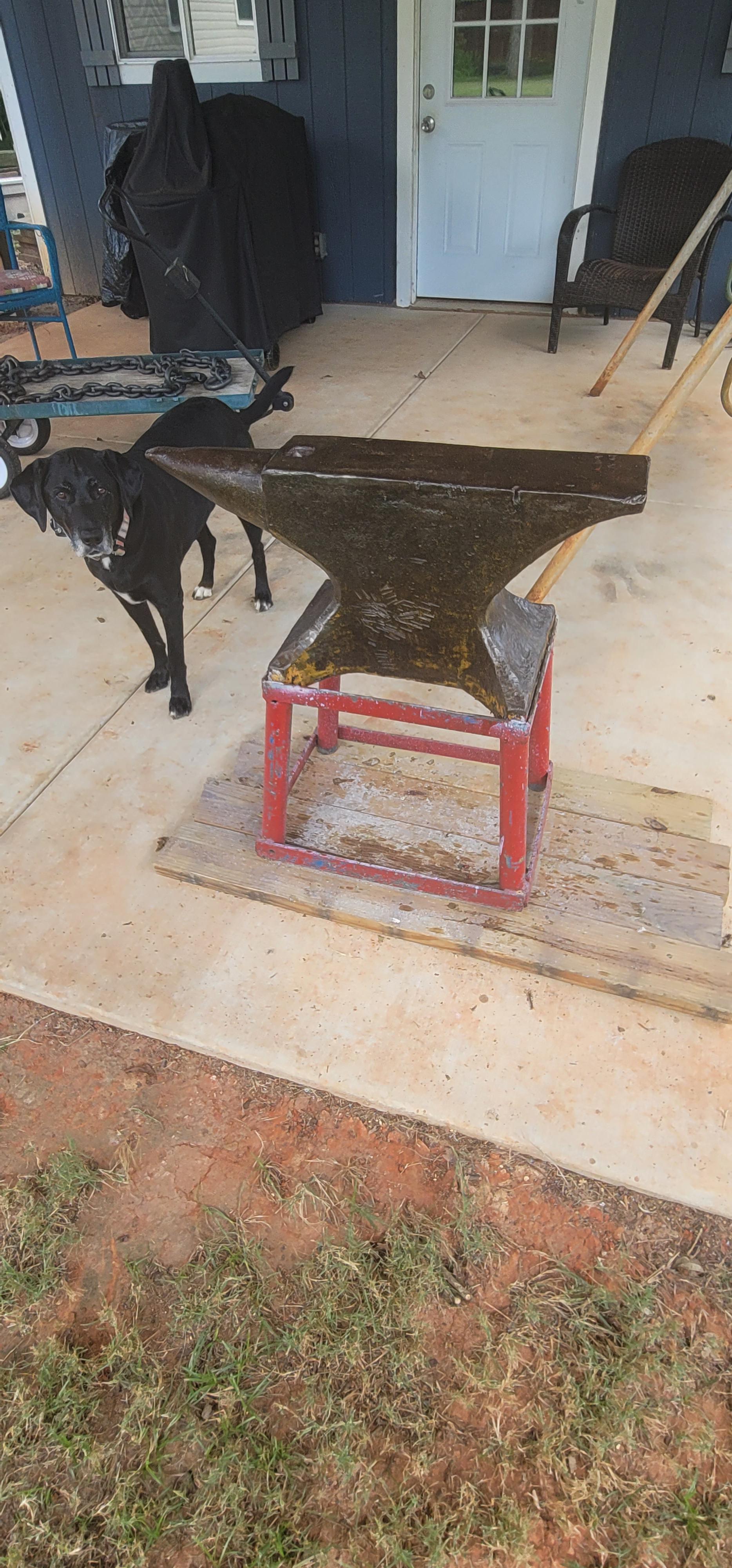
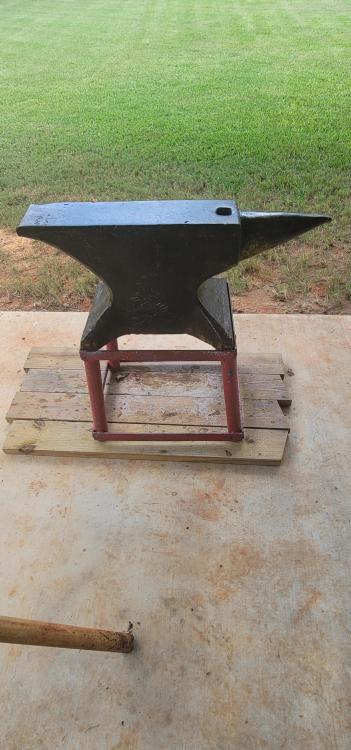
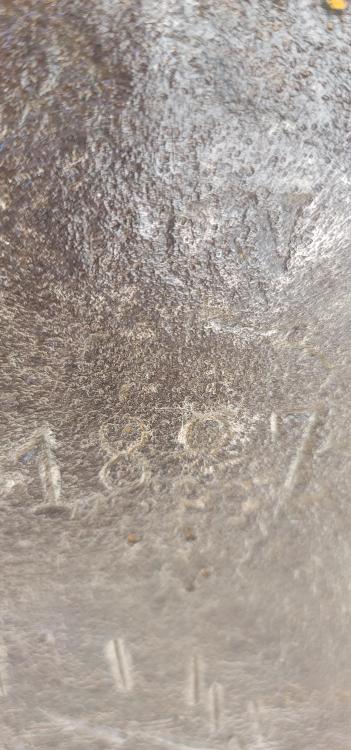
  2. This anvil i bought from a friend came from Germany, near Wiesbaden. It had about seven diferent color coats of paint on it with the last being yellow. It looks like a date is stamped on it 1887. The second 8 looks to be a top heavy strike on the stamp. Ubove that is some stamping that i can't make out. Does anyone know anything about this anvil? Is the date correct? It mesures 33in long, 15in high and 6in wide.
Account

Navigation

Search

Search

Configure browser push notifications

Chrome (Android)
  1. Tap the lock icon next to the address bar.
  2. Tap Permissions → Notifications.
  3. Adjust your preference.
Chrome (Desktop)
  1. Click the padlock icon in the address bar.
  2. Select Site settings.
  3. Find Notifications and adjust your preference.