Skip to content
View in the app

A better way to browse. Learn more.

I Forge Iron

A full-screen app on your home screen with push notifications, badges and more.

To install this app on iOS and iPadOS
  1. Tap the Share icon in Safari
  2. Scroll the menu and tap Add to Home Screen.
  3. Tap Add in the top-right corner.
To install this app on Android
  1. Tap the 3-dot menu (⋮) in the top-right corner of the browser.
  2. Tap Add to Home screen or Install app.
  3. Confirm by tapping Install.

Surfer

Members
  • Joined

  • Last visited

Everything posted by Surfer

  1. I’ll work on getting the photos. 50 years ago it would have been easier for me to move it around. ‘Course 50 years ago taking the photos and sending them would be harder than wrestling the anvil.
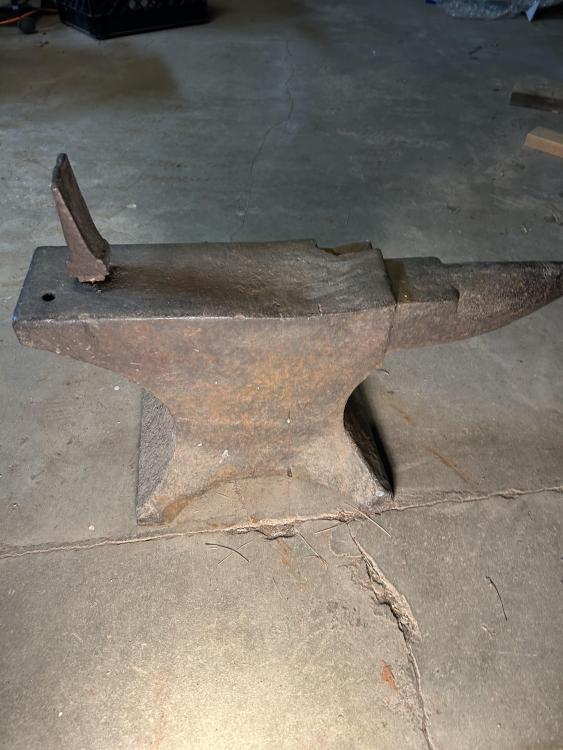
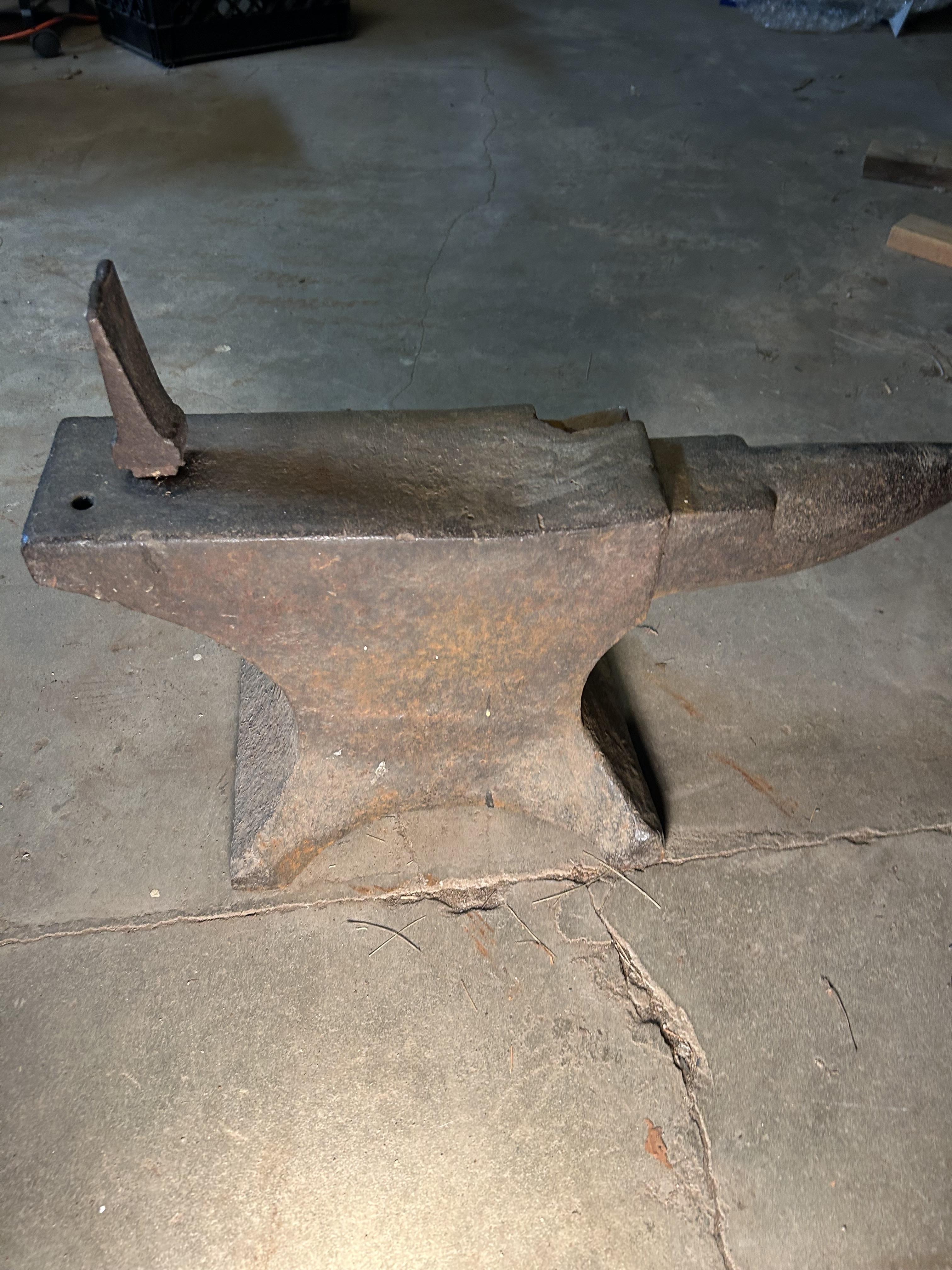
  2. We have been living in our circa 1914 Newton MA house for 50+ years. We bought it from the family that built it. There was, and still is, an anvil in the basement. I don’t know anything about it. See no obvious markings. We’ve never used it. We need to clean out the house. I’d like to find a home for the anvil. I don’t want it to end up in a dumpster.
Account

Navigation

Search

Search

Configure browser push notifications

Chrome (Android)
  1. Tap the lock icon next to the address bar.
  2. Tap Permissions → Notifications.
  3. Adjust your preference.
Chrome (Desktop)
  1. Click the padlock icon in the address bar.
  2. Select Site settings.
  3. Find Notifications and adjust your preference.