nolanewbie
Members
-
Joined
-
Last visited
-
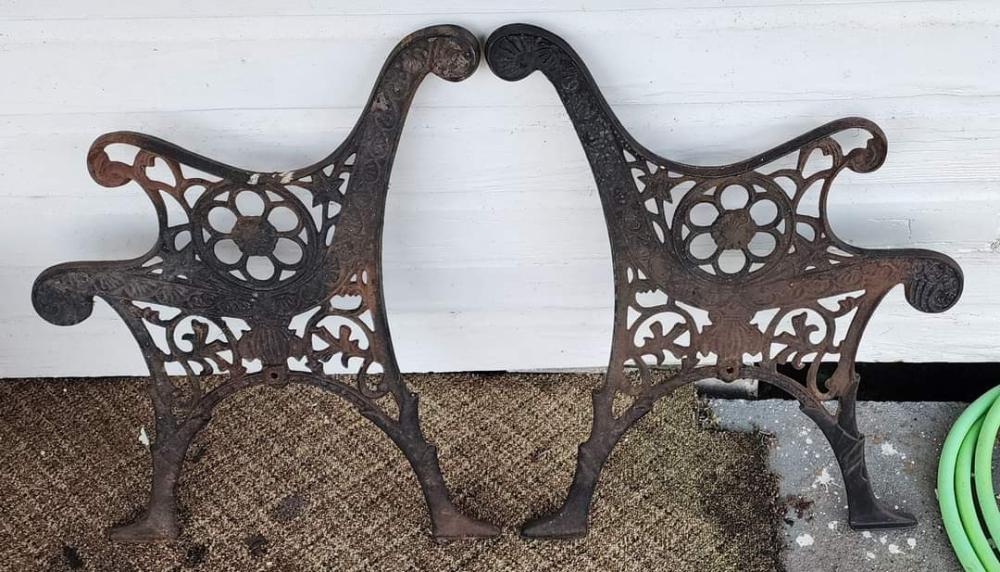
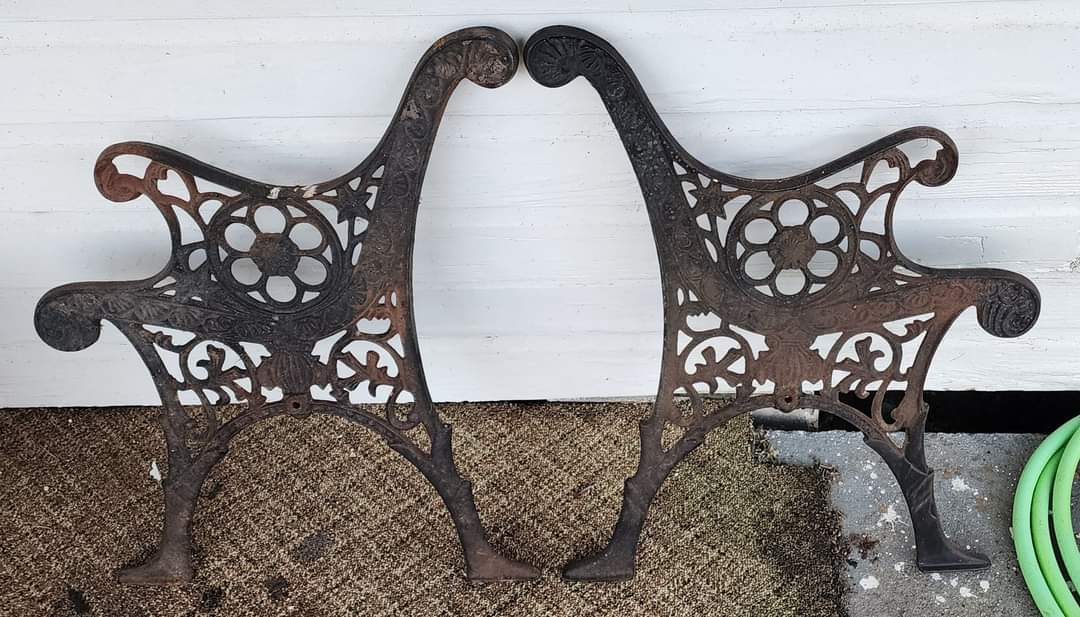
After using Google Images, it appears it is a vintage era style and casting, so there's that.
-
It was given to me as scrap metal, looks great still, and can be refurbished into a beautiful garden bench. I'll still count that as a win. Thank you, gentlemen!
-
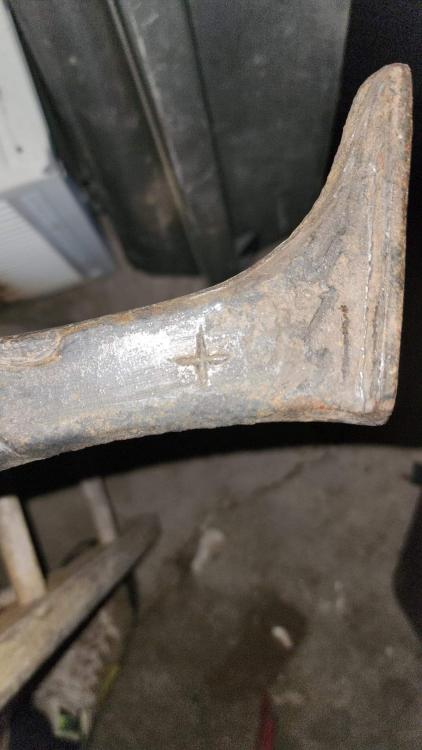
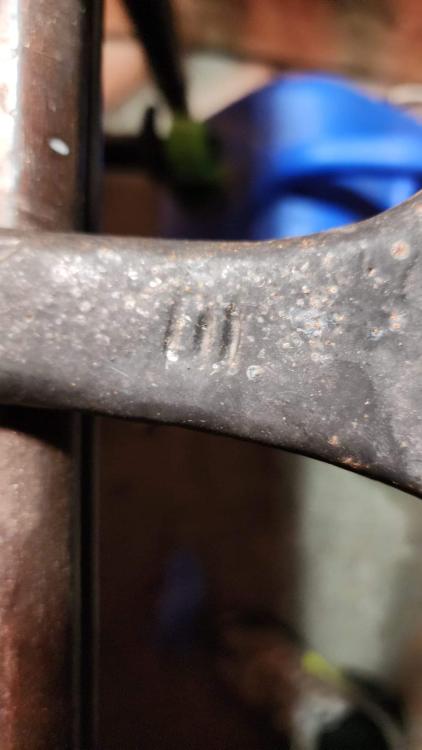
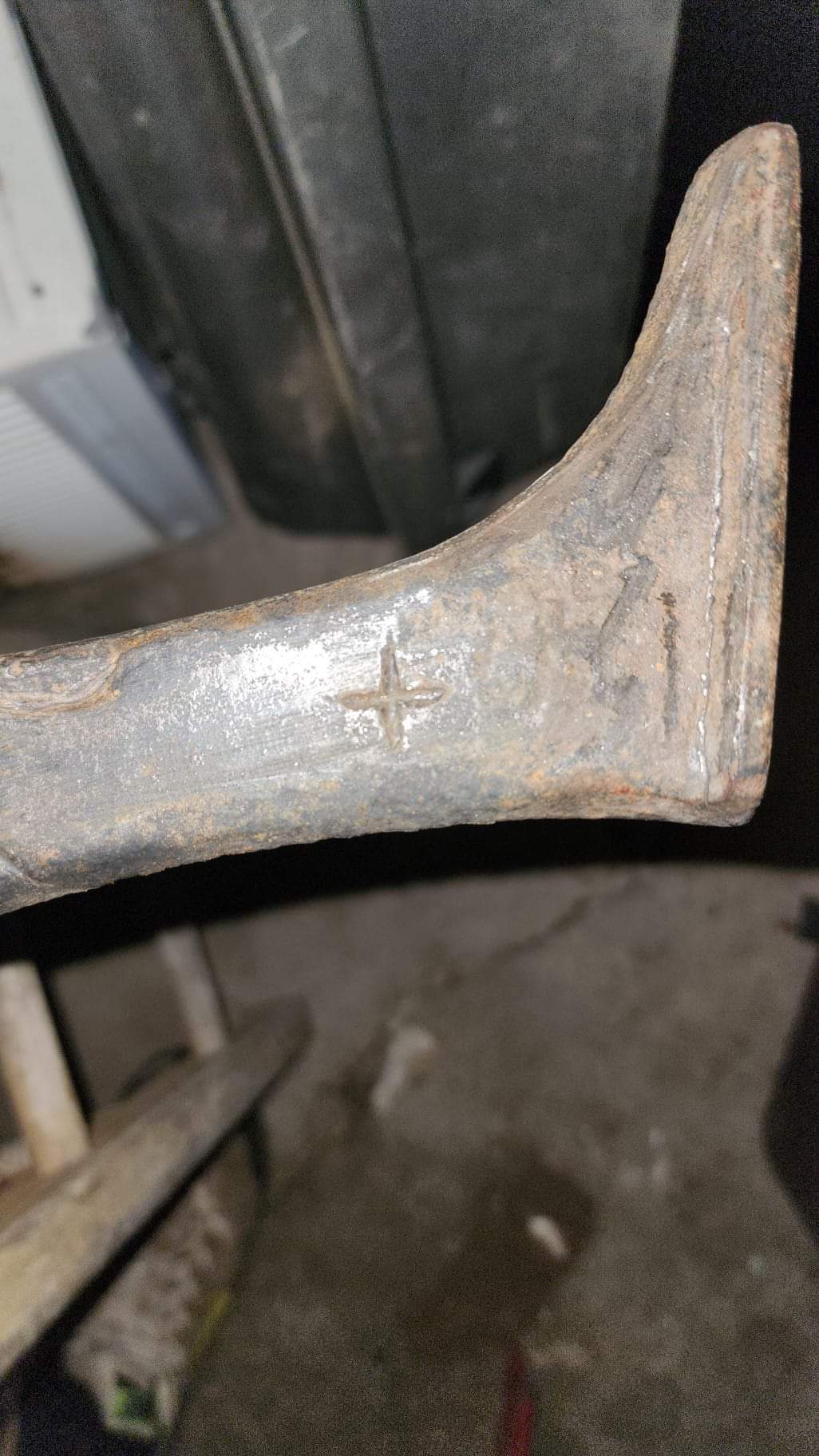
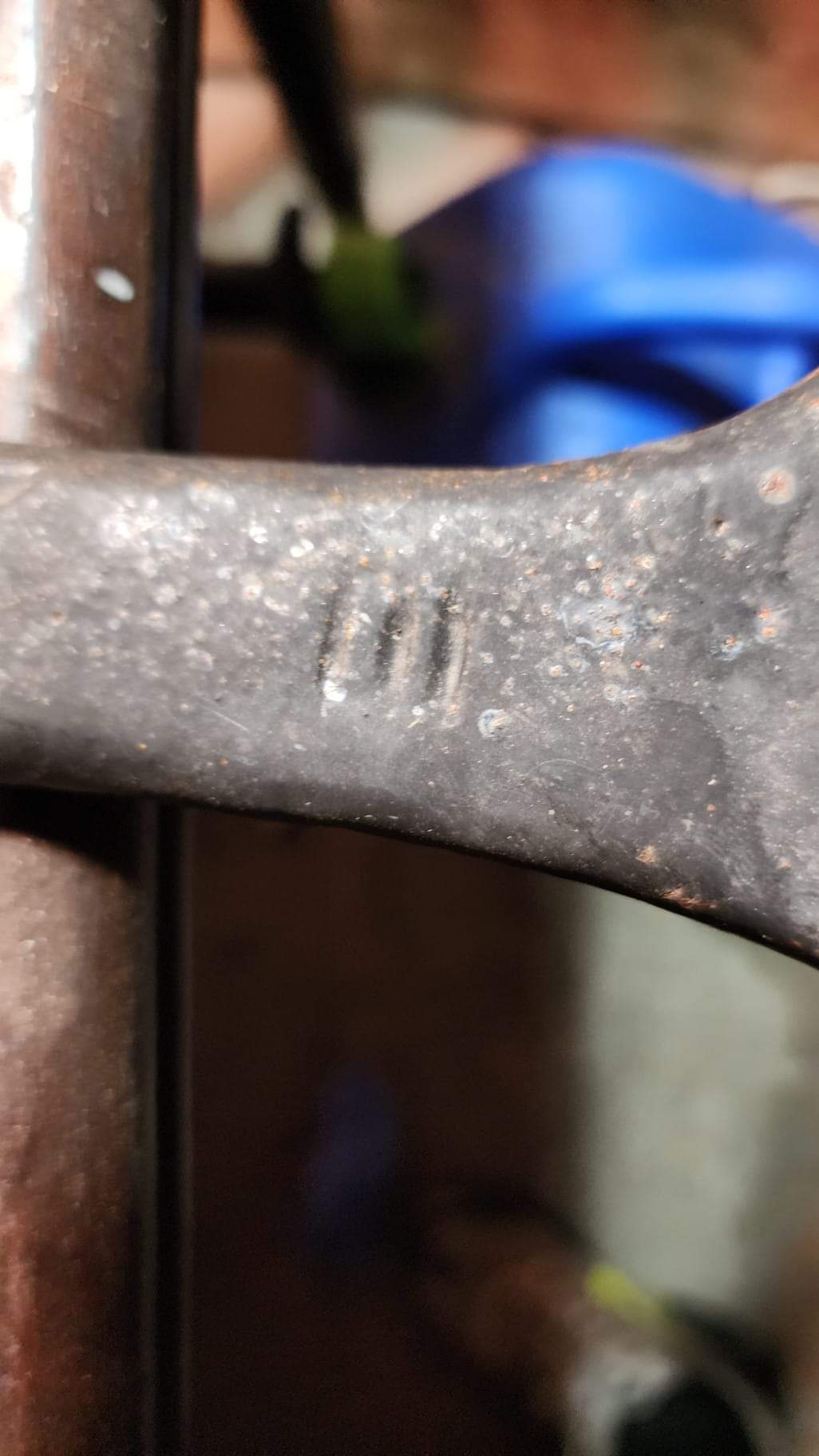
I am new to this entire life, but came across an old bench that may be of some interest. I live in Pearl River, LA, so not too far from New Orleans, and I am sure we all know the history-rich area. Someone suggested I find out who made these smiting marks. It appears to be on a kid's bench. It is wrought iron, and is definitely not of today's quality. The stars in the arches above the feet are very "Colonial" in design and the "E" and (I'm guessing it is a lower case) "t" very much appear to have been struck once. I am a former coin collector, so double die marks are usually clear. If anyone can help me identify these marks, I would GREATLY appreciate your time and efforts.