DLL
Members
-
Joined
-
Last visited
-
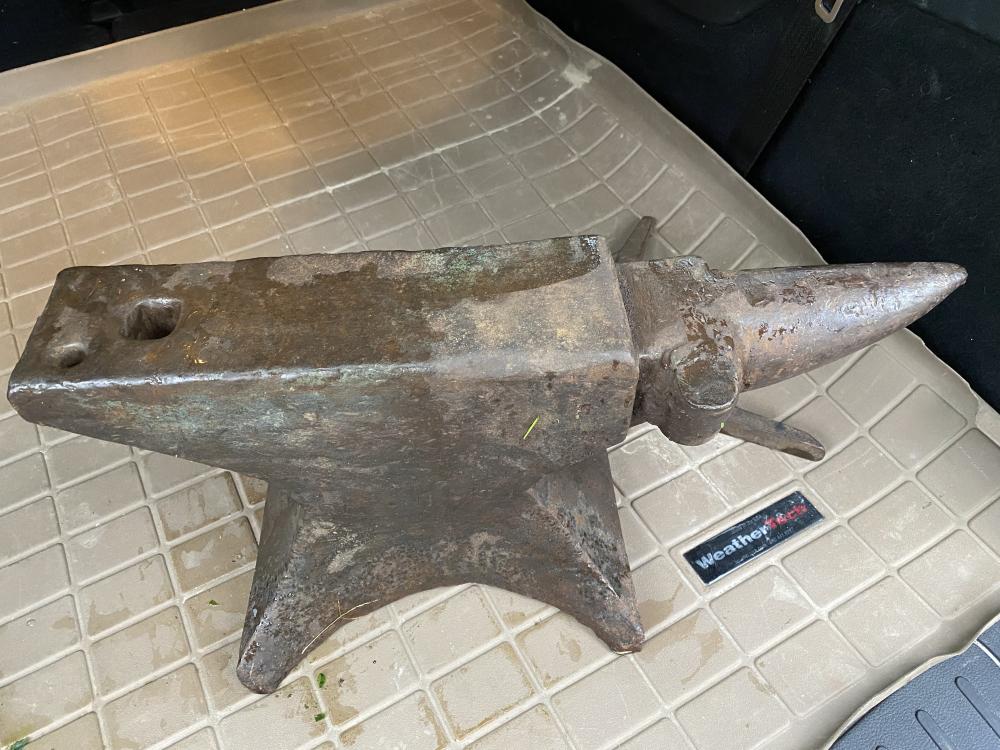
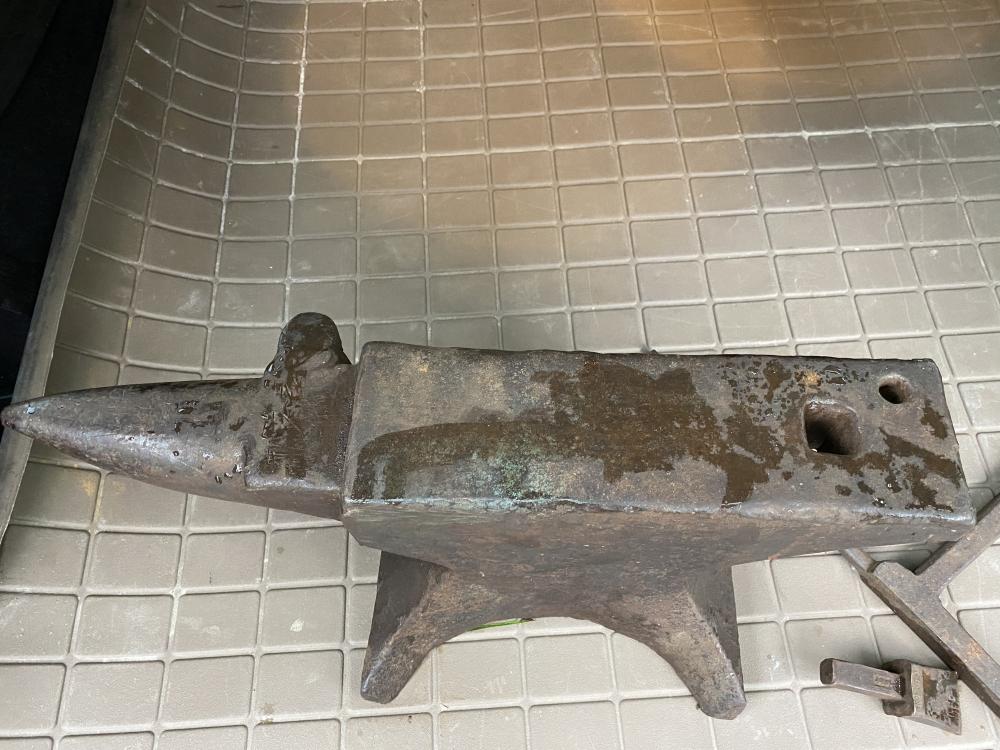
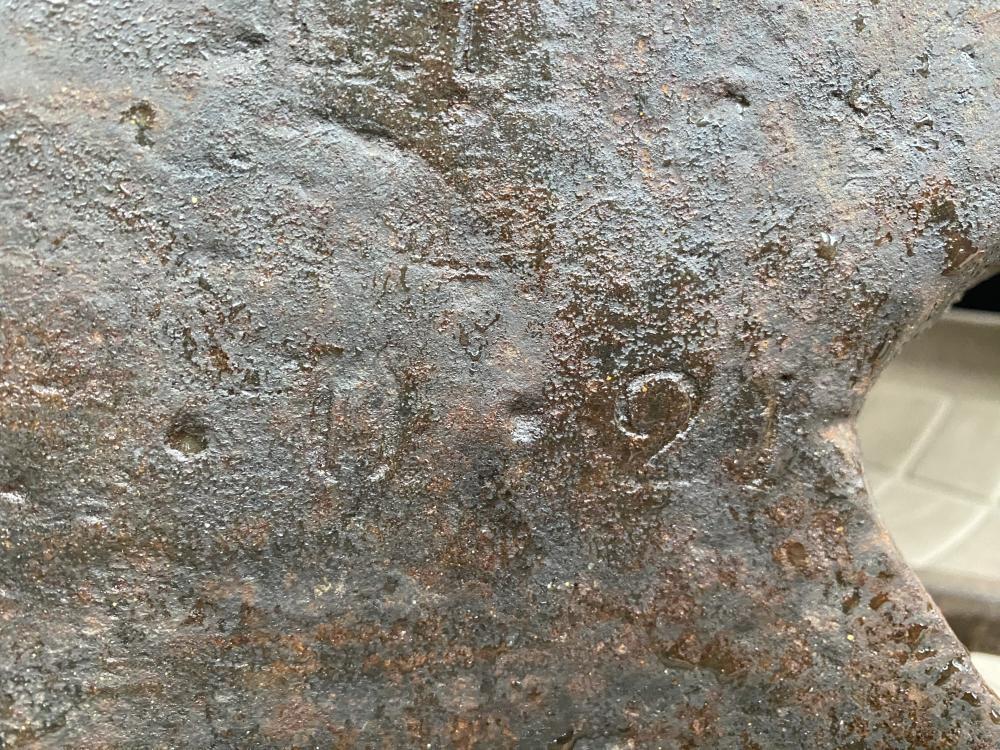
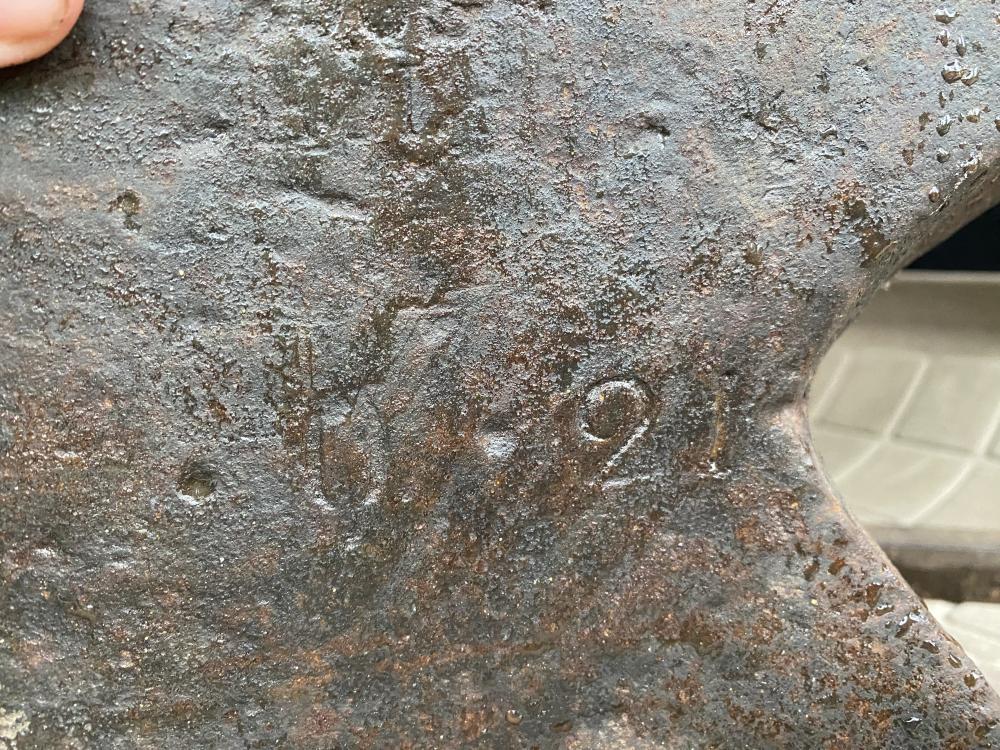
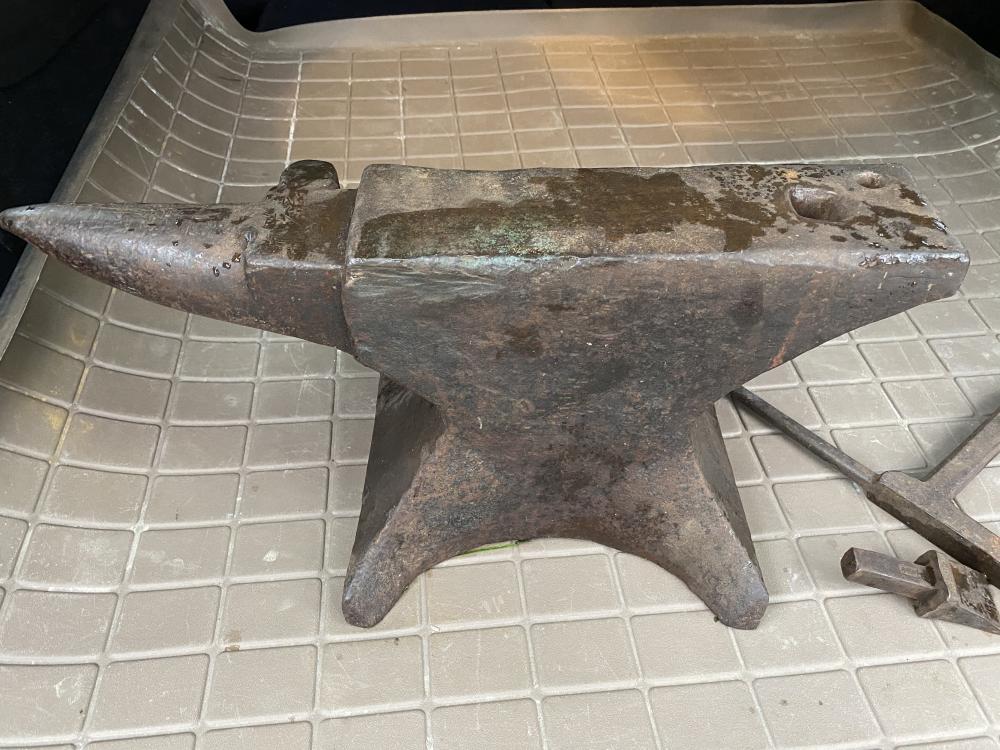
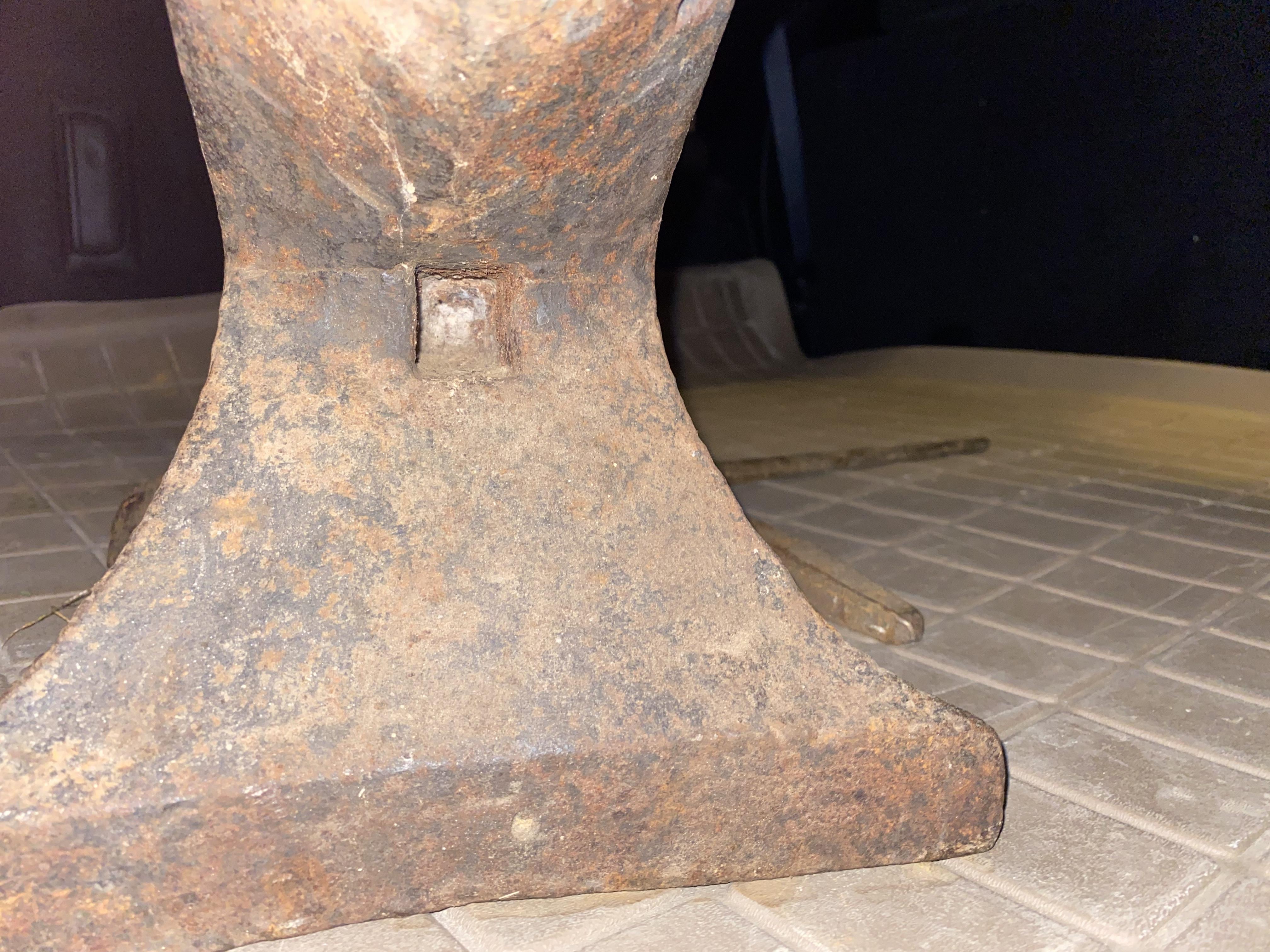
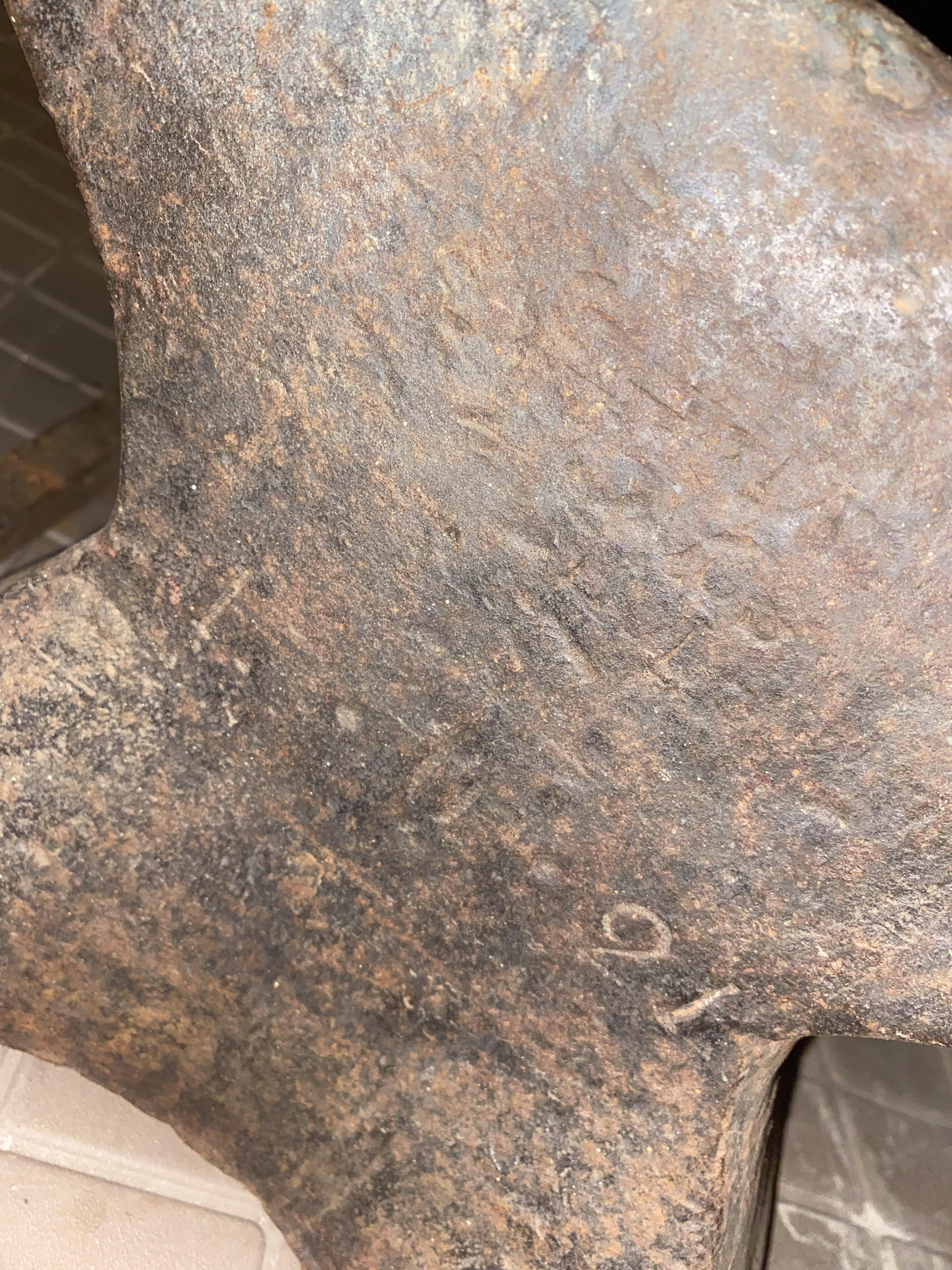
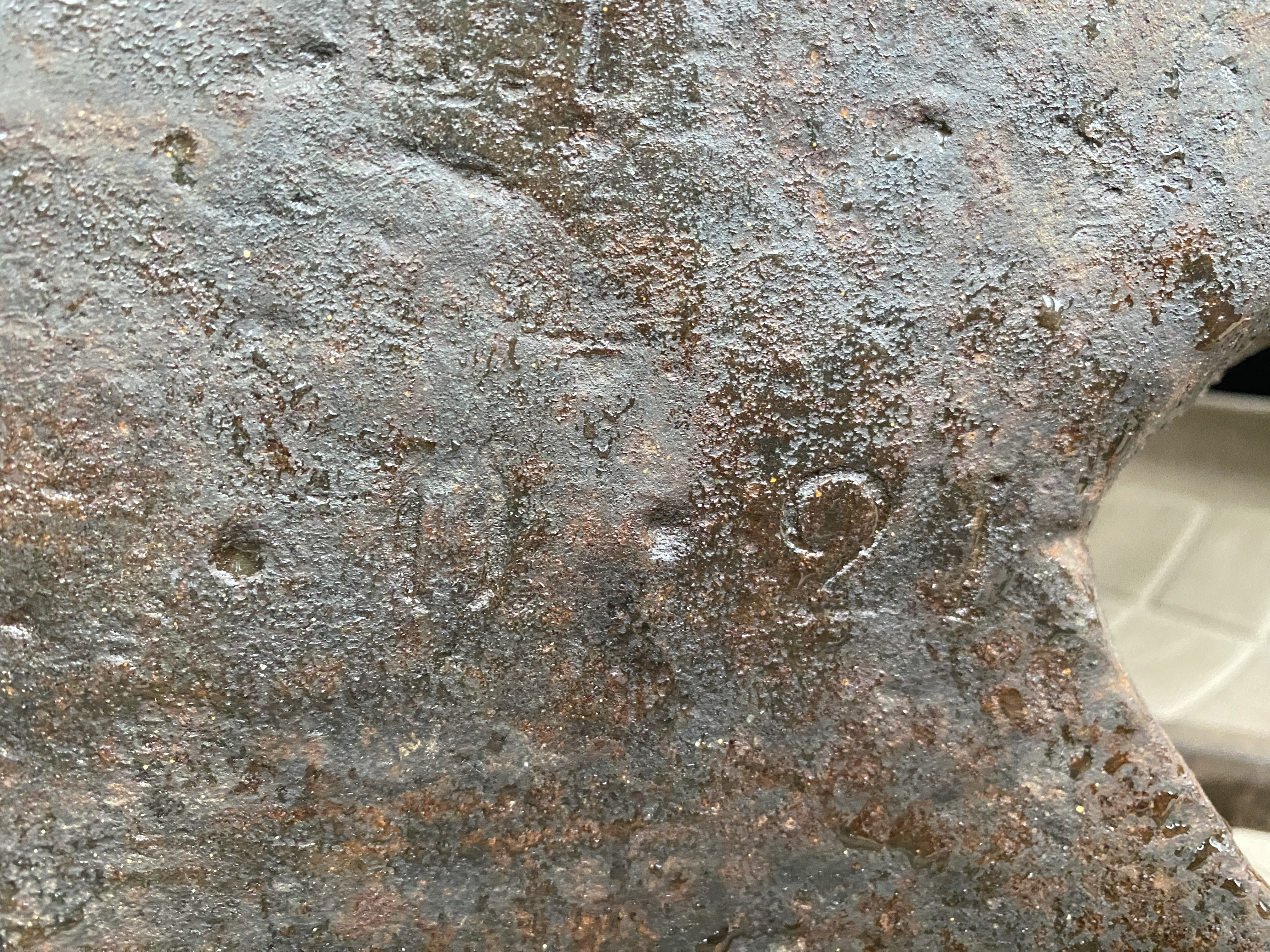
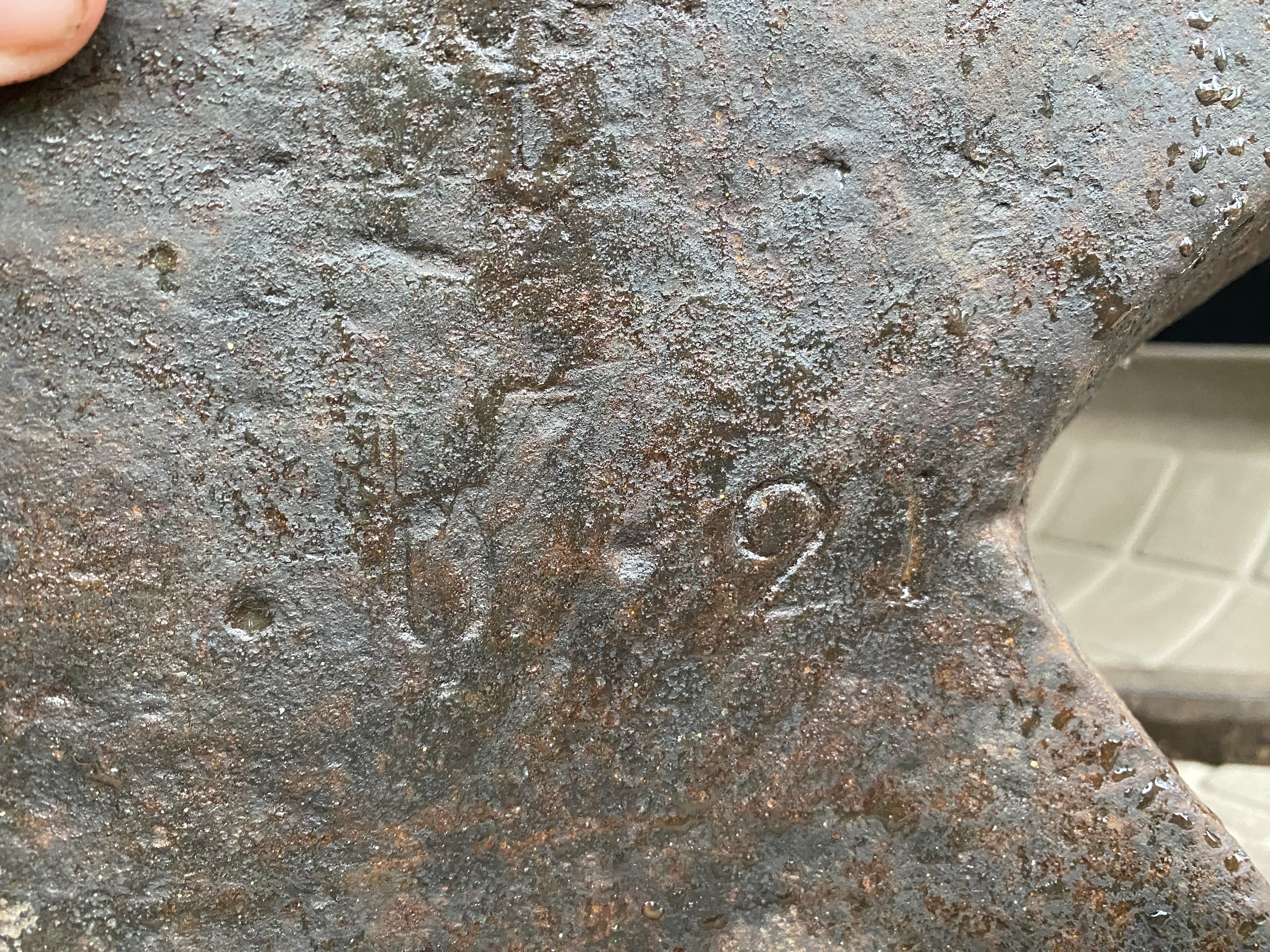
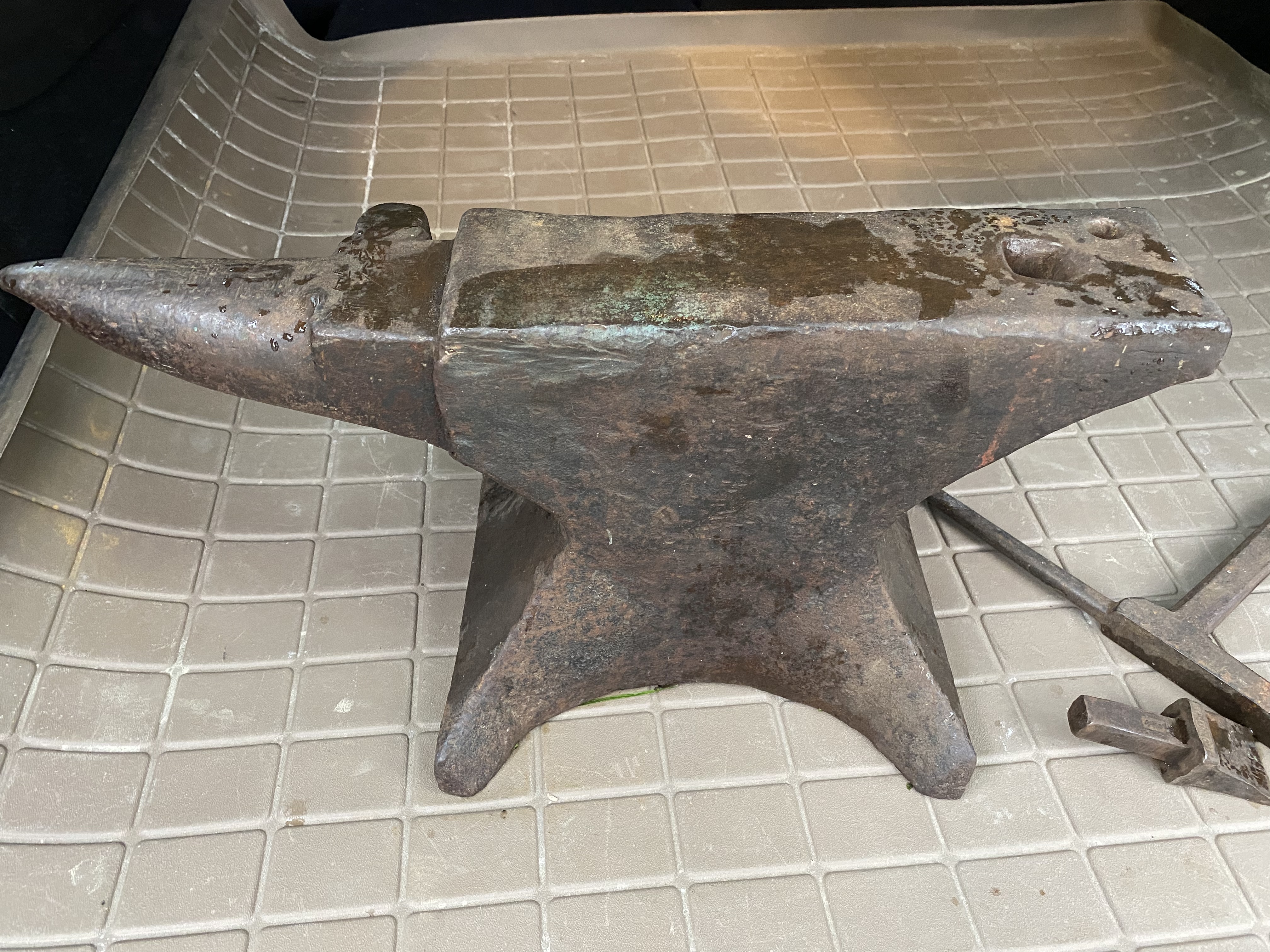
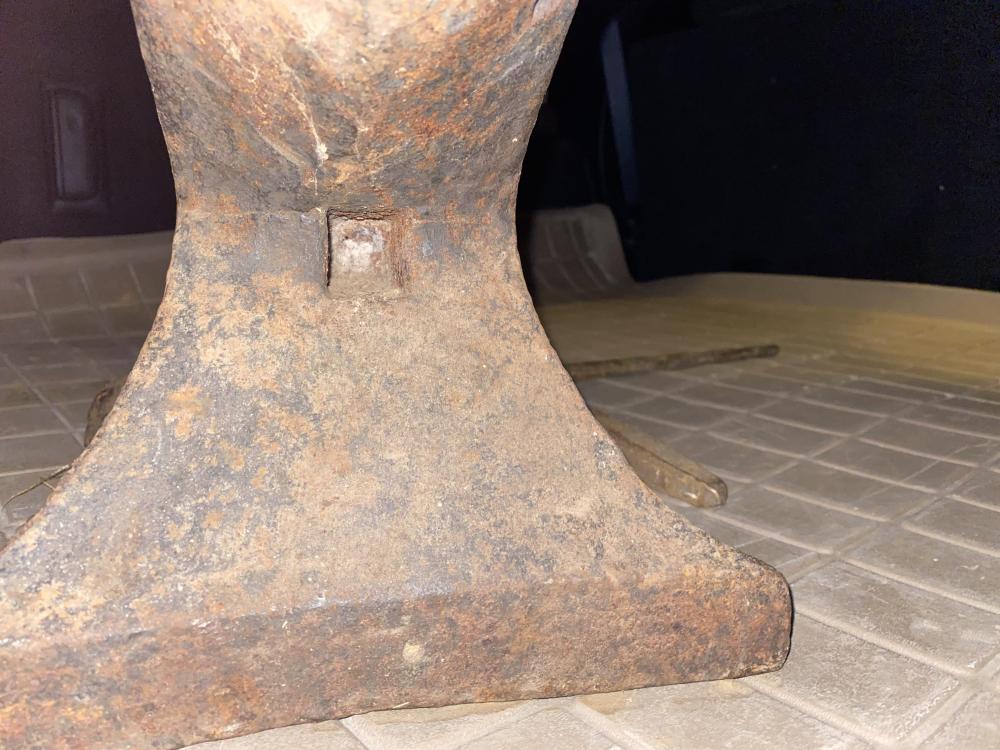
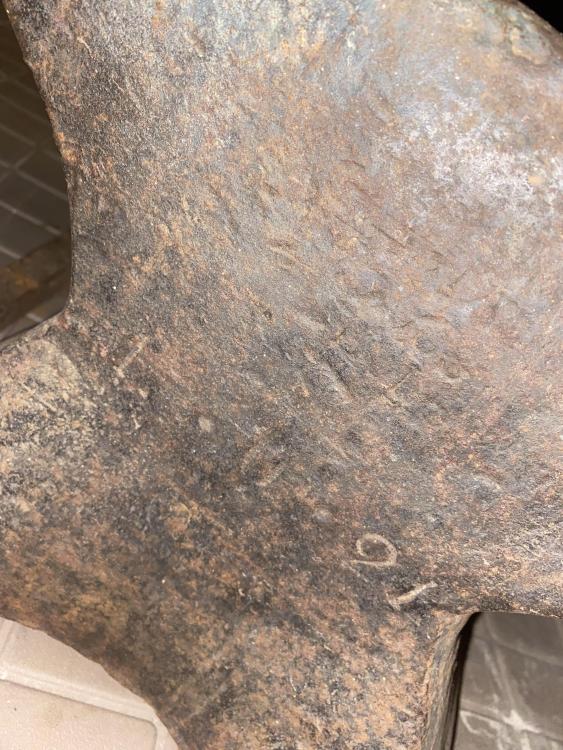
Weighed it, turned out to be 125# but depending on my old scale, it might be a couple less…. So somewhere between 120-125 took a look with a flashlight and noticed the front has L . U . 21 on it plus a logo that looks to far gone to read…. (Edit: that might be a 1 instead of a L) also the hole in front that I forget the name of where they stuck a bar while making the anvil…. Unfortunately haven’t gotten to do any rebound testing as i still got it sitting in the back up my car lol
-
I thought that too, but at the same time it looks like it’s the same metal/coloration of the rest of it, so not sure on that….
-
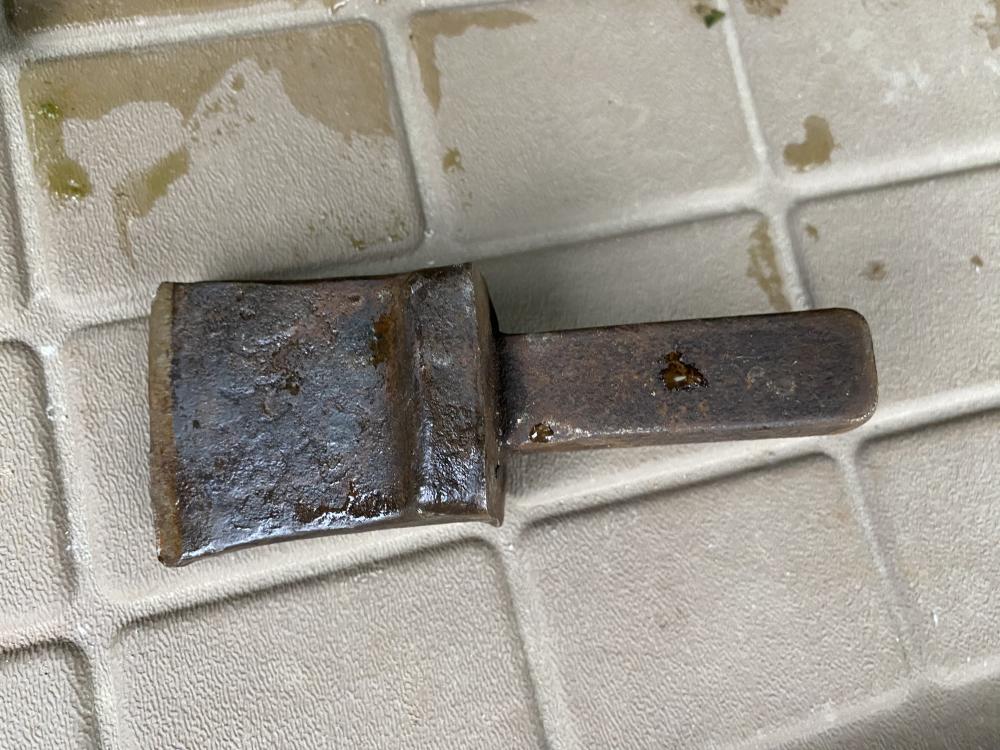
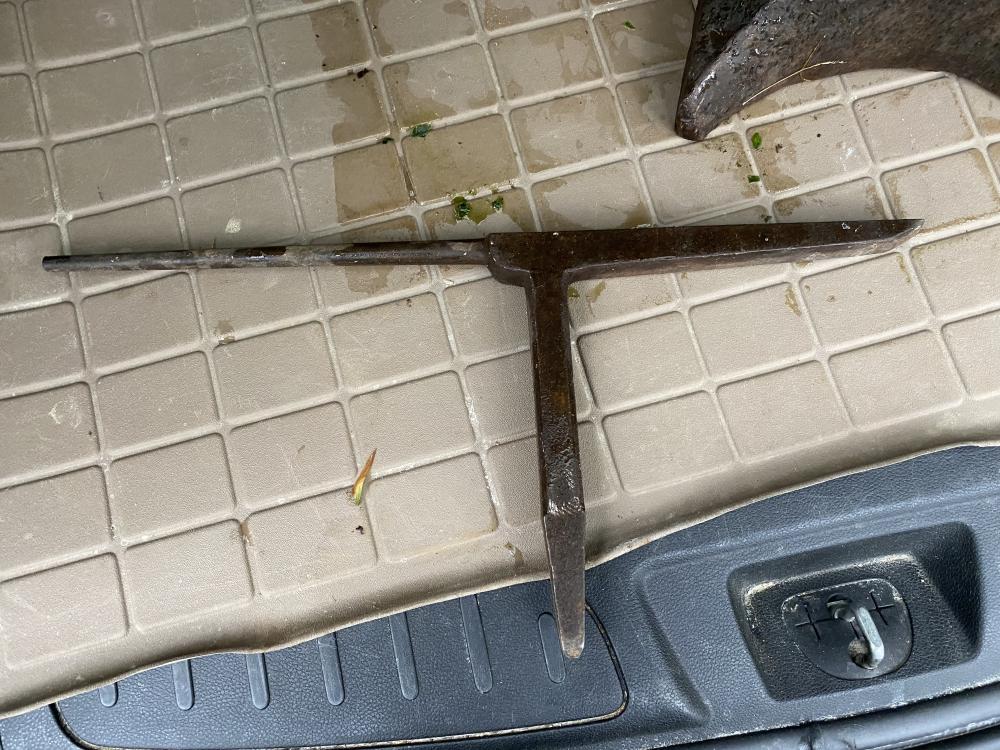
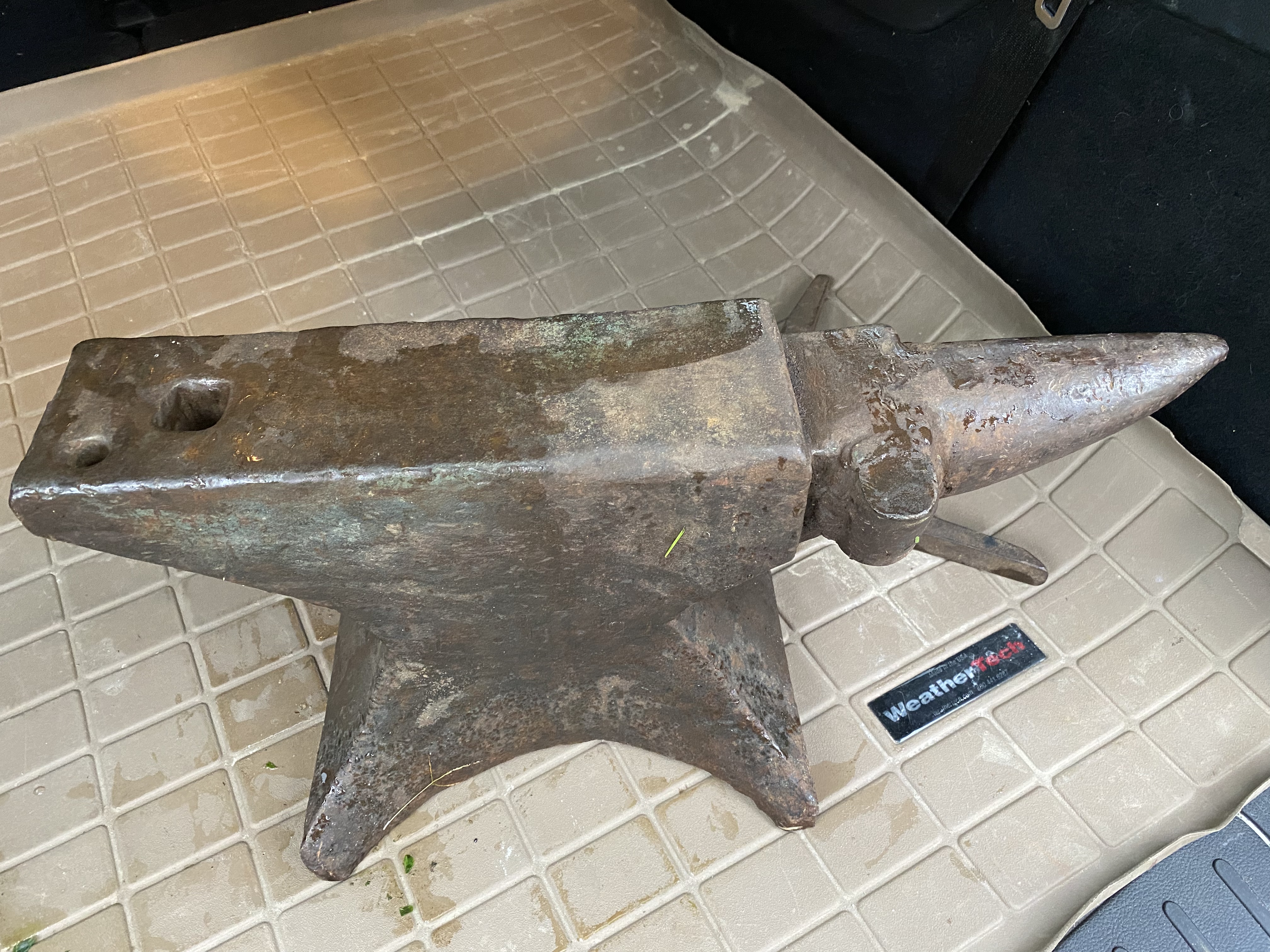
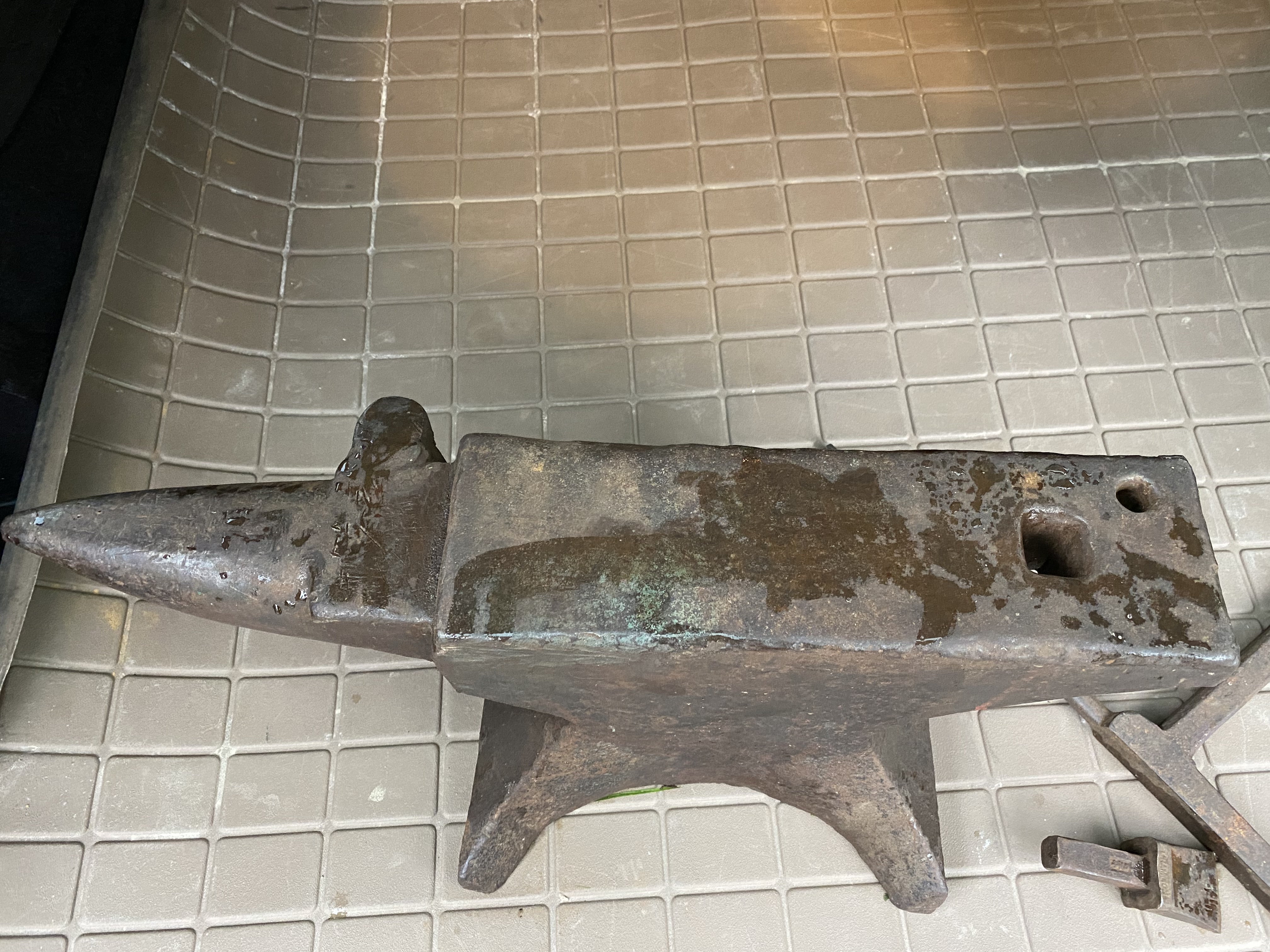
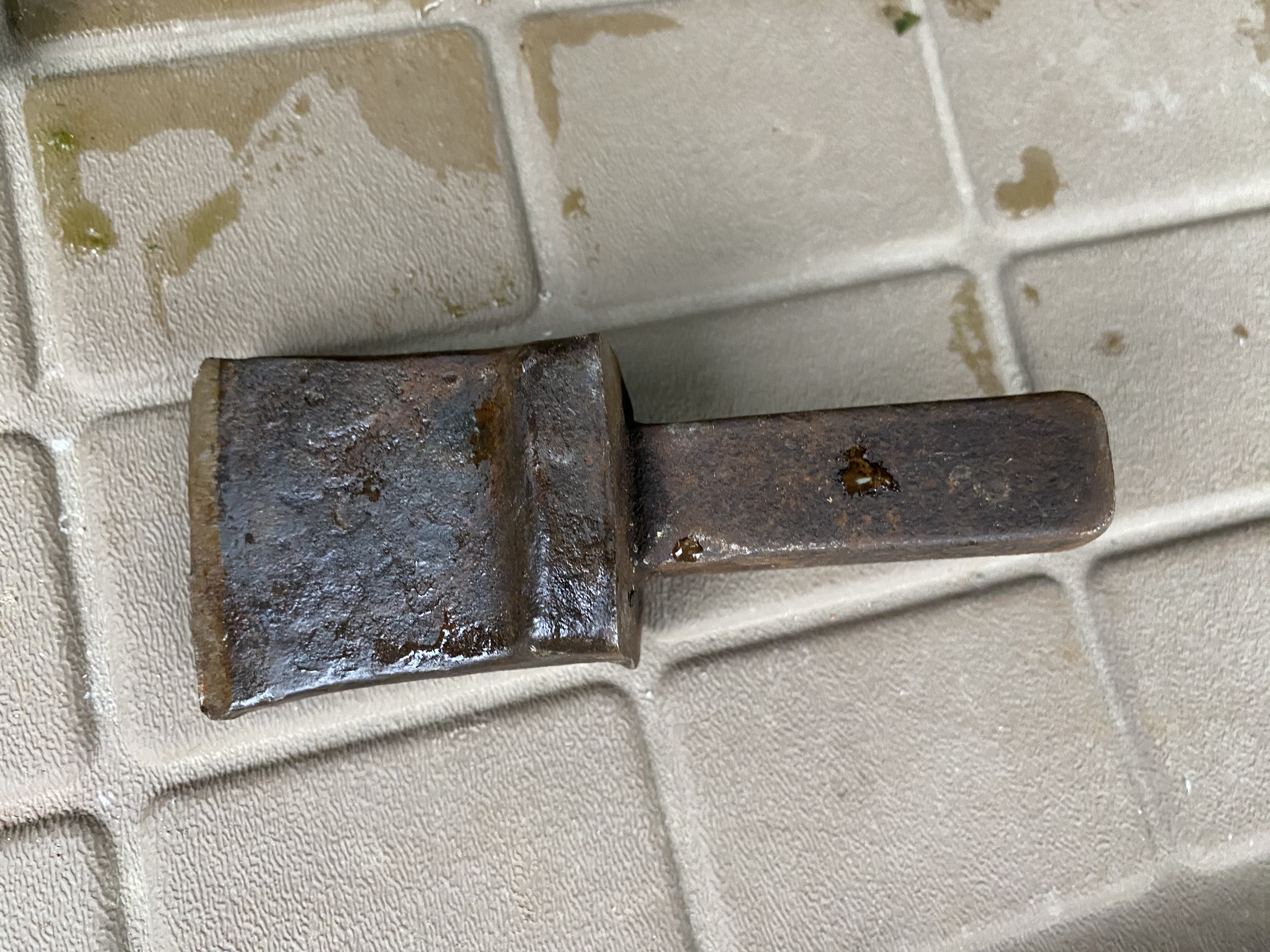
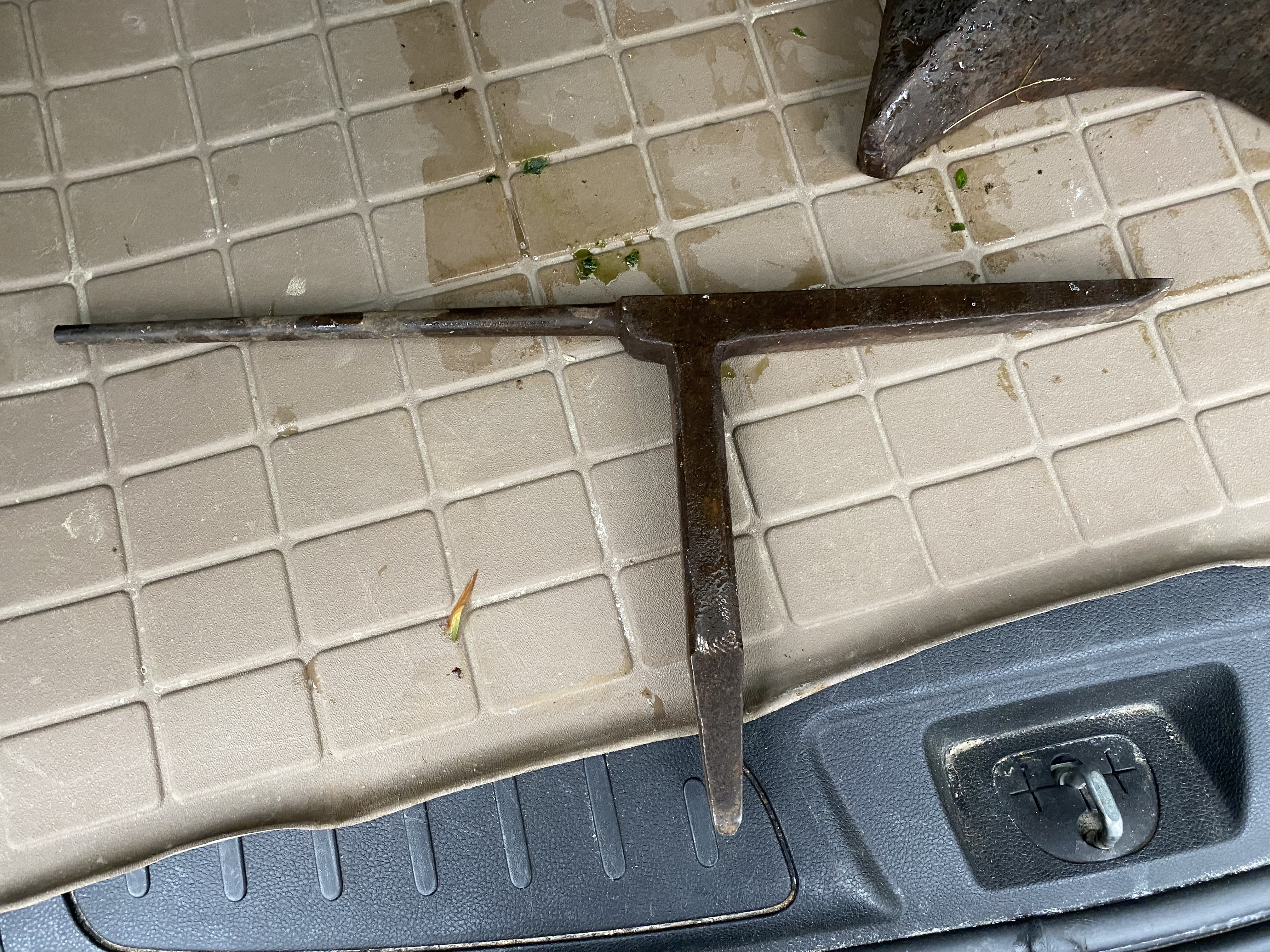
DLL joined the community
-
Sold my 100# Vulcan anvil and just bought this thing… thought maybe it was a mousehole, but not very good at identifying anvils…. Feels like it weighs a little more than my Vulcan, so 100-120# Also, is that a clip horn? It also came with these…. The T looking hardy is really throwing me for what it could be used for?