Dana__
Members
-
Joined
-
Last visited
Everything posted by Dana__
-
Thanks everyone! Yes it was Adlai in Columbus, OH. Had a great introduction there, but he’s not getting this anvil
-
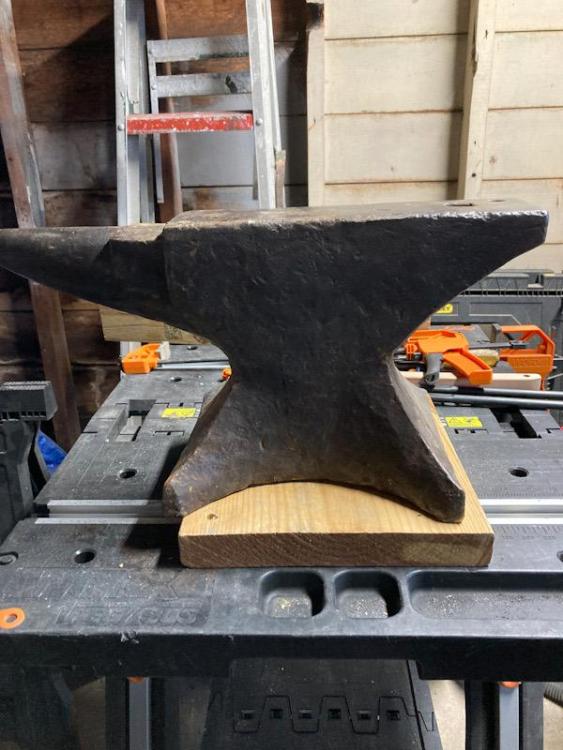
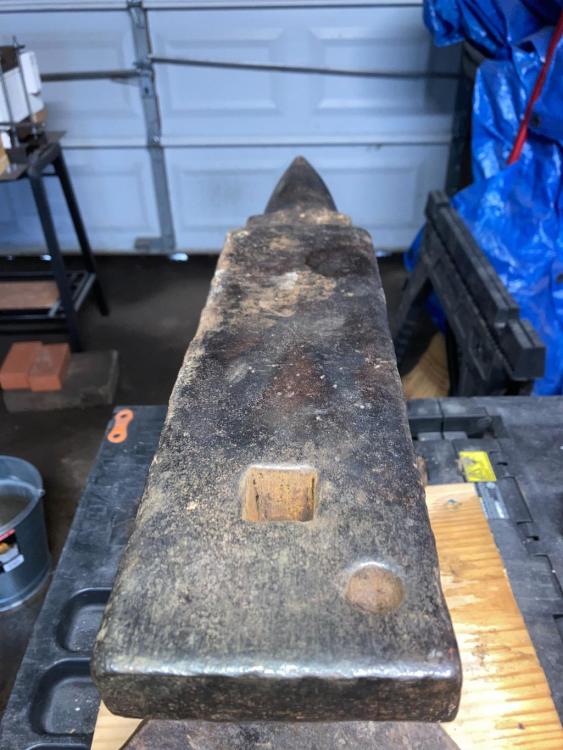
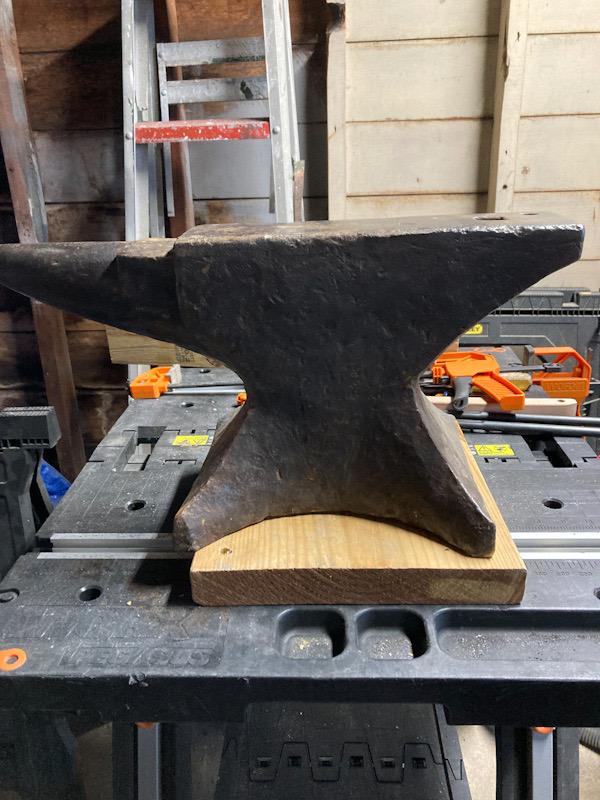
To my limited experience, the ring is very bright. Supported 1 lb hammer drop sprung right back up. Going to try to rummage a ball bearing and get a measured test soon. Yes, I’ve read those suggestions. No planned grinding here. Just going to rub it gently with a diaper, lay down some hot iron and call it good!
-
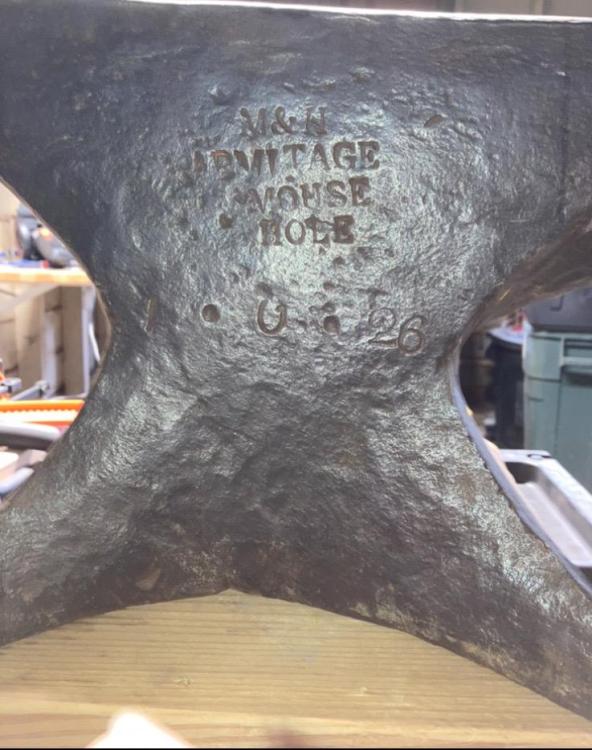
Hey all! New member here, I’ve always been interested in smithing but never had the opportunity to try. Took a knife class in Columbus last year and I’m pretty much hooked! Thanks to everyone for the stunning wealth of information here! I’m just starting out really with a small DIY firebrick forge and basic tools. I’ve been working over a small rail anvil for a few months but this weekend I was incredibly lucky and scored an M&H Armitage 138 pounder for about $3.5 a pound. I think I’m actually in shock. Anyways, looking forward to sponging knowledge from everyone and getting more blisters!