Crayfishforge
Members
-
Joined
-
Last visited
Everything posted by Crayfishforge
-
thank y’all for the help I reset and changed all the parameters and it ended up being parameter 143, motor poles. It is running and is an absolute hog. I have attached a video of the final product below. Thank you all so much for the help. IMG_5118.mov
-
So far I have followed this advice and it run fast now but dosent have enough tourque to even start the grinder. Could this be due to it being a 2 pole? It barely has enough tourque to spin up. thank y’all for the help!
-
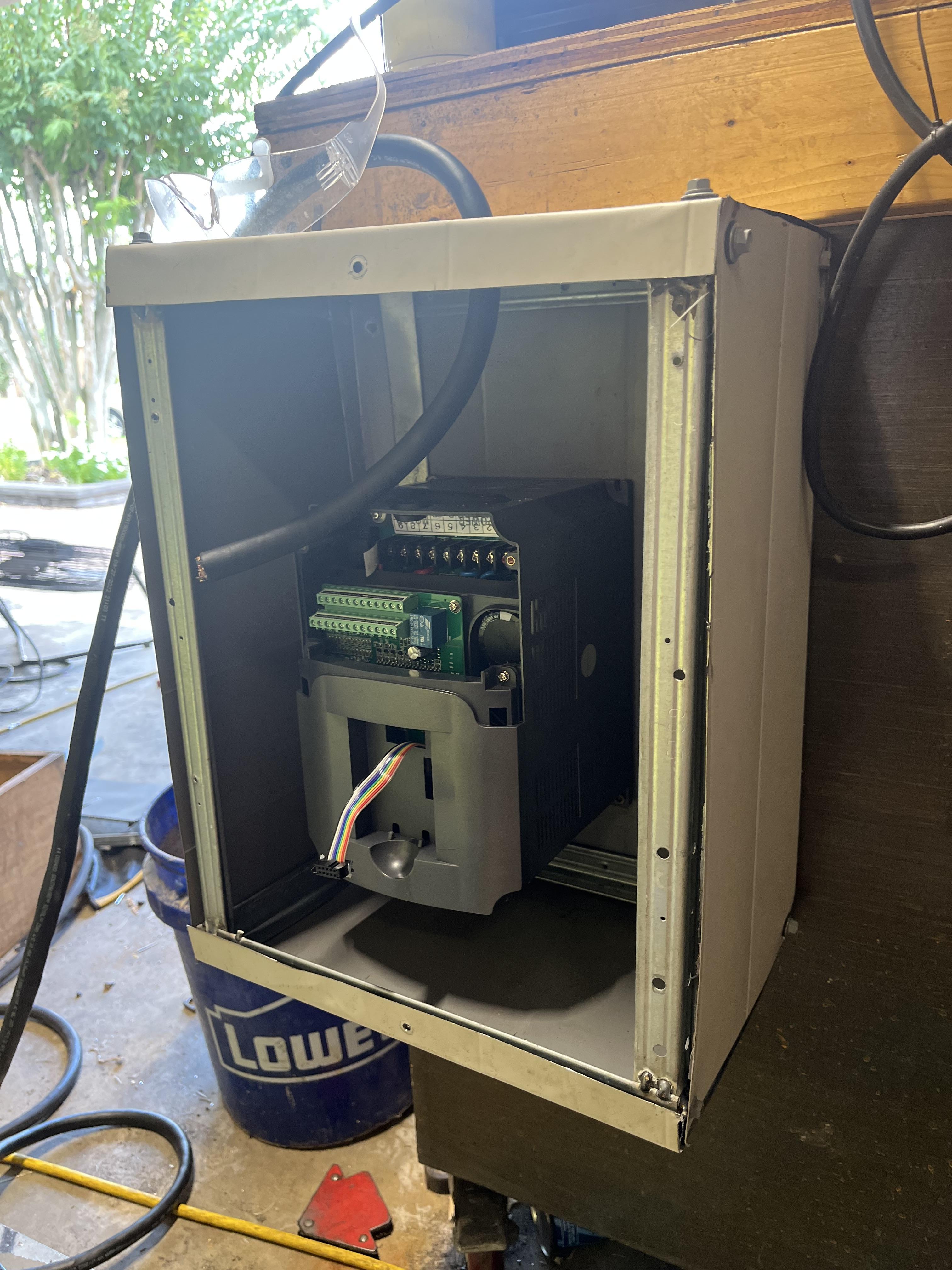
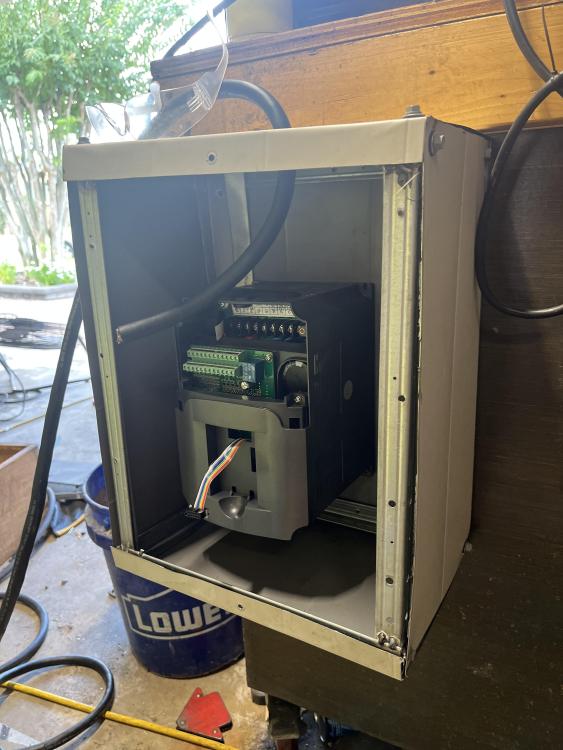
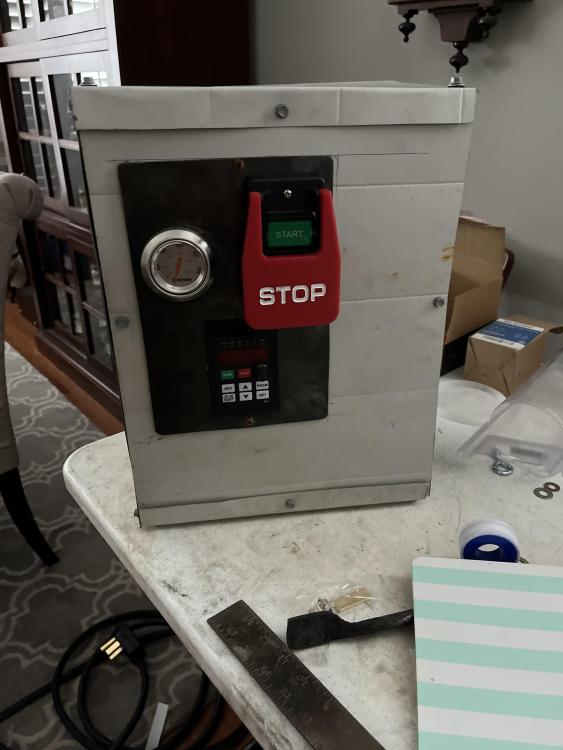
Sounds good I took it apart to inspect the coils and rotor and all looks good there so when I get back to my shop tonight I will check wires and retry it. for reference this is the vfd I am using it comes with a manual and I haven’t changed any settings from default. Huanyang VFD,Single to 3 Phase,Variable Frequency Drive,4kW 5HP 220V Input AC 17A for Motor Speed Control,HY Series
-
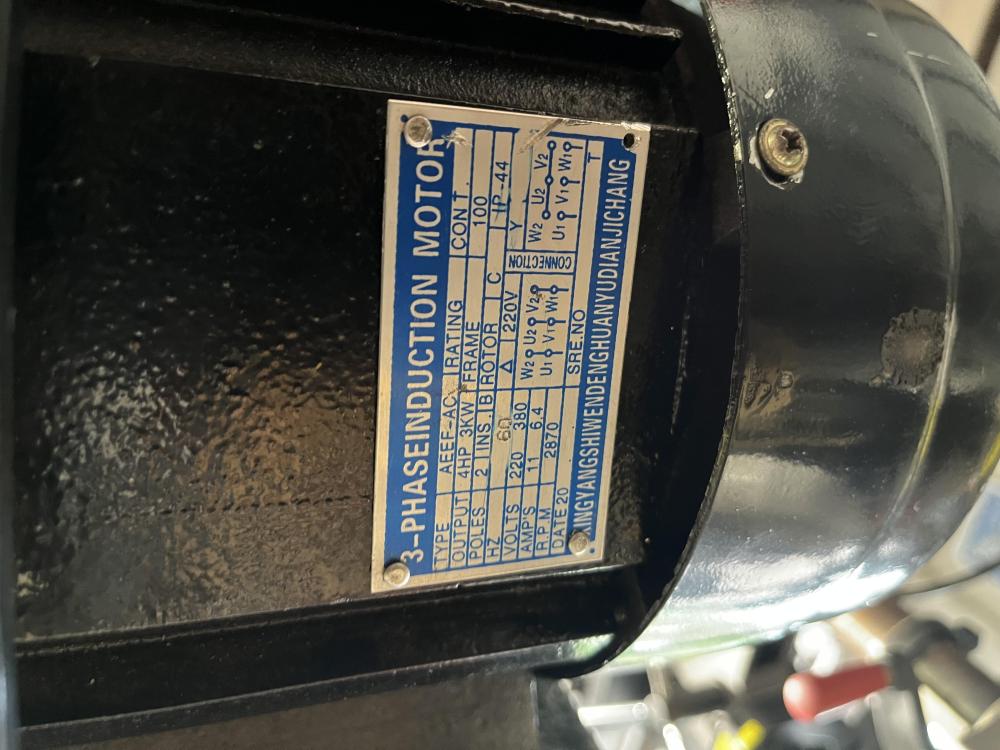
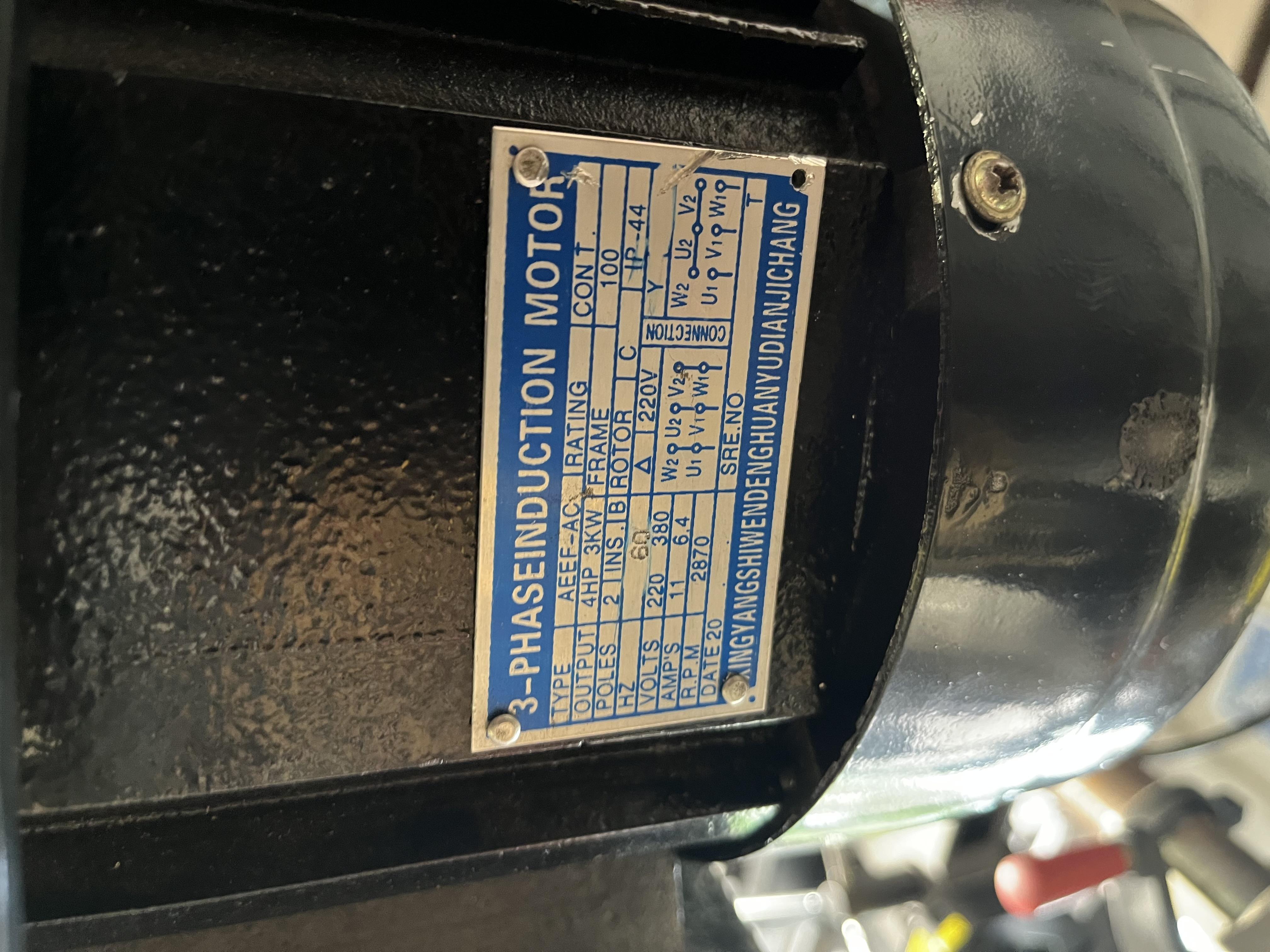
Not sure what a wye is but it is wired in delta formation so it is in 220 voltage configuration.
-
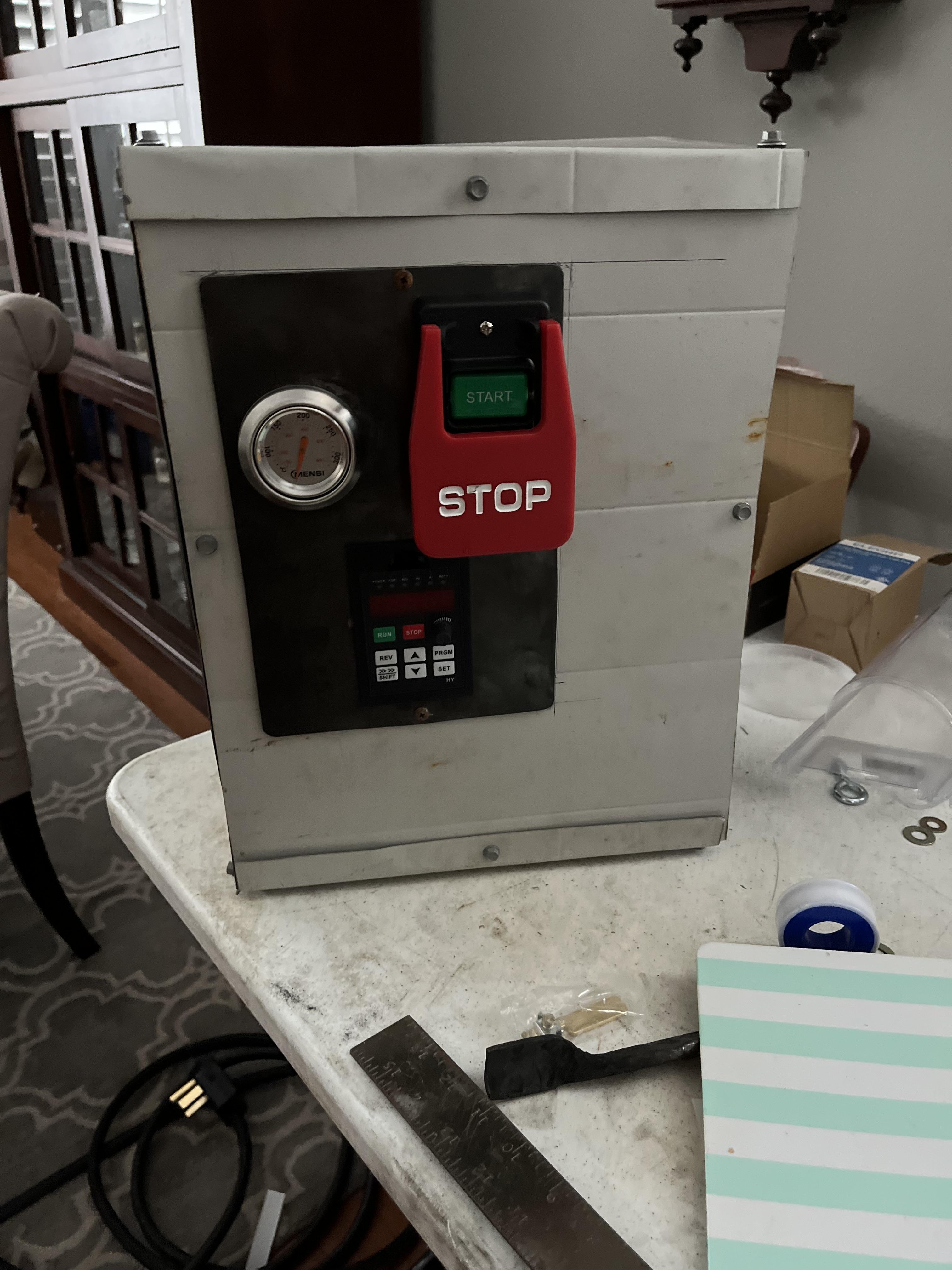
It is a vfd hooked up to single phase 220v power that out puts 3 phase with variable frequency.
-
Hey y’all, I am building a jer Schmitt 2/72 the entire build and power supply is built but when I went to test it the motor barely runs. It is moving but not fast and with so little torque you can stop it with light pressure. It was bought used from Facebook market place, and I was told it works. Any way to dignose and fix it? I have attached some pictures below.