mbc
Members
-
Joined
-
Last visited
Everything posted by mbc
-
Not yet, no! Still waiting for a reply..
-
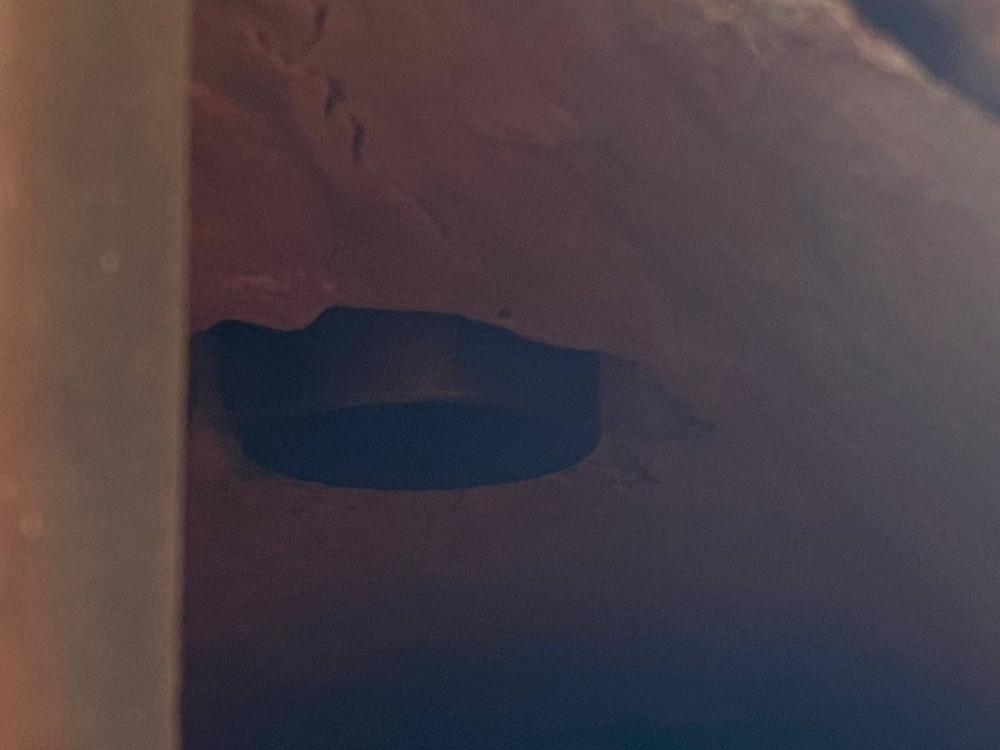
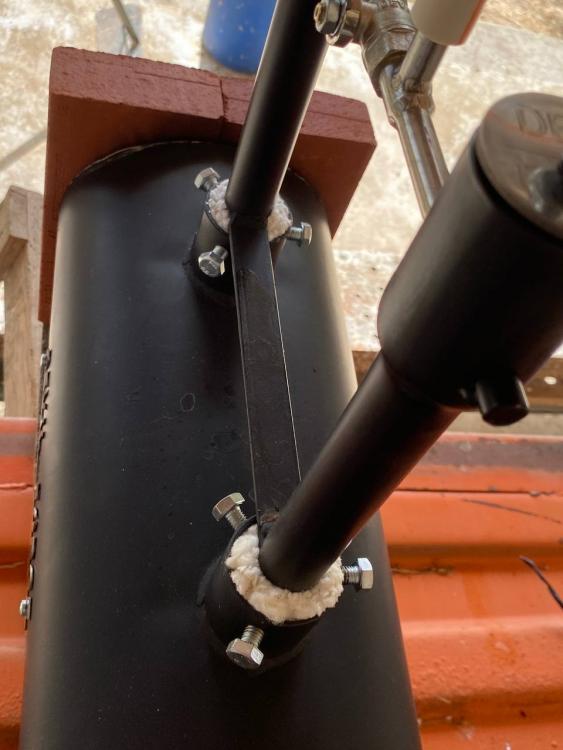
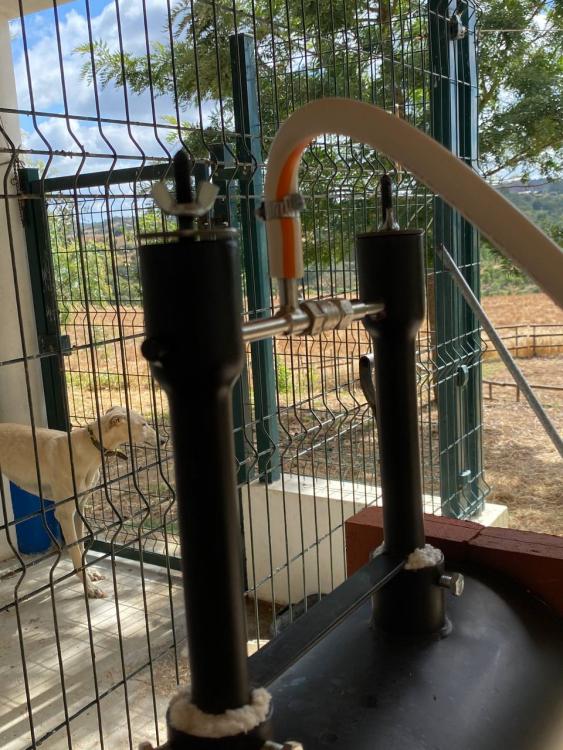
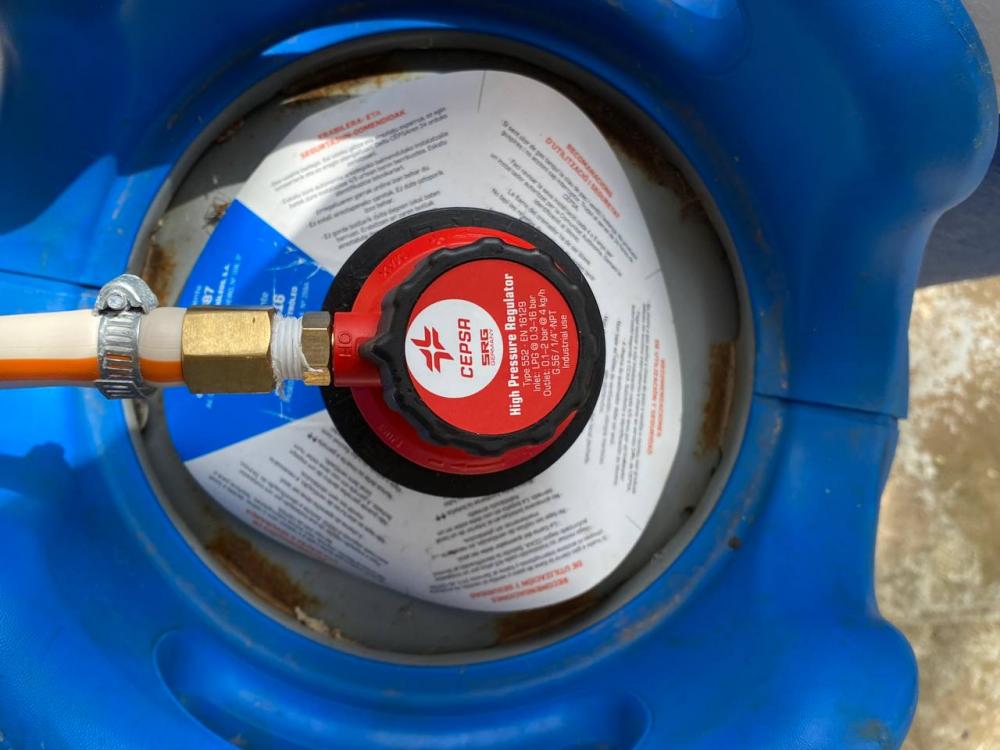
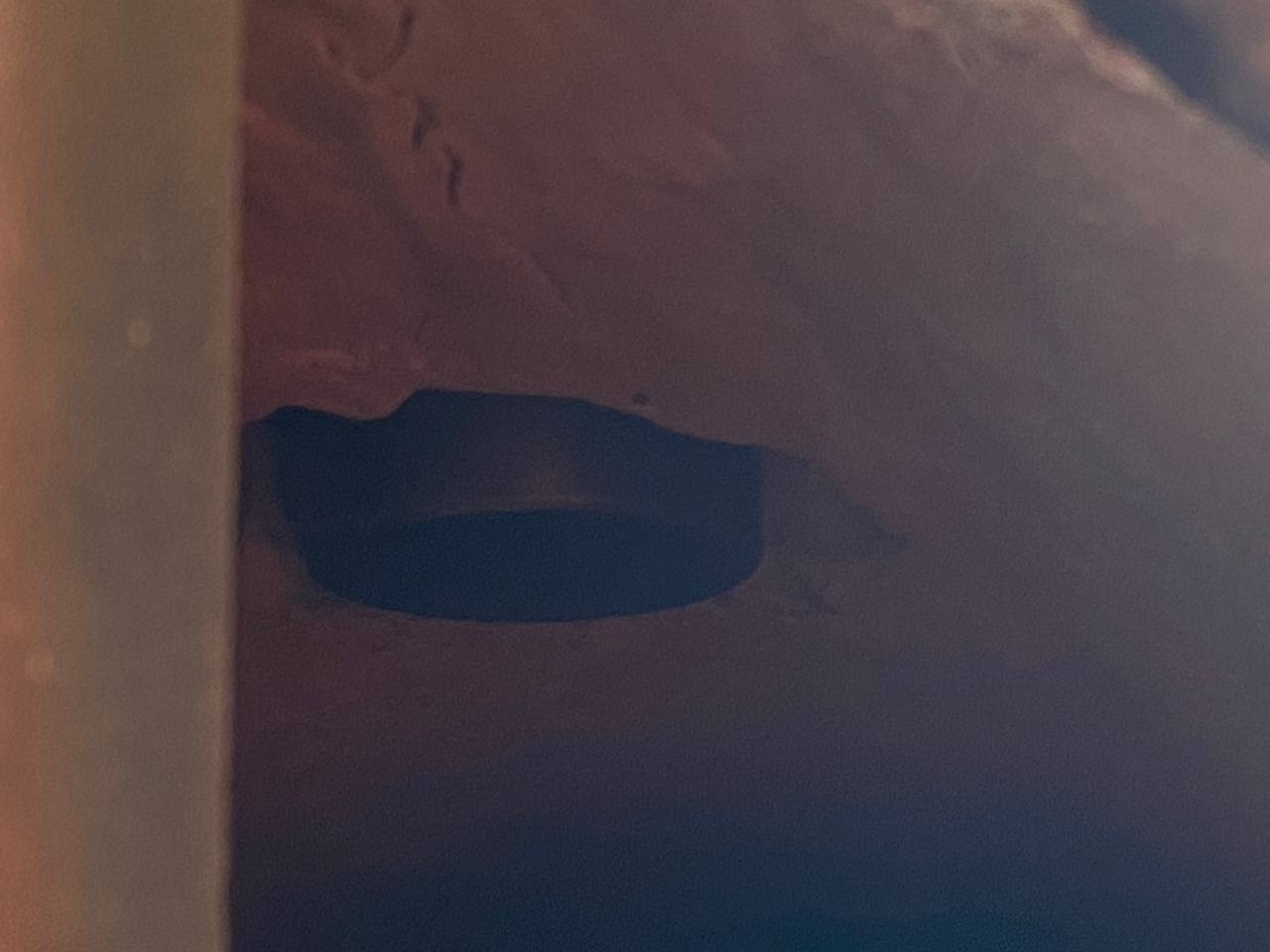
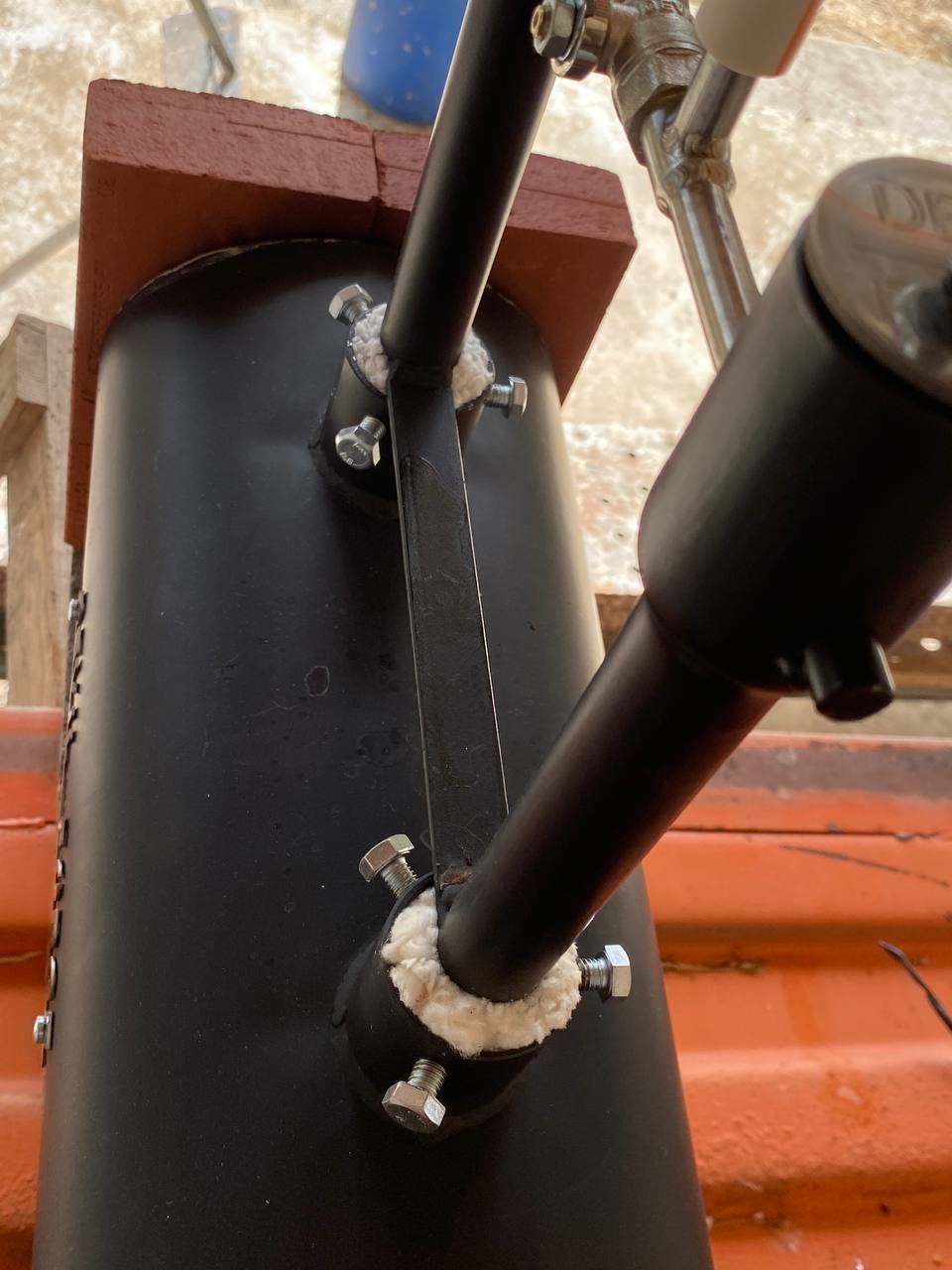
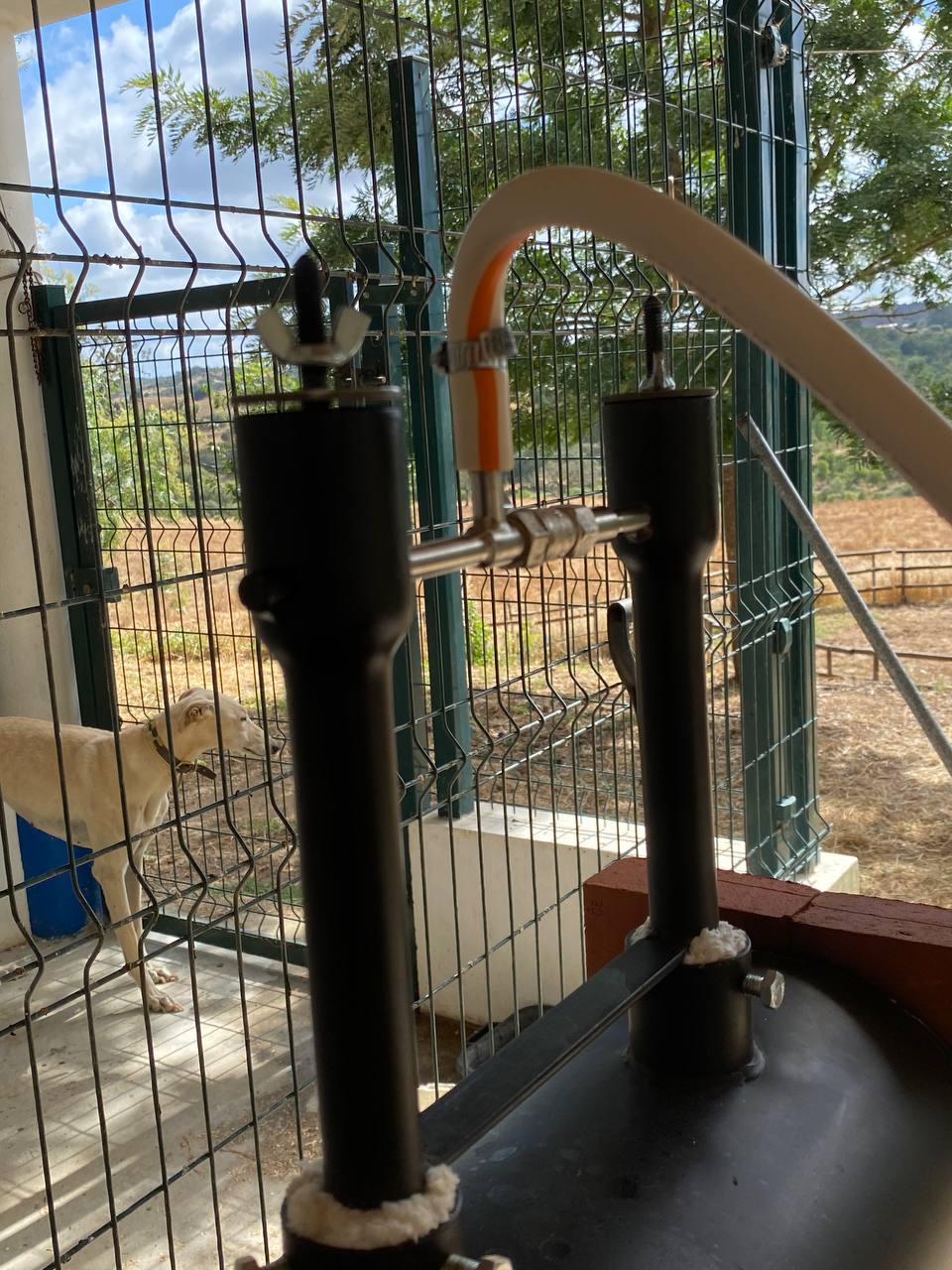
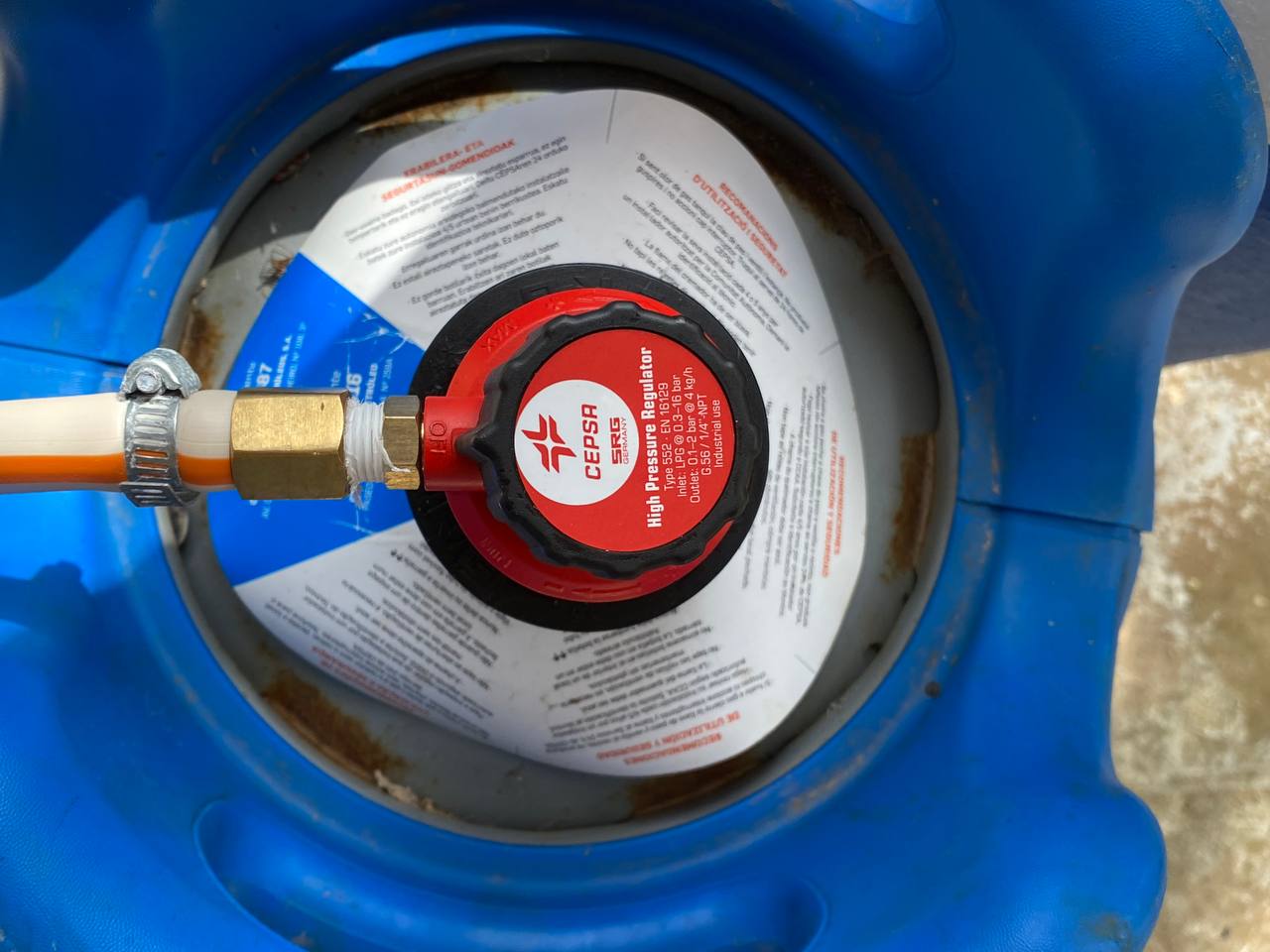
Hello everyone! New member here, thank you very much for this amazing repository of knowledge! I have recently bought my first forge, a 2-burner Devil Forge. I have been using it for about a week now, typically for around an hour or so. Today, after having it on for about an hour, it stated making a loud "gargling" sound. Unfortunately I cannot tell you exactly how the flame when that started as my reaction was to immediately turn off the gas. However, I managed to record a video (attached as "IMG_8807.MOV") in which you can hear the sound clearly (even though the flame was out and the gas was off). I have also attached photos the burners and the reductor as it may help you diagnose the situation. Do you have any idea of what might be causing this? Thank you very much! mbc IMG_8807.MOV