Bo Diddley
Members
-
Joined
-
Last visited
Everything posted by Bo Diddley
-
Thanks I appreciate it. Y’all take care
-
Hey Josh, I’m good with what your comrades in arms shot at me. I was mainly curious why it didn’t have a horn and what time frame. Really appreciate y’all’s knowledge. regards Bo
-
Wow y'all don't mess around responding back to a question. I want to thank y'all for the information. Thanks again Bo Diddley
-
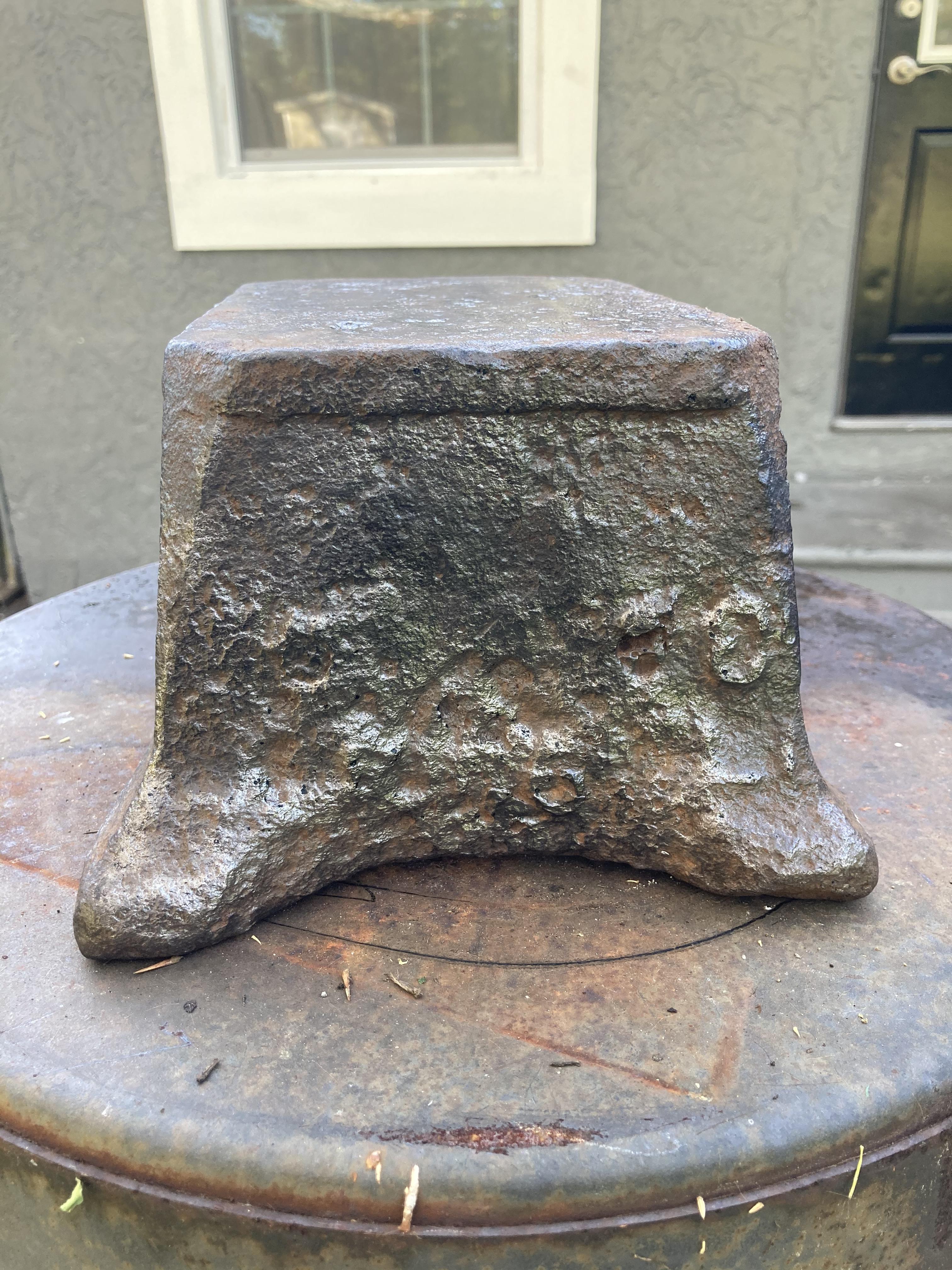
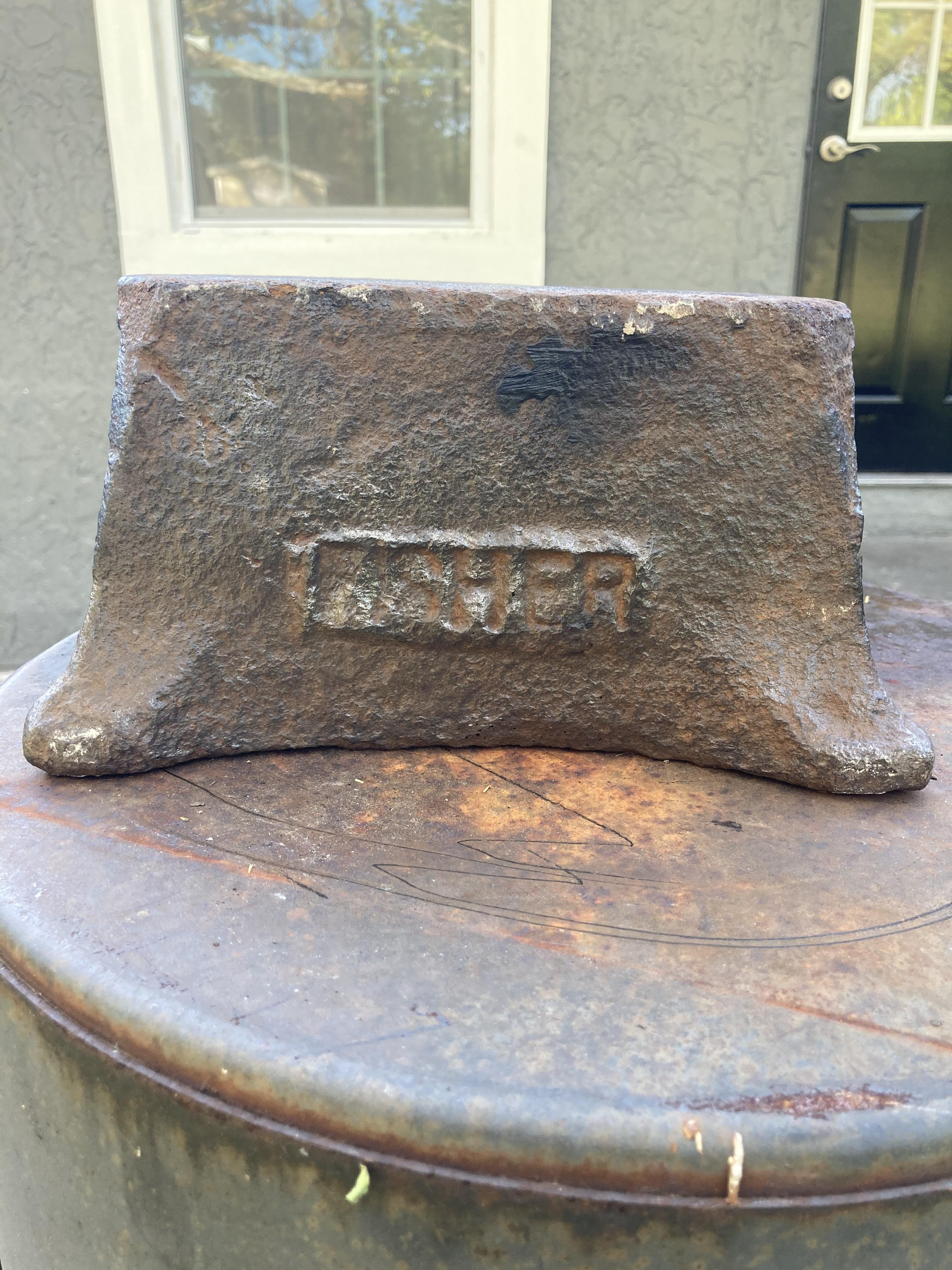
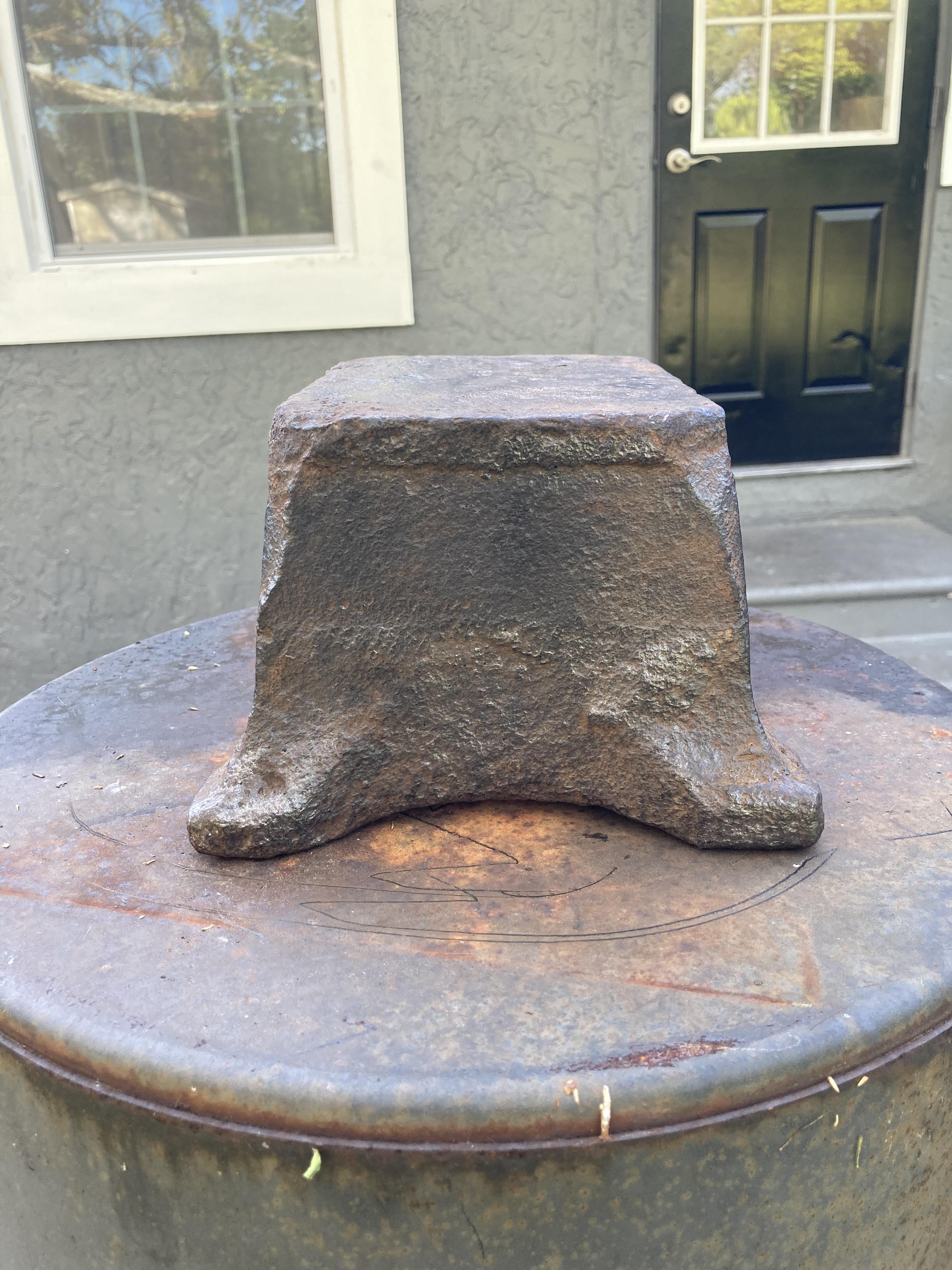
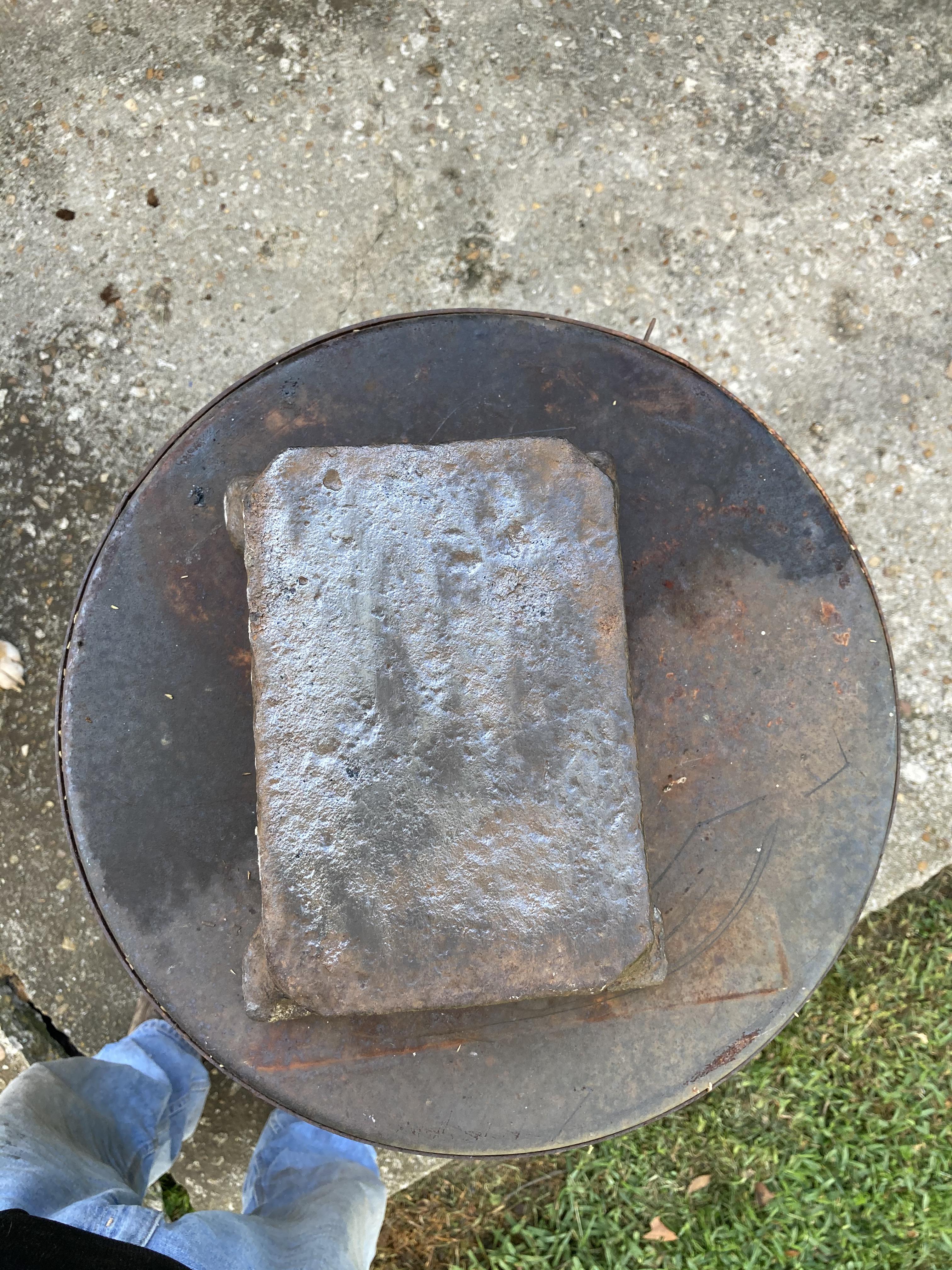
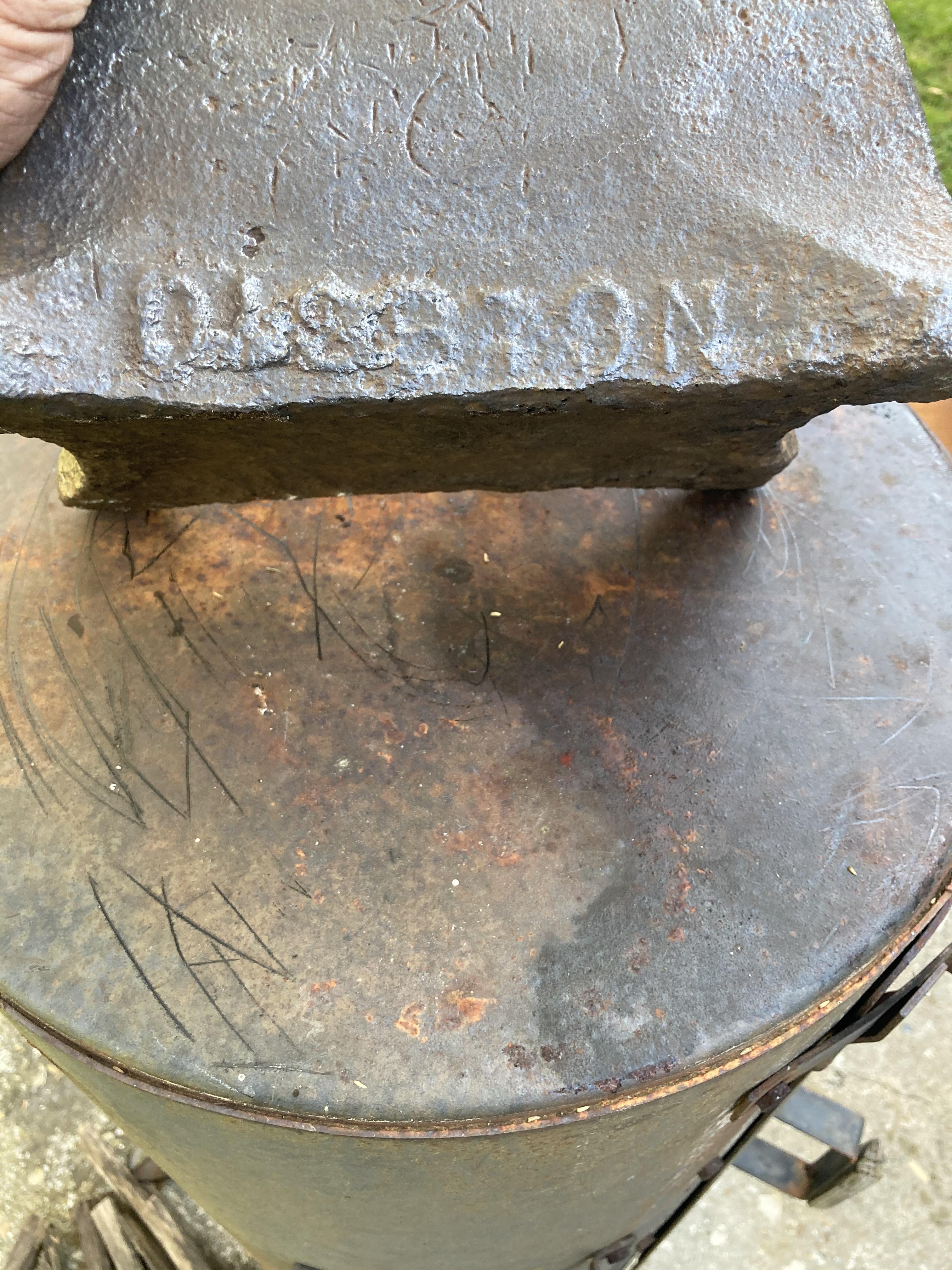
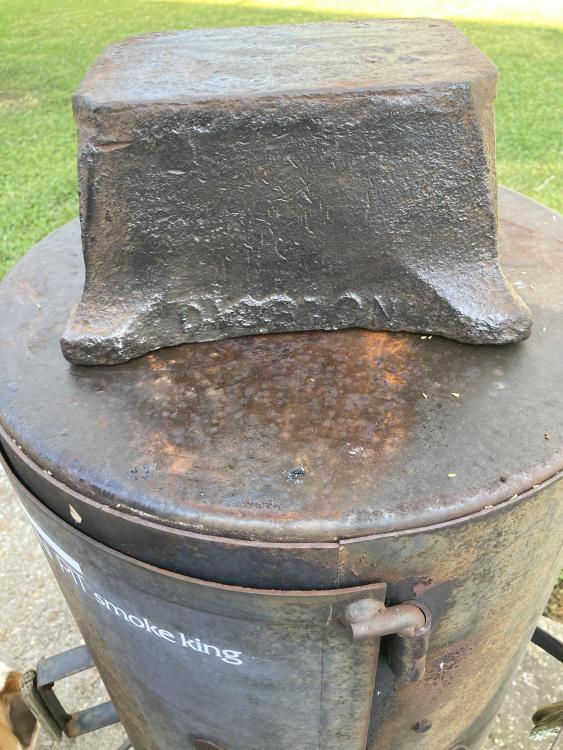
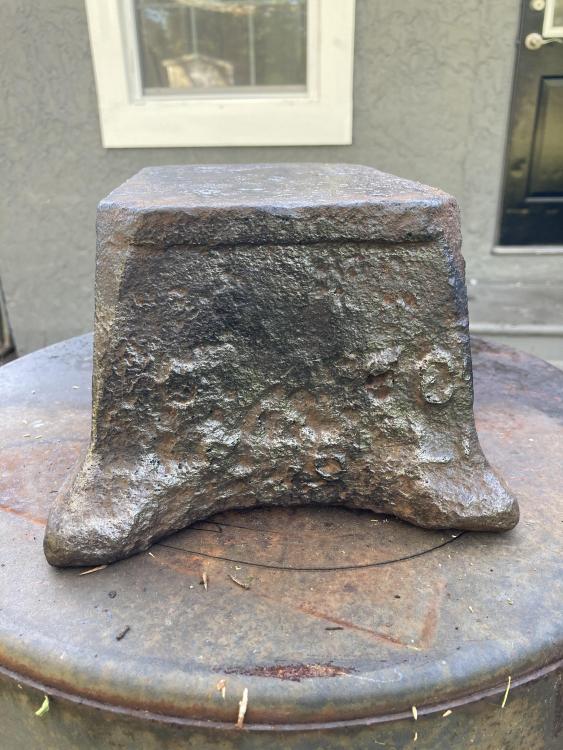
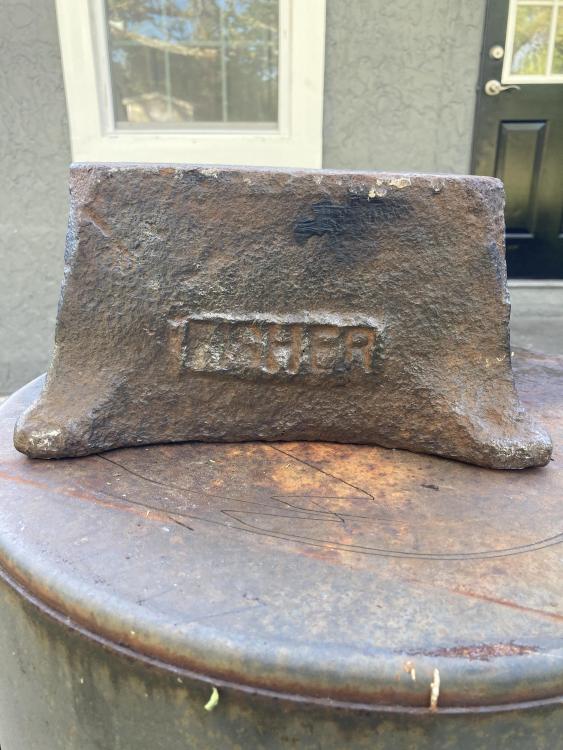
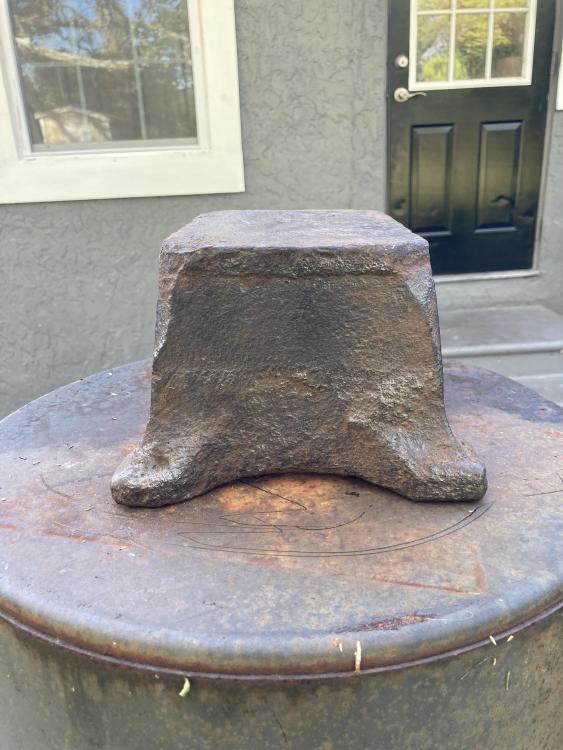
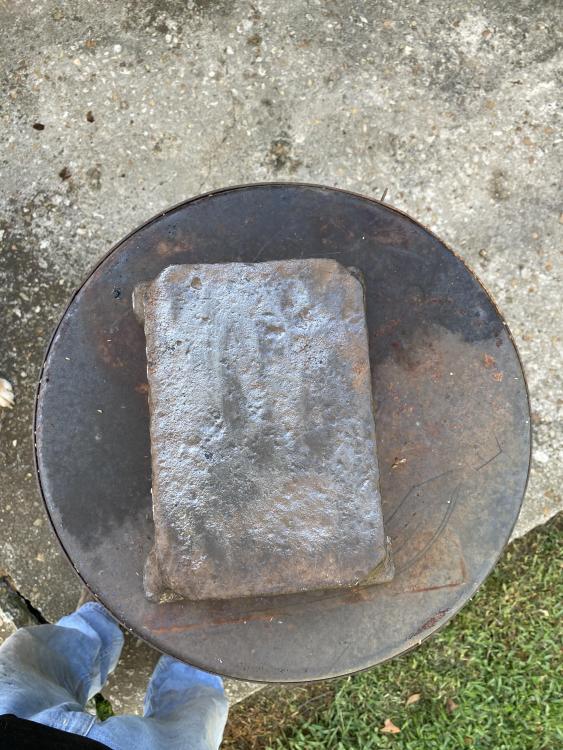
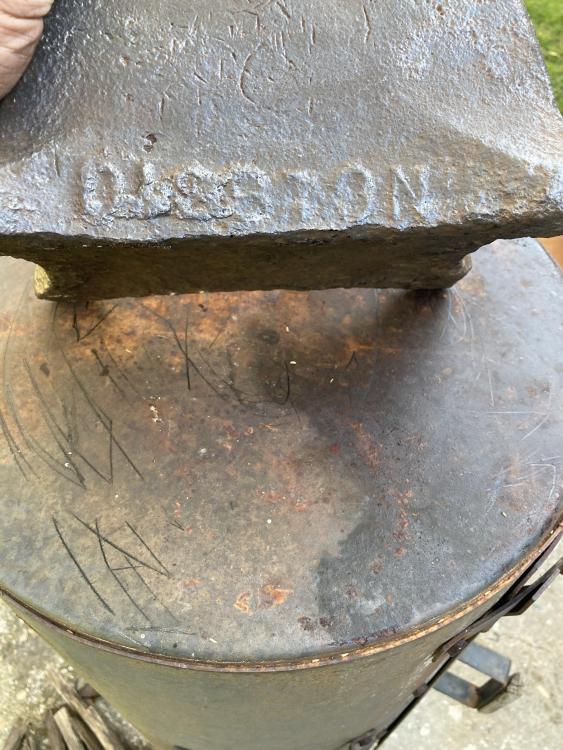
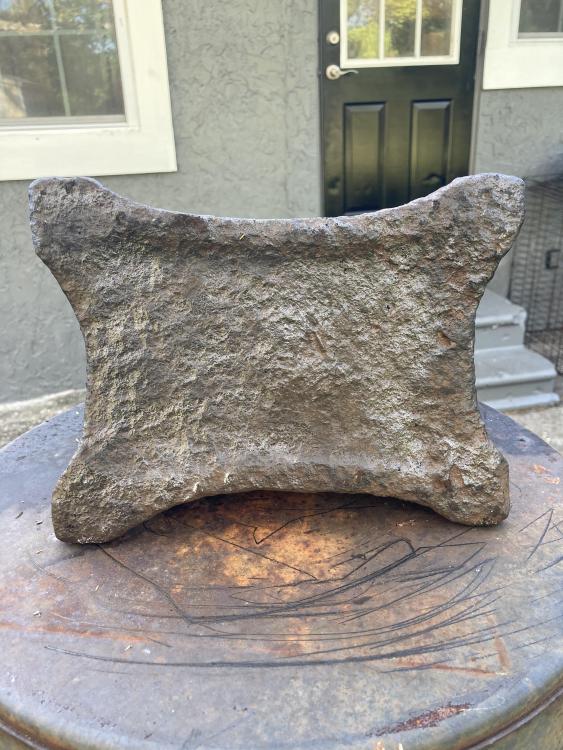
Frosty this is the anvil that I was referring to. once again Thank you for your help. Regards Bo
-
Thanks Frosty, I will get the photos uploaded. I have to many irons in the fire now to take on another task. Thanks for fast reply I really appreciate it. Regards Bo
-
Bo Diddley here, I demo houses in Jacksonville Florida I found a small anvil the name FISHER is on one side the other side looks like passion. There's a number 8 on the end about half way on the side and number 6 at the bottom. there is no horn it's small in size. The weight is 65 pounds. Just trying to find some information on it. Thanks in advance Bo Diddley.