Alan the bodger
Members
-
Joined
-
Last visited
-
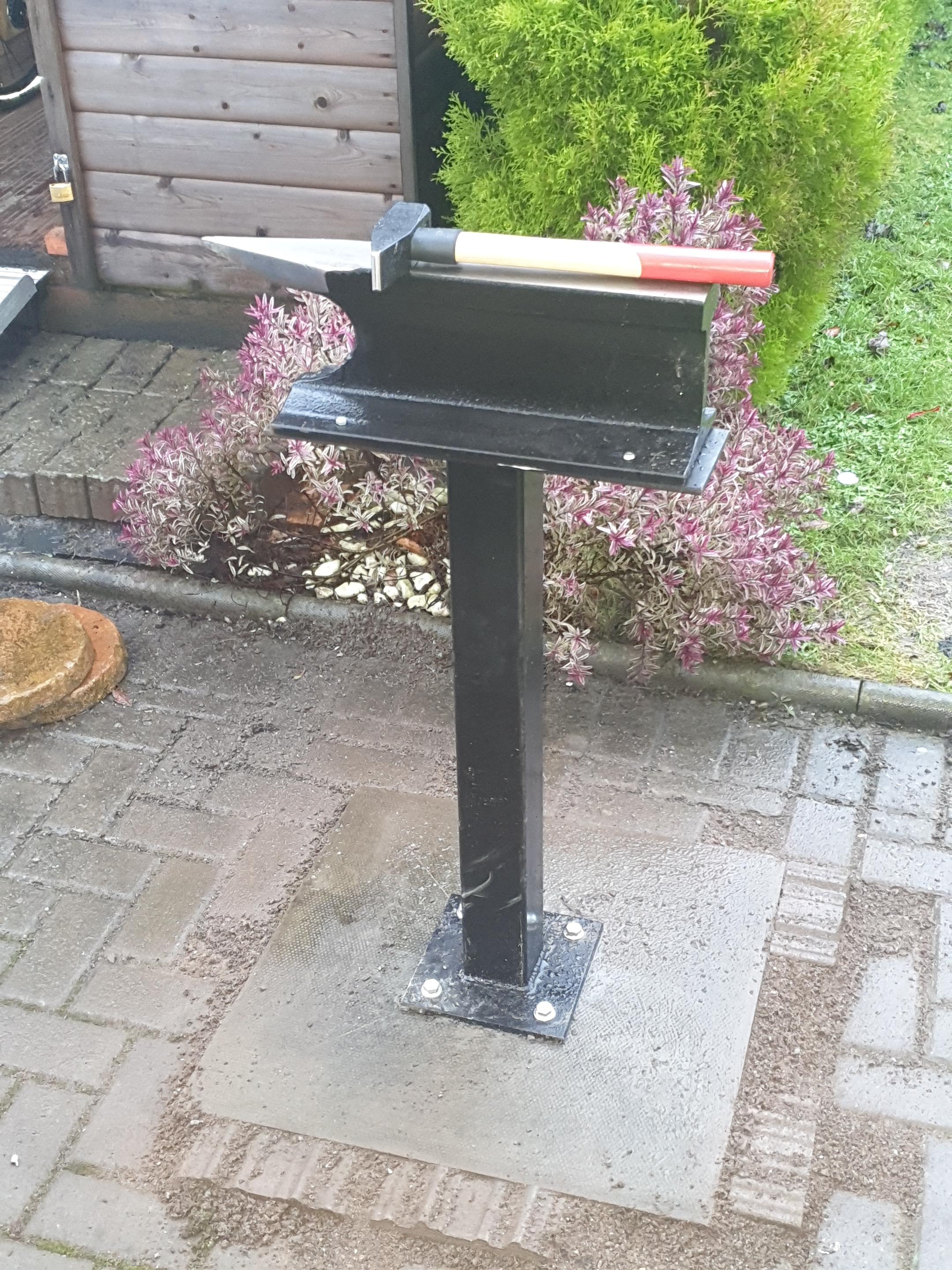
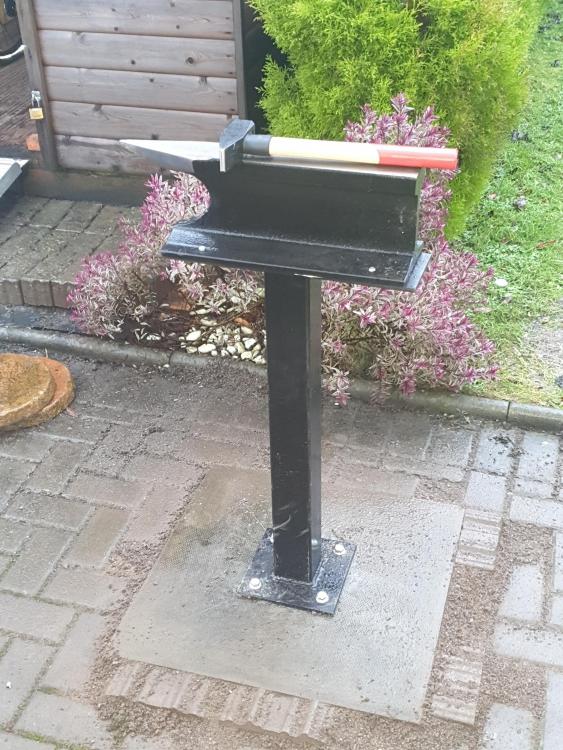
My first anvil stand ready to go. Pick up some steel tomorrow and start bashing some metal.
-
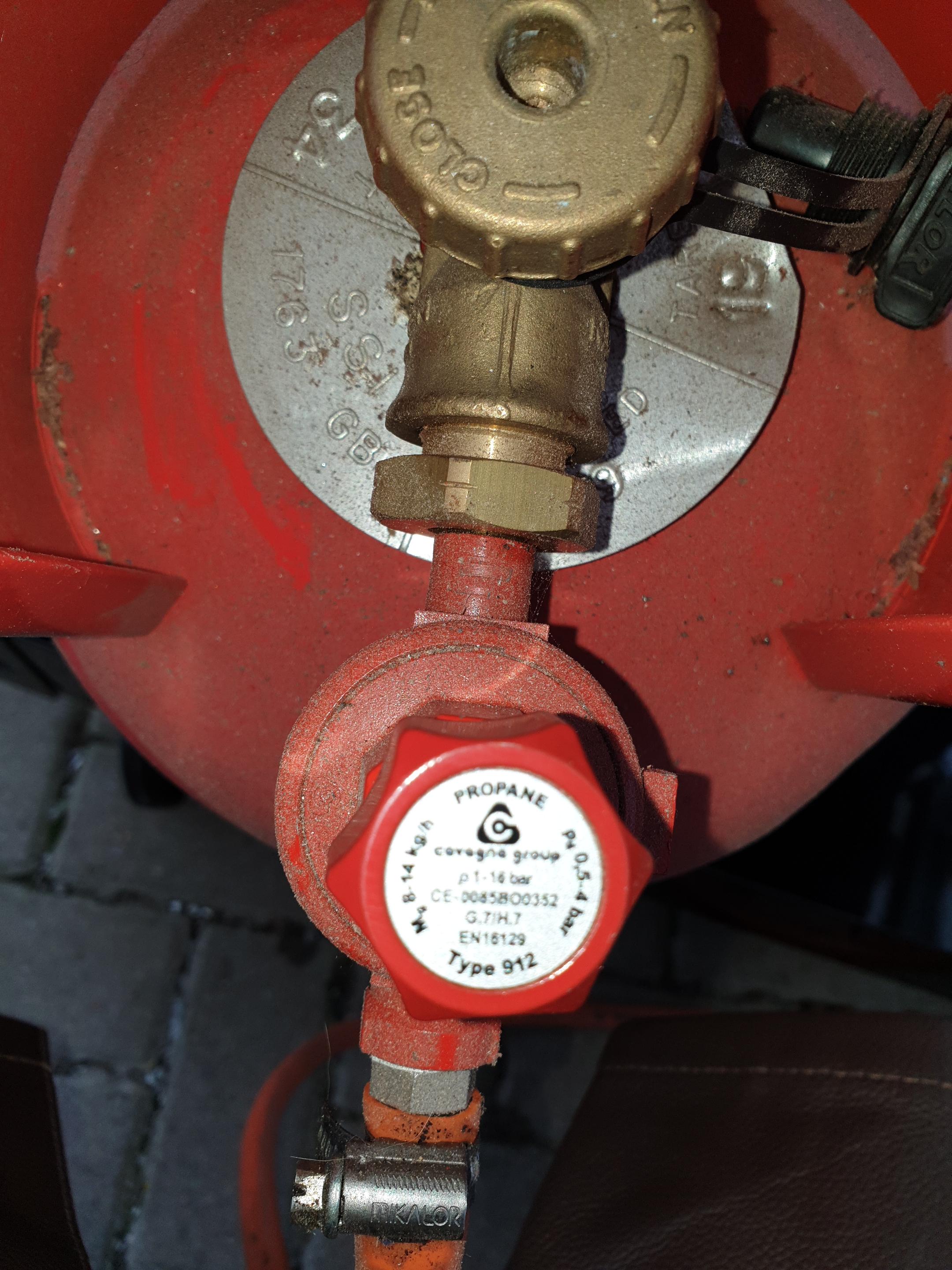
I'd wondered about that and had already ordered up a 0-2 Bar regulator (with gauge so I can see what's happening). Will that be sufficient?
-
Thanks all. Back burner isn't running (not needed for now). The tank came with the forge - I'm wondering if it's nearly empty. Winding up the regulator has no effect.20210104_120939.mp4 Hi all - first post and looking for advice. Bought a second hand forge complete with propane. Gets up to heat fine but sees to be backfiring. Adjusting the regulator makes no difference. Any suggestions?New to the forum as I've just recently bought some bits and bobs to heat stuff for bashing. I "learnt" how to do this as part of my apprenticeship nearly 40 years ago, but promptly forgot it all as I never used the skills again for work. So I'll have loads of questions to ask but first, I'll do some reading