Skip to content
View in the app

A better way to browse. Learn more.

I Forge Iron

A full-screen app on your home screen with push notifications, badges and more.

To install this app on iOS and iPadOS
  1. Tap the Share icon in Safari
  2. Scroll the menu and tap Add to Home Screen.
  3. Tap Add in the top-right corner.
To install this app on Android
  1. Tap the 3-dot menu (⋮) in the top-right corner of the browser.
  2. Tap Add to Home screen or Install app.
  3. Confirm by tapping Install.

Clint Smith

Members
  • Joined

  • Last visited

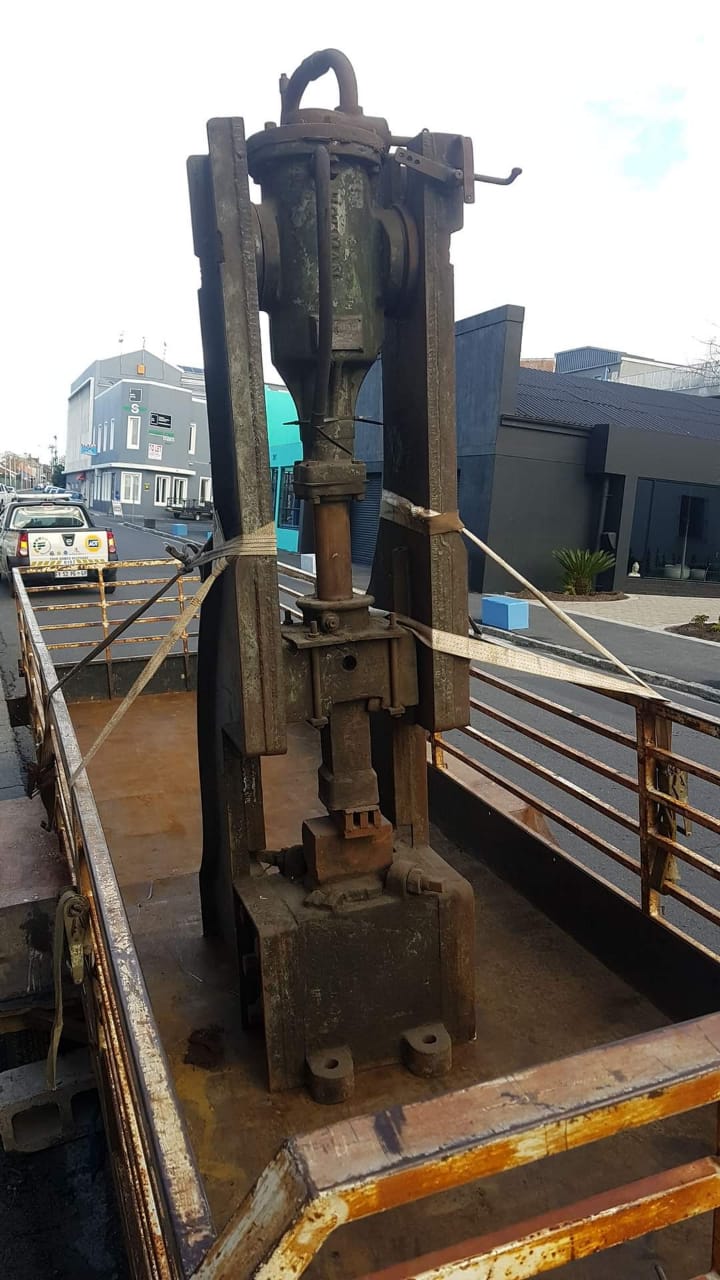
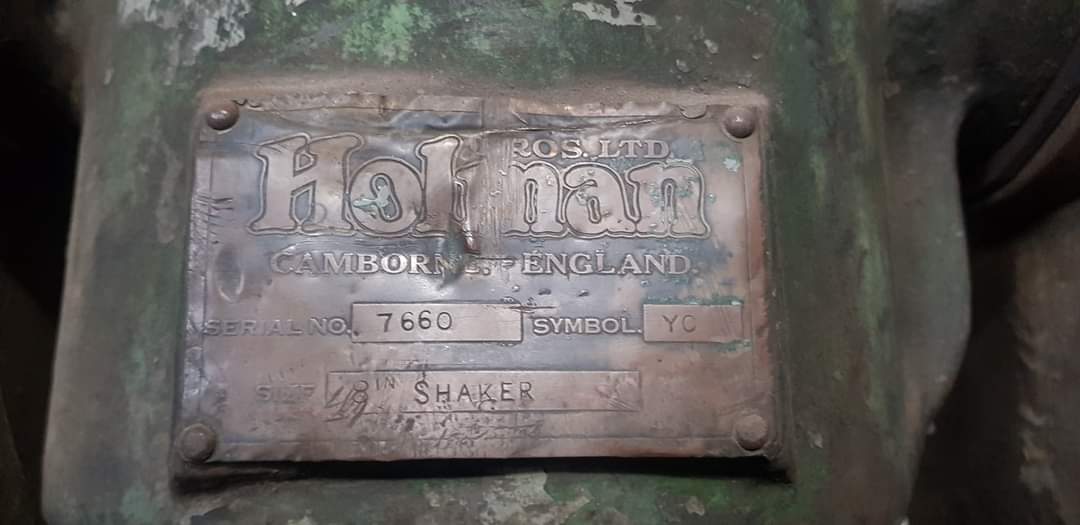
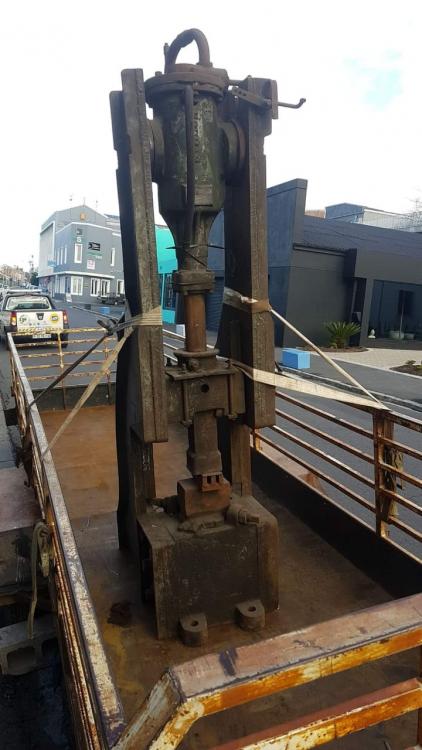
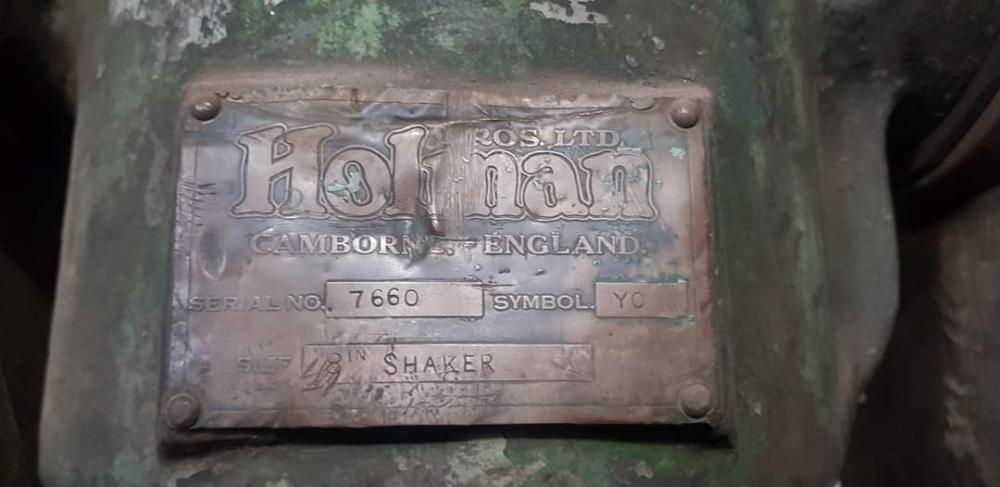
  1. Good day, I'm new to the forums but need some immediate assistance from knowledgeable gentleman. I wasn't sure where to post so here goes. I'm in the process of purchasing a power hammer of significant size, however this was not the original plan. I live in South Africa and you just don't see used hammers for sale EVER. So when I came across this hammer by accident, well I absolutely needed to have it. The seller cannot provide me with solid information, and I need to know if I should give up and abandon all hope. This hammer looks like a mounted rock crusher maybe 100 years old, hammer weight was calculated at an insane 200kg, and total weight 1300kg. I could not find any specific info on it except for the company. Any assistance would be appreciated. Thank you.
Account

Navigation

Search

Search

Configure browser push notifications

Chrome (Android)
  1. Tap the lock icon next to the address bar.
  2. Tap Permissions → Notifications.
  3. Adjust your preference.
Chrome (Desktop)
  1. Click the padlock icon in the address bar.
  2. Select Site settings.
  3. Find Notifications and adjust your preference.