Skip to content
View in the app

A better way to browse. Learn more.

I Forge Iron

A full-screen app on your home screen with push notifications, badges and more.

To install this app on iOS and iPadOS
  1. Tap the Share icon in Safari
  2. Scroll the menu and tap Add to Home Screen.
  3. Tap Add in the top-right corner.
To install this app on Android
  1. Tap the 3-dot menu (⋮) in the top-right corner of the browser.
  2. Tap Add to Home screen or Install app.
  3. Confirm by tapping Install.

Outlaw0525

Members
  • Joined

  • Last visited

Everything posted by Outlaw0525

  1. Thanks guy's I'll git some linseed oil tomorrow and I'll wire brush it
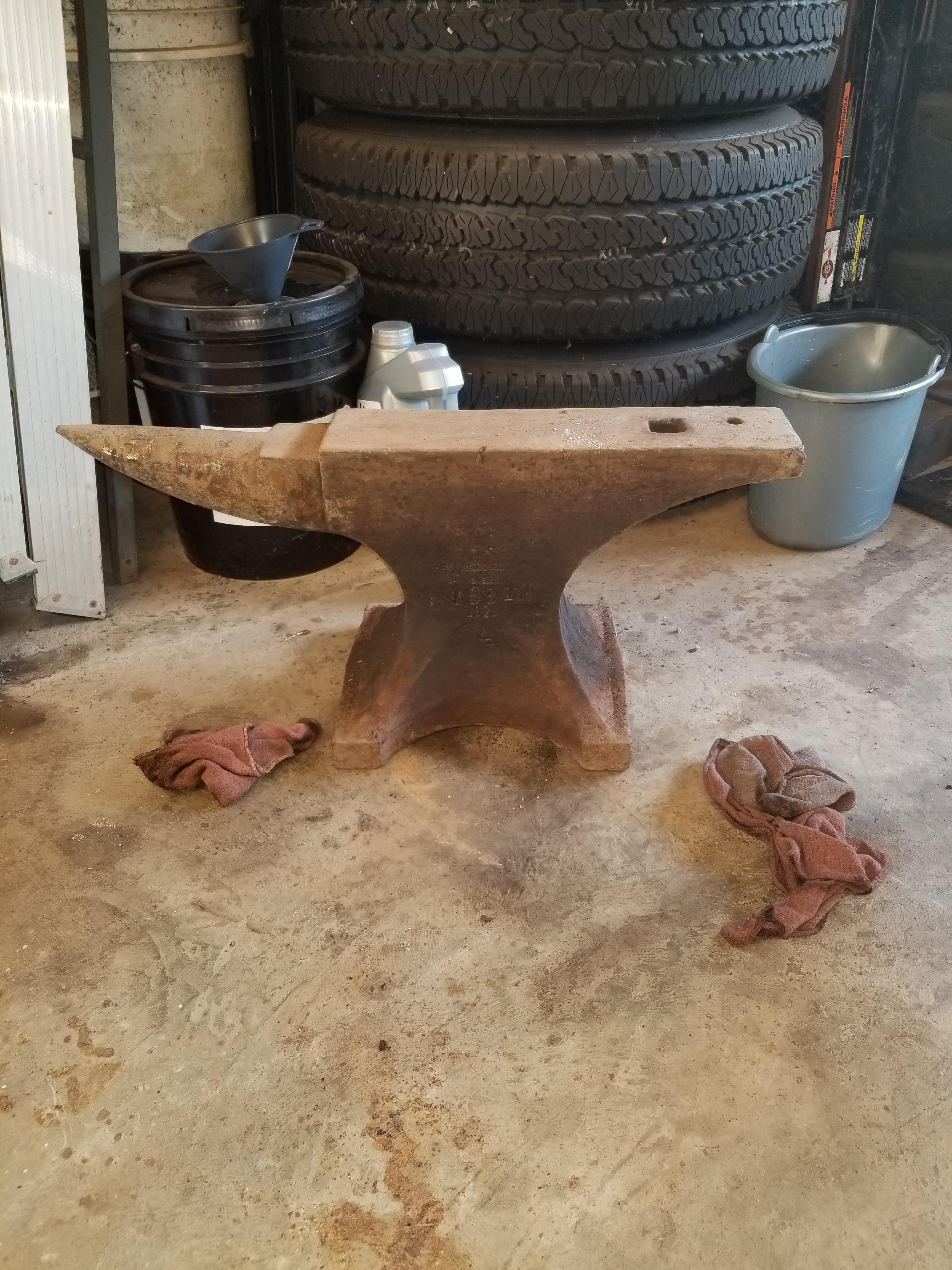
  2. No I'm not doing anything to it leaving it the way it is
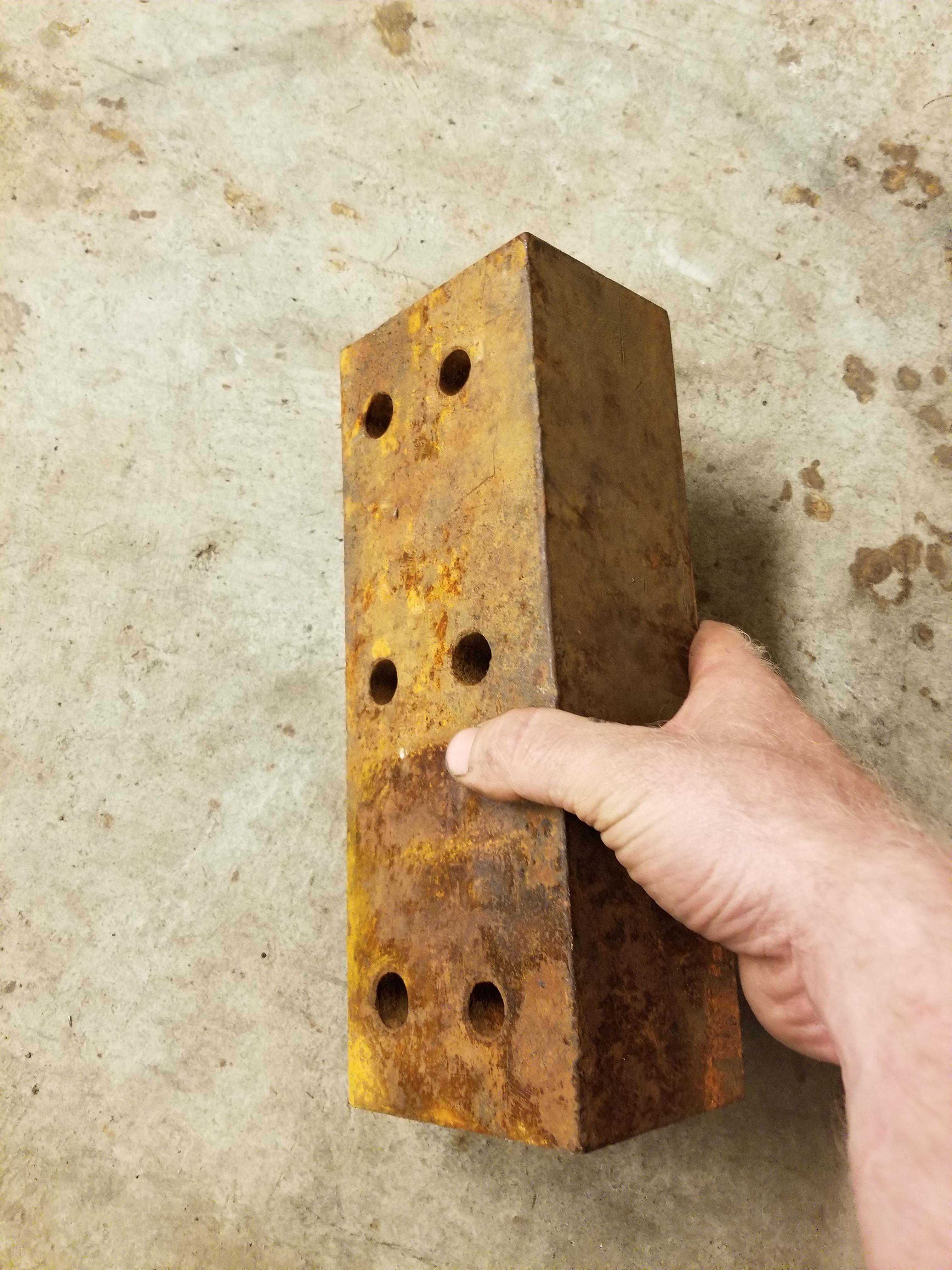
  3. And it came with this piece of metal not shour what it's for and I'm sorry about early
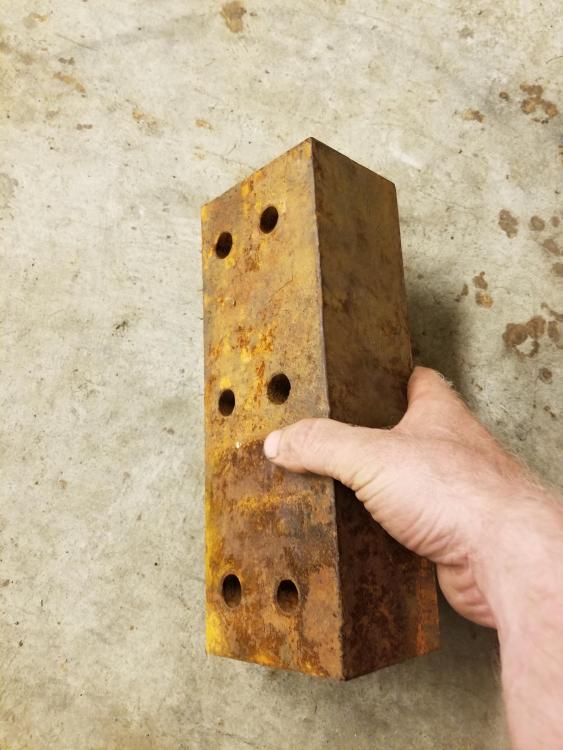
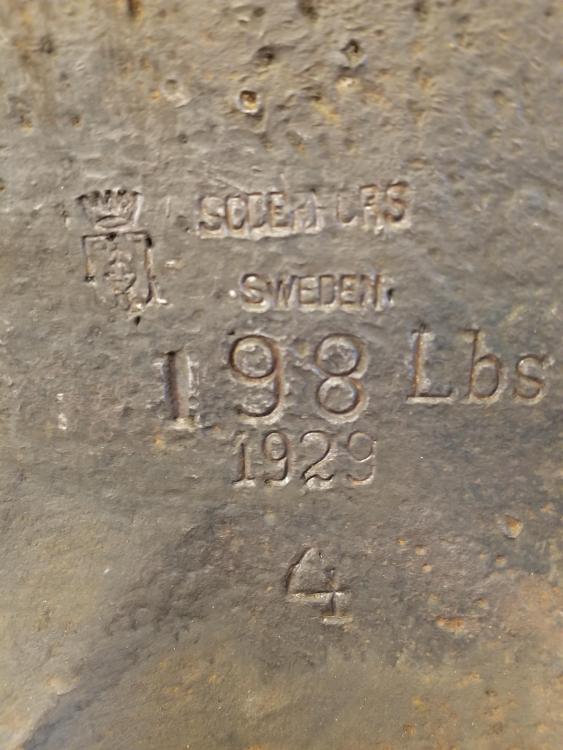
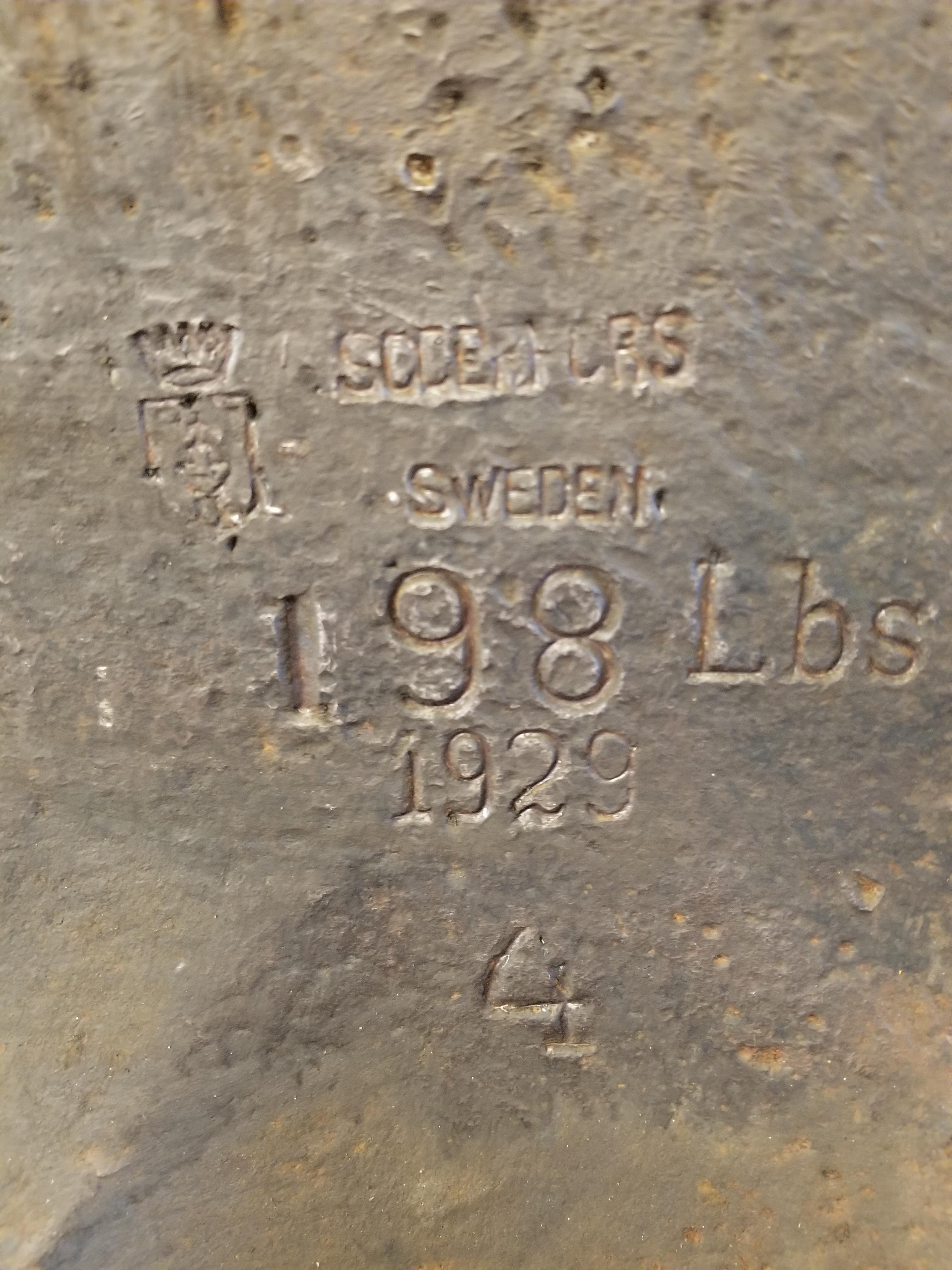
  4. Frosty The thank u and west Virginia and I'll look and see if I can see any other numbers and yes I plan on using it I was just curious I I got a good deal on it or no paid 175.00 for it
  5. Sorry about that I'm new to this internet
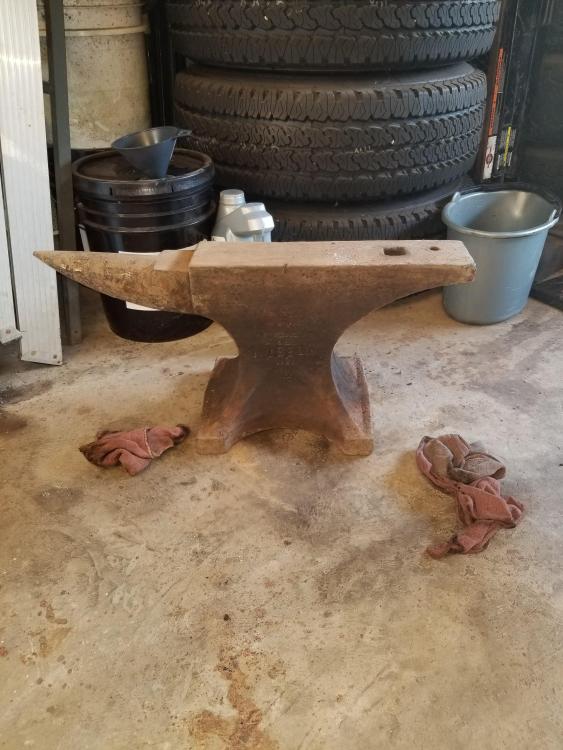
  6. Help I'd my anvil Information on my anvil please
Account

Navigation

Search

Search

Configure browser push notifications

Chrome (Android)
  1. Tap the lock icon next to the address bar.
  2. Tap Permissions → Notifications.
  3. Adjust your preference.
Chrome (Desktop)
  1. Click the padlock icon in the address bar.
  2. Select Site settings.
  3. Find Notifications and adjust your preference.