JerryA
Members
-
Joined
-
Last visited
-
Thank you guys! That’s the first punch press I’ve seen and looking similar to a power hammer, I was cautiously optimistic. As a side point, when I got into smithing about 15 years ago, my first anvil came from the same property so I was hopeful when I stumbled on this thing.
-
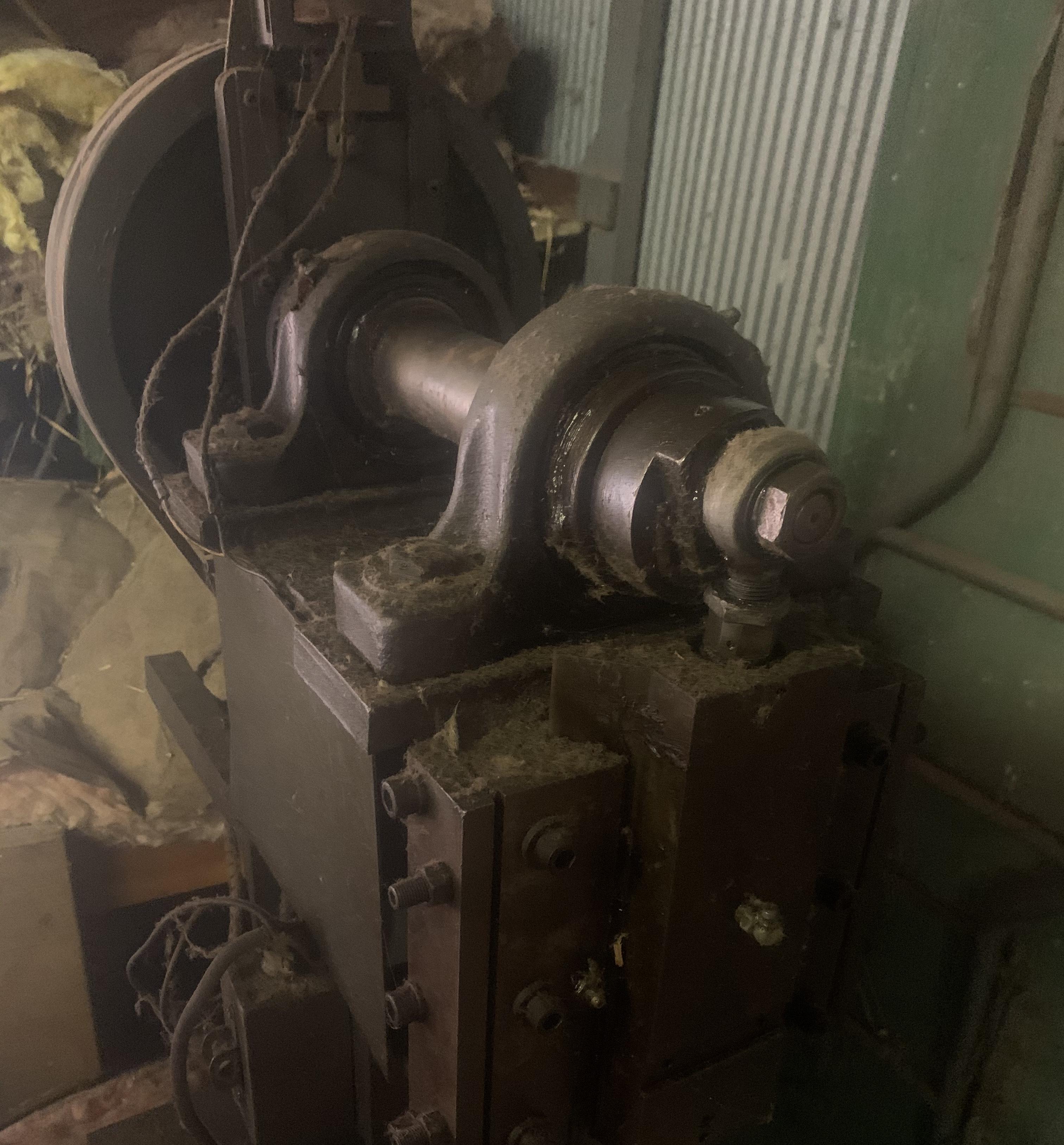
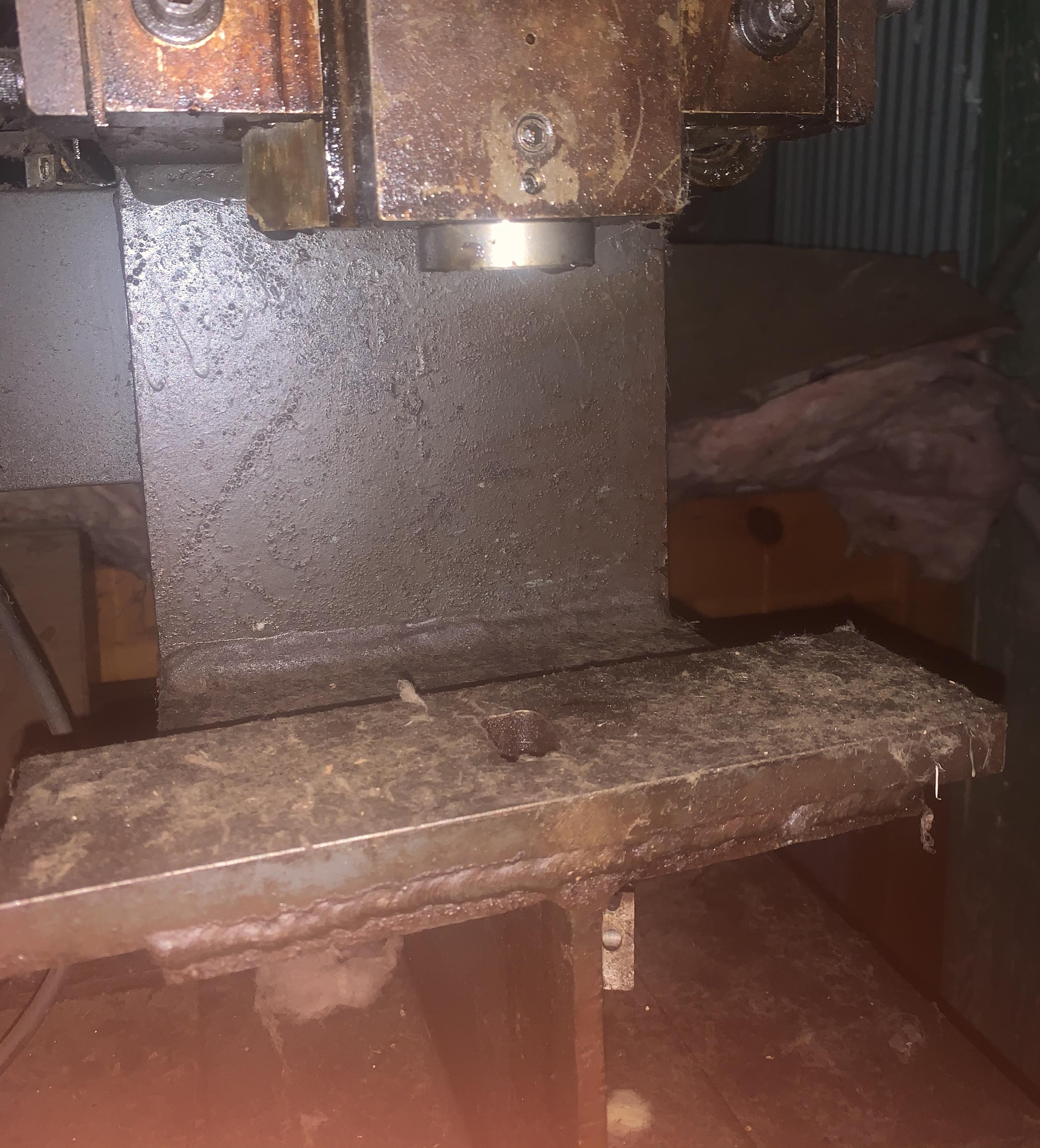
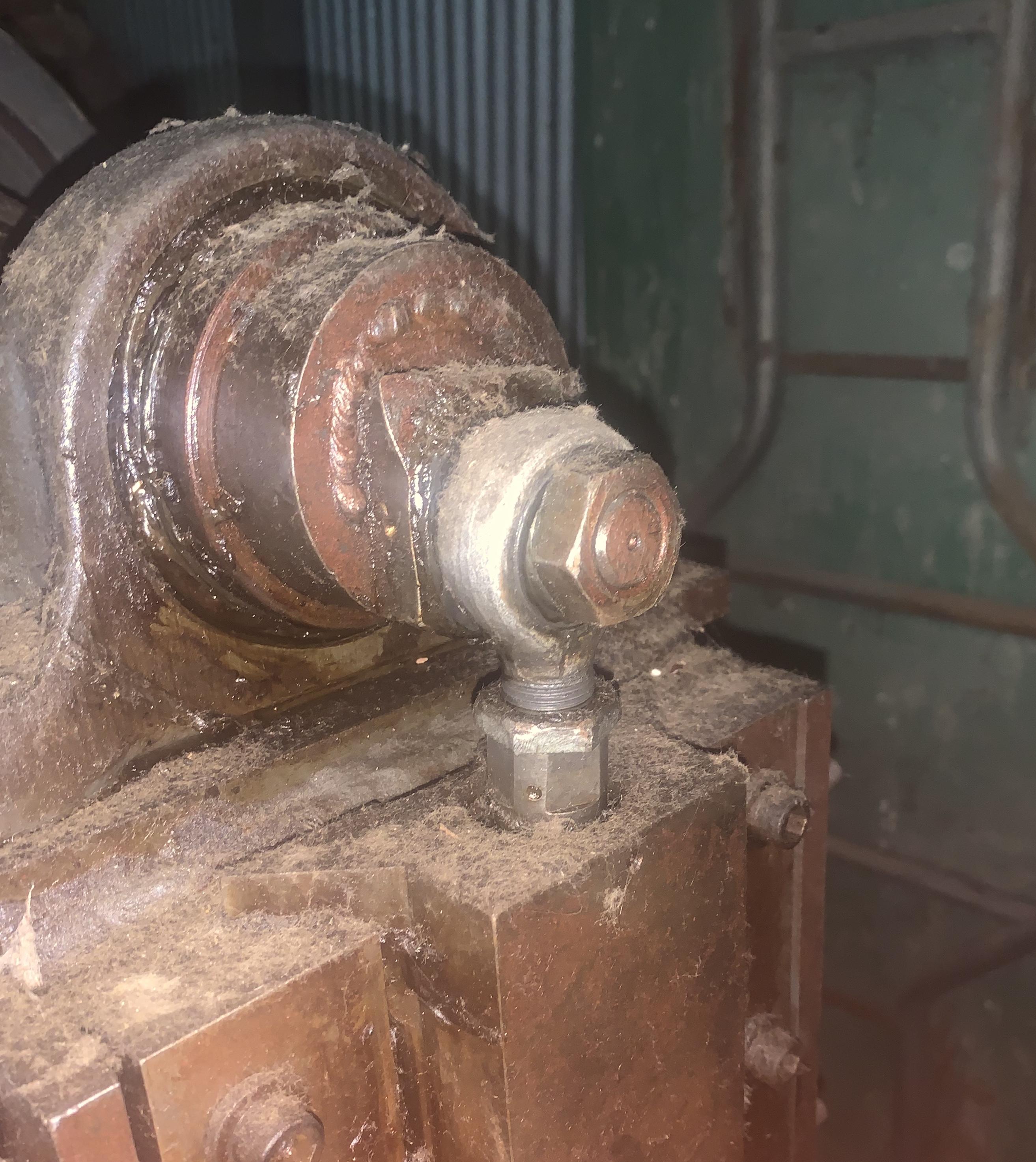
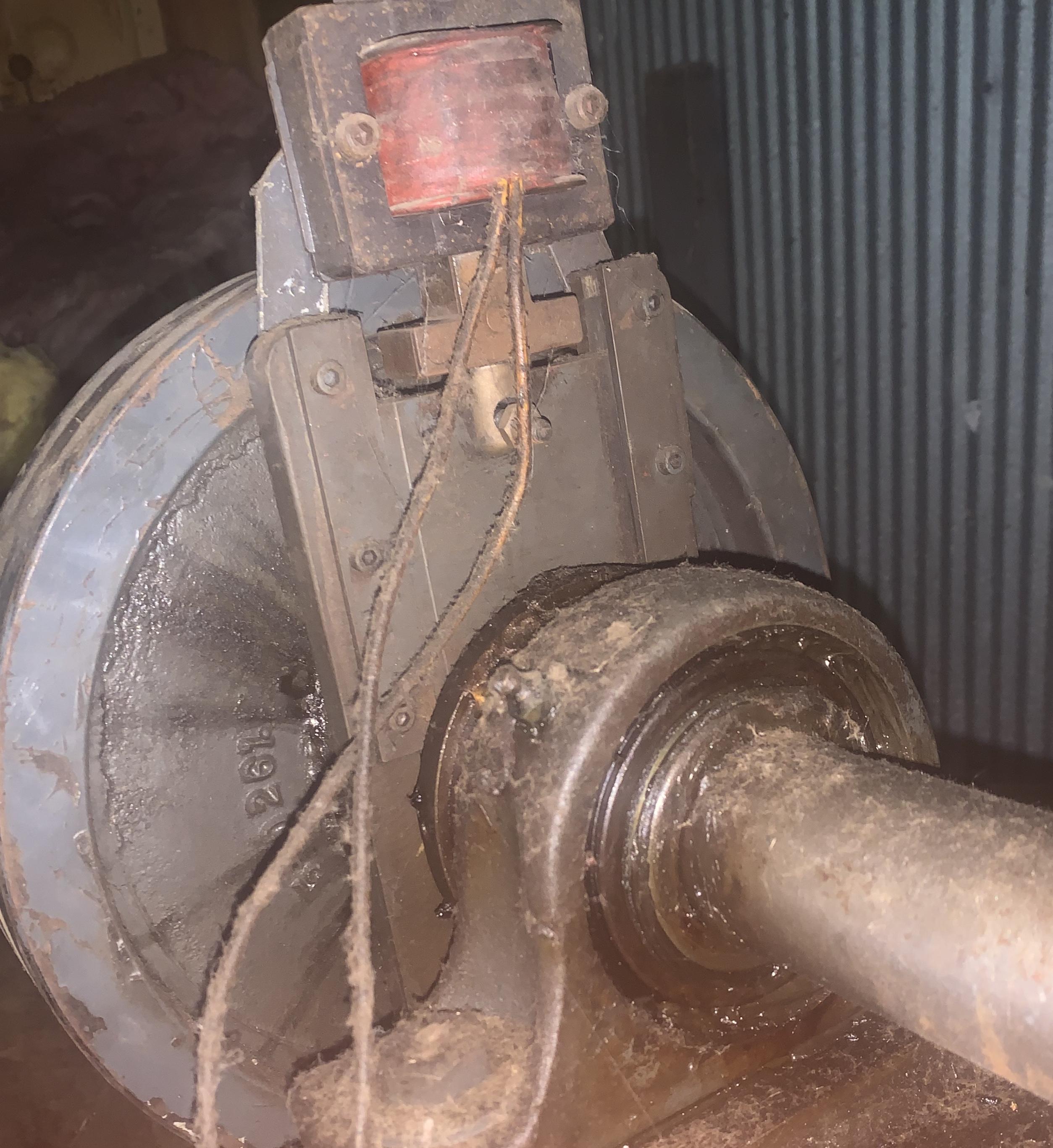
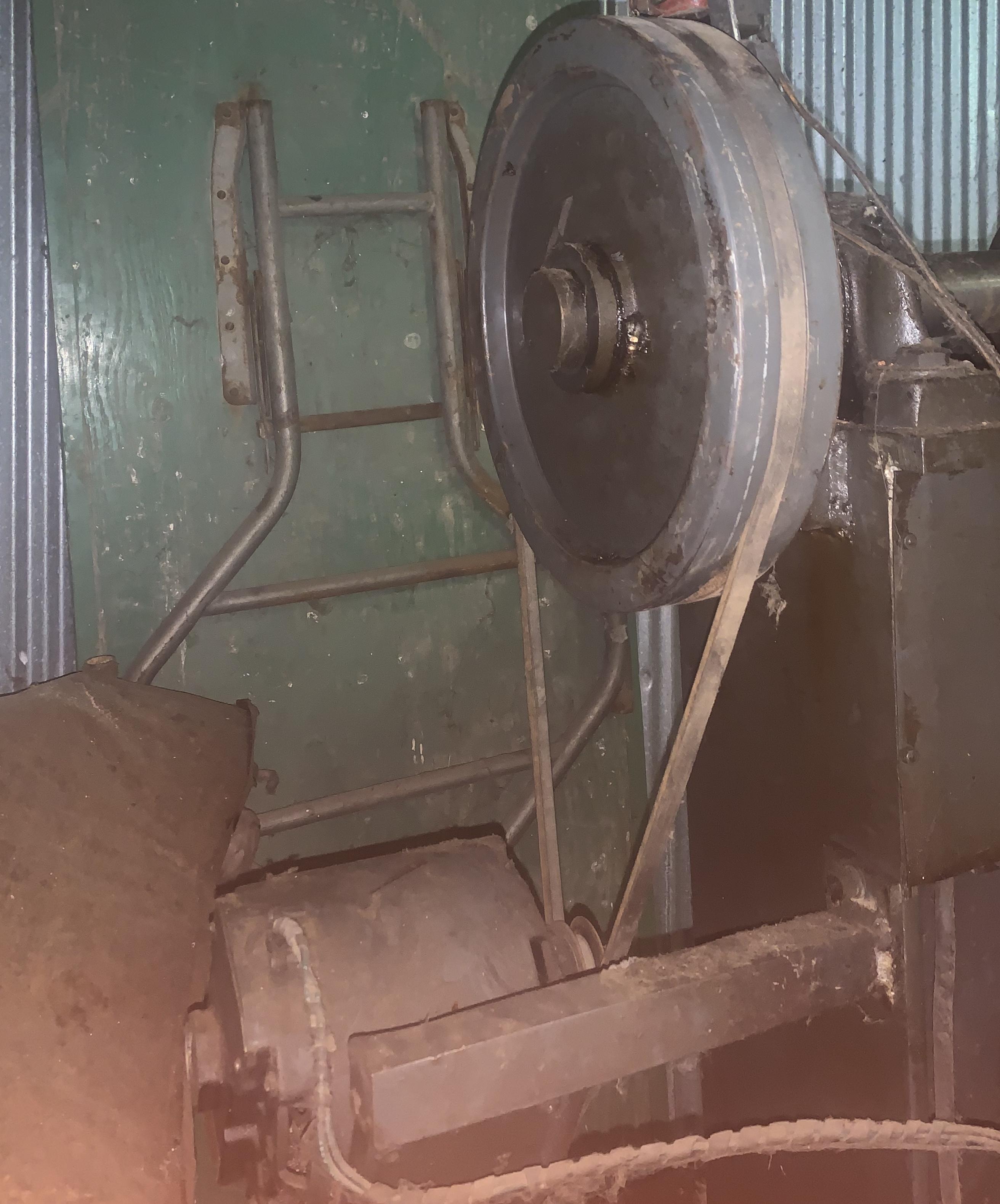
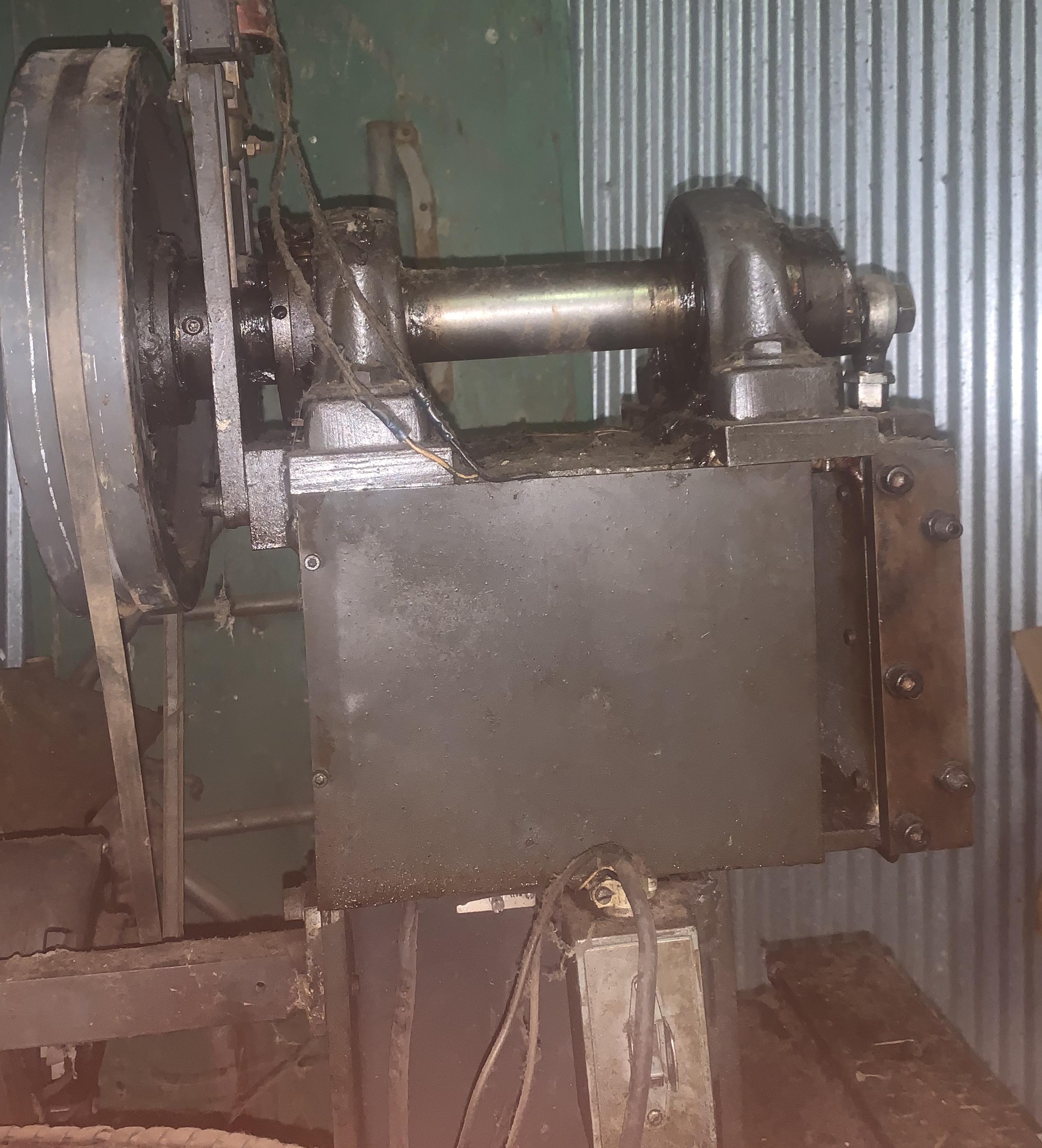
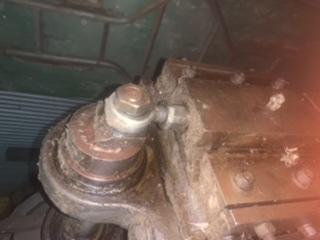
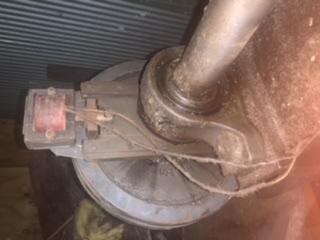
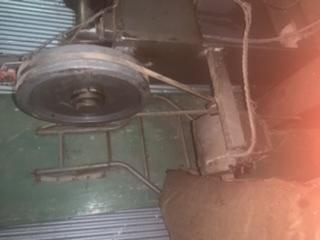
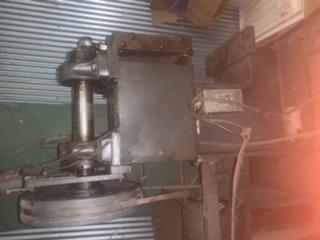
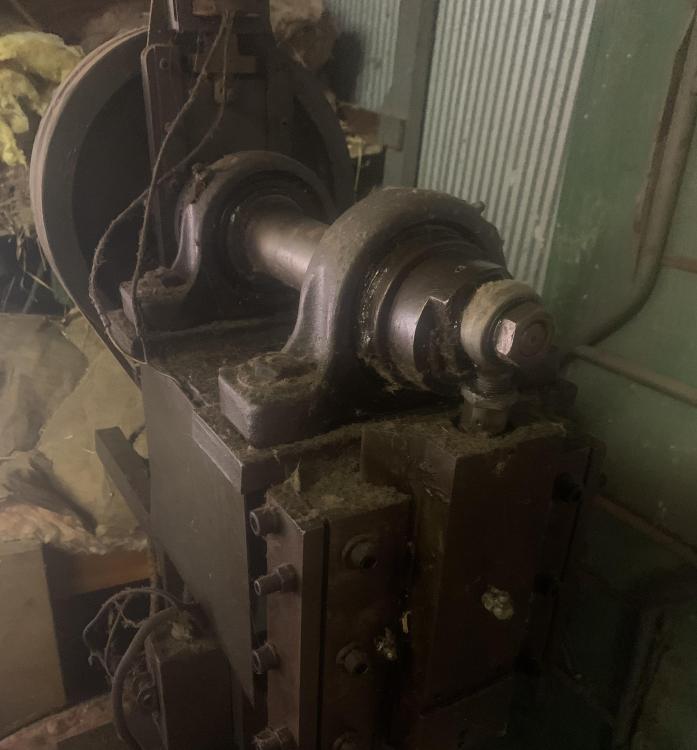
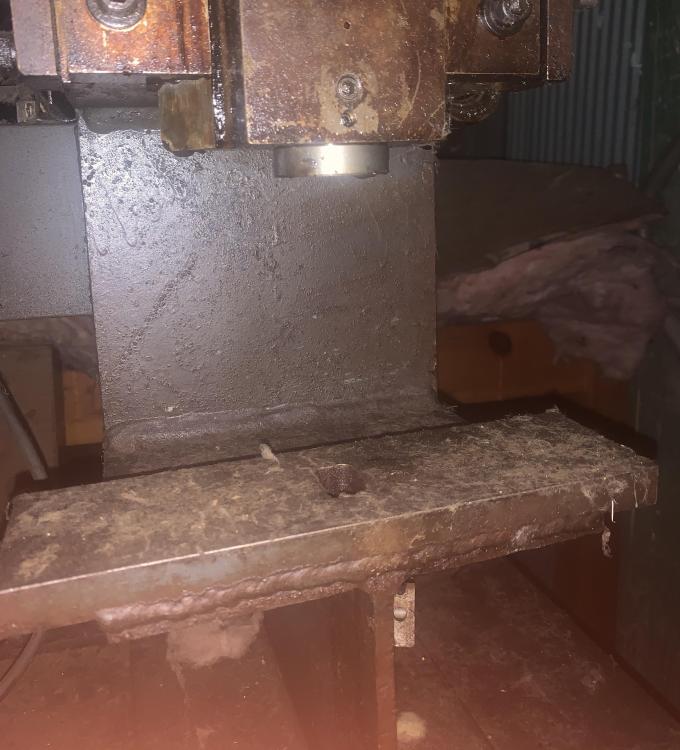
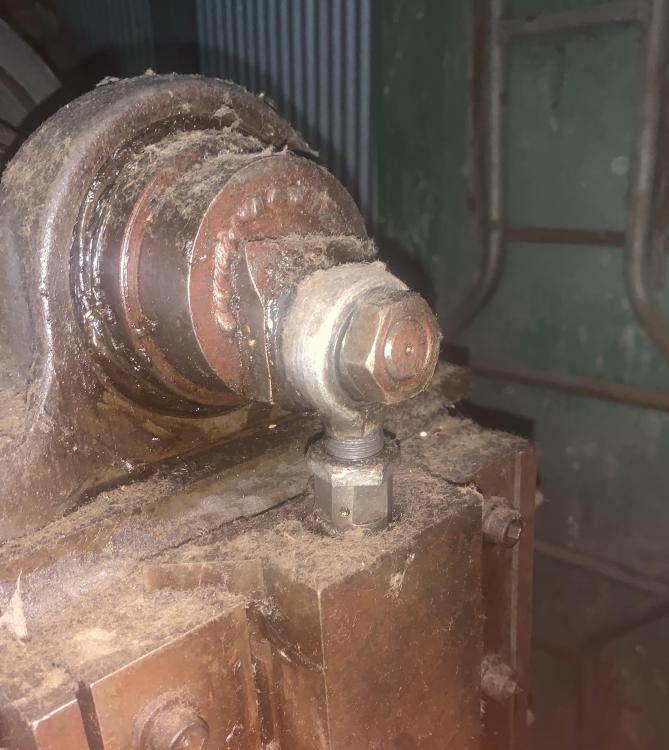
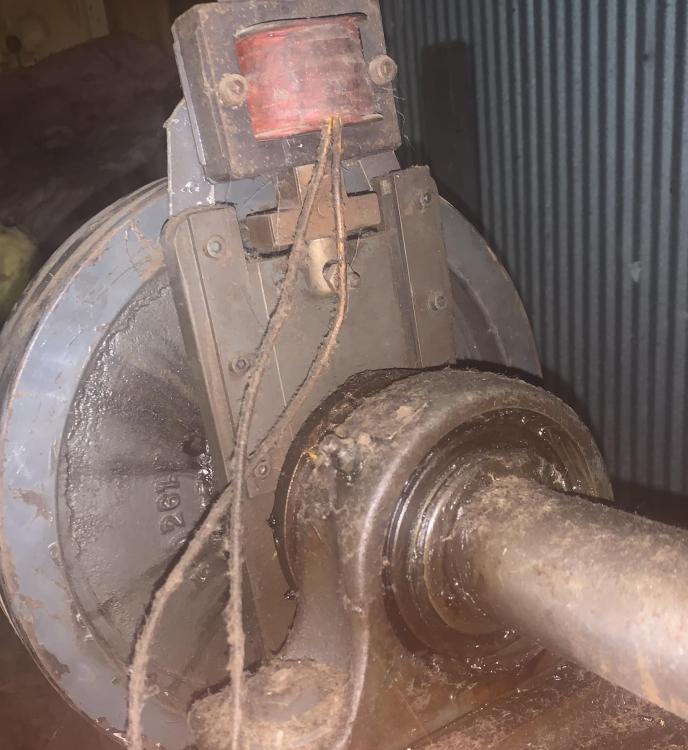
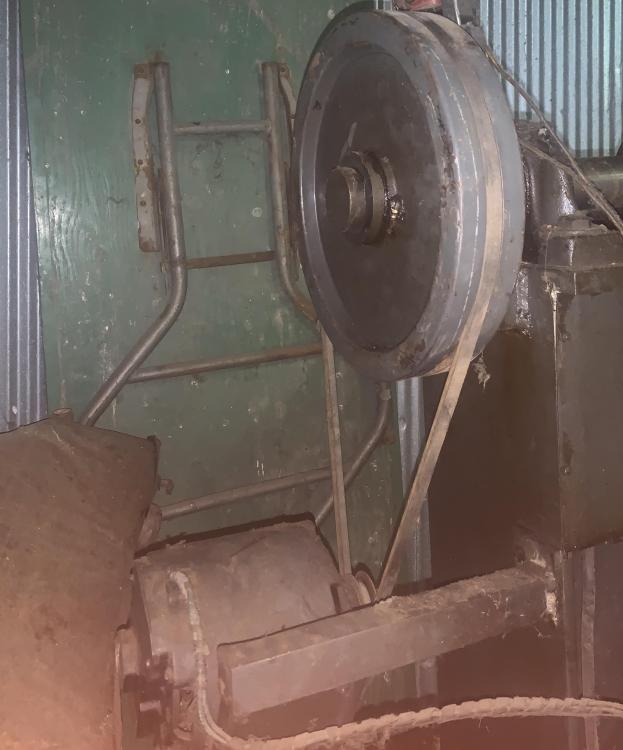
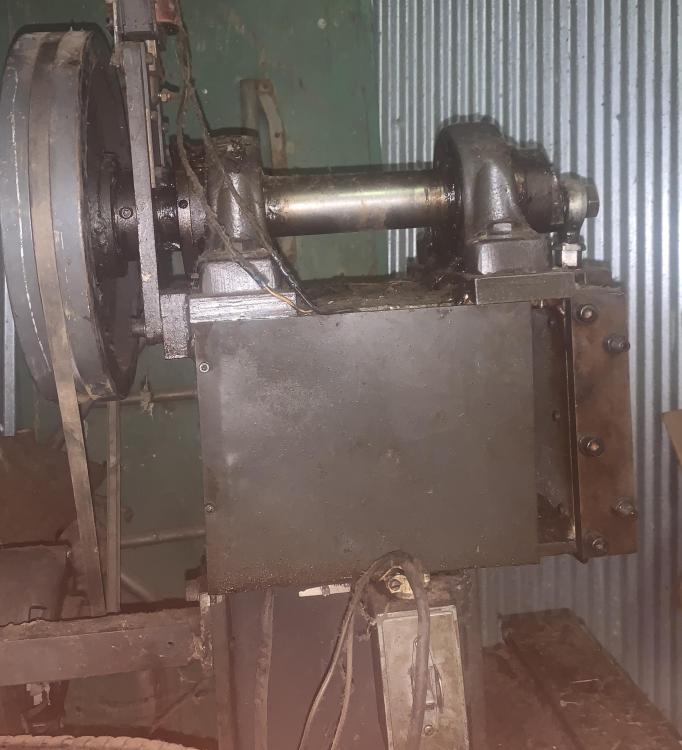
Okay...I think I have pics loaded, but I should get better ones tomorrow. Hopefully Those of you that are smarter than me can make sense if it Thanks for your help JHCC
-
JerryA joined the community
-
Hello all, I stumbled across this today at my work. It was tucked away in a barn and if it’s not some sort of power hammer, I don’t know what it would be. It has a short stroke, about 1.5” and there’s a small transformer on the top side of the rear wheel. Any ideas of what it could be if not a power hammer? Any suggestions or help would be appreciated. Links removed as you must log in to see the image