
Delani
Members
-
Joined
-
Last visited
Everything posted by Delani
-
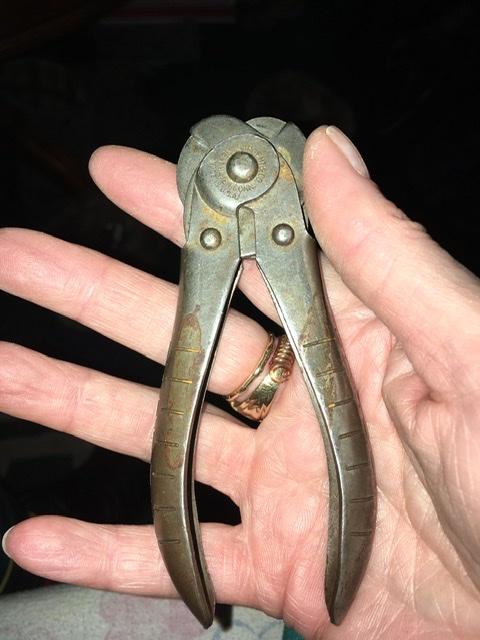
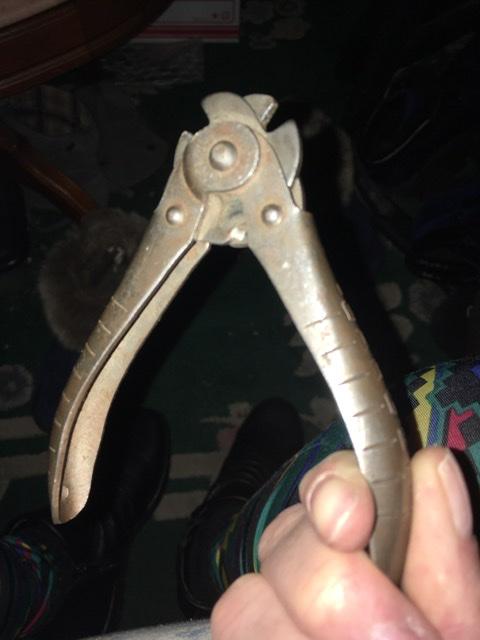
I have no idea what happened to the original pictures. I was under the impression when I got on this site that I had to use an offsite hosting. My last comment I was able to just download it straight off my phone which was way more convenient ;-) Here they are again.
-
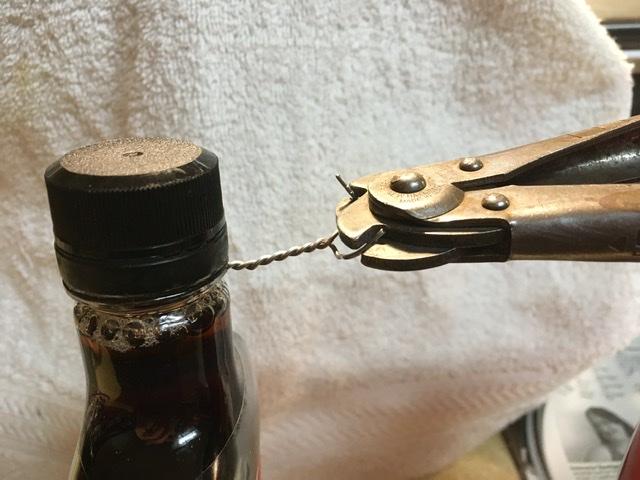
I tried it on some thicker soft wire, and it still doesn’t work very well. It kind of mushes and bends it. It does work well for a very stiff wire like a safety pin. But it works amazingly well, as Anachronist58 suggests, as a Lockwire spinning tool!! SEE PIC Thanks guys! I will definitely be using this site again!
-
Just picked this up at an estate sale. Asked one guy there, and he said he thought it was a wire cutter. It doesn’t work very well as a wire cutter, and it seems like a convoluted way to make a wire cutter. It says Sargent & Company New Haven, Connecticut made in USA