DirkR
Members
-
Joined
-
Last visited
-
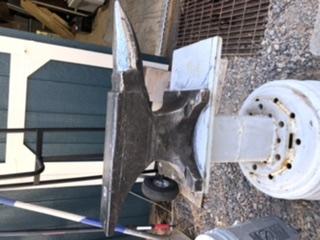
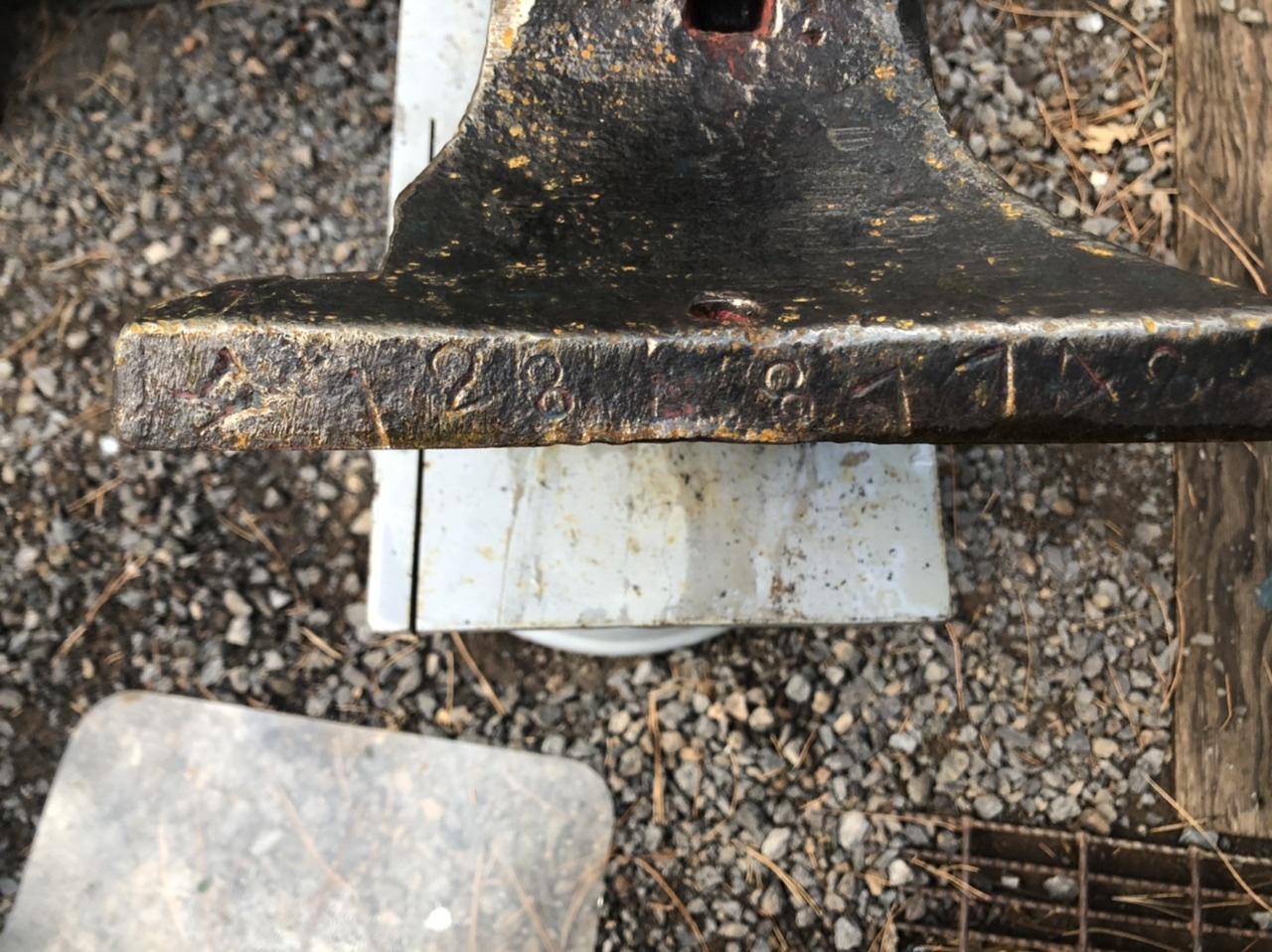
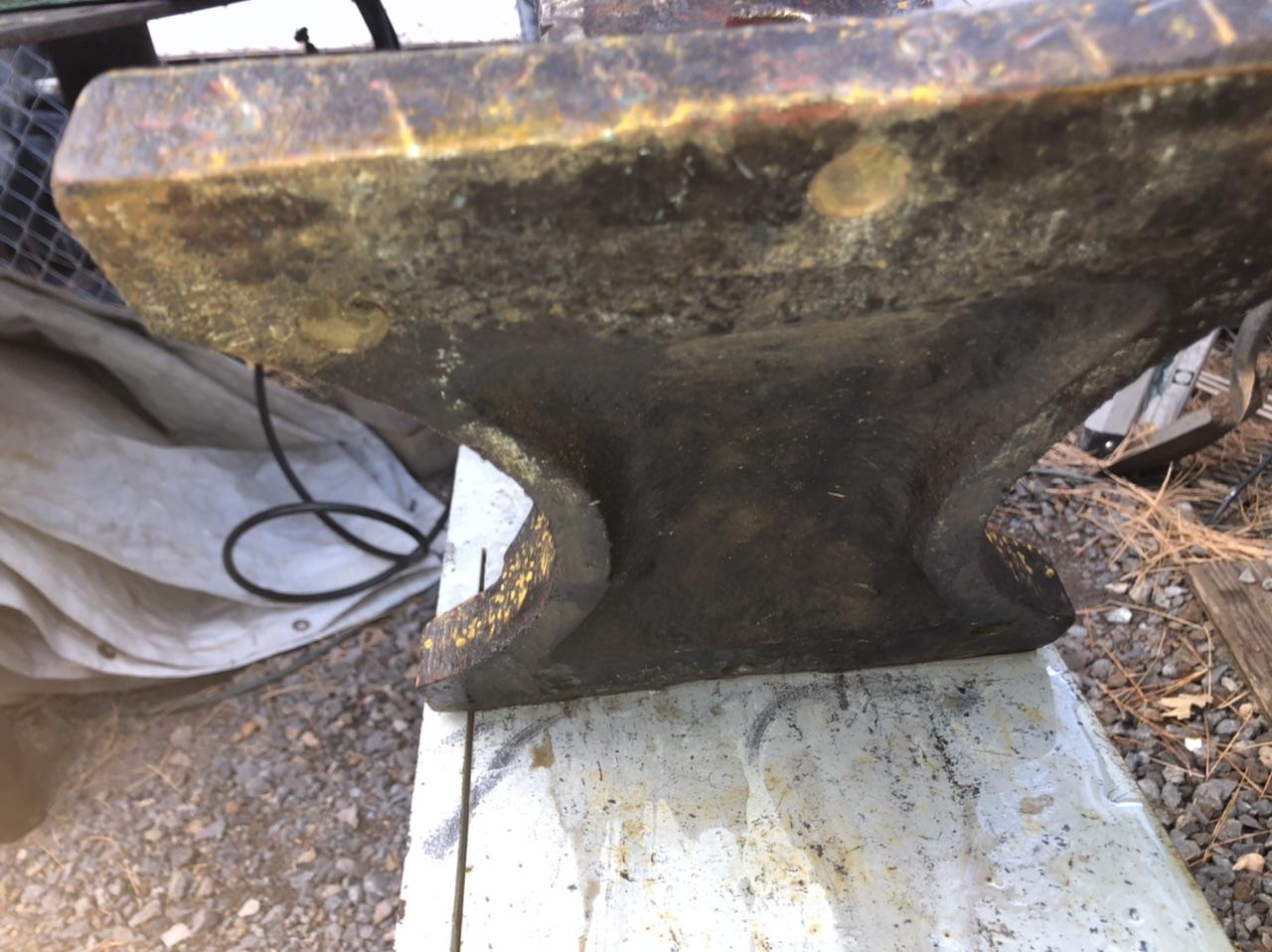
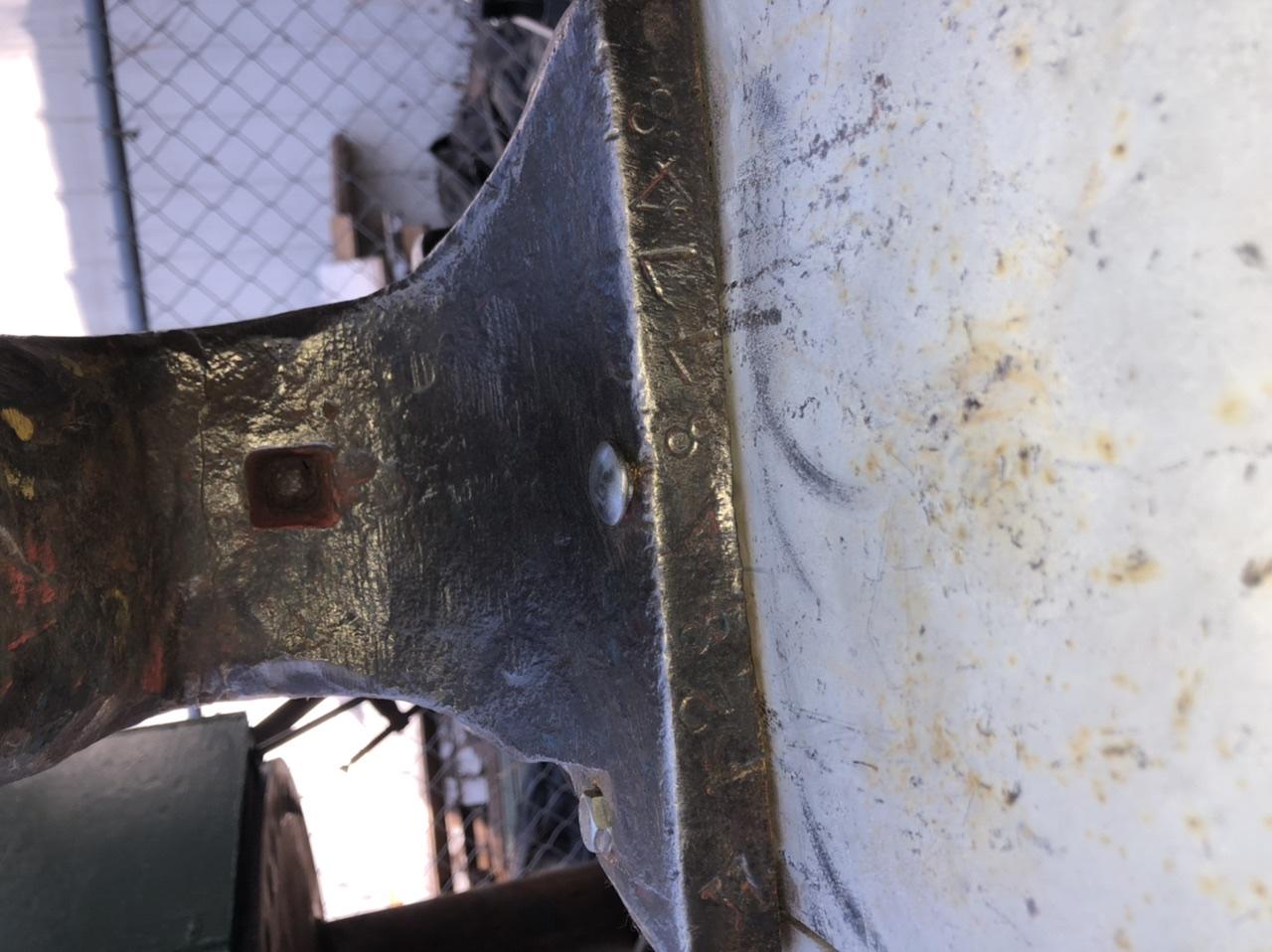
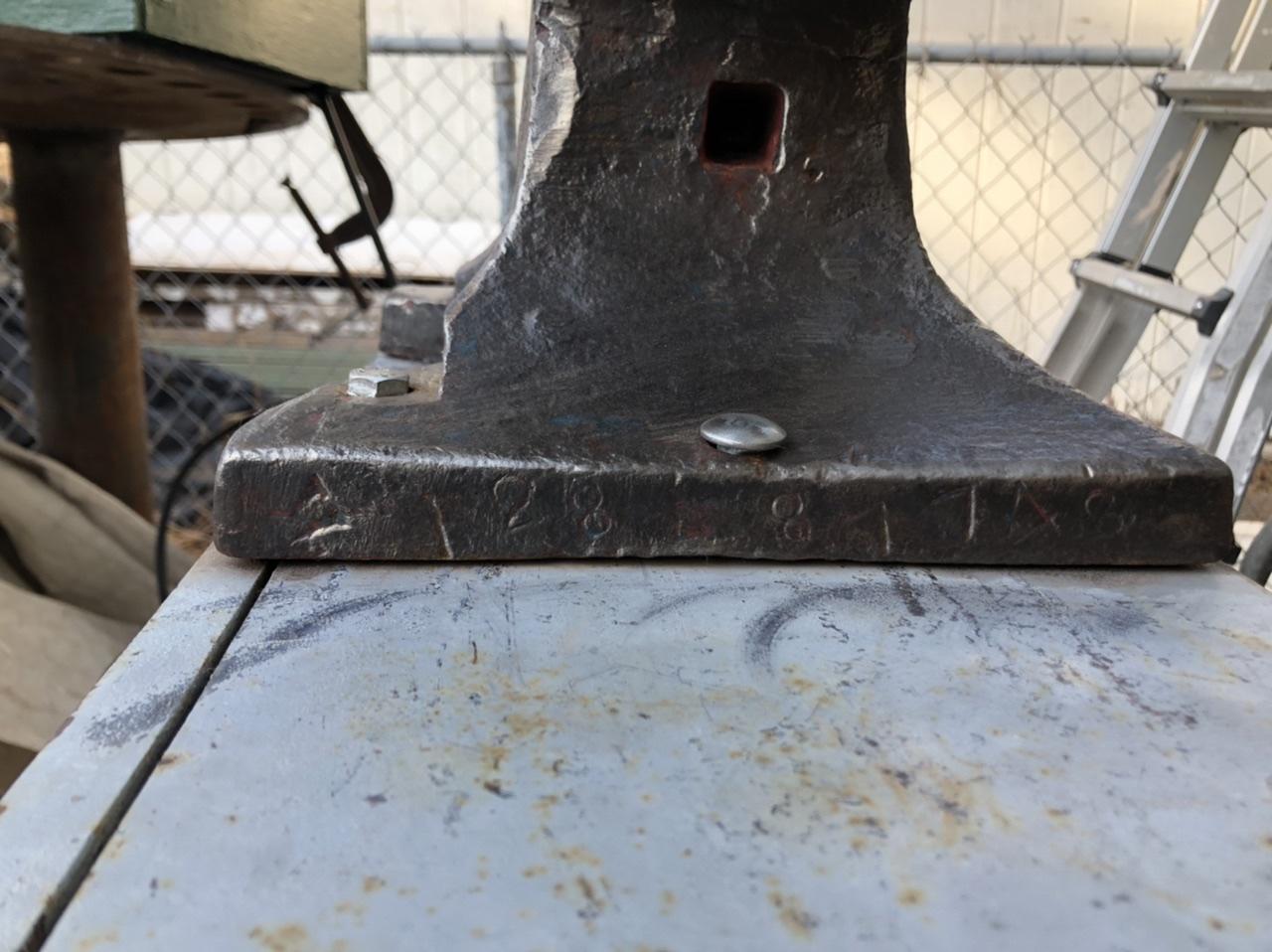
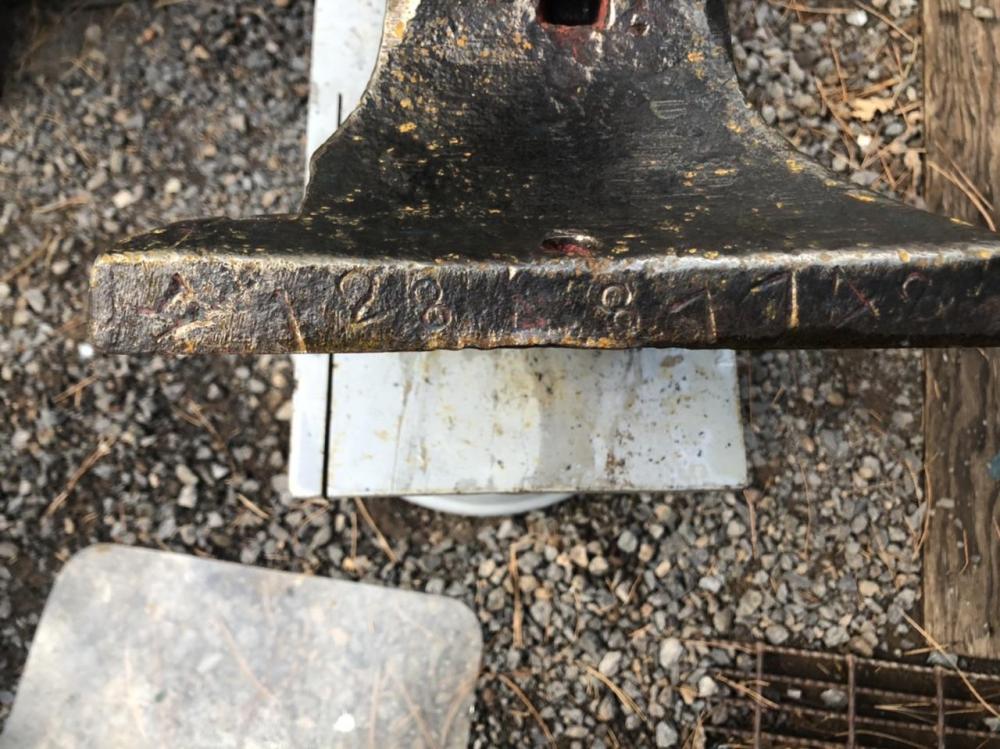
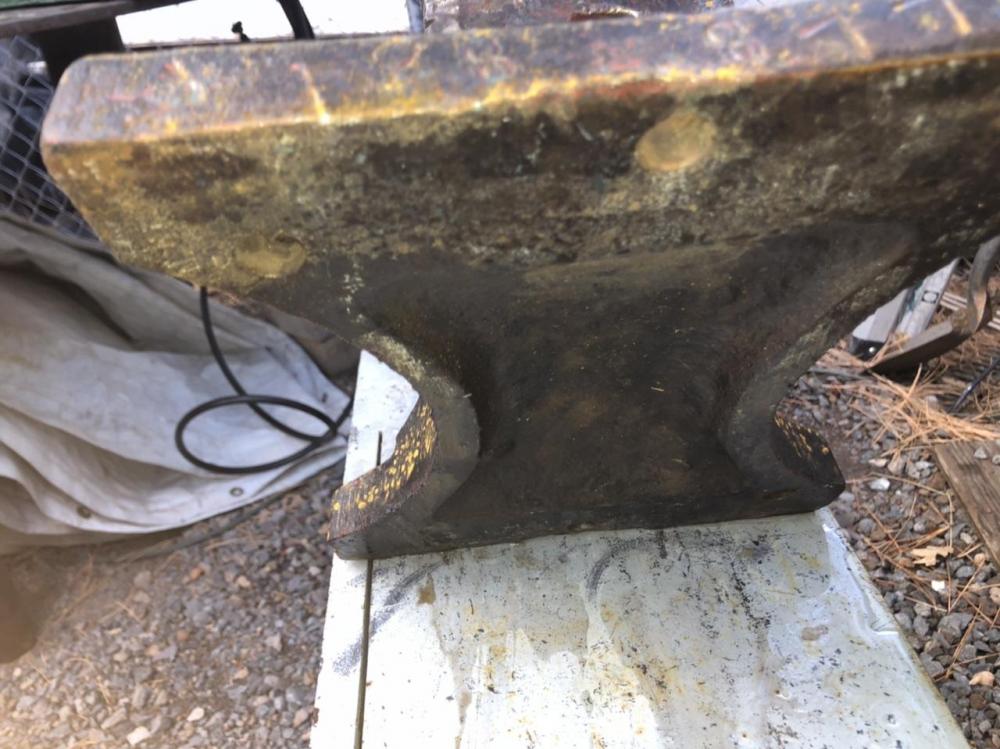
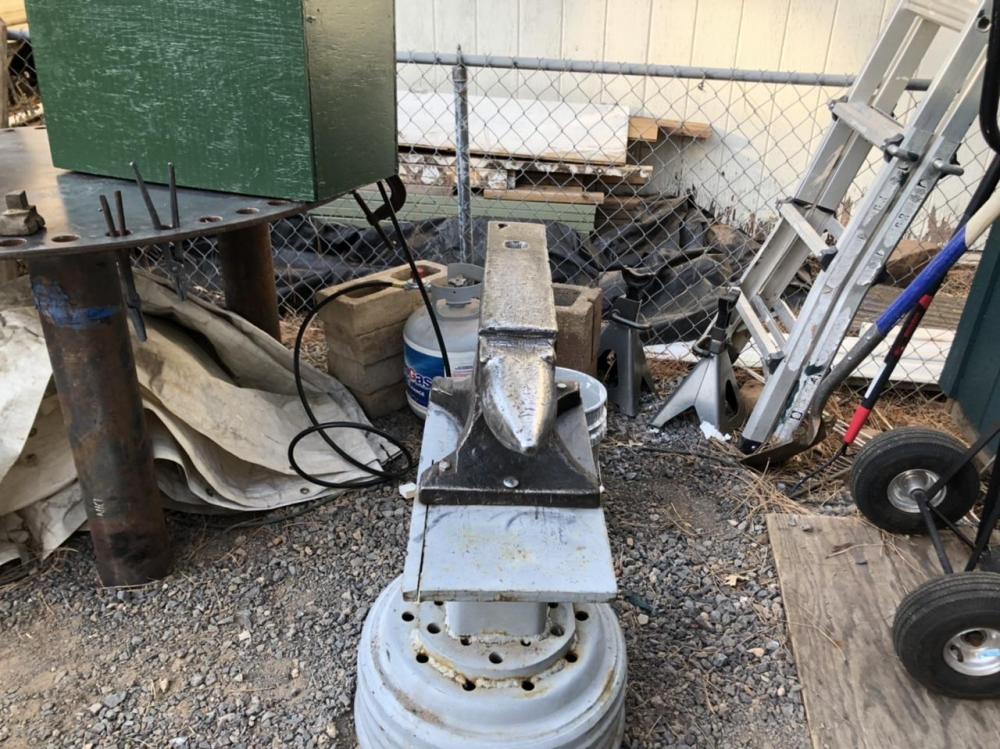
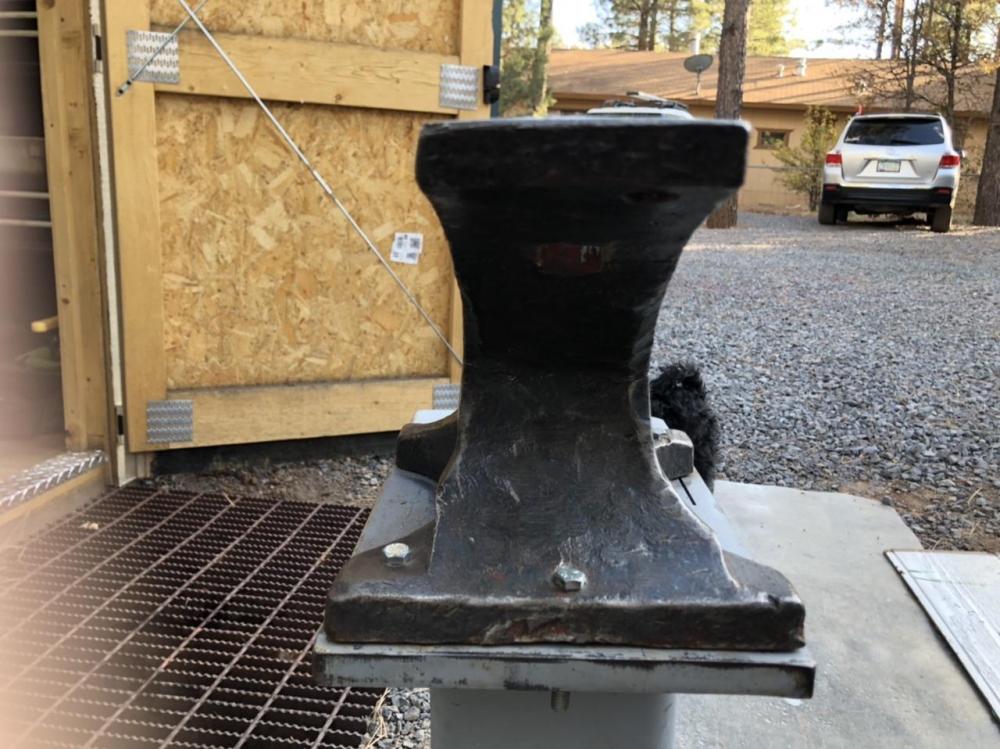
Hi Gentlemen Here is the bottom. I think the stamp to the left of the numbers is a K. Stamped sideways as my camera was not. my bathroom scale says 125#. sure appreciate you all. im going to silicon the bottom to slow the ringing? That sound like a good idea from other posts. Only dry or wet? thanks again. DirkR I did the bounce with a yardstick in several places all about the same. Dropped ballbearing from 20 inches and it came back to 15. Pretty consistently. raining here today so not outside much. Thanks Dirk
-
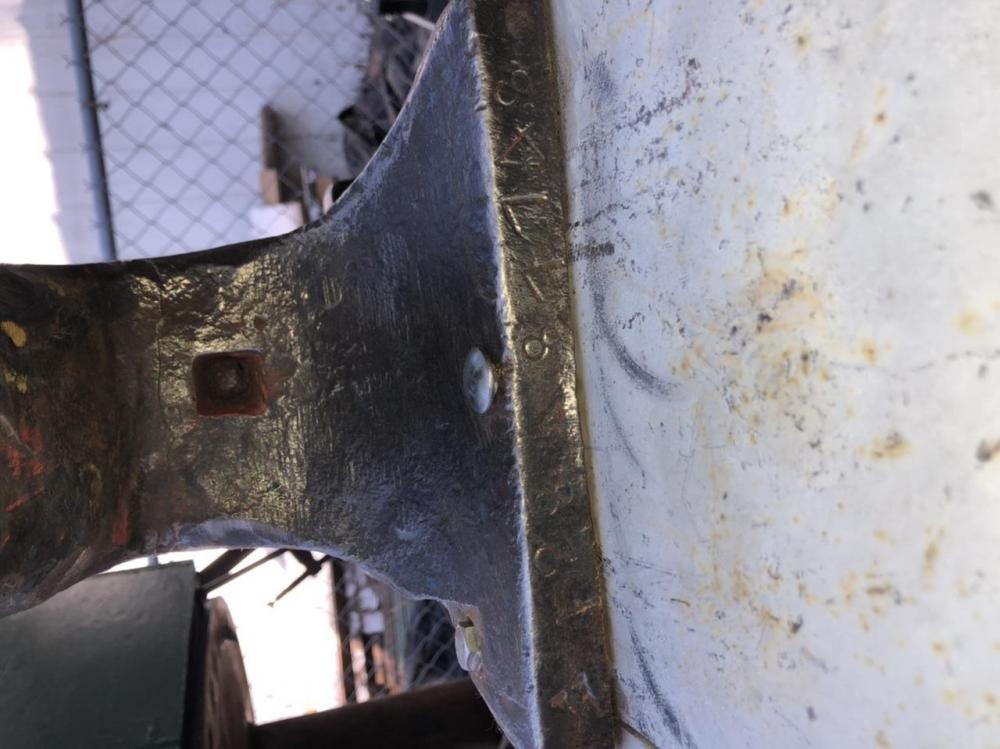
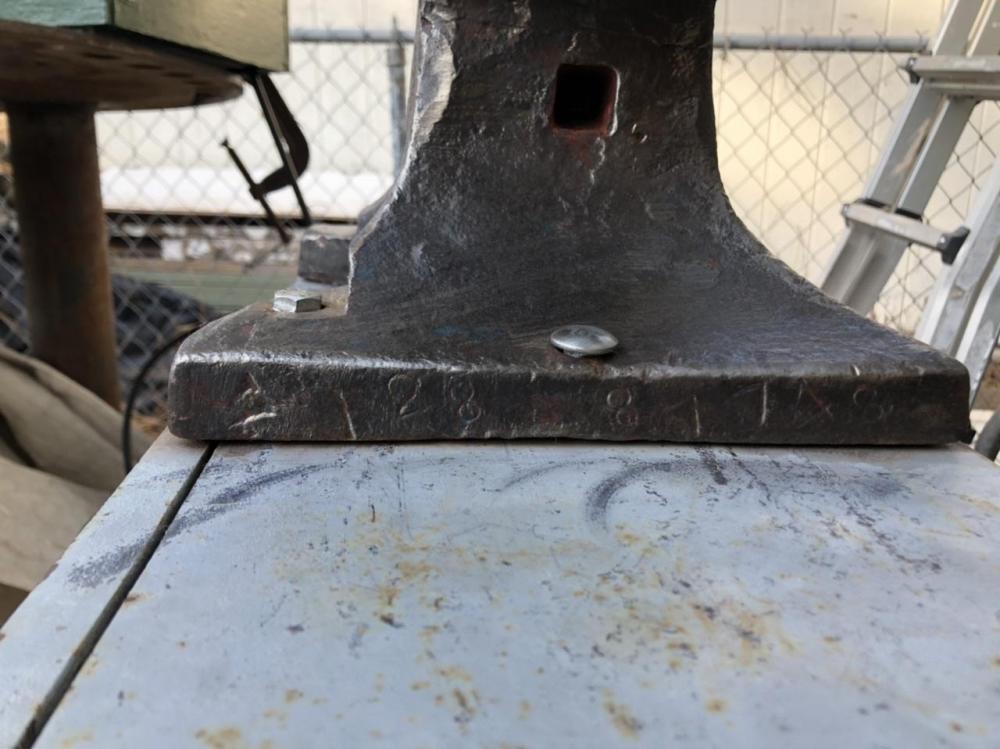
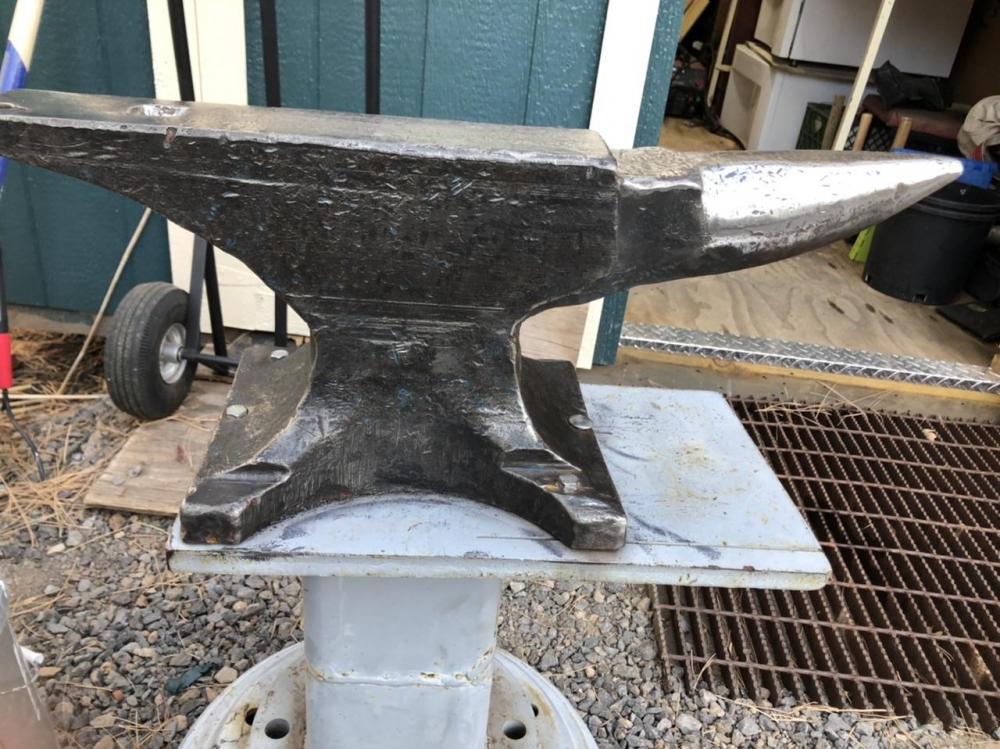
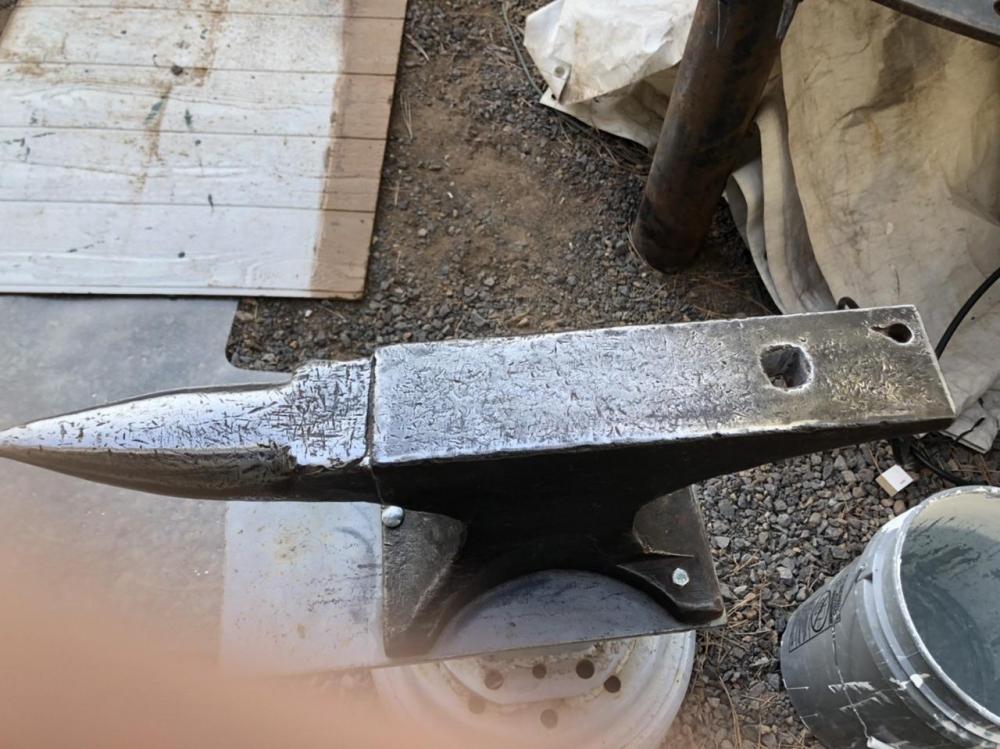
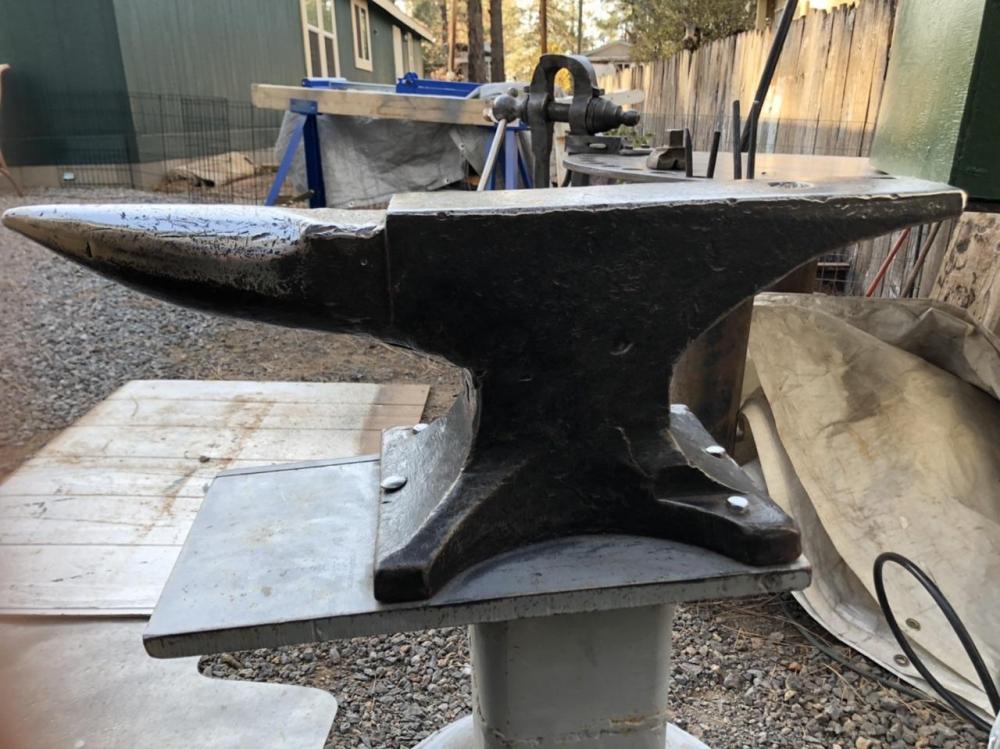
I’m back. Learning my way around But .... very slowly. The numbers are 128 87748. I can’t find any discernible image but there looks to be some sort of small stamp to the left of the numbers. It rings and a ball bearing bounces almost to drop point. ive always wanted to work with metal so I’m starting.
-
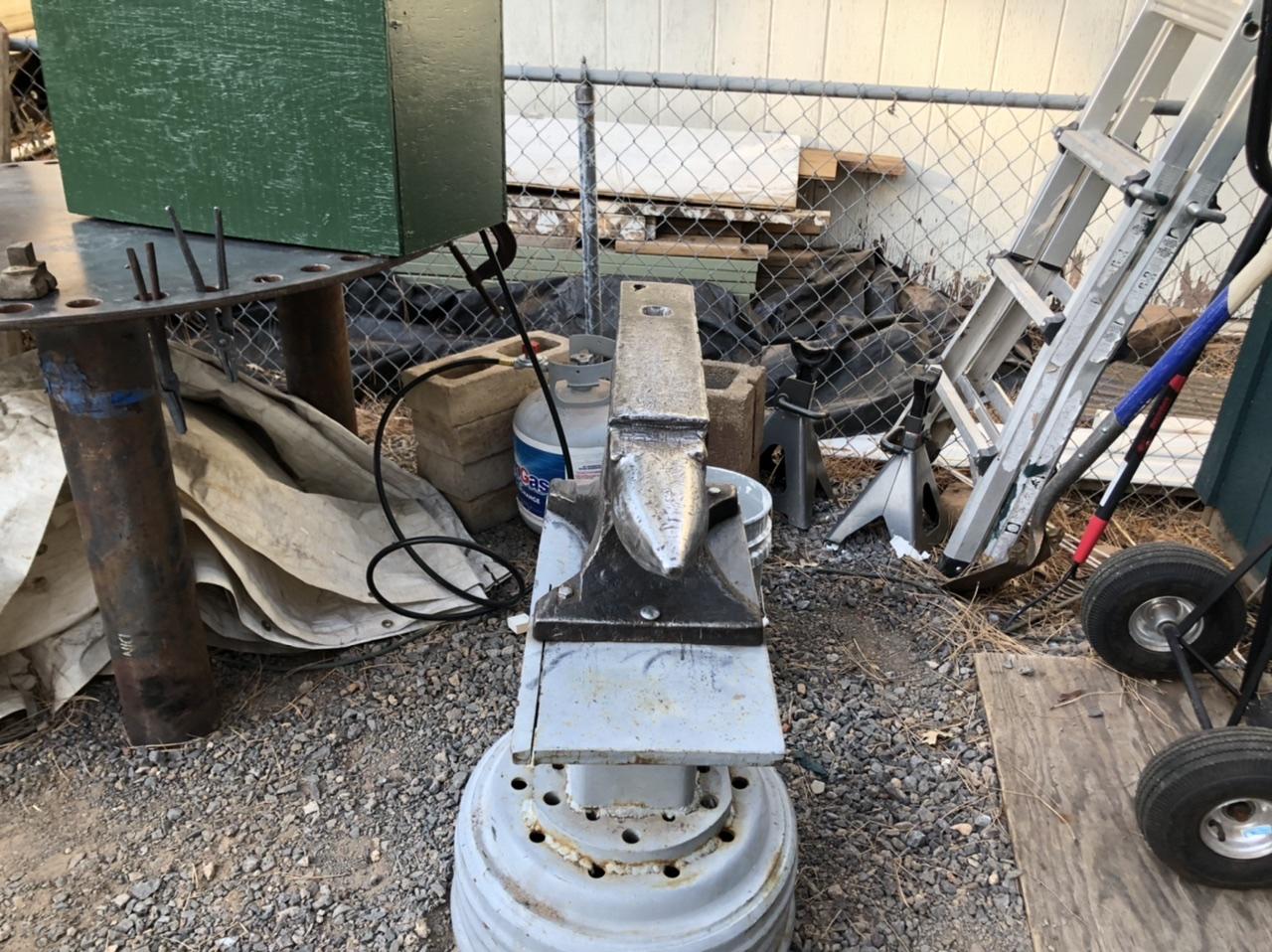
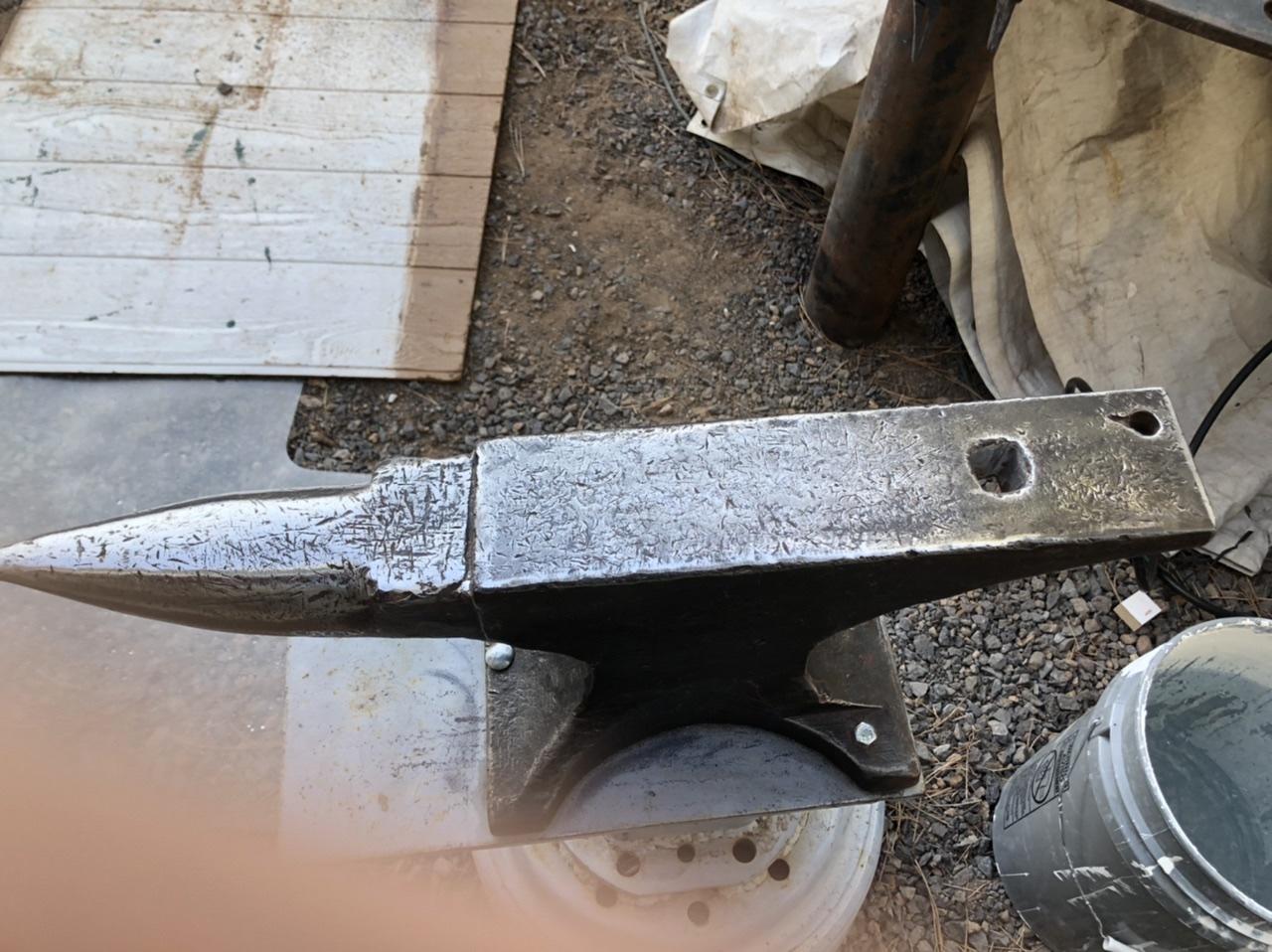
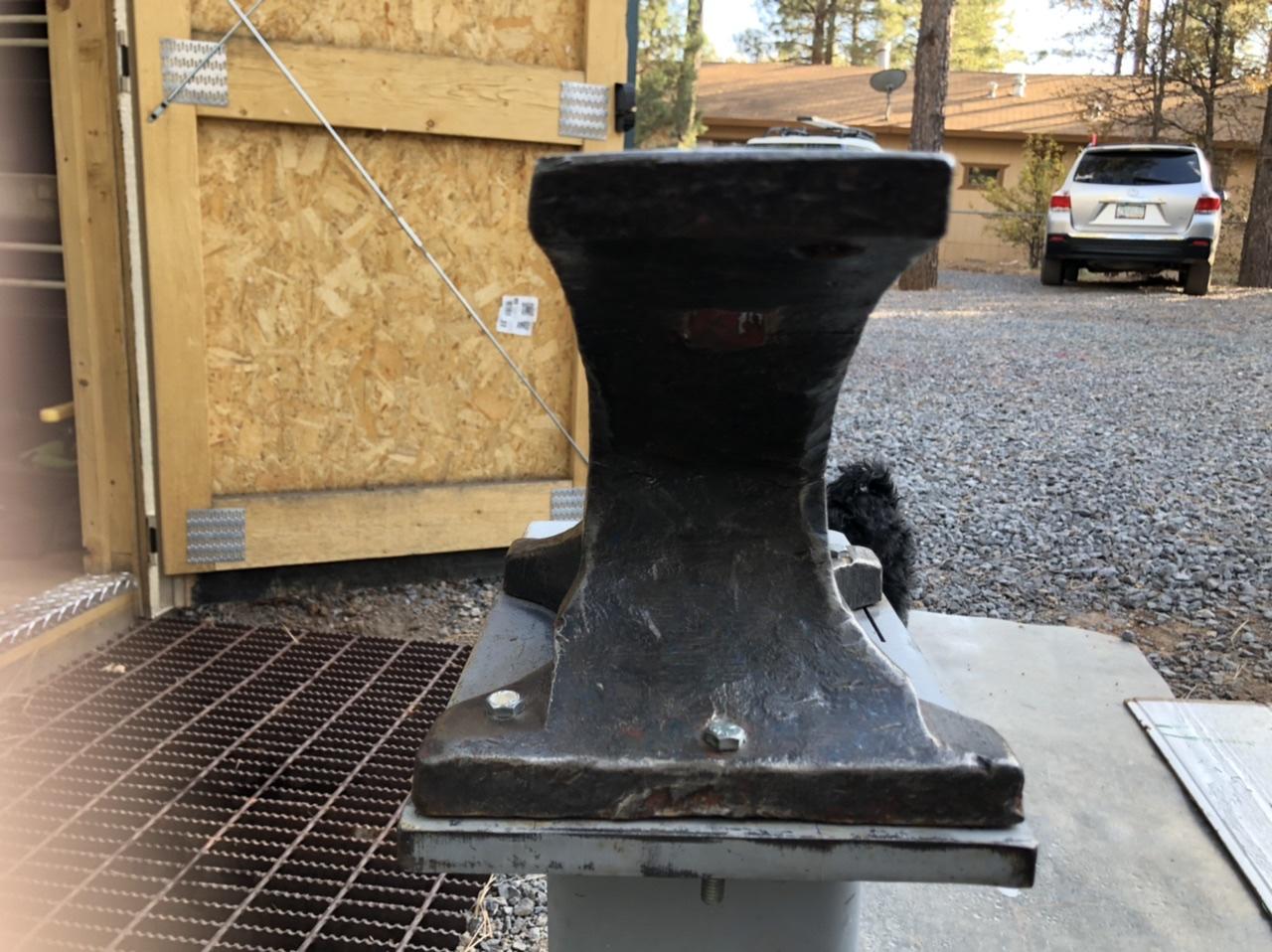
This is a high school dream but I had no idea what all I didn’t know. I swapped a hand gun for this anvil but don’t know anything about it. Can somebody help? Thanks ahead.