Skip to content
View in the app

A better way to browse. Learn more.

I Forge Iron

A full-screen app on your home screen with push notifications, badges and more.

To install this app on iOS and iPadOS
  1. Tap the Share icon in Safari
  2. Scroll the menu and tap Add to Home Screen.
  3. Tap Add in the top-right corner.
To install this app on Android
  1. Tap the 3-dot menu (⋮) in the top-right corner of the browser.
  2. Tap Add to Home screen or Install app.
  3. Confirm by tapping Install.

SmeltingFool

Members
  • Joined

  • Last visited

  1. Steve, start small just melt some aluminum cans. Pour it into a muffin tins for later melting. It'll get you started. Is your foundry ready?
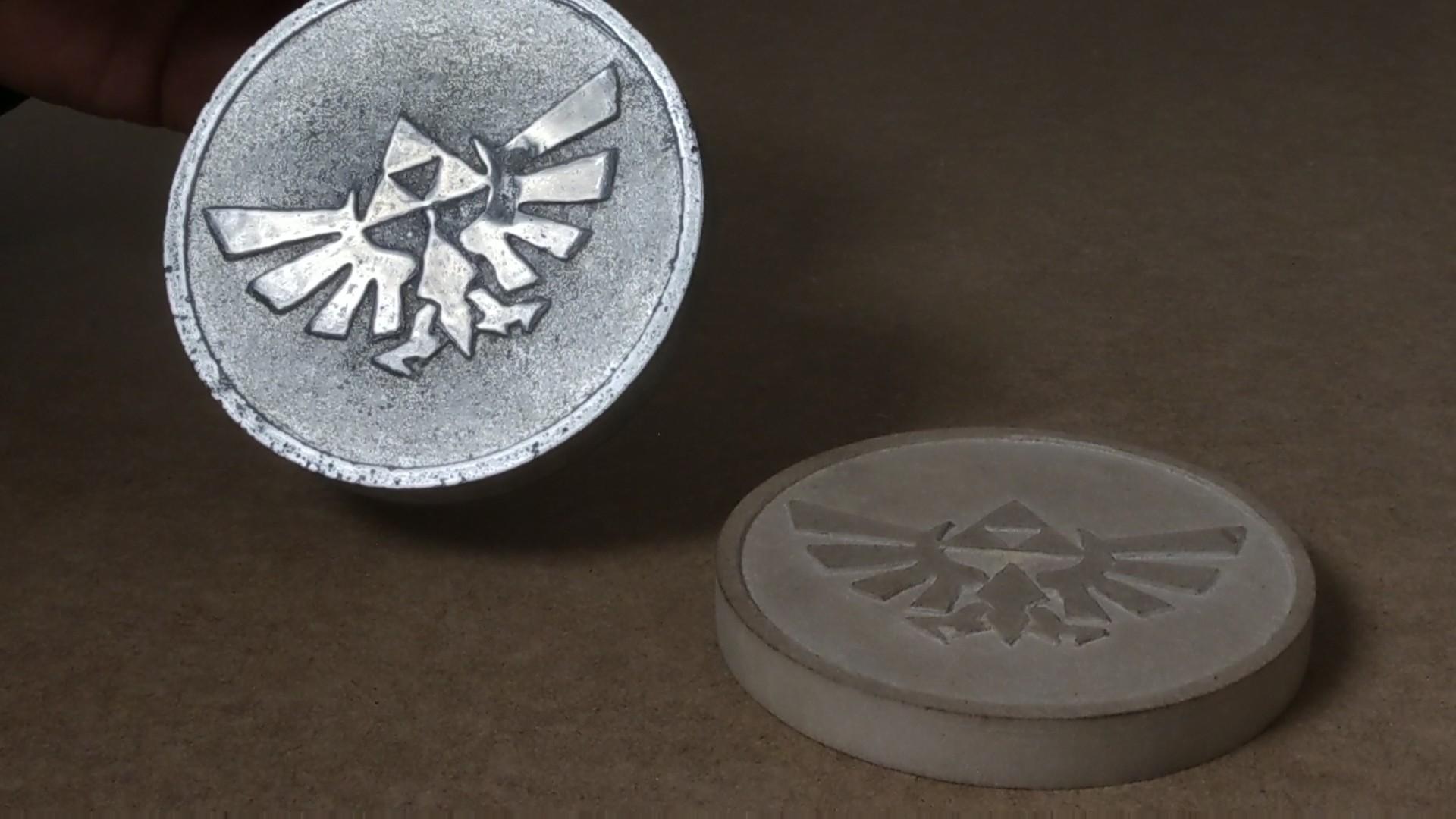
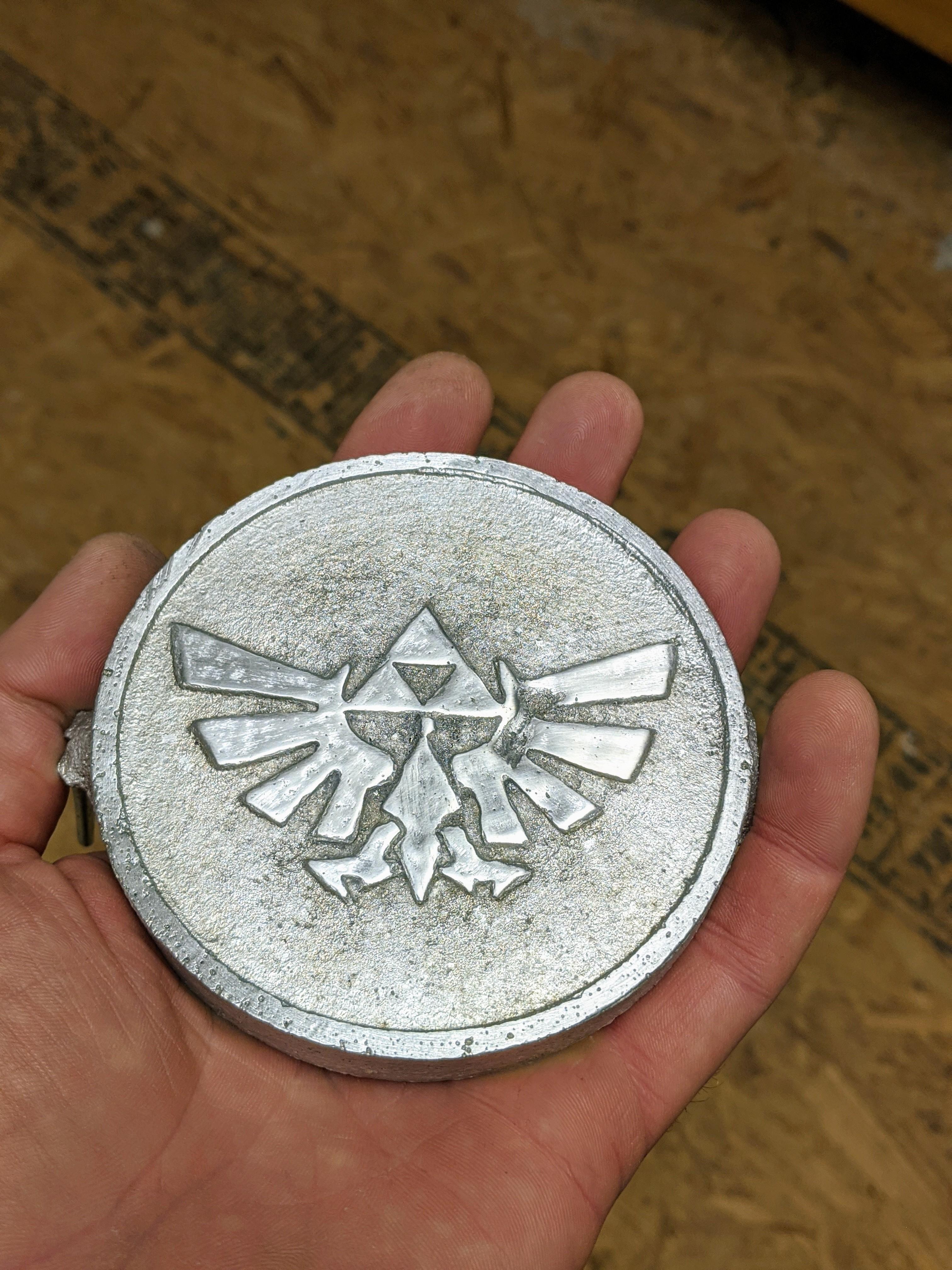
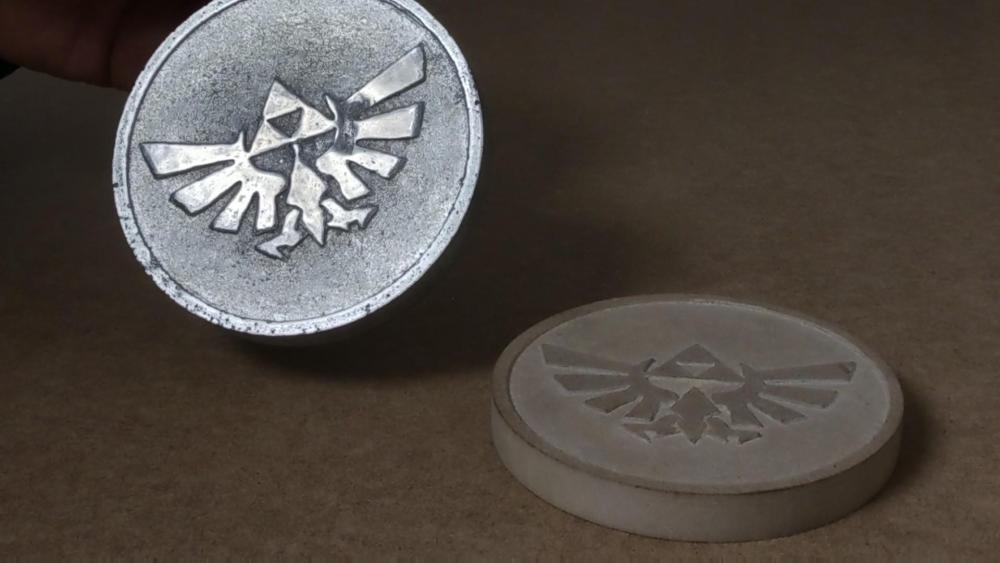
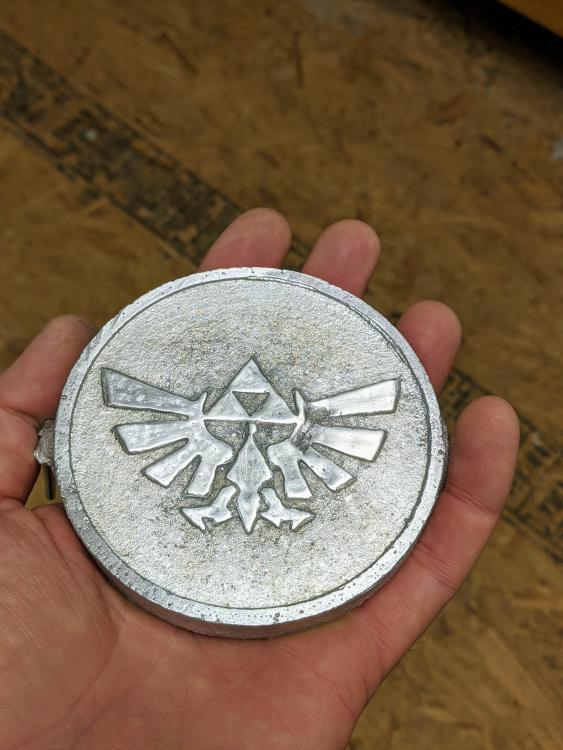
  2. I built my foundry a few months back. Finished it up by using Plistix 900F from Glenn. I melted a bunch of cans, aluminum parts and some copper. I figured it was time to make something. As a child I loved playing Zelda. So I decided to make a large coin. I made a MDF pattern for casting it in sand. The build from start to finish can be seen on my YouTube channel. https://youtu.be/R5Jm2fPH3WE
Account

Navigation

Search

Search

Configure browser push notifications

Chrome (Android)
  1. Tap the lock icon next to the address bar.
  2. Tap Permissions → Notifications.
  3. Adjust your preference.
Chrome (Desktop)
  1. Click the padlock icon in the address bar.
  2. Select Site settings.
  3. Find Notifications and adjust your preference.