GW777
Members
-
Joined
-
Last visited
-
Thank you all. I will definitely heed all of this great advice.
-
Thank you, that is a great idea. I definitely will make note of needed improvements, and mark my tools as you have suggested. I appreciate the advice, and hope to show improvement soon.
-
GW777 changed their profile photo
-
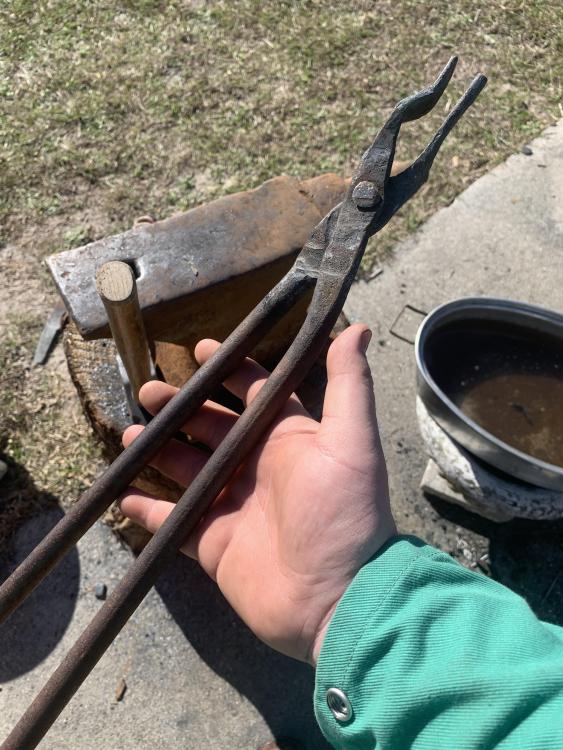
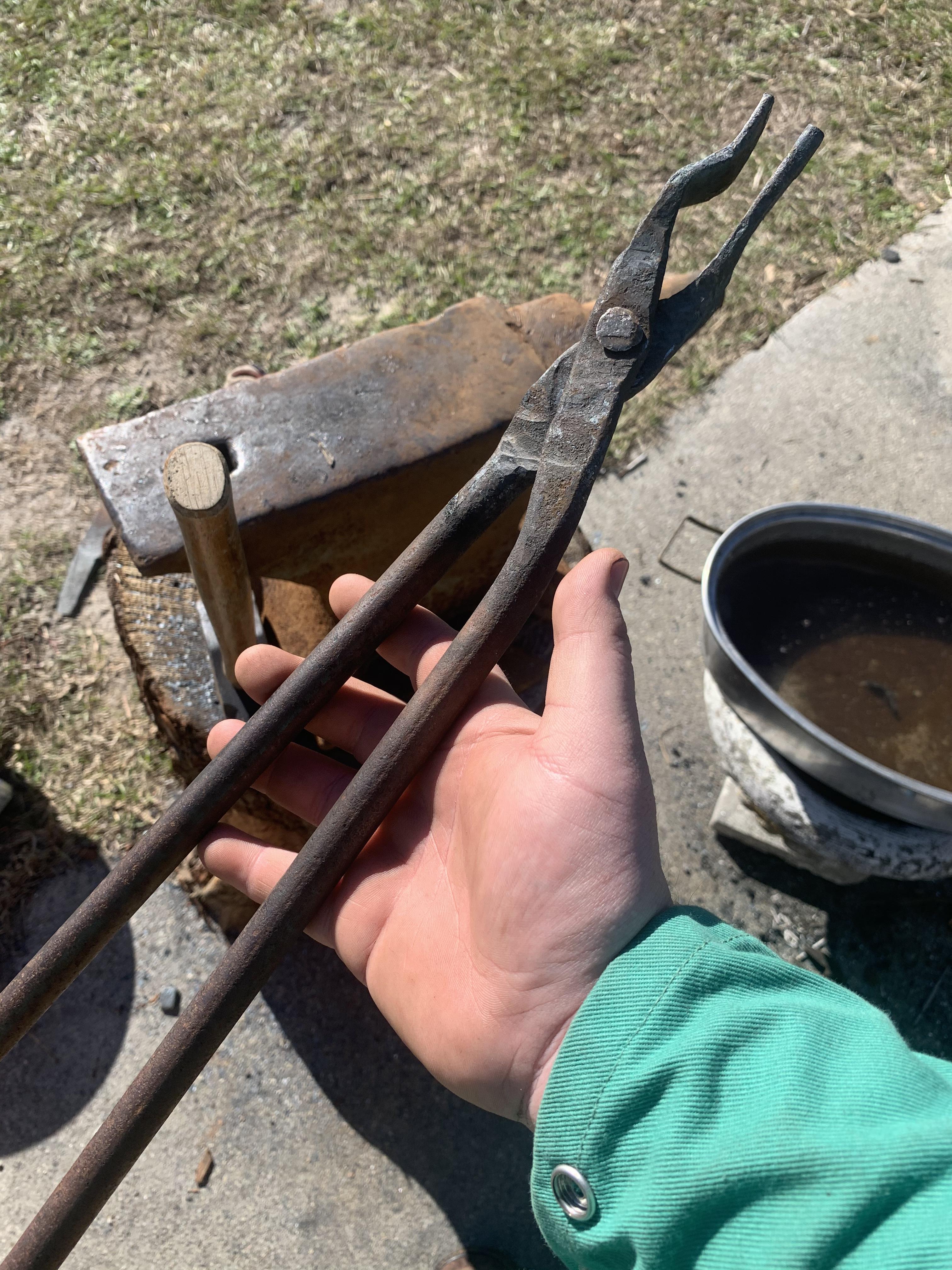
Thank you kindly. Overall, they hold most things well. They are a definite improvement over my little pair of channel-locks, but can surely be improved upon. I appreciate the compliment and will be posting again soon. GW
-
As the title states, I am a brand new smith. This site has been indispensable to my self education, and I just wanted to join and collectively thank all who post enlightening content for us newbies. Also, these tongs are the first real things I’ve forged besides a few split crosses. Please tell me what y’all think.