3Fowlers
Members
-
Joined
-
Last visited
-
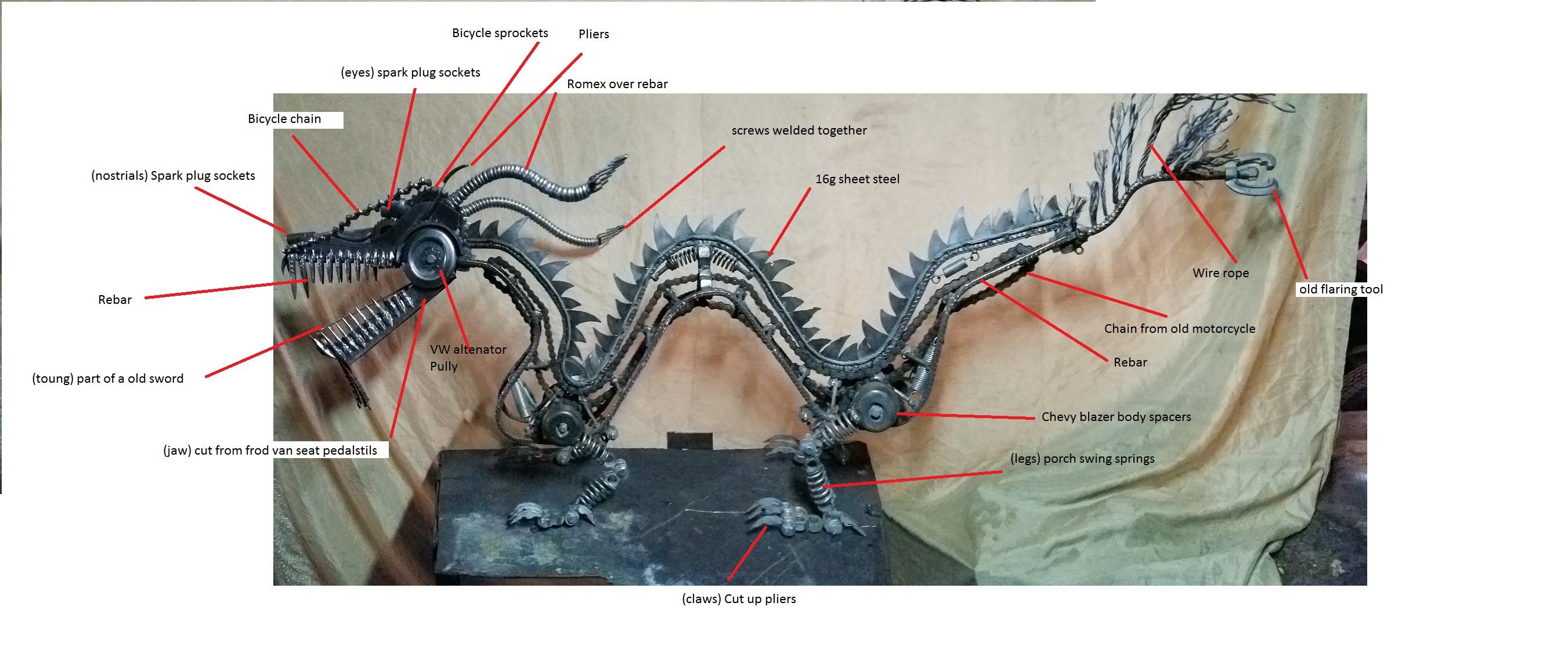
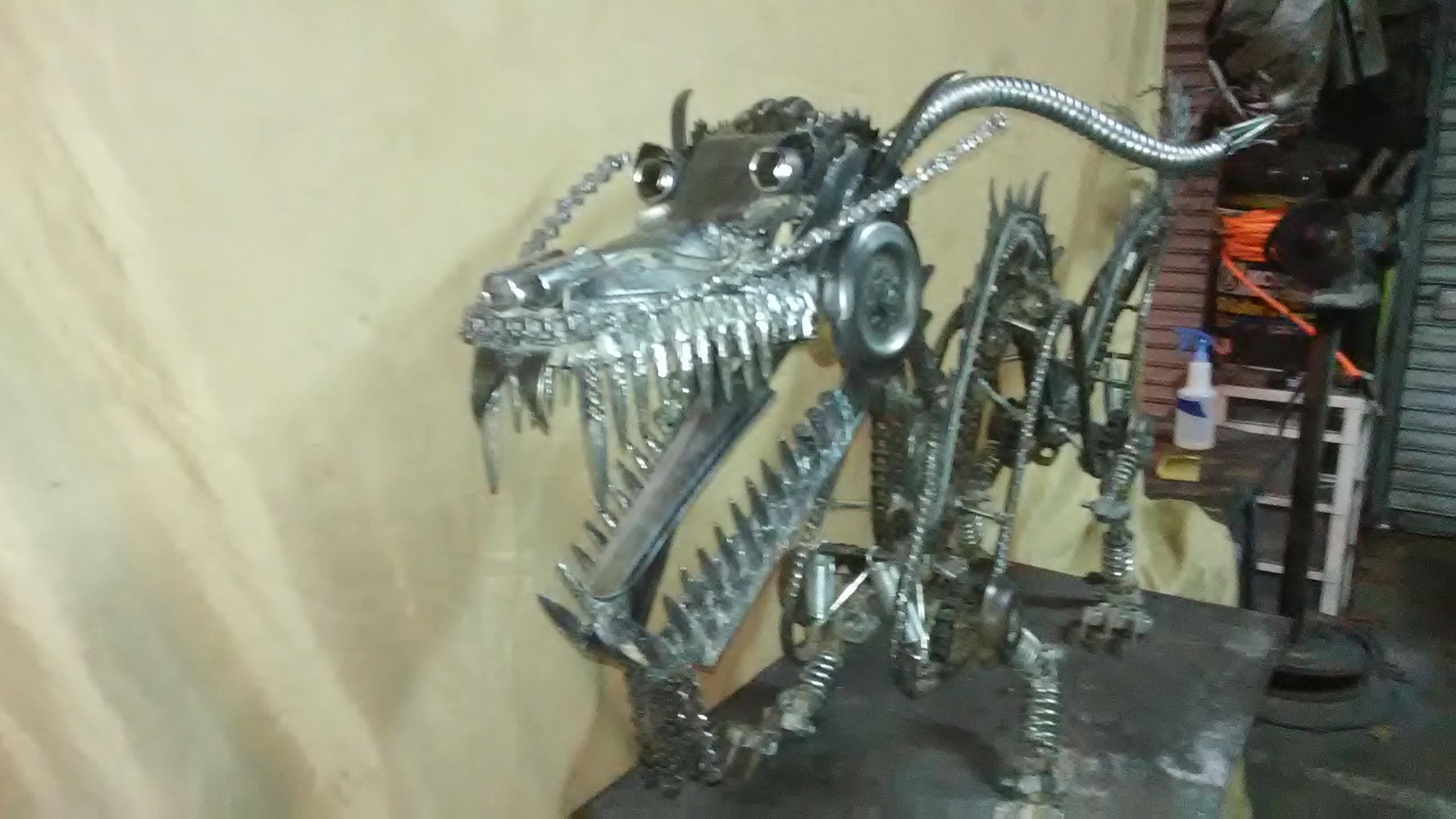
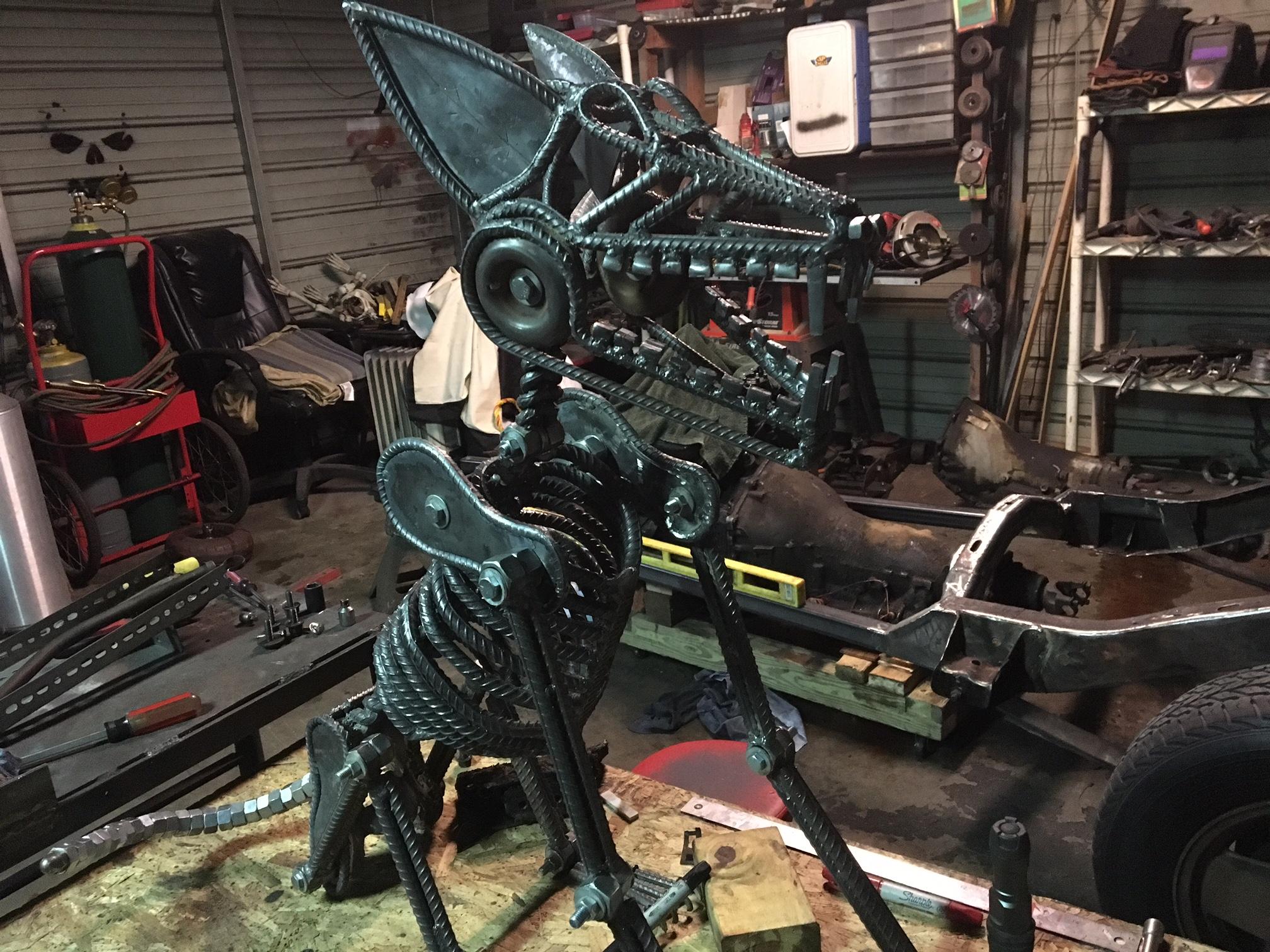
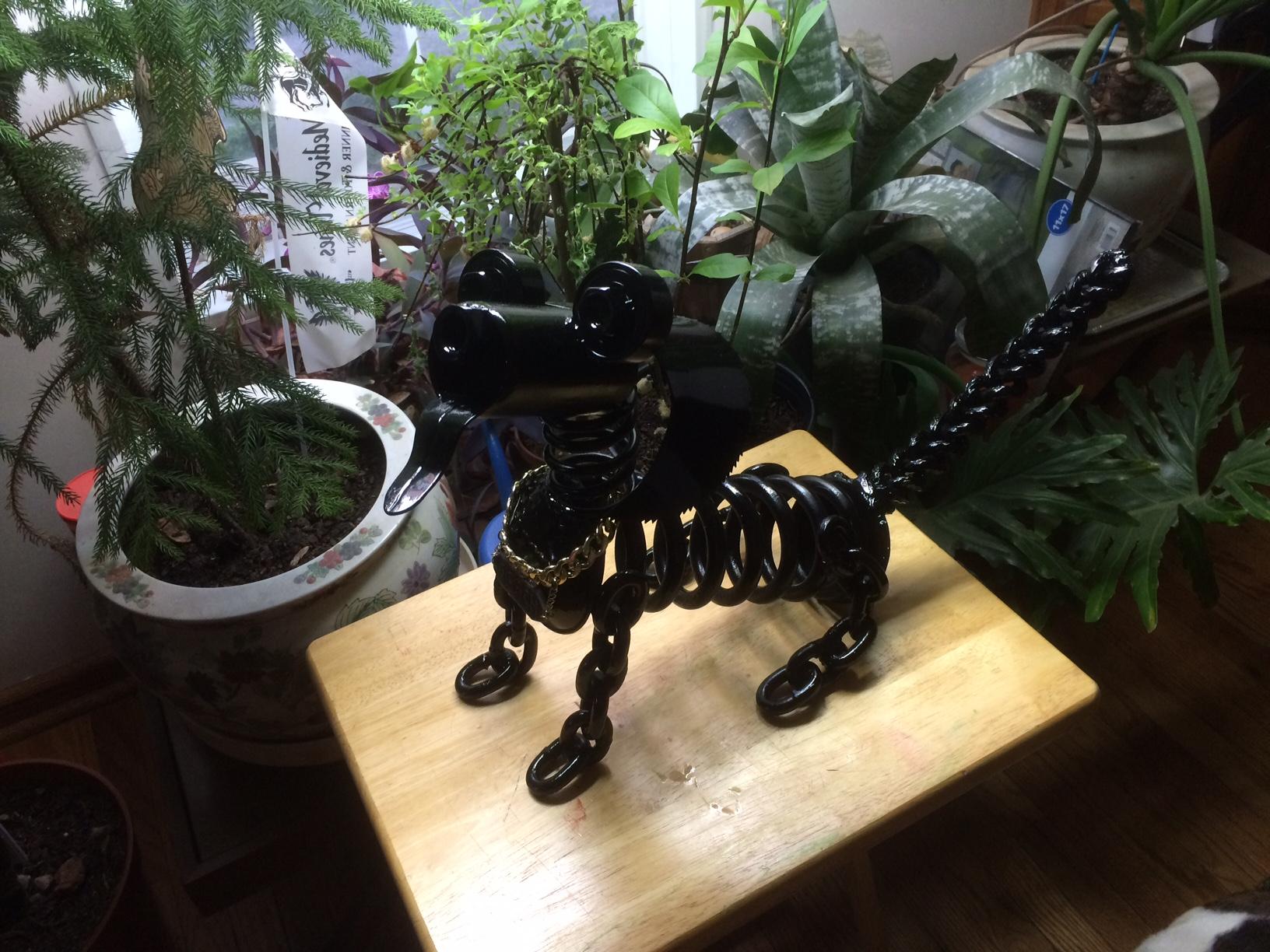
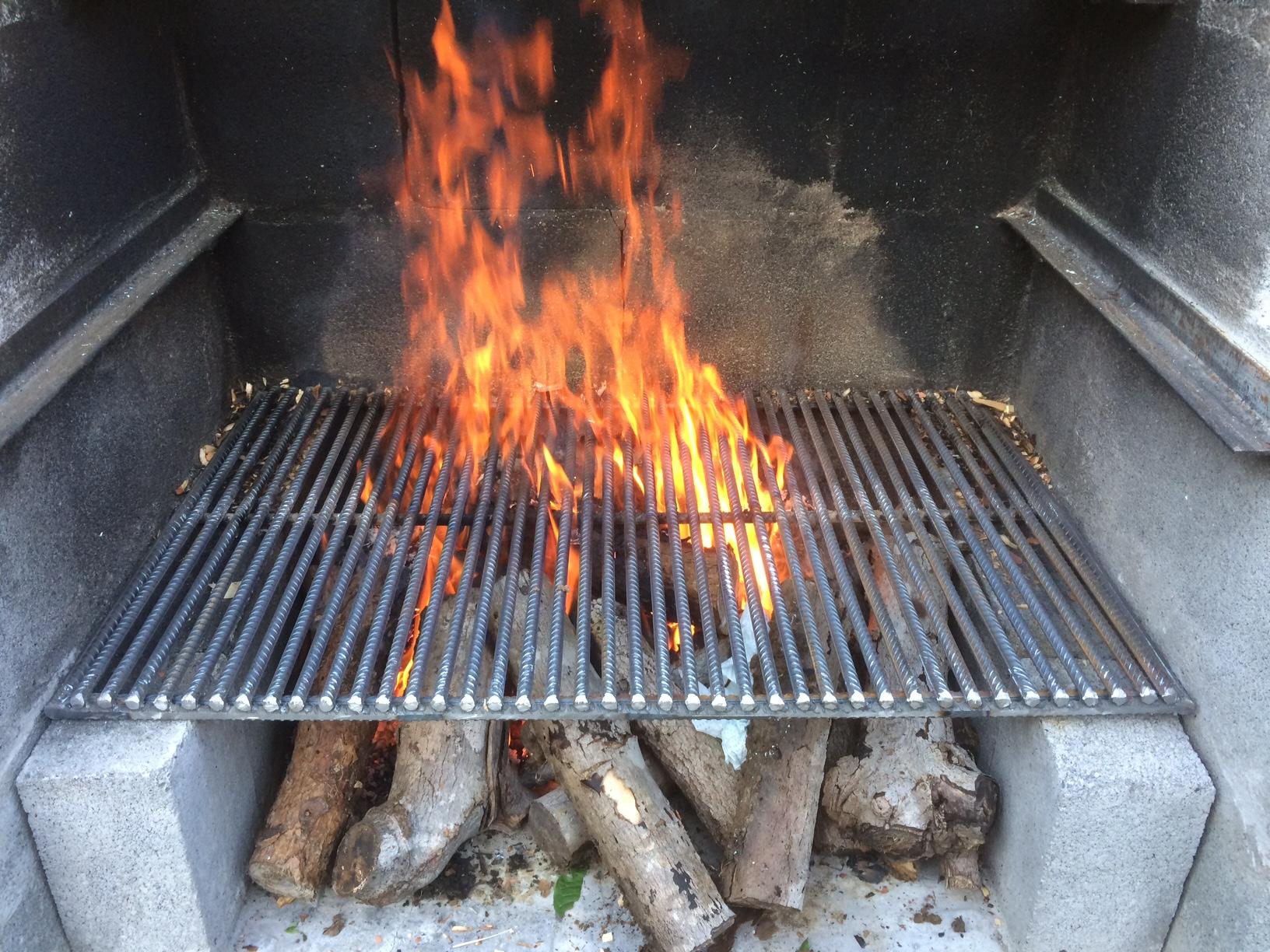
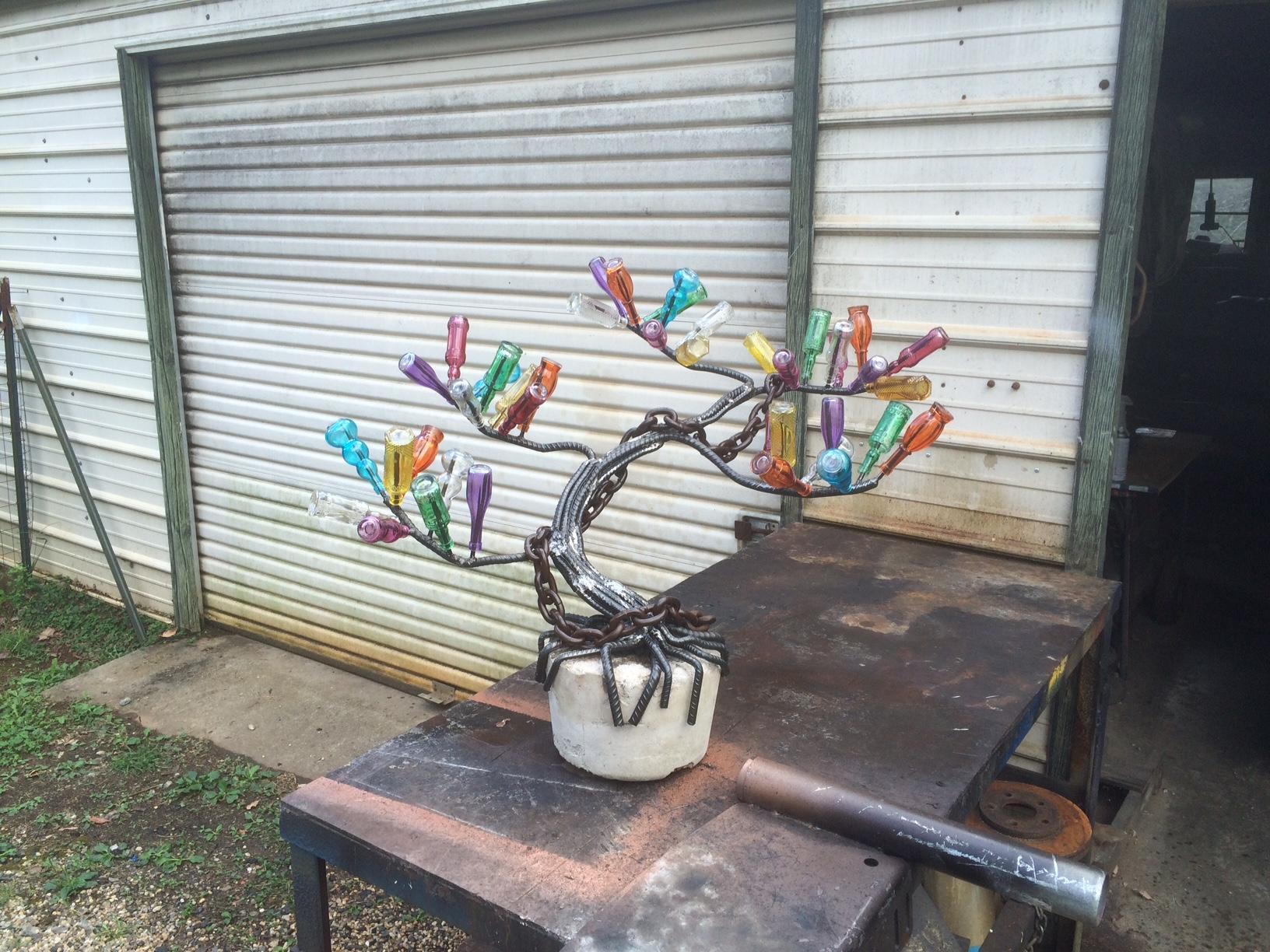
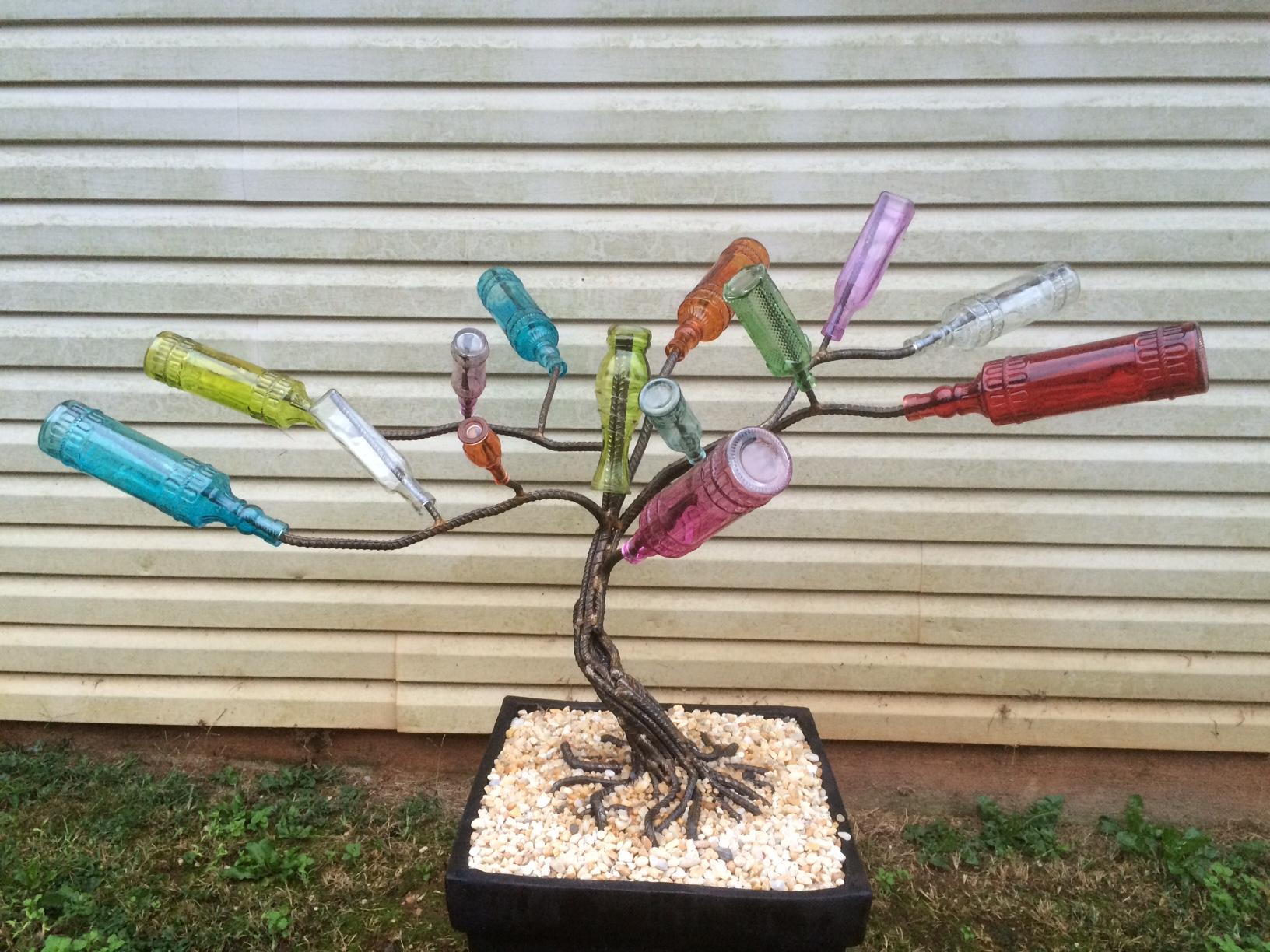
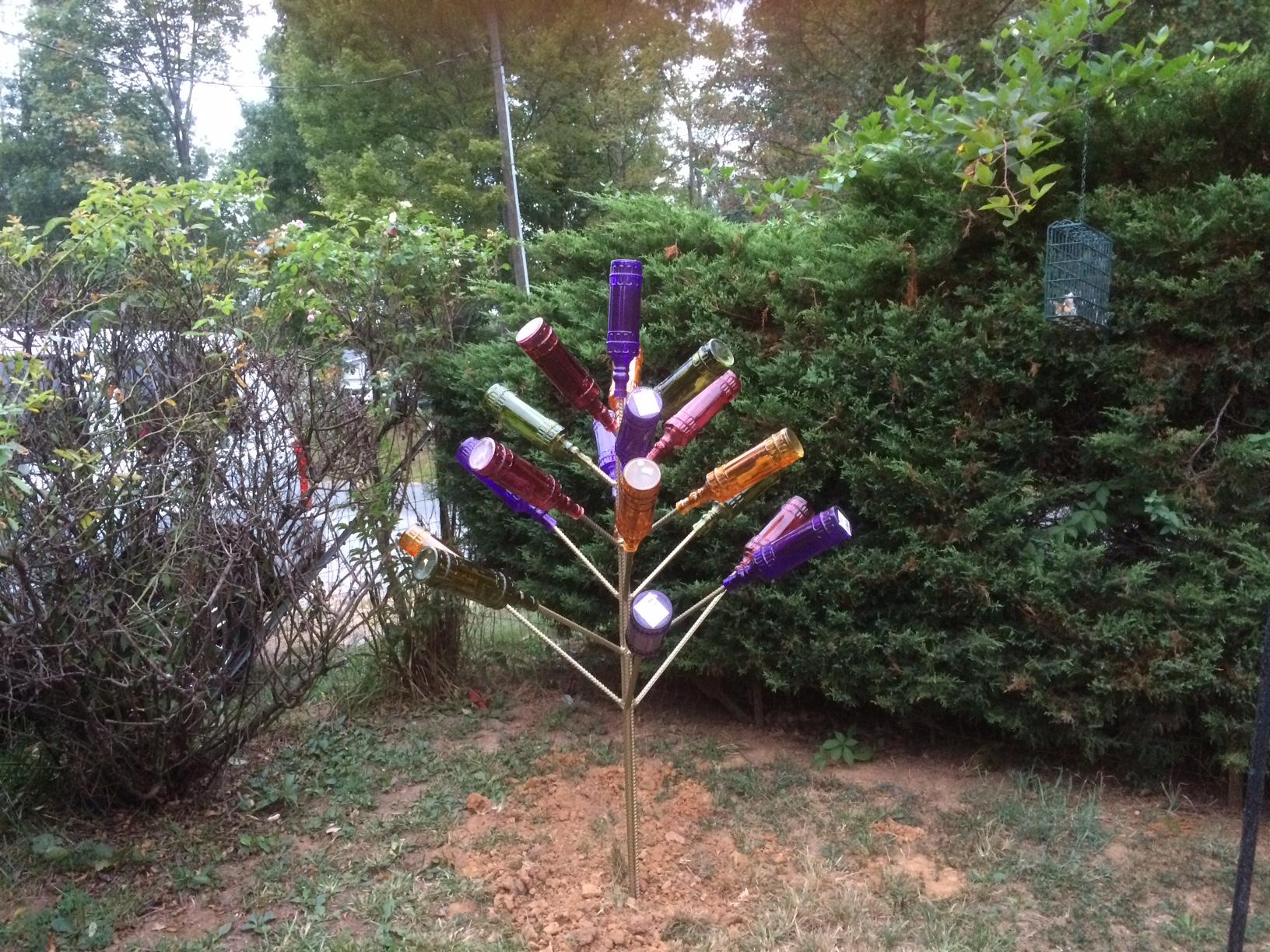
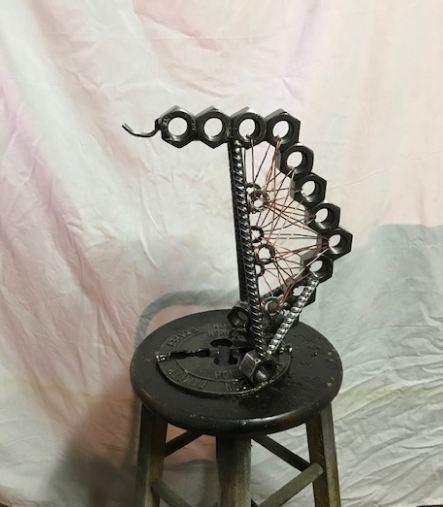
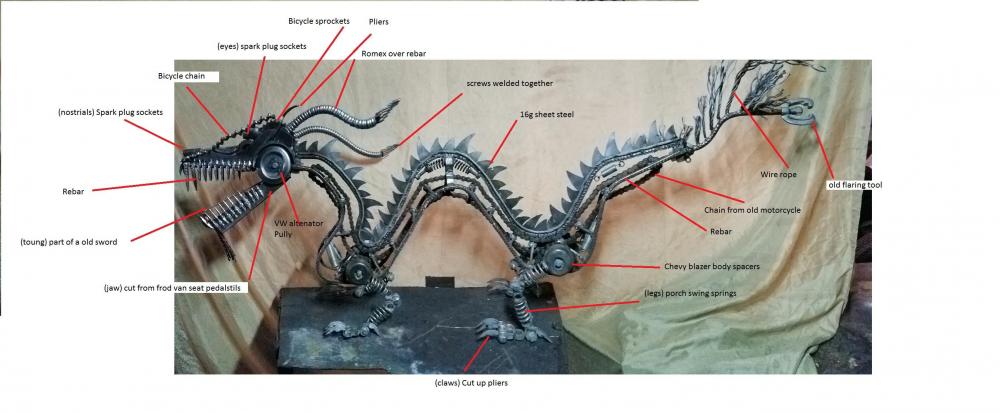
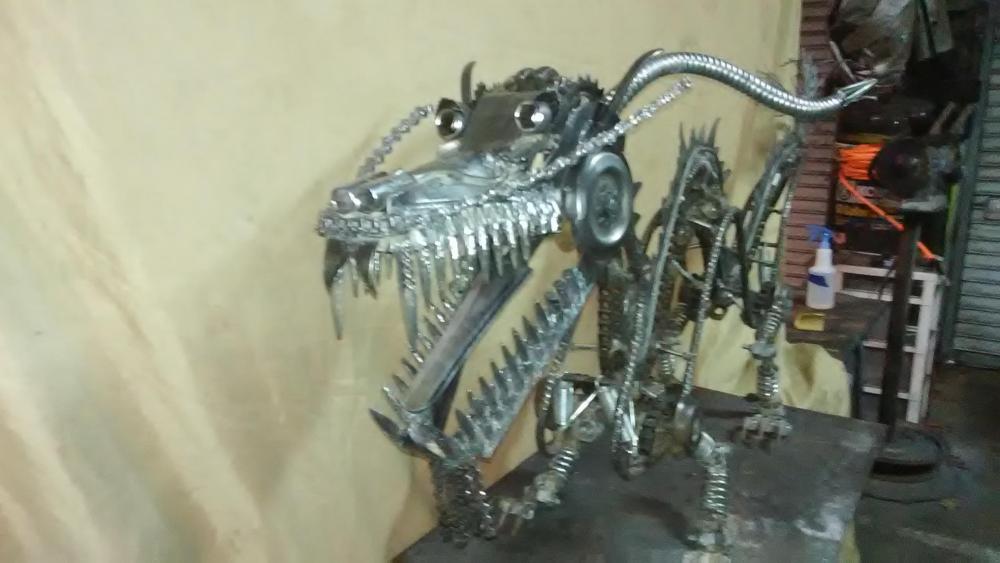
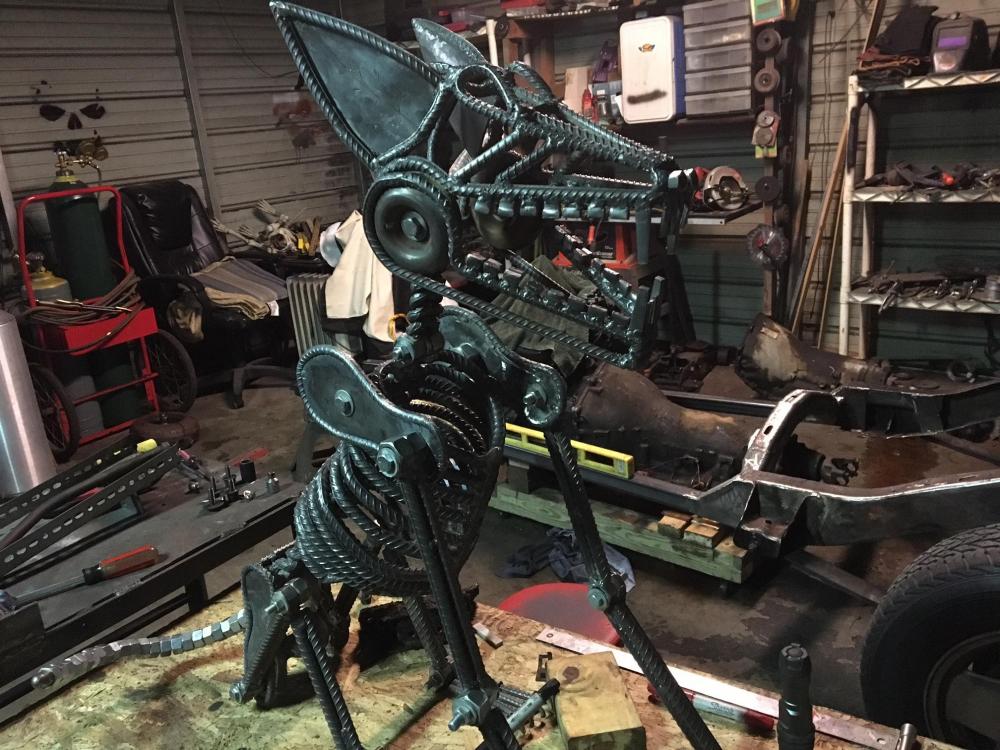
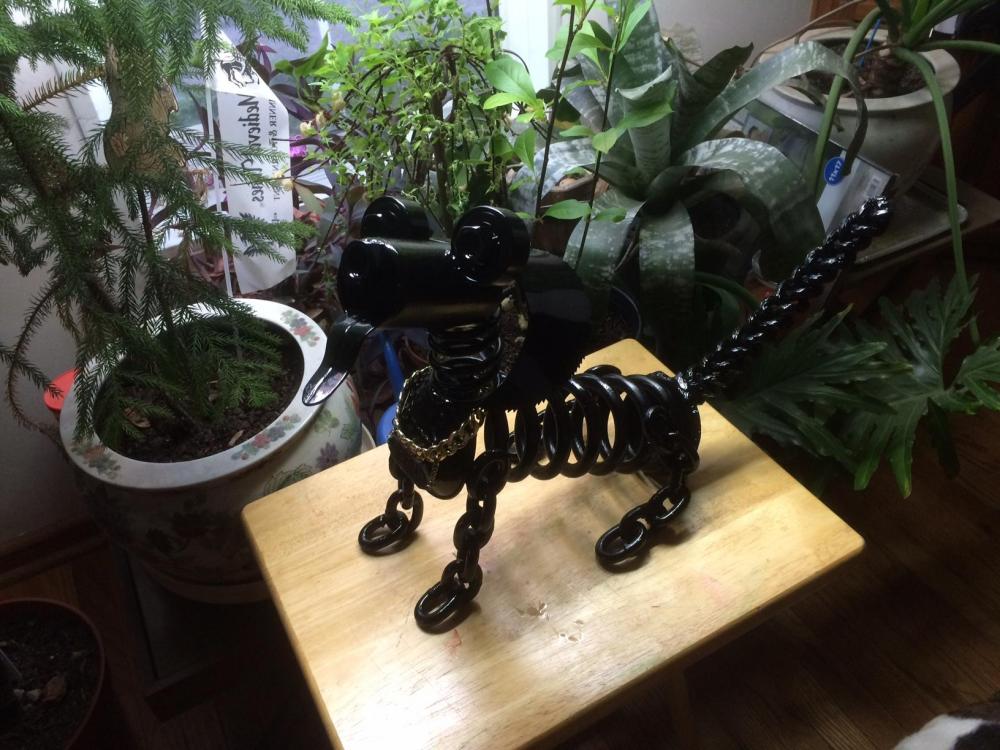
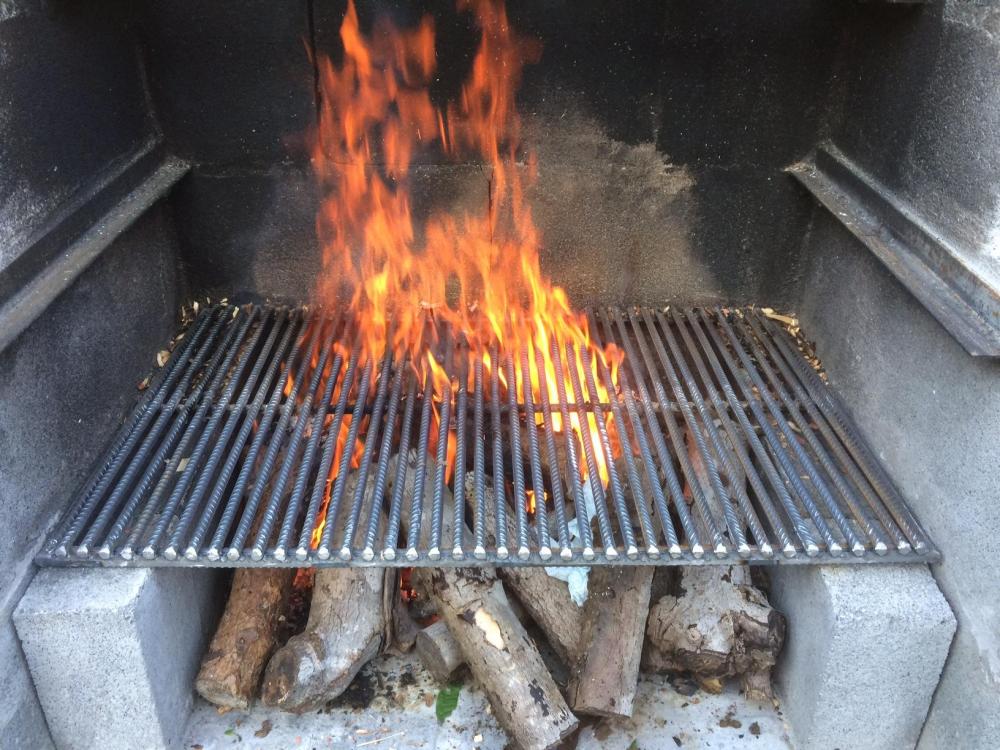
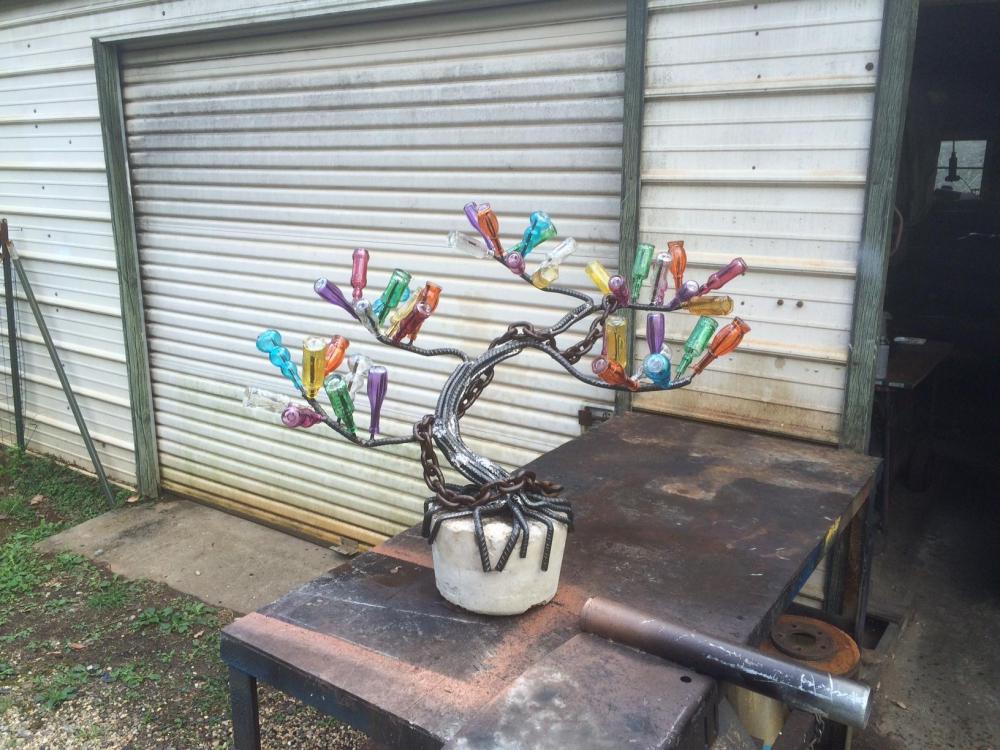
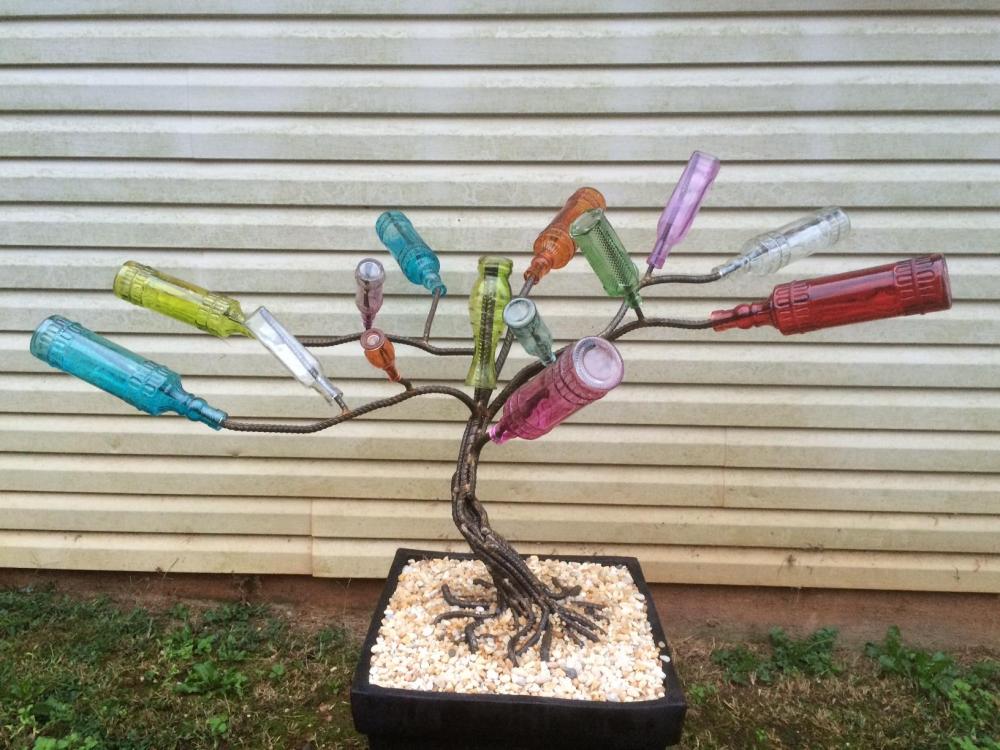
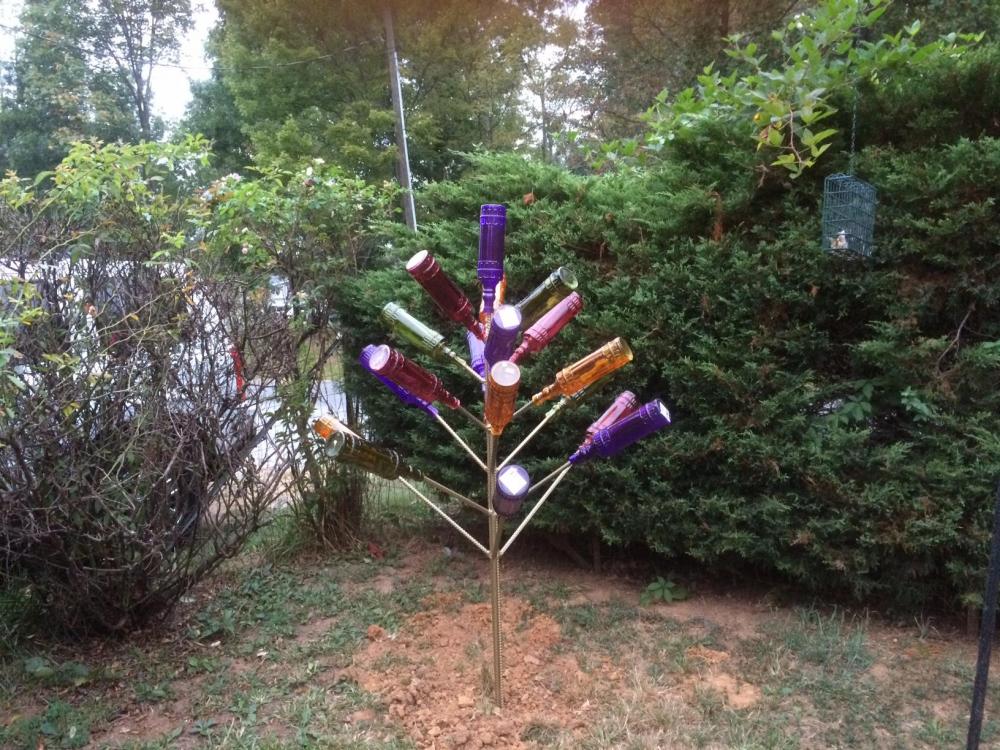
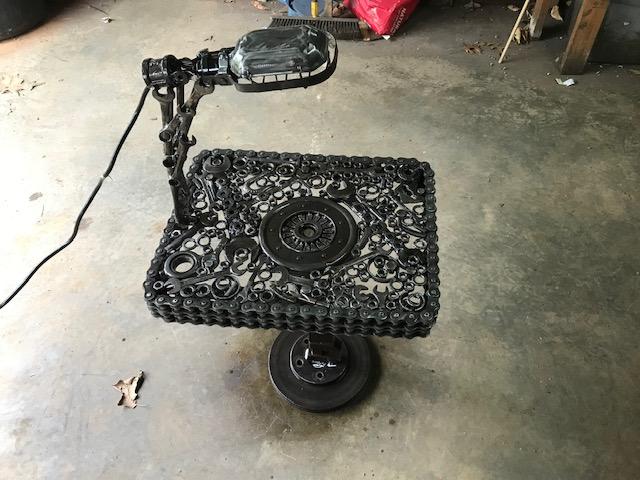
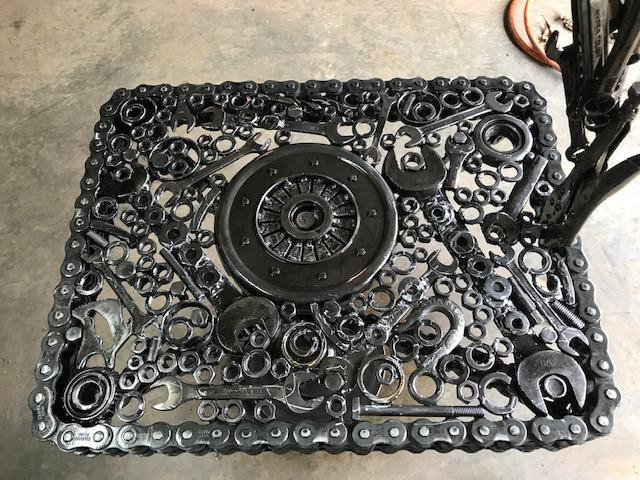
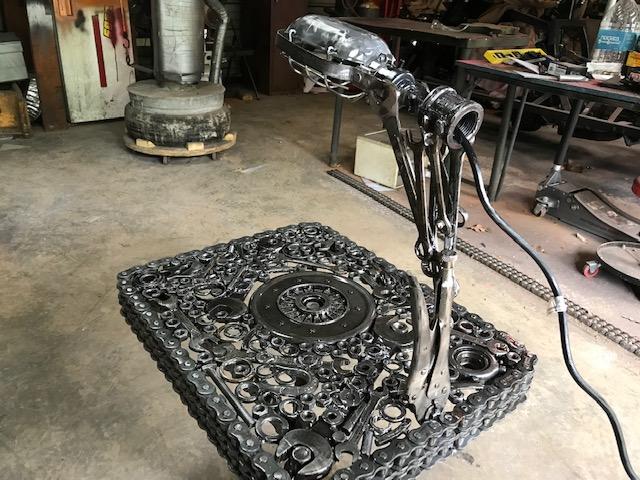
Hey all, I love all the creativity here, I see some awesome work I have been making stuff out of metal for while now but I am just now getting a forgeing. I just ordered a 2 burner gas forge I have a lot to learn Here are a few of the things I have made recently (without a forge)
-
Hi All, My name is Bob. I'm here in Moneta VA just south of Bedford VA I have been a hobby welder for years. I have only made a few blades in my time and I have been using the stock removal process and then heating with a torch(s) I am finding it very hard to get some of my bigger blades up to temp so I just ordered a 2 burner forge from Devil forge. I have only used a makeshift forge a couple times a long time ago and really did not know what I was doing so this is new to me. I plan to do as much research as I can. It will be a few weeks at least before I get up and running, I accidentally chopped off one of my toes so I'm not walking the greatest right now. Going to take a while to heal. Anyway hope to be talking with you all soon. Bob PS. one thing you will figure out about me soon is I cant spell -- Sorry off site links removed