Kris-D
Members
-
Joined
-
Last visited
-
Thank you. This was my thought too. I appreciate the information. I did a little research on spark testing and never having welded I don't think my eye would be able to tell the difference. I also researched New China anvils and I haven't seen one yet with smooth paint like this one. I'm feeling more confident that it's steel and not iron.
-
Thanks everyone. I tried to post the video so you could hear the sound it makes. I'll refrain from this in the future.I'll see if I can figure out the spark test. Thanks for the suggestions.
-
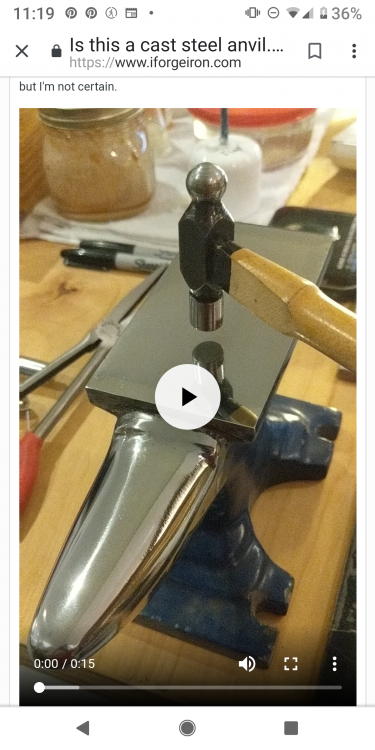
I'm not sure why the video isn't showing up. I'm going to upload it again. If it doesn't work I'll add photos in the morning. I'm a jeweler and not a blacksmith hence the 11 pound anvil. I hope you won't hold that against me It did spark while I'm was removing the paint with a rotary wire brush and grinder. VID_20190519_204910.mp4 This might help. It's a screenshot.
-
This was sold to me as a antique anvil and I don't really know anything else about it other than it weighs about 11 pounds. I removed the paint from the forging surfaces and polished them with ceramic polishing pads. There are no maker marks or stamps on the anvil but I'd love to know if it's cast steel or iron. From the little bit of research that I've done it sounds like steel but I'm not certain. broken video removed