Skip to content
View in the app

A better way to browse. Learn more.

I Forge Iron

A full-screen app on your home screen with push notifications, badges and more.

To install this app on iOS and iPadOS
  1. Tap the Share icon in Safari
  2. Scroll the menu and tap Add to Home Screen.
  3. Tap Add in the top-right corner.
To install this app on Android
  1. Tap the 3-dot menu (⋮) in the top-right corner of the browser.
  2. Tap Add to Home screen or Install app.
  3. Confirm by tapping Install.

Mabs

Members
  • Joined

  • Last visited

Everything posted by Mabs

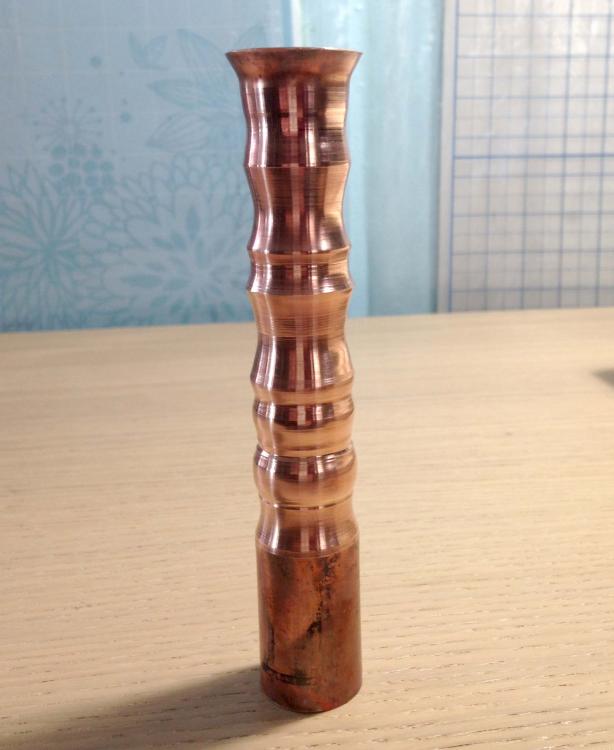
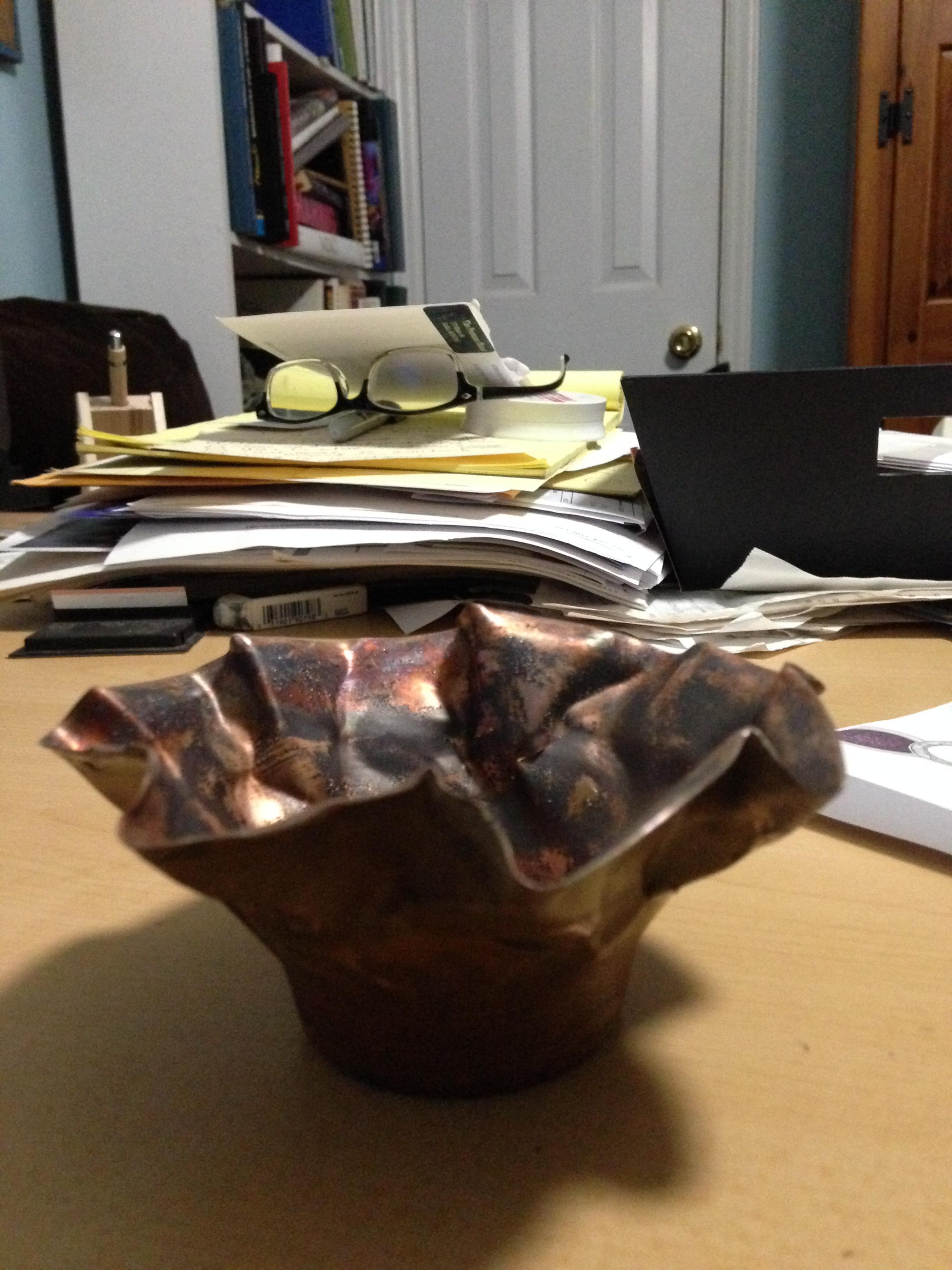
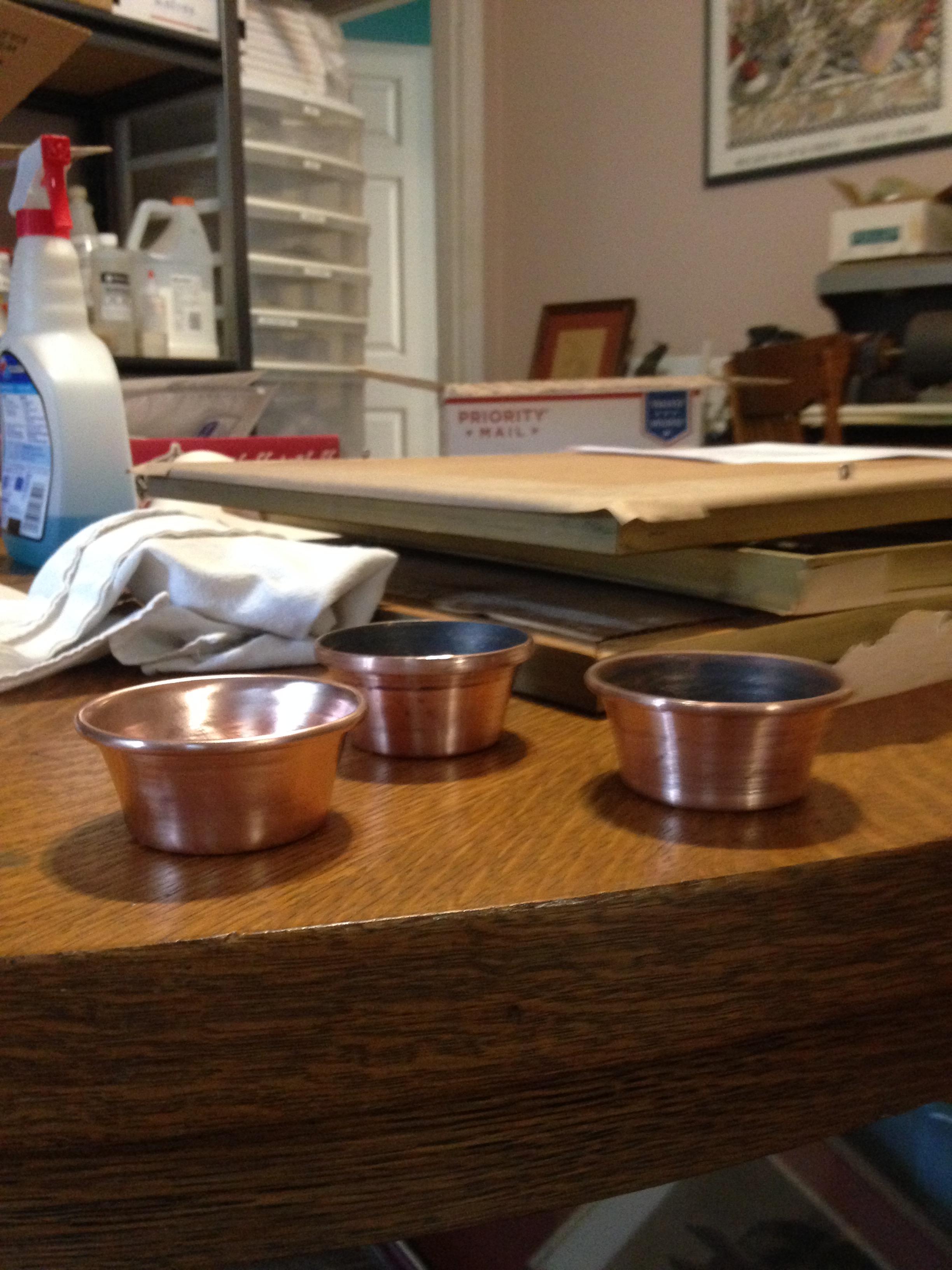
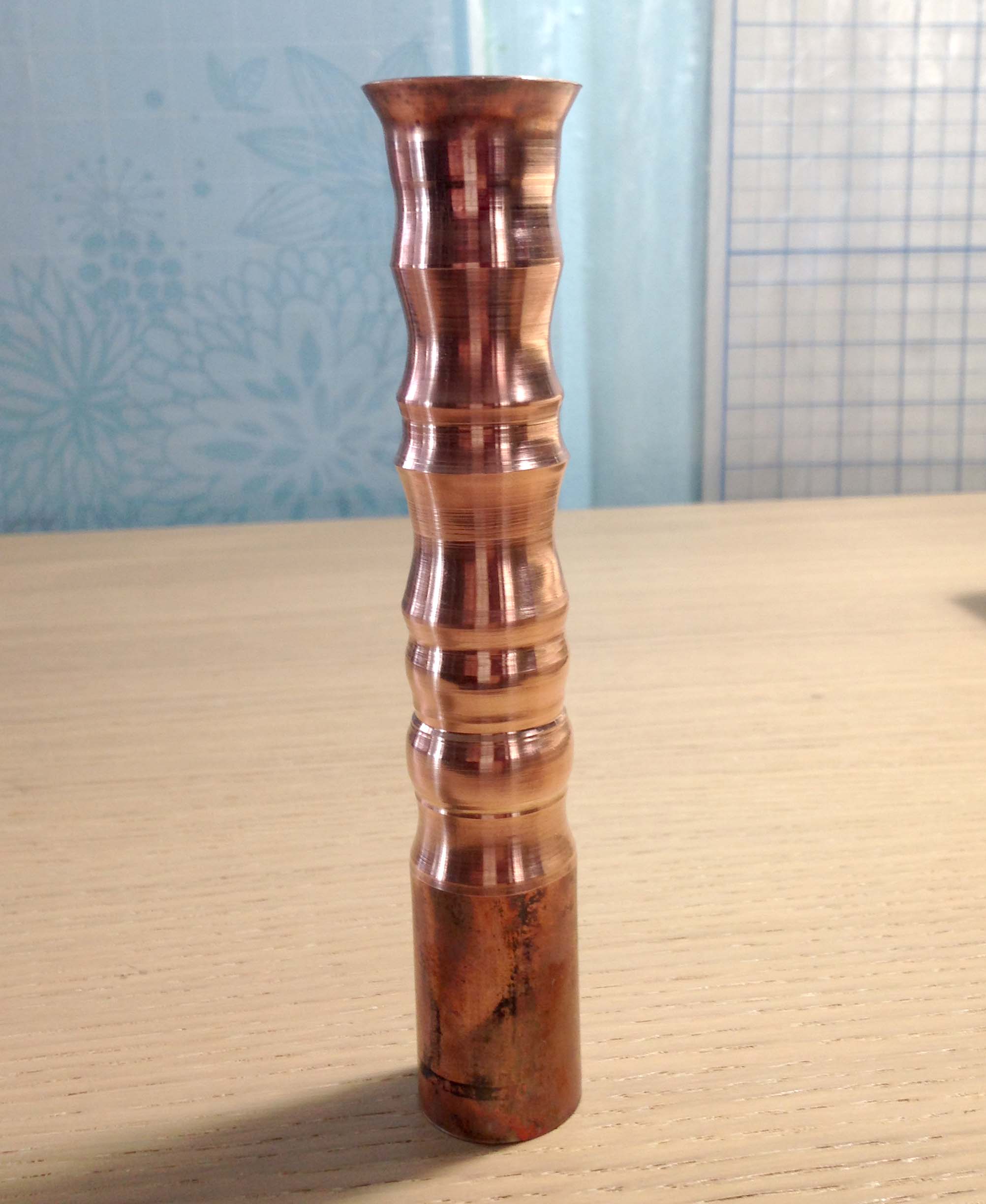
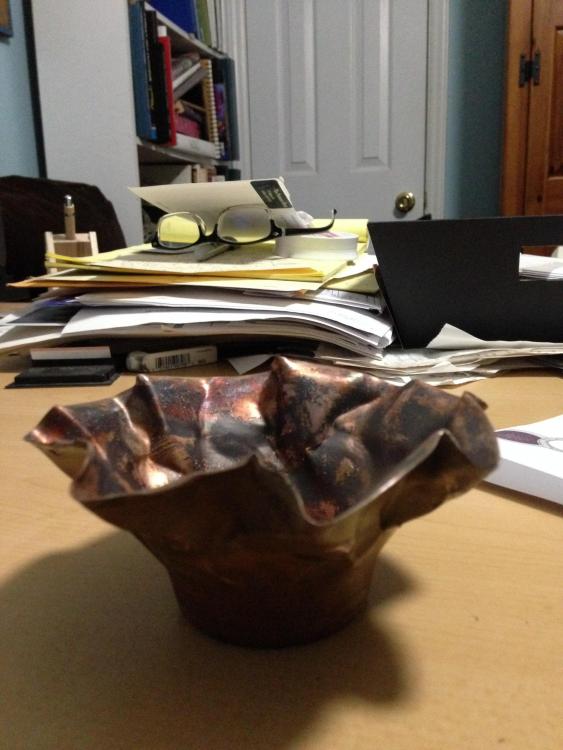
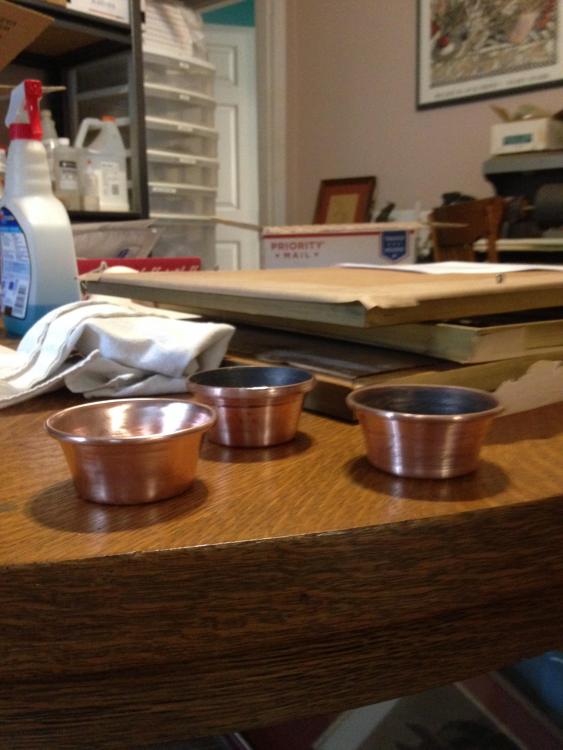
  1. And... nine years later, here I am. Yes! I'm teaching myself metal spinning on a small wood lathe with shop-made tools and one or two I found on etsy, with the help of a five-day class at the Marc Adams School. Came here by way of googling instructions on making multi-part mandrels for complex shapes, then remembered I have Terry Tynan's dvds. Guess I should start there, huh? I used to have a source for aluminum practice disks, but that dried up. Does anyone else have a source?
Account

Navigation

Search

Search

Configure browser push notifications

Chrome (Android)
  1. Tap the lock icon next to the address bar.
  2. Tap Permissions → Notifications.
  3. Adjust your preference.
Chrome (Desktop)
  1. Click the padlock icon in the address bar.
  2. Select Site settings.
  3. Find Notifications and adjust your preference.