therandone
Members
-
Joined
-
Last visited
Everything posted by therandone
-
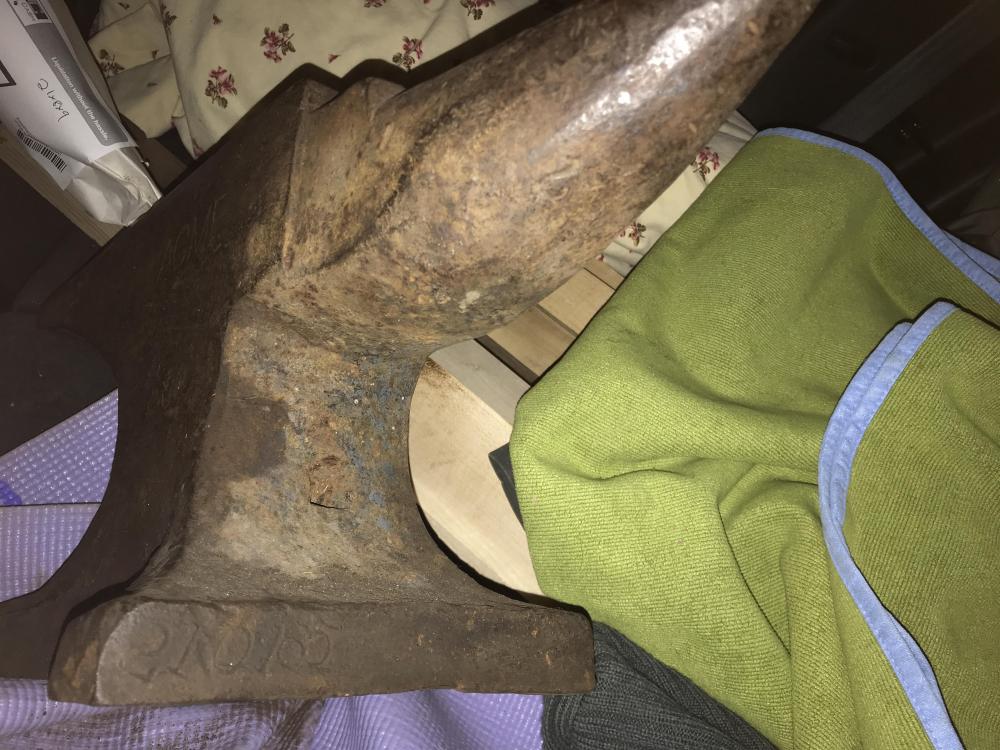
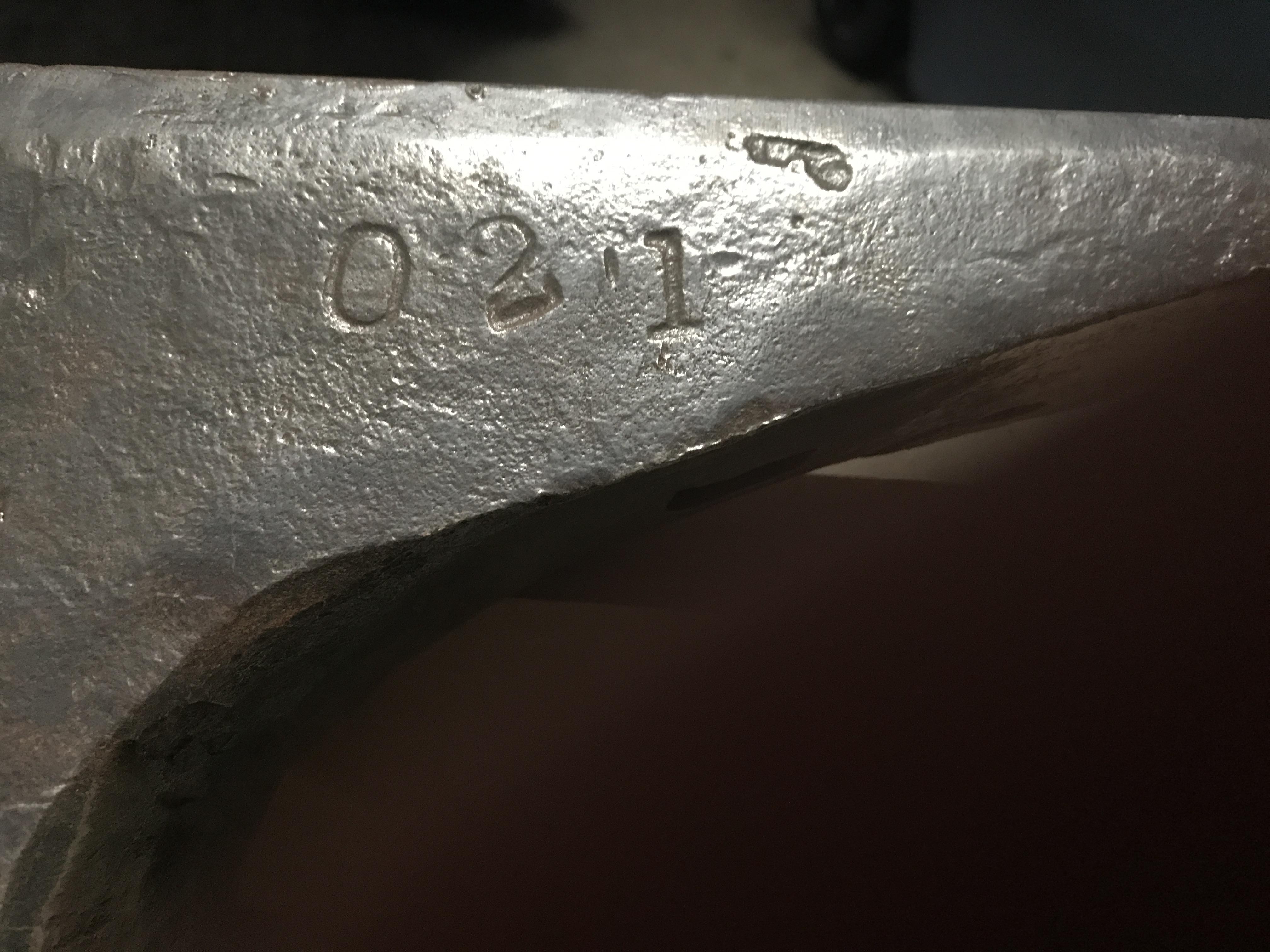
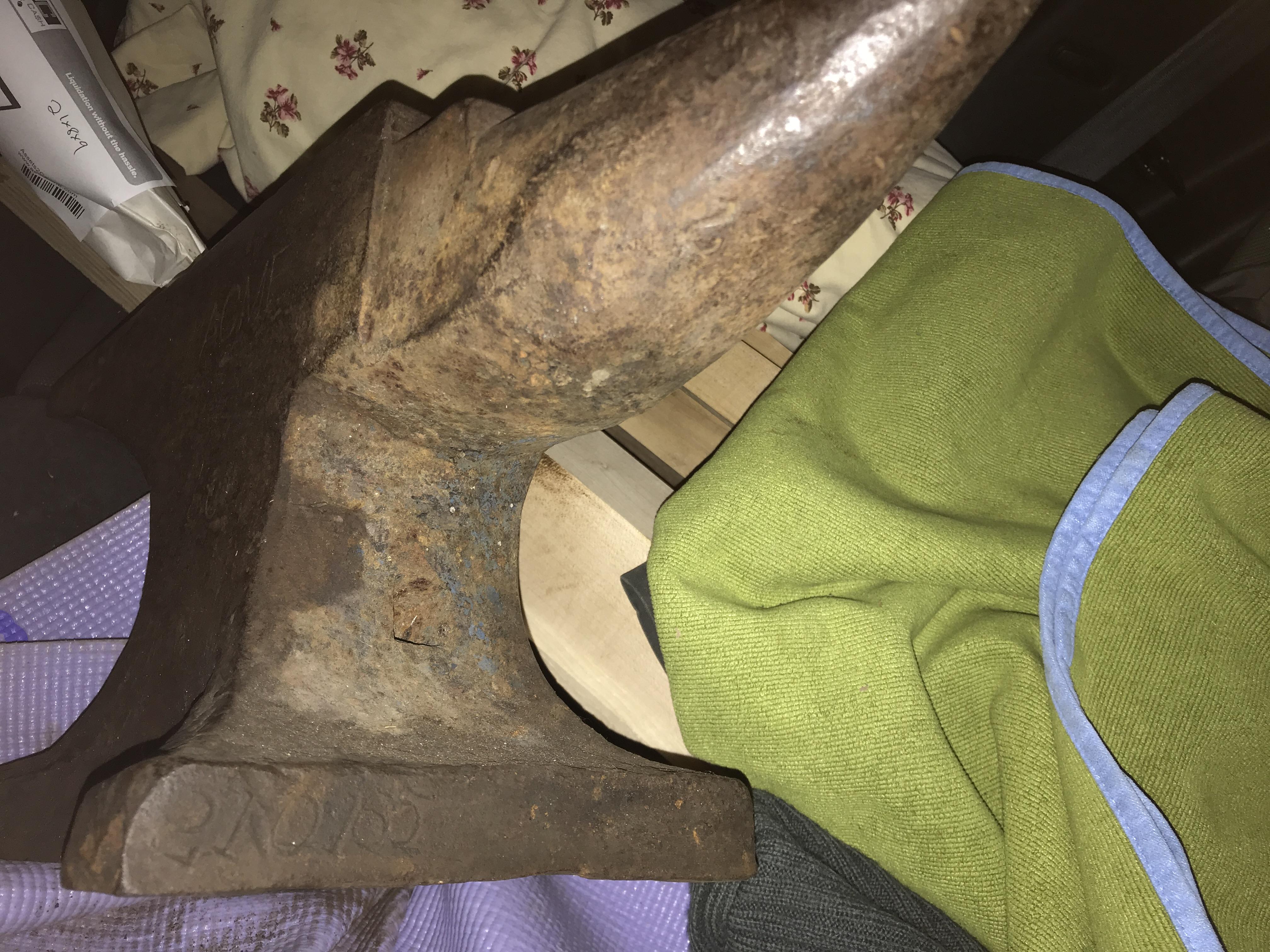
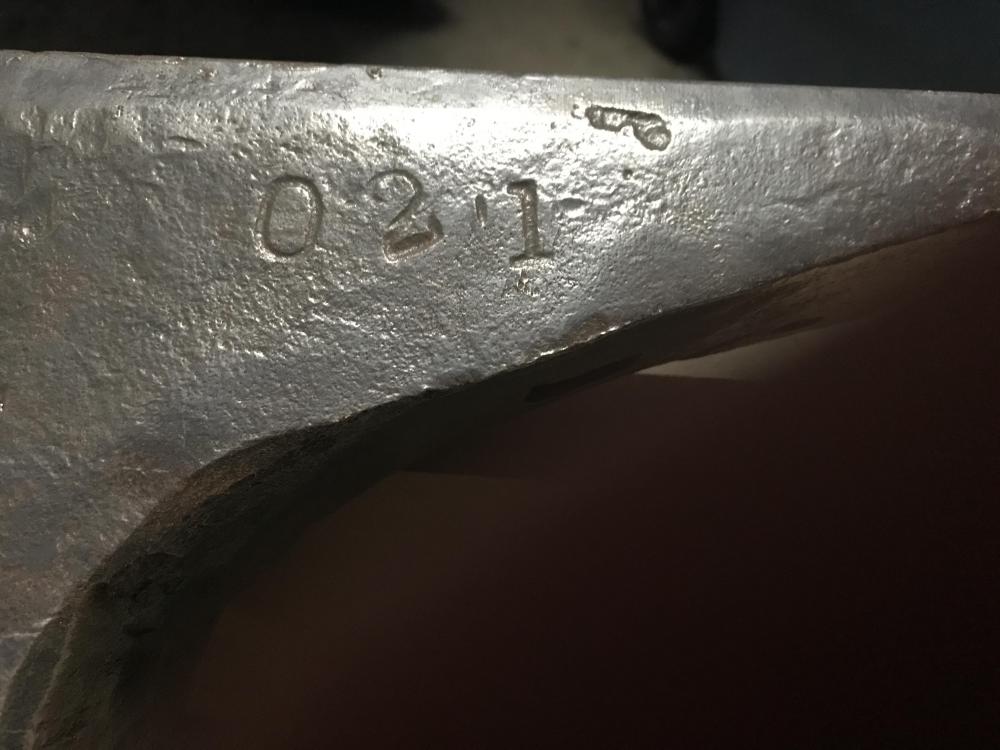
Thank you Black Frog. If I may ask, how are you certain? Also, I will post a photo of the base surface tomorrow. Additionally, what sort of info might the serial number reveal?
-
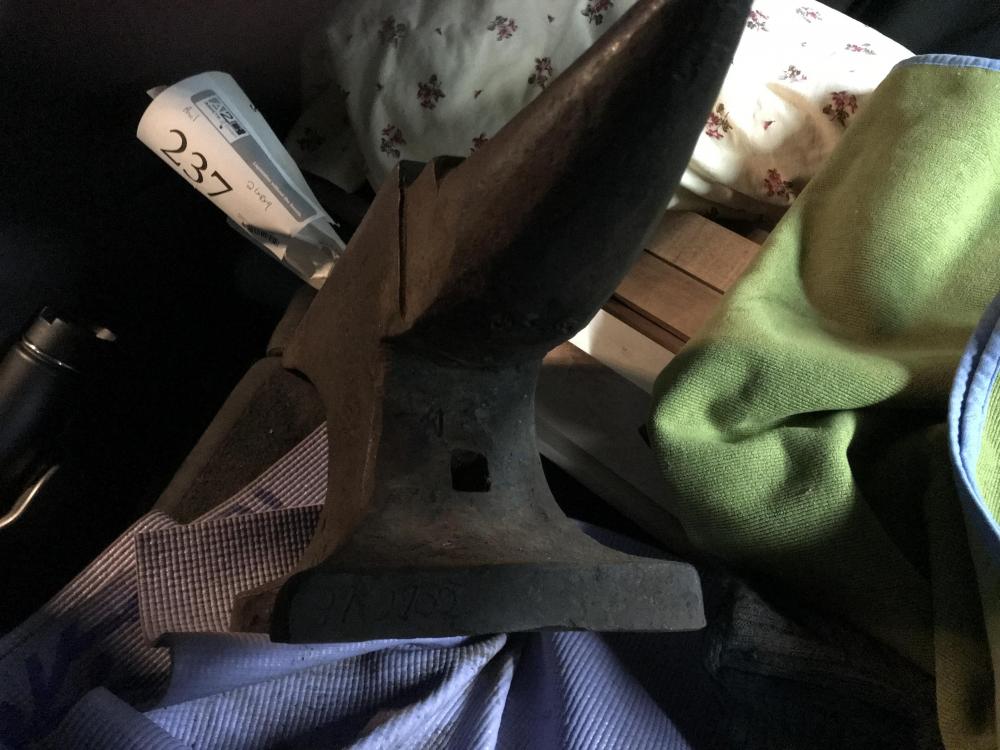
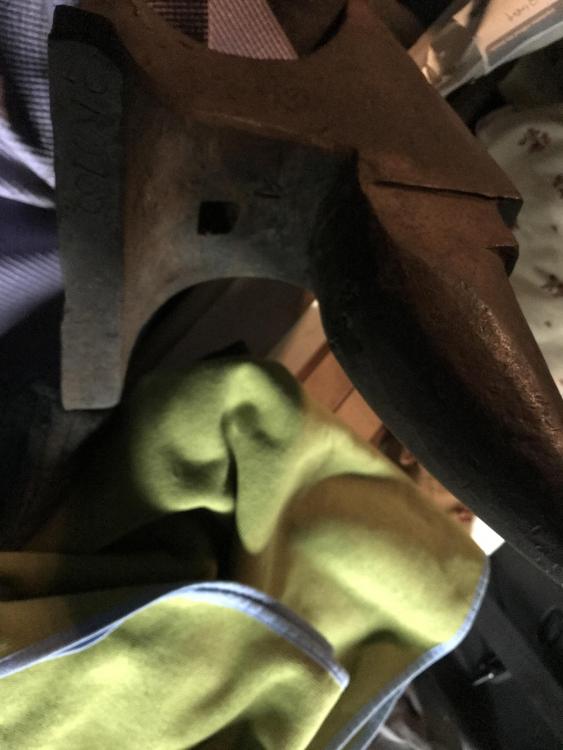
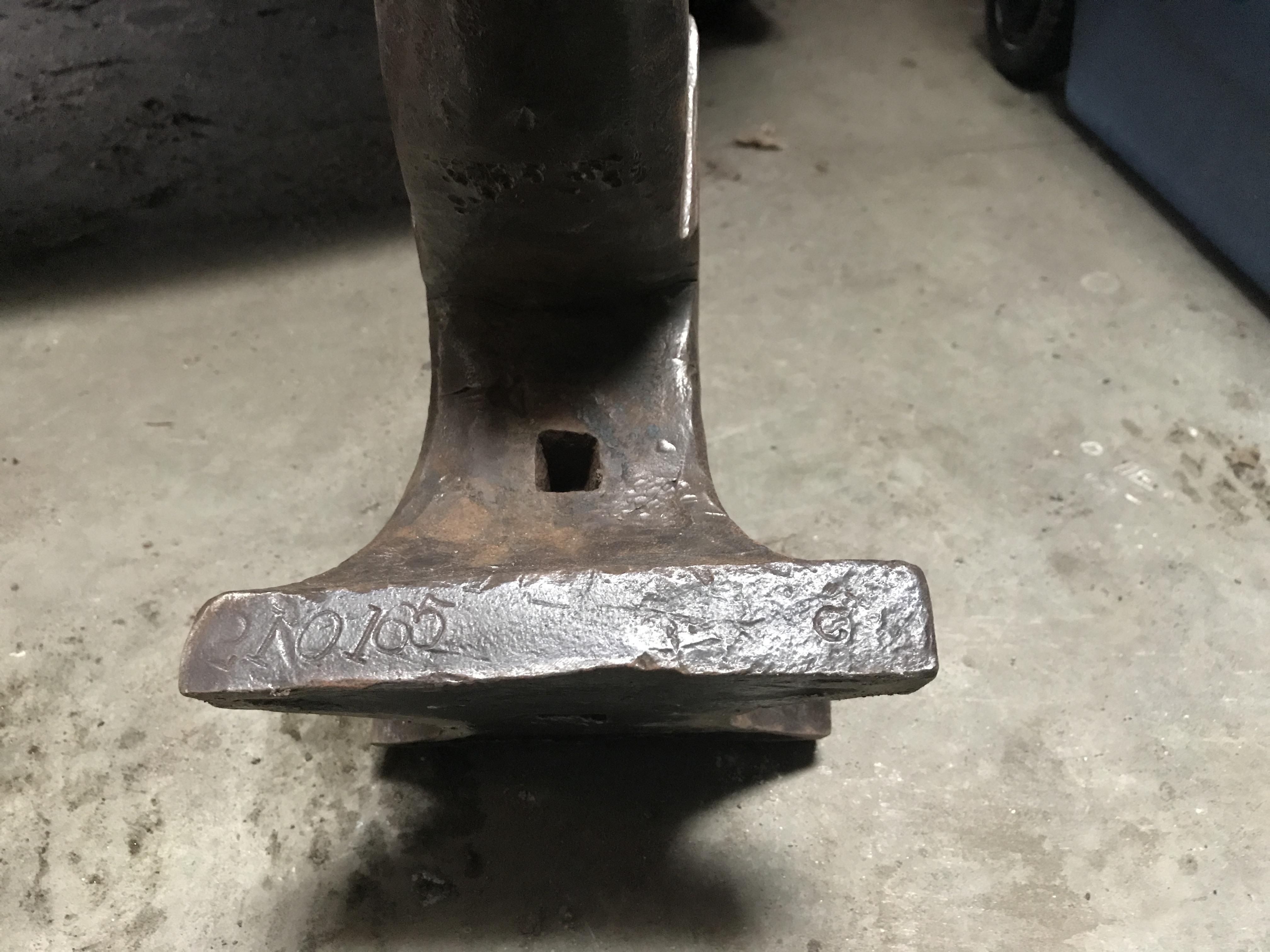
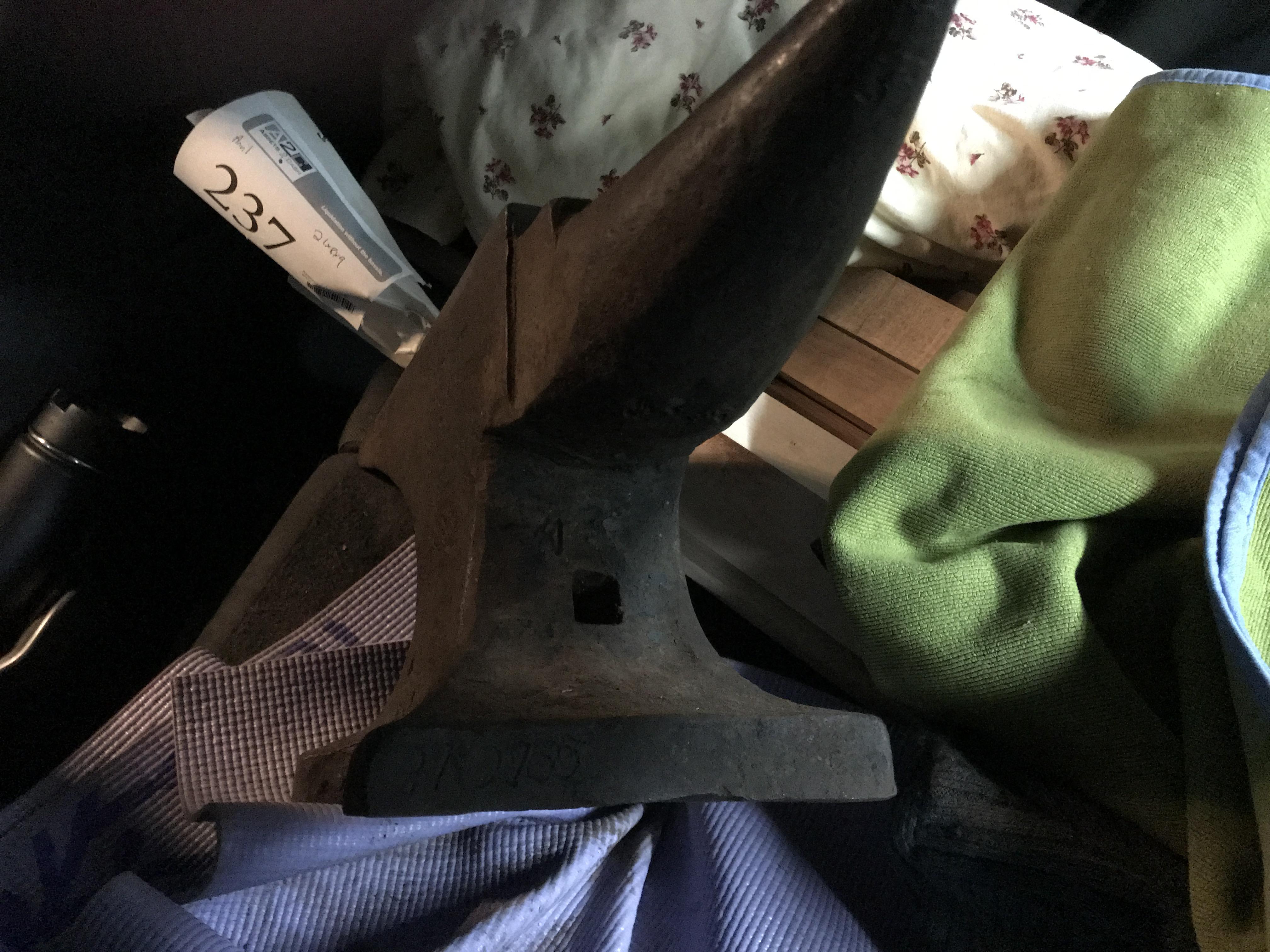
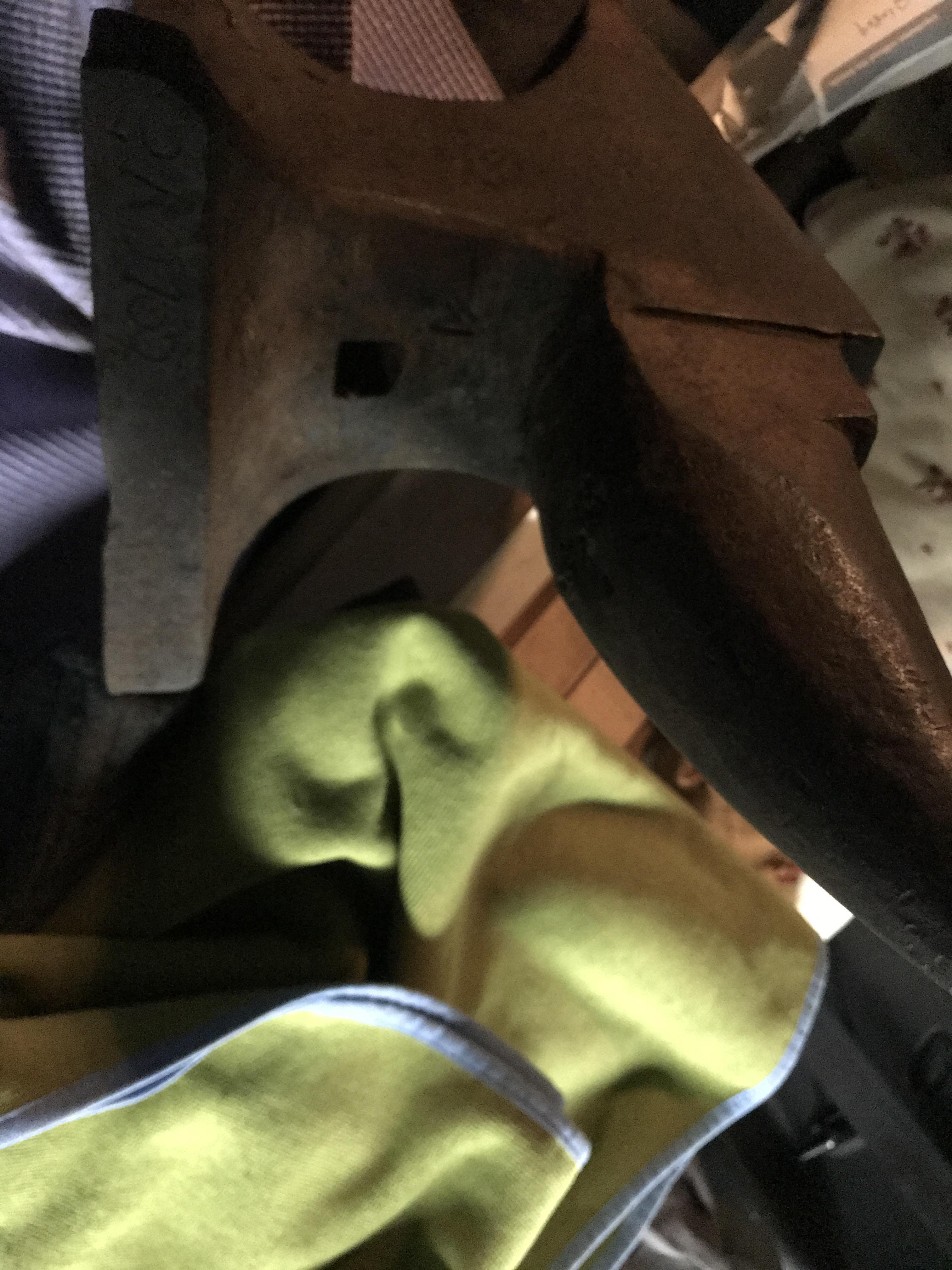
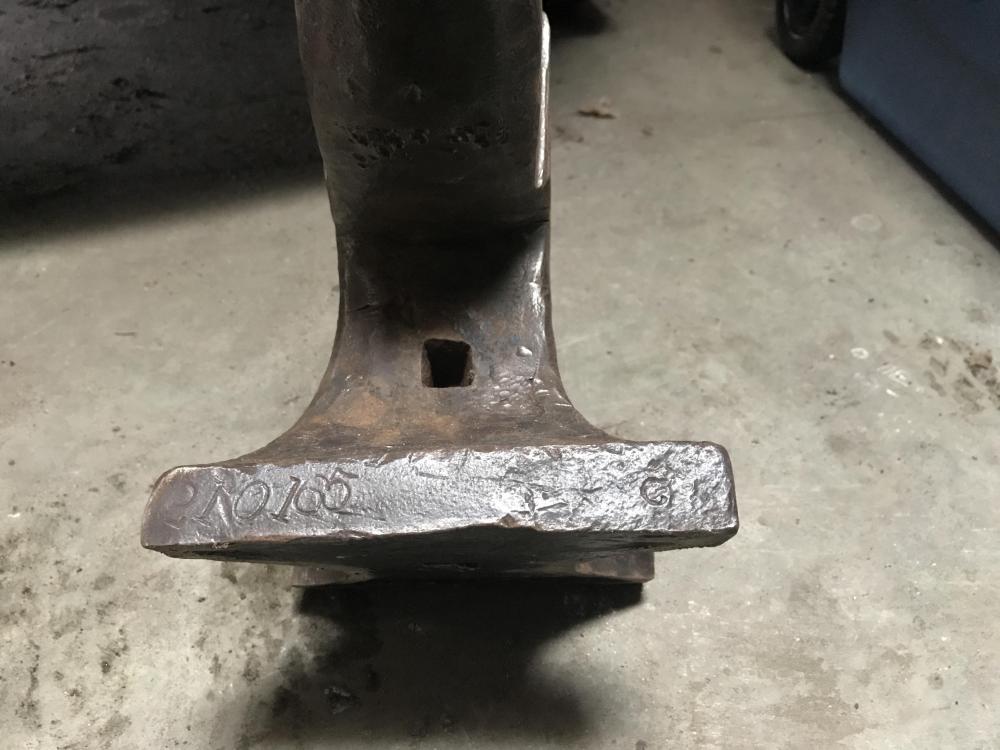
Wow, you guys rock! It weighs 84.5 lbs. Tpowers: I think you might be onto something with your bottom inquiry. So, the bottom surface is fairly flat with a slight depression that measures app. 0.375” deep in the center. I’ll snap a photo later and post it. In the mean time, the angled photos above actually show the entire bottom surface, but the shadowing definitely makes it difficult to see. Regardless, thanks all for the help, and I’ll be back in touch!
-
Thank you for the heads up. I will try to make it.
-
Works great.Thank you sir!
-
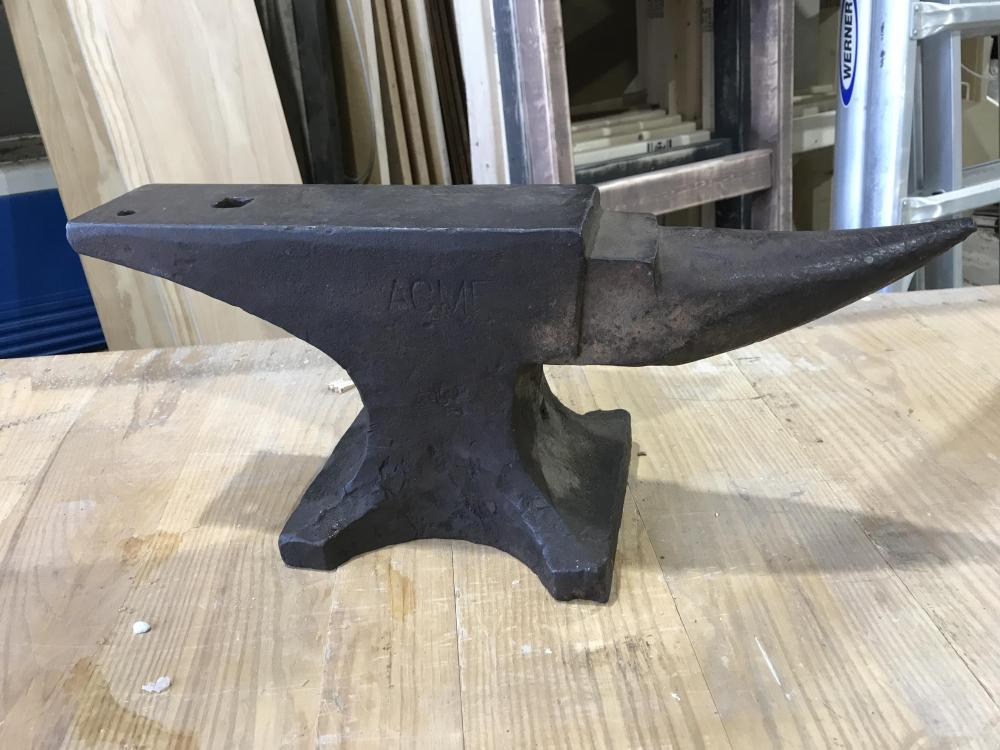
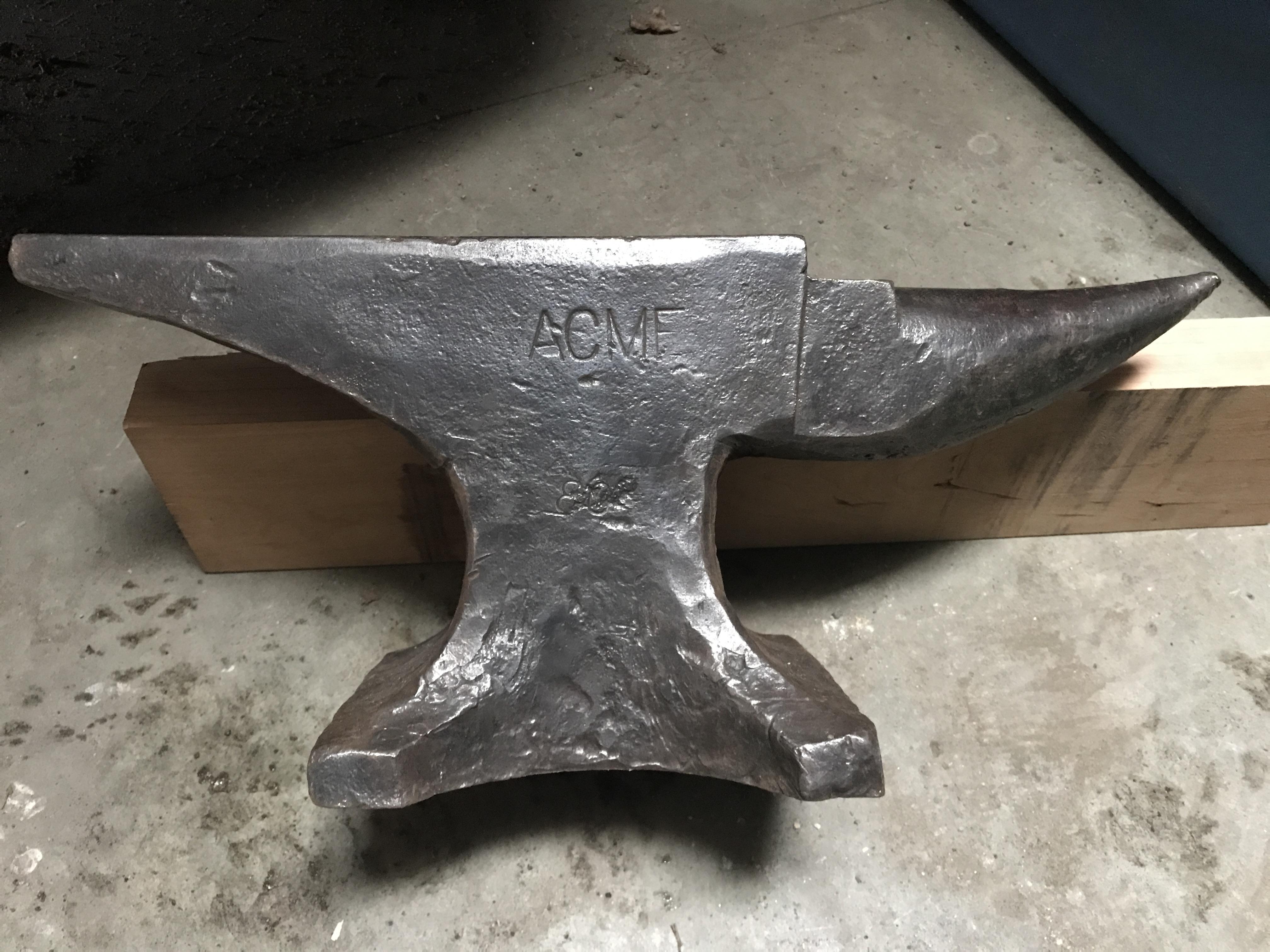
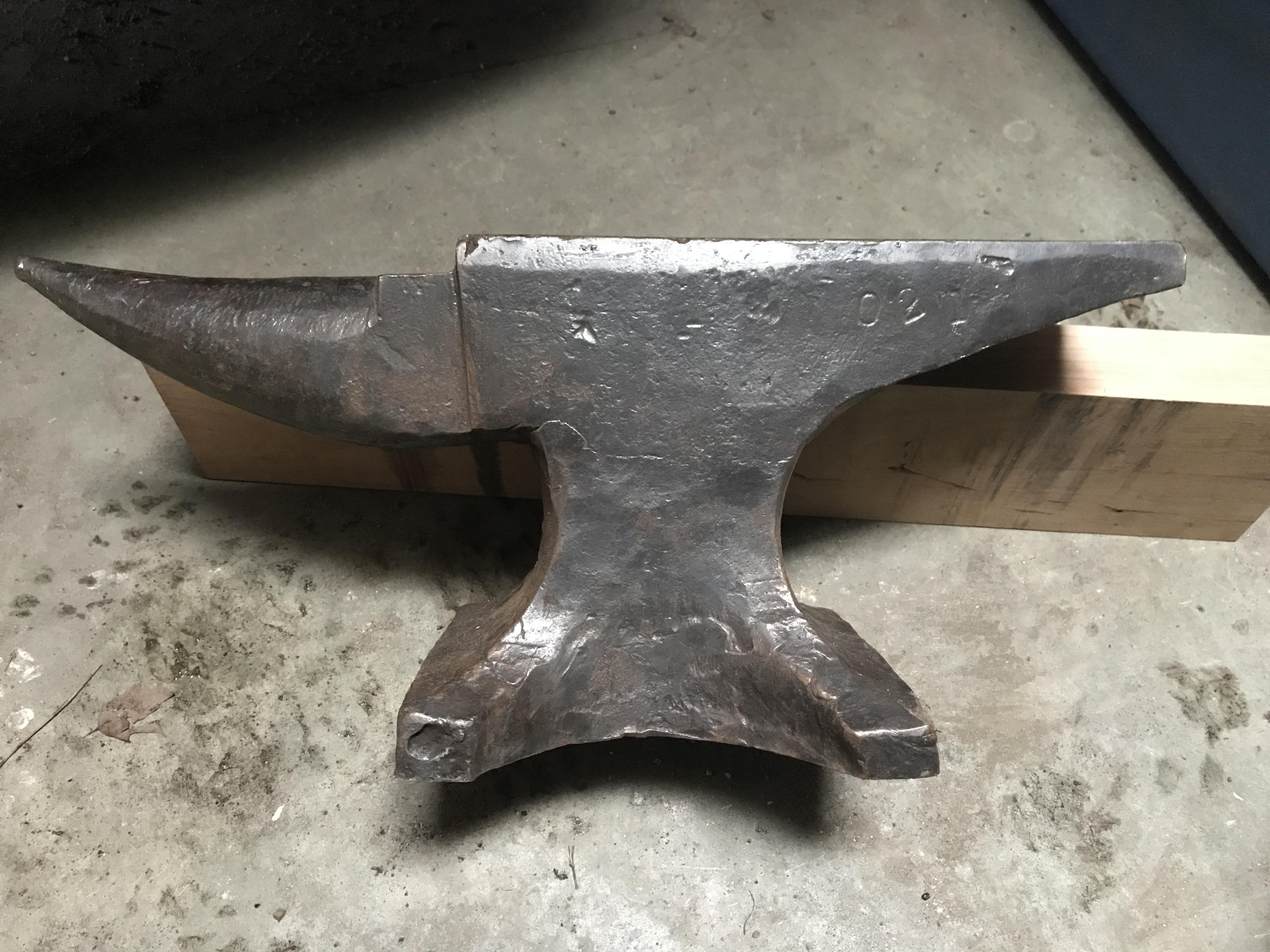
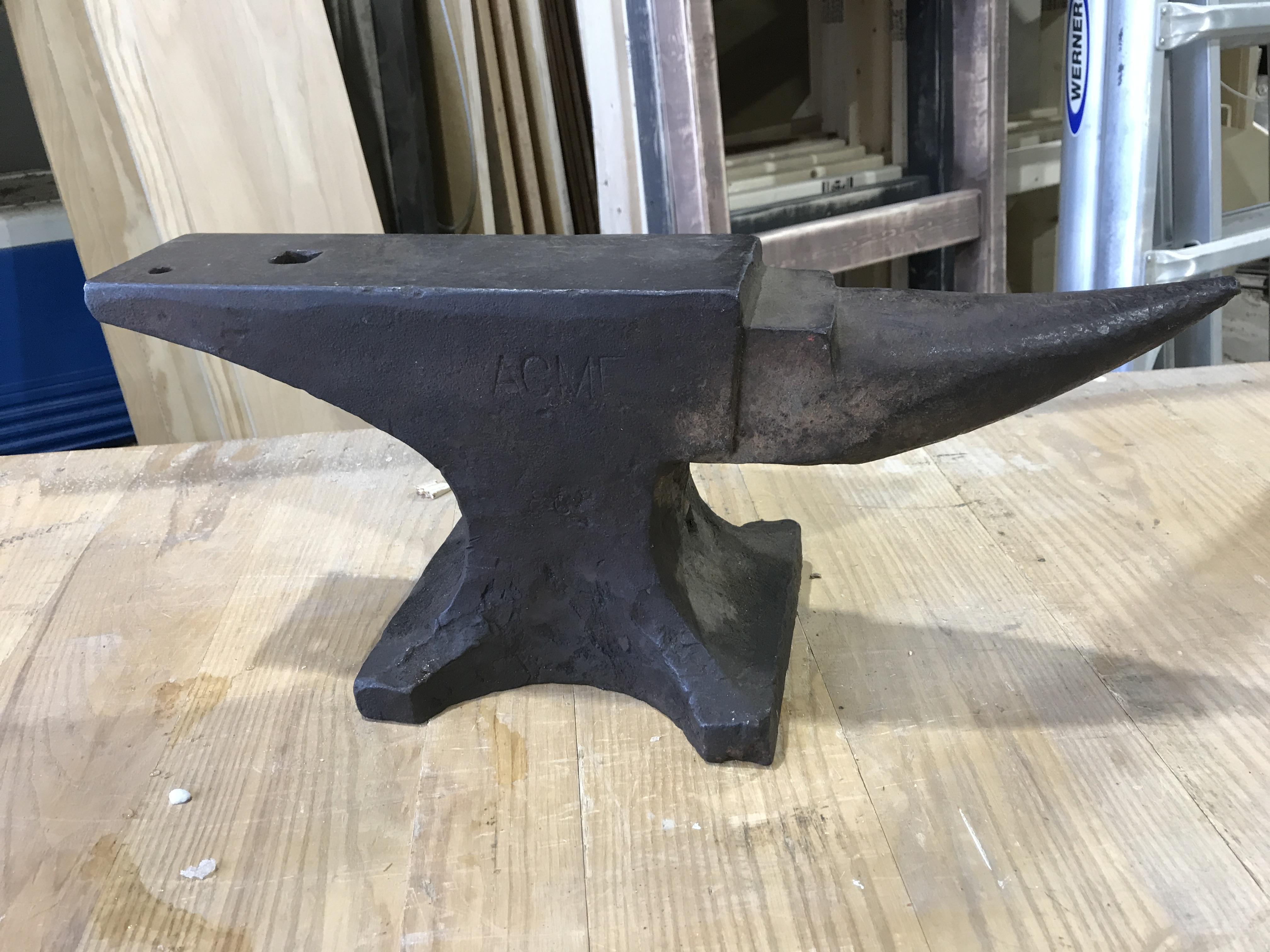
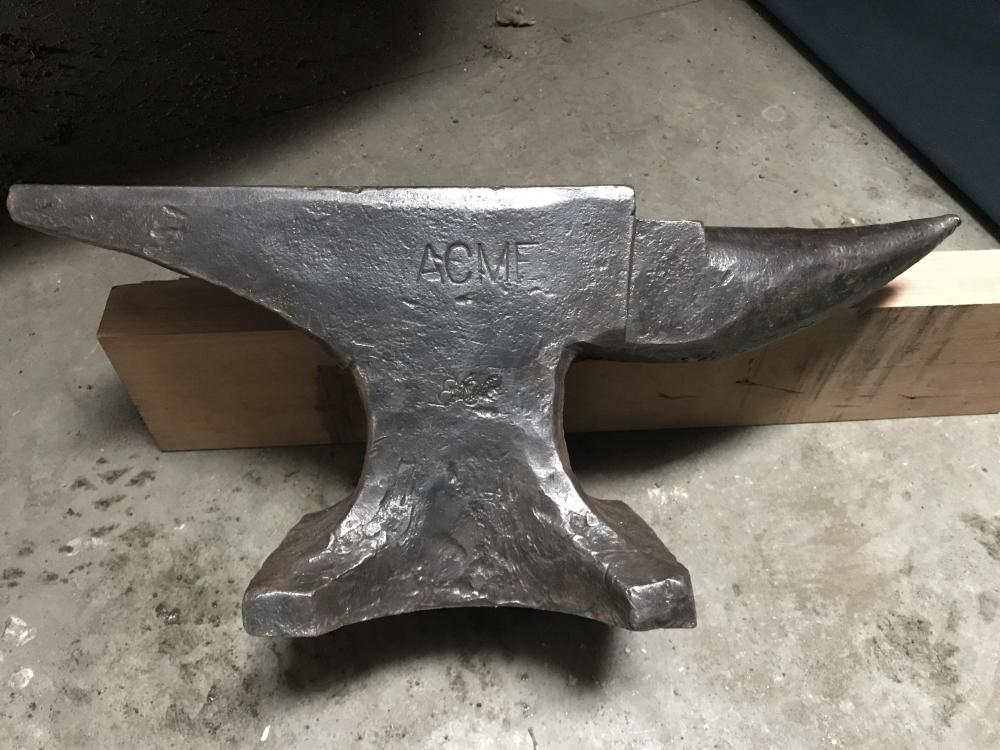
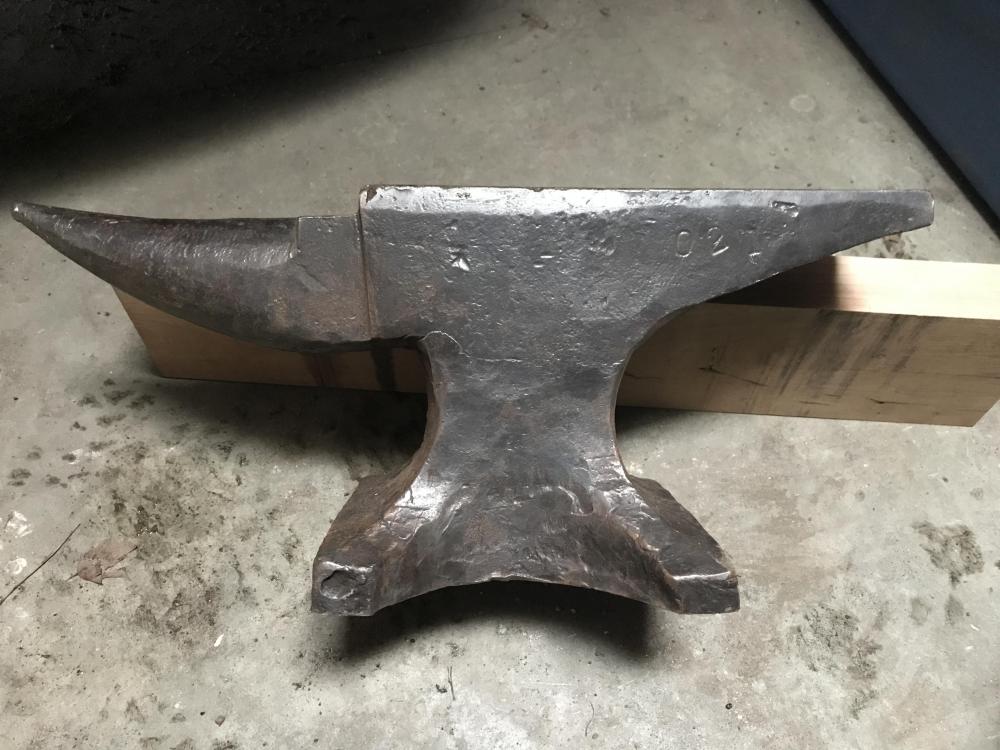
A few more photos.
-
Would someone please help me learn about this anvil? Thank you in advance!