Jamully3
Members
-
Joined
-
Last visited
Everything posted by Jamully3
-
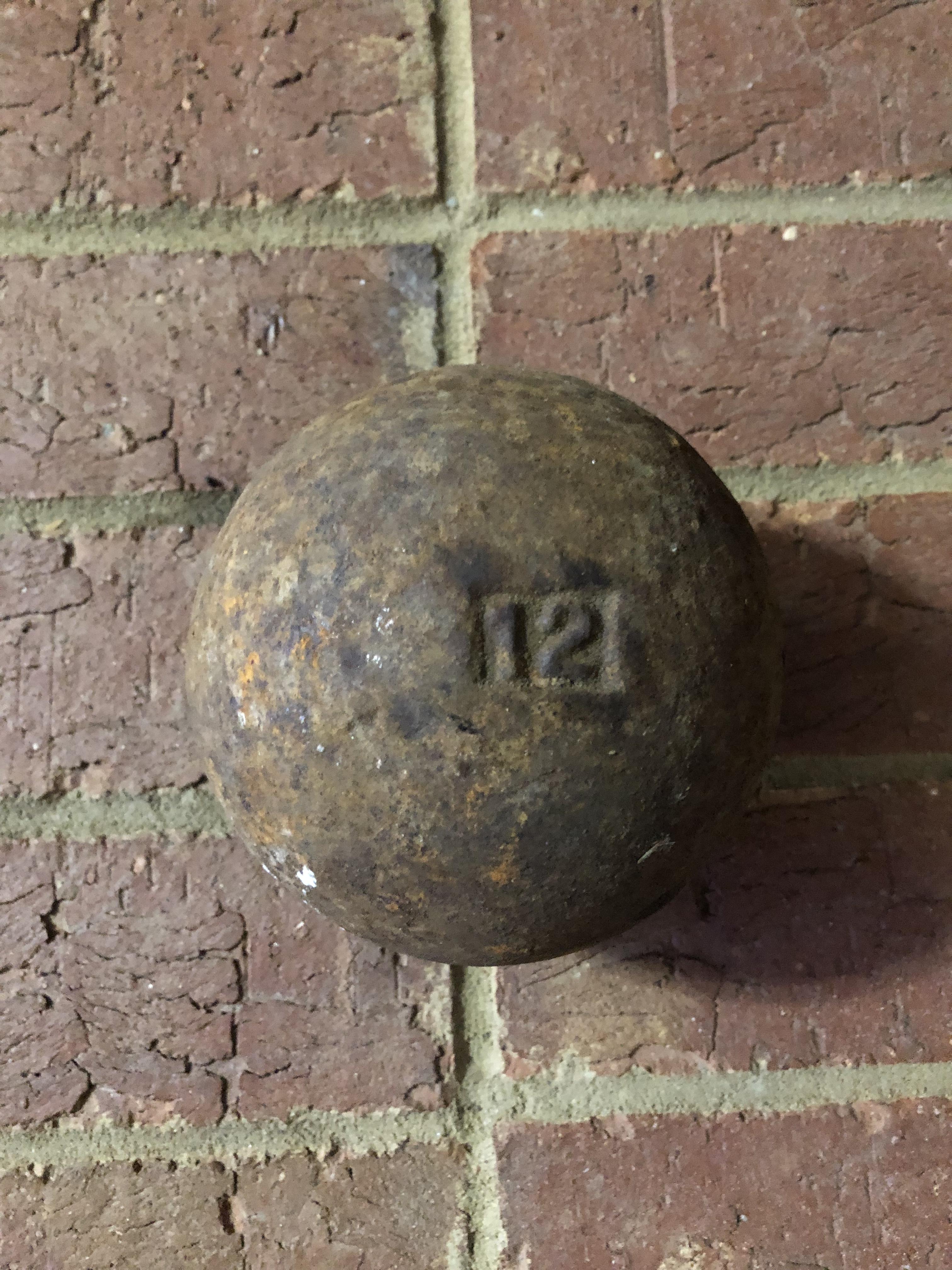
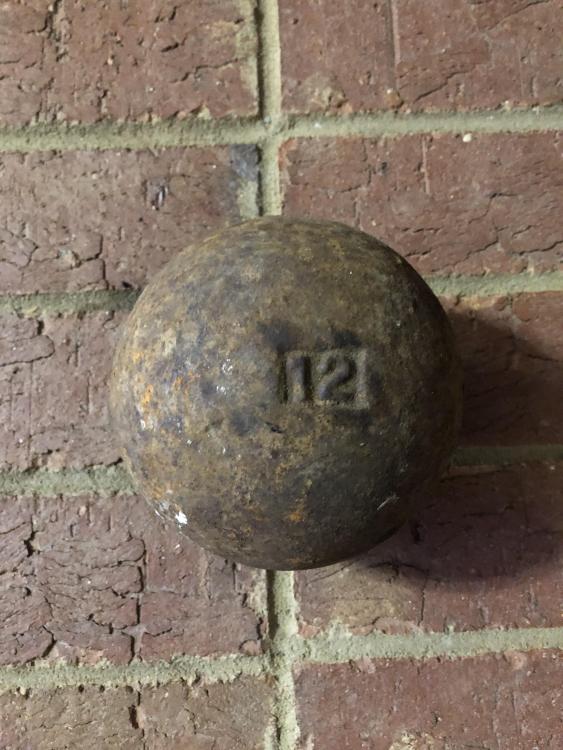
Anyone know what this is? It’s a 12 lb steel ball about 5” in diameter. Pretty sure it’s not a cannon ball. It has 12 stamped in it. I was planning on drilling and tapping it to put an eyebolt in it for a hold down chain. Any help is appreciated.
-
Thank you very much. That answers two of my posts. The mason’s hammer and cross pein sledge. Awesome!
-
I like the idea of using it as a fuller. I was going to buy one, but that is a great idea.
-
It looks kind of like what I posted last night trying to find out what it is.
-
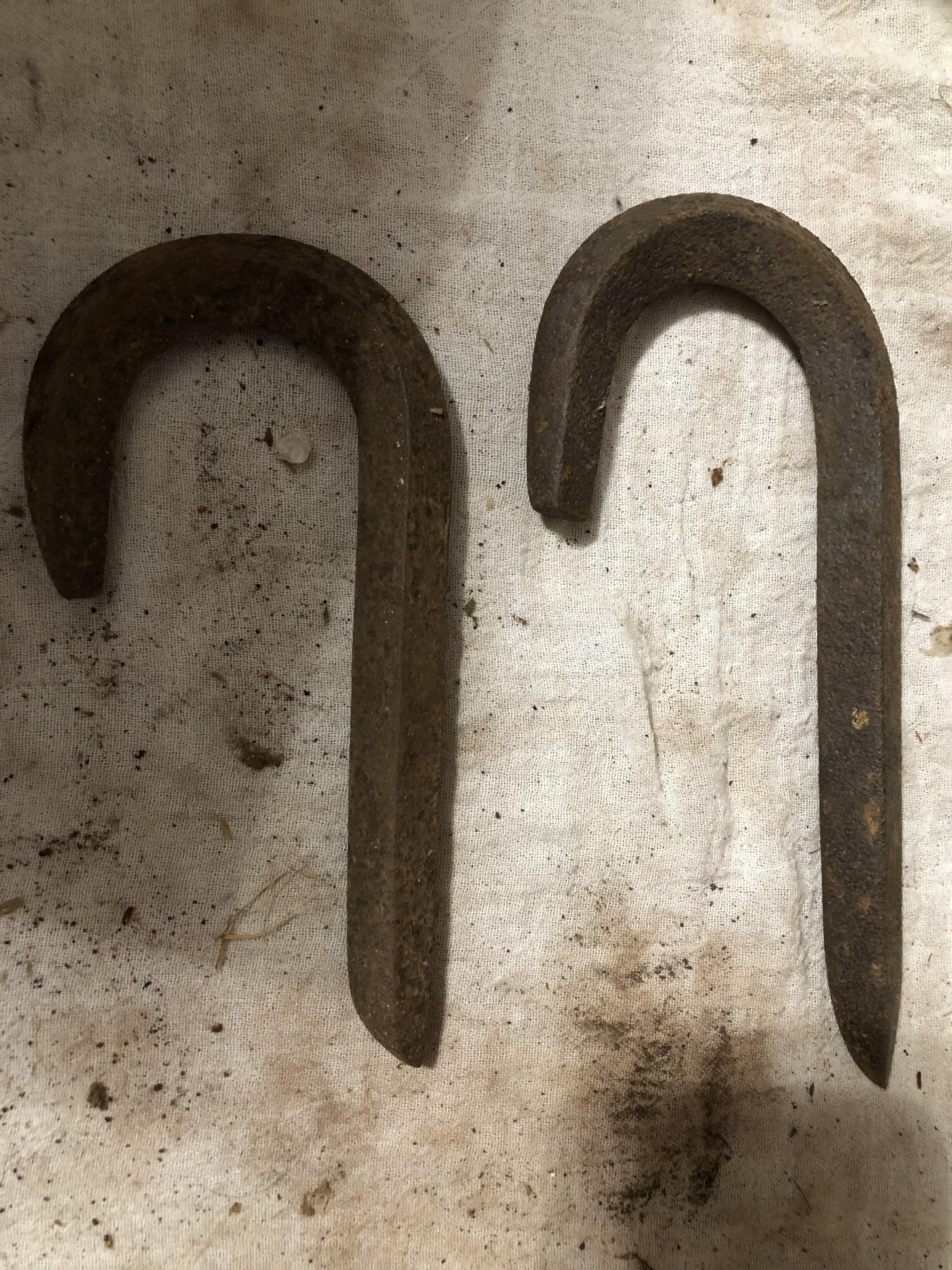
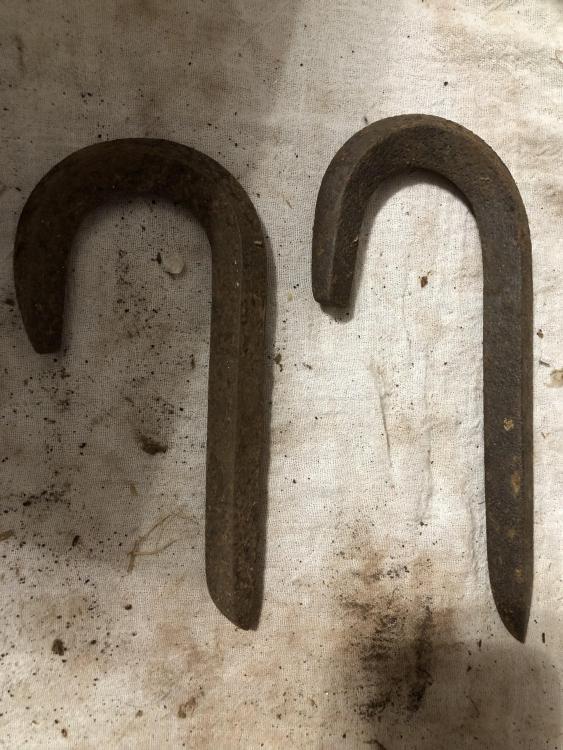
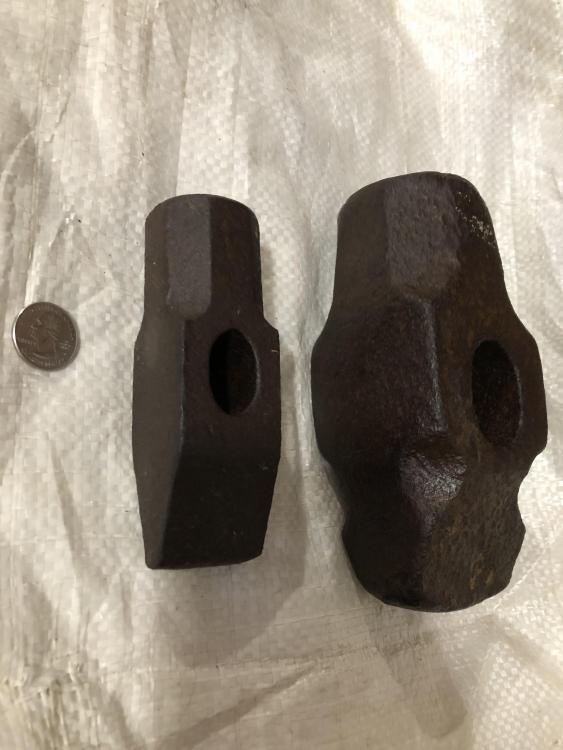
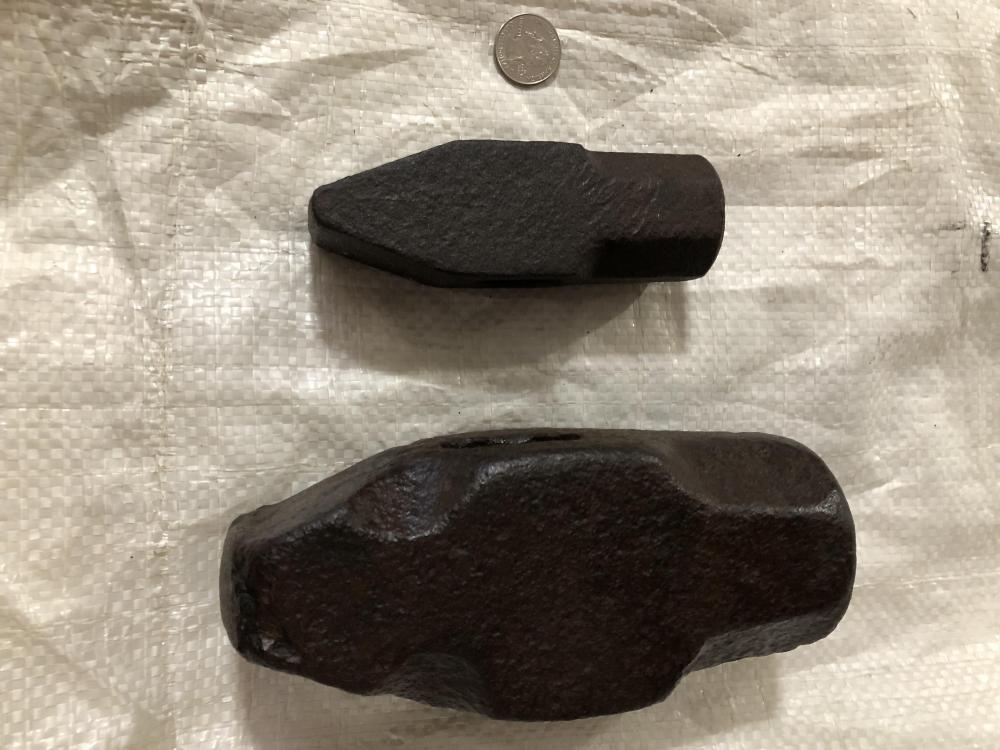
Anybody have a clue as to these? They were found with the 2 previous posts from my grandfather’s barn.
-
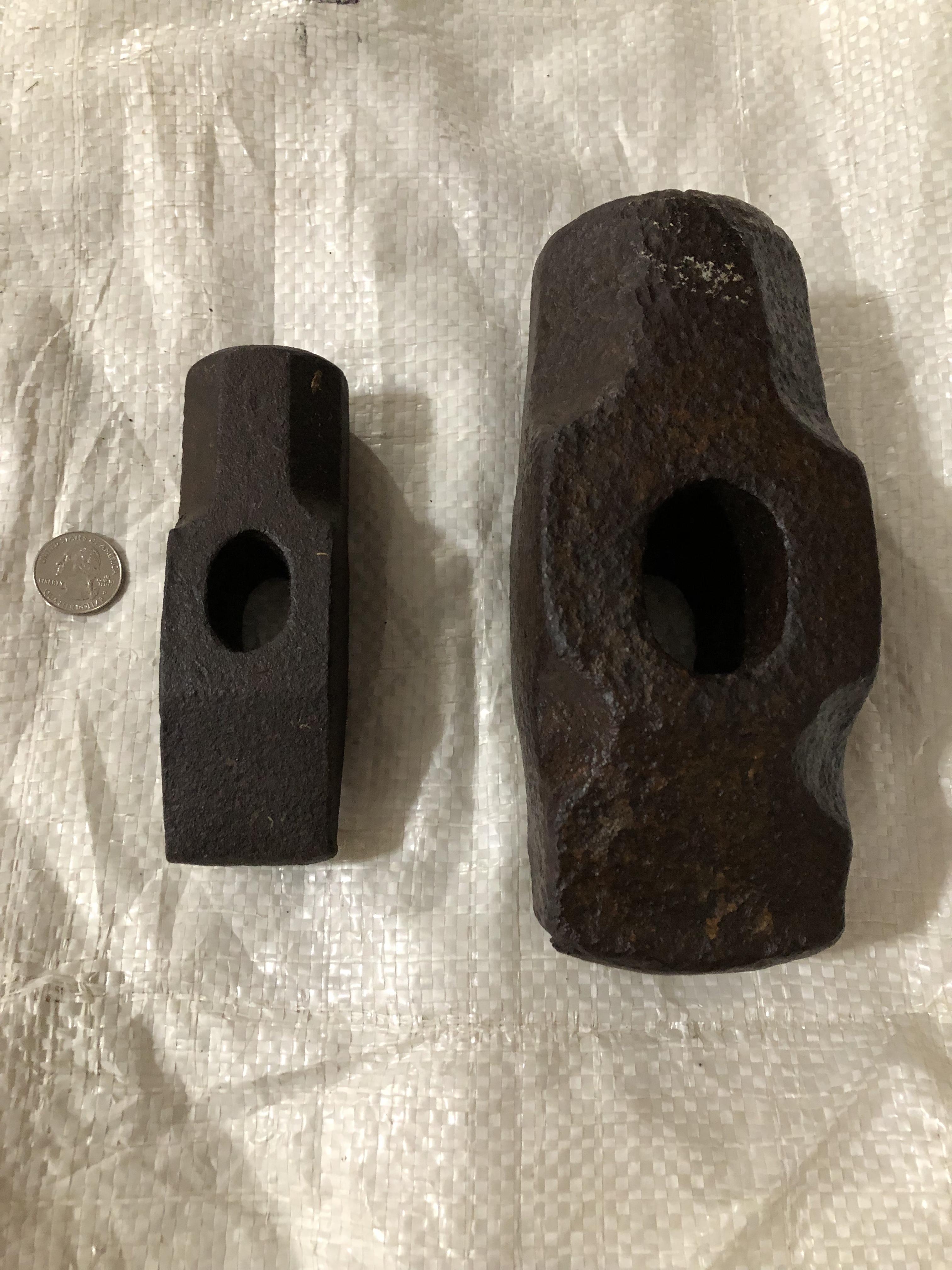
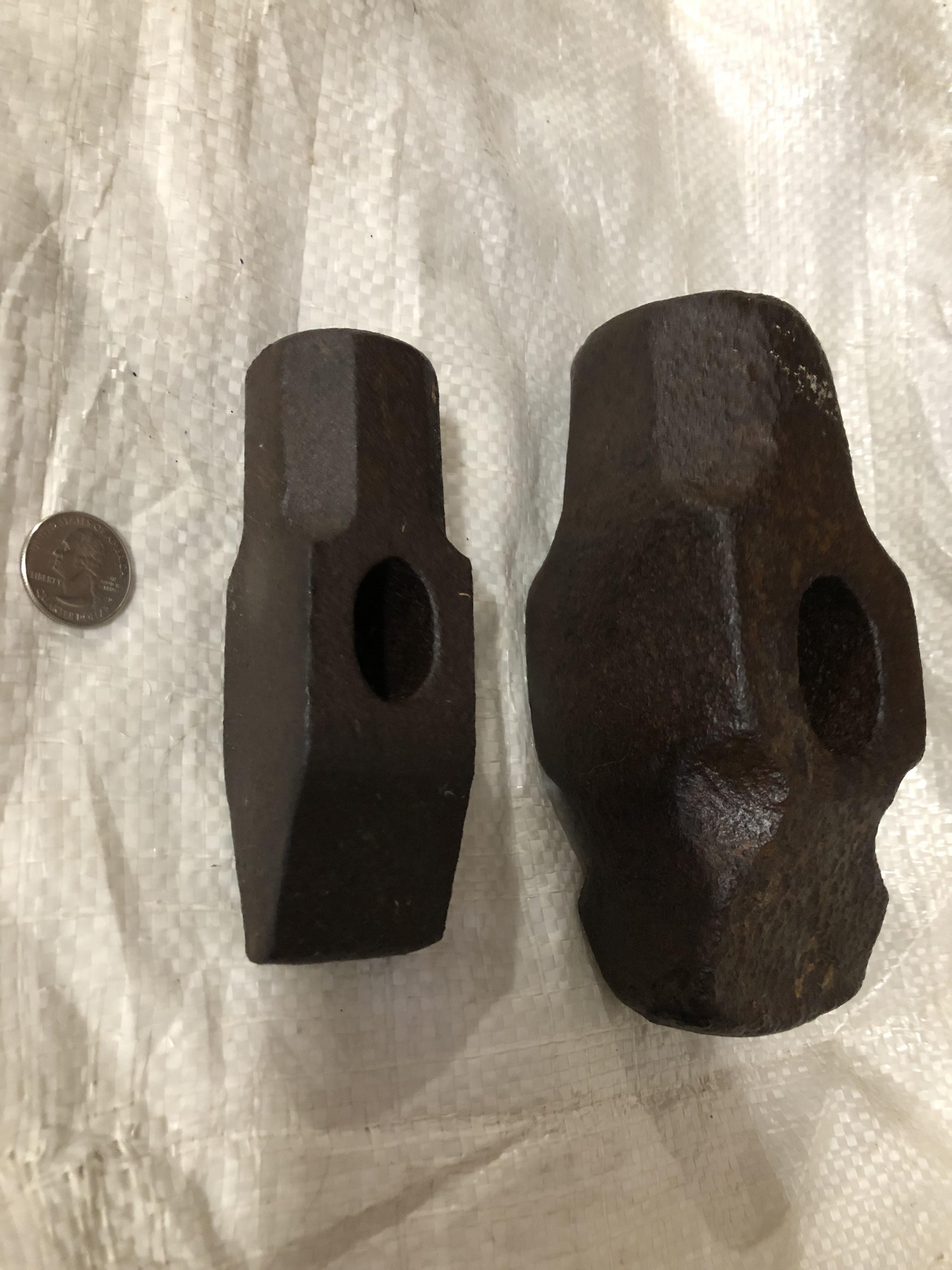
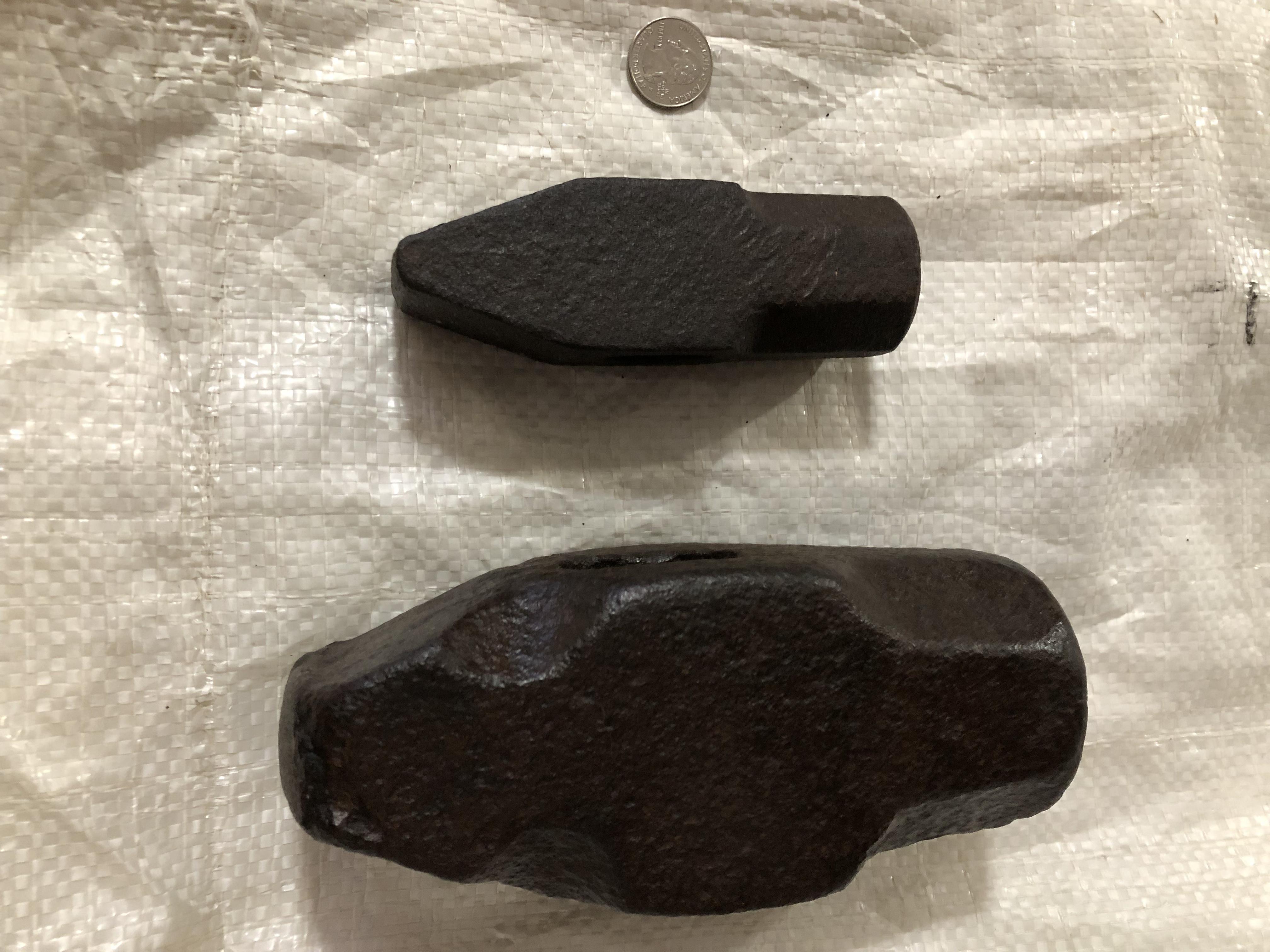
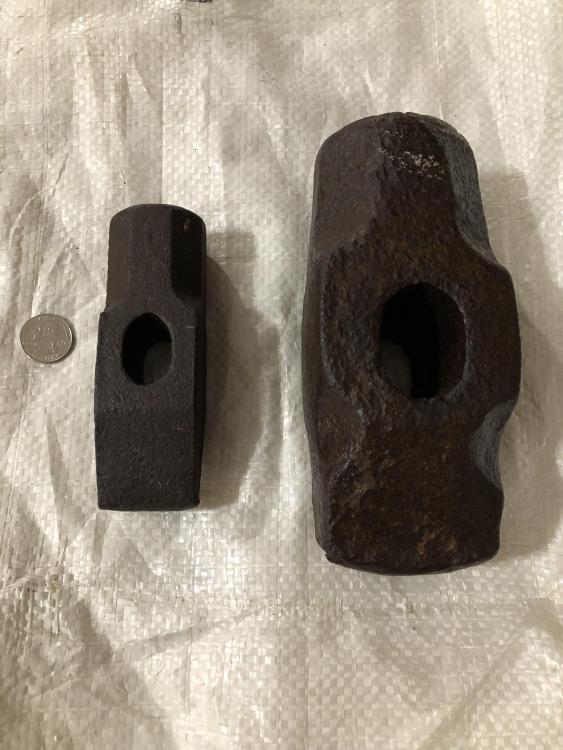
Along with the previous post, I got a 3lb cross pein and what I think is a 12 1/2 lb sledge cross pein. Anybody know anything different? (I weighed them and also the smaller one was marked with a 3.
-
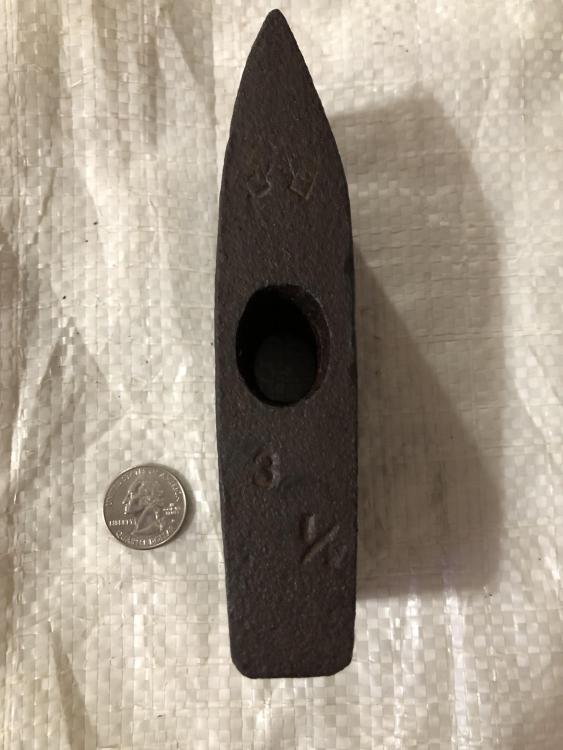
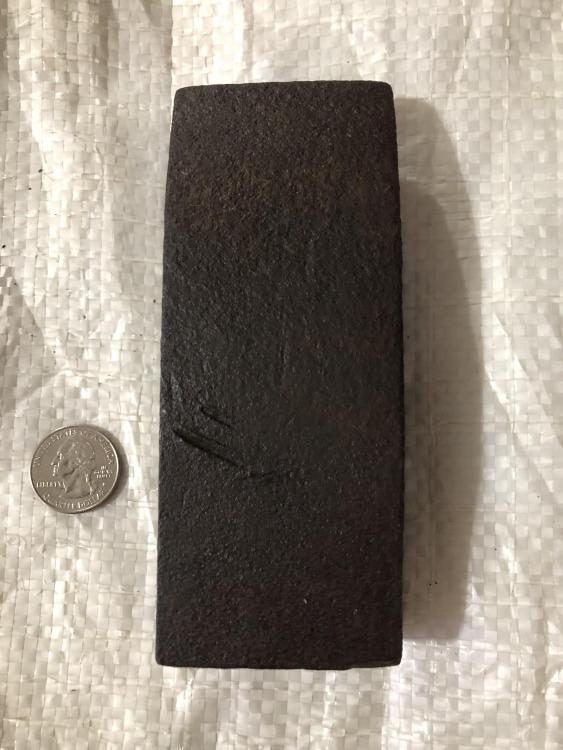
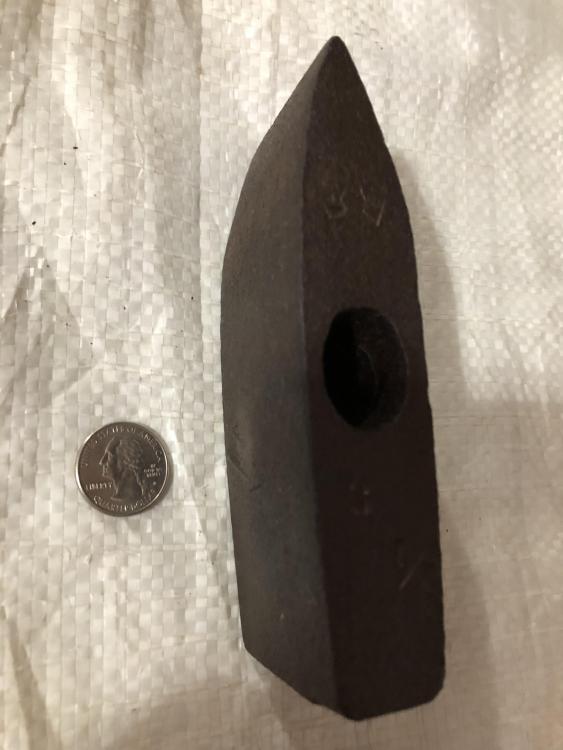
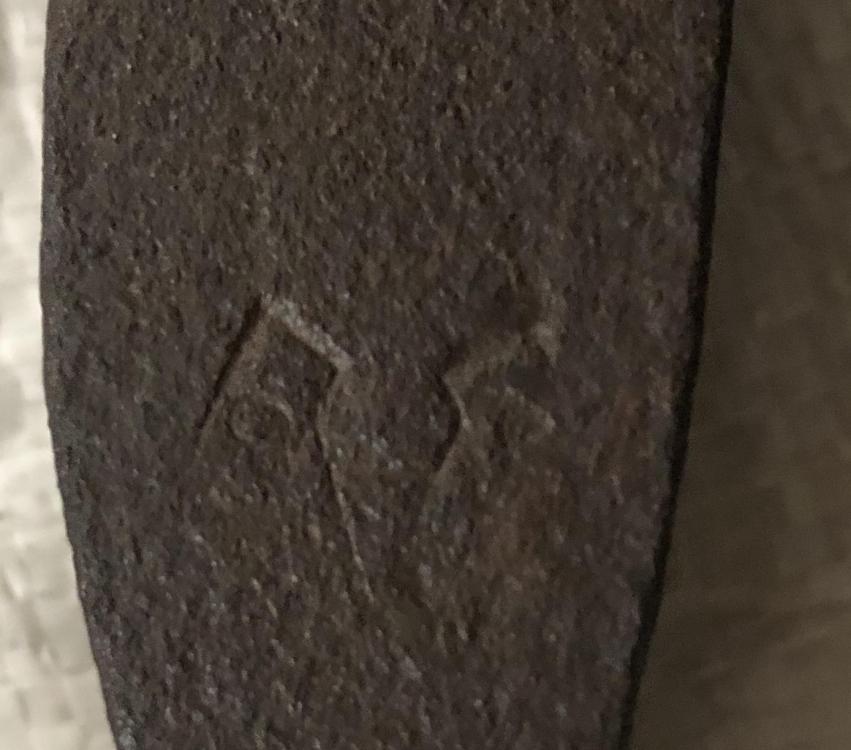
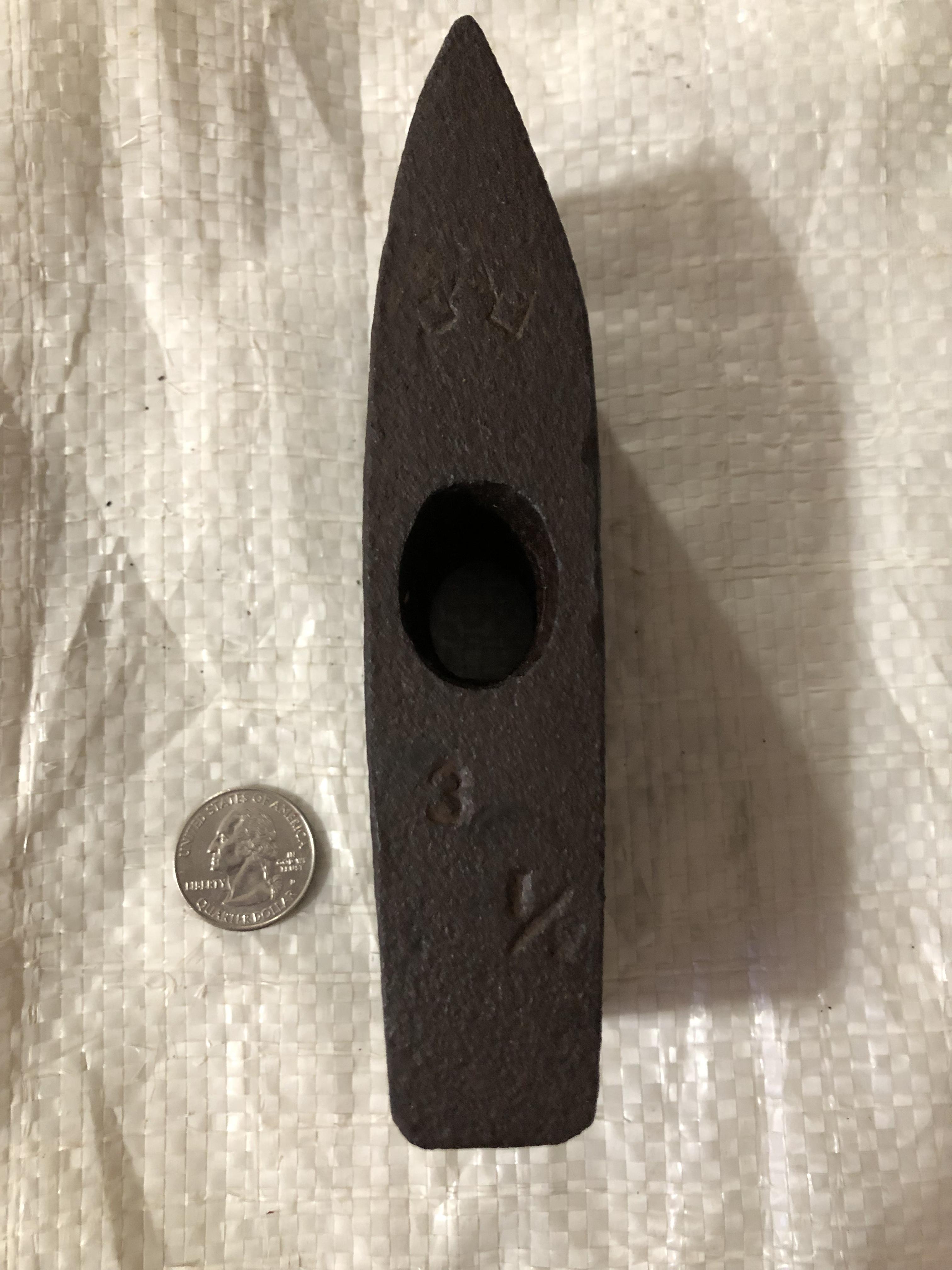
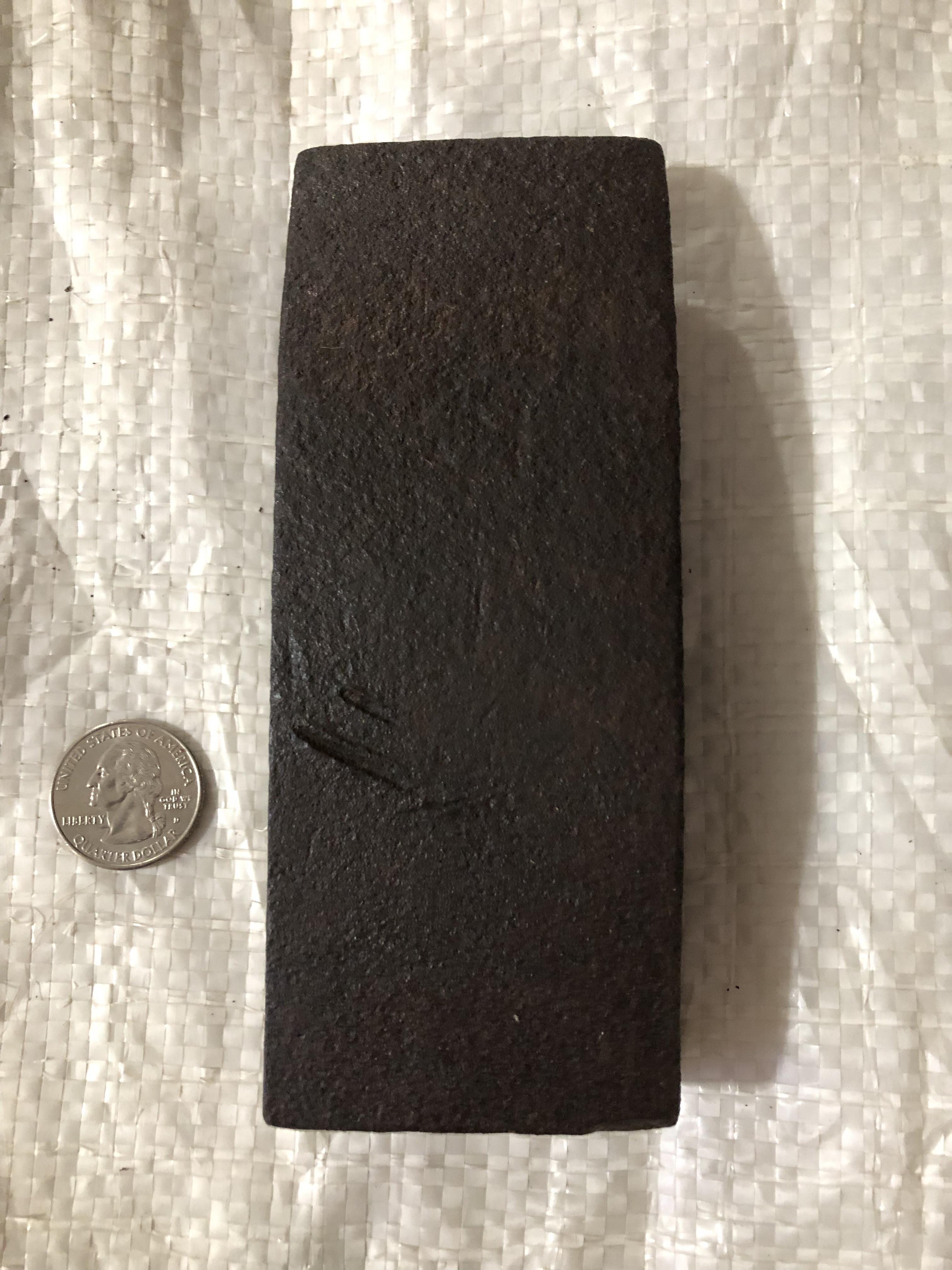
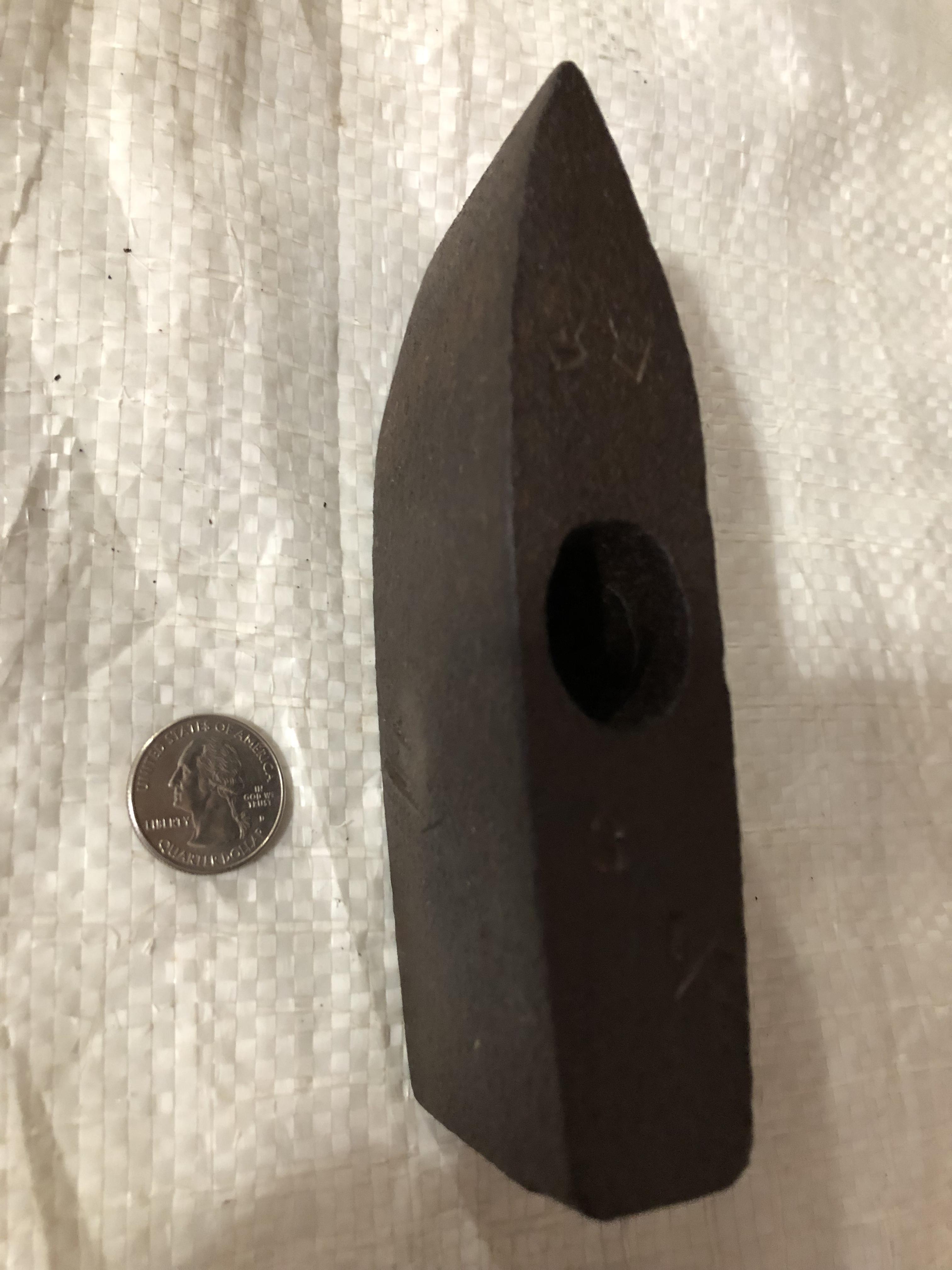
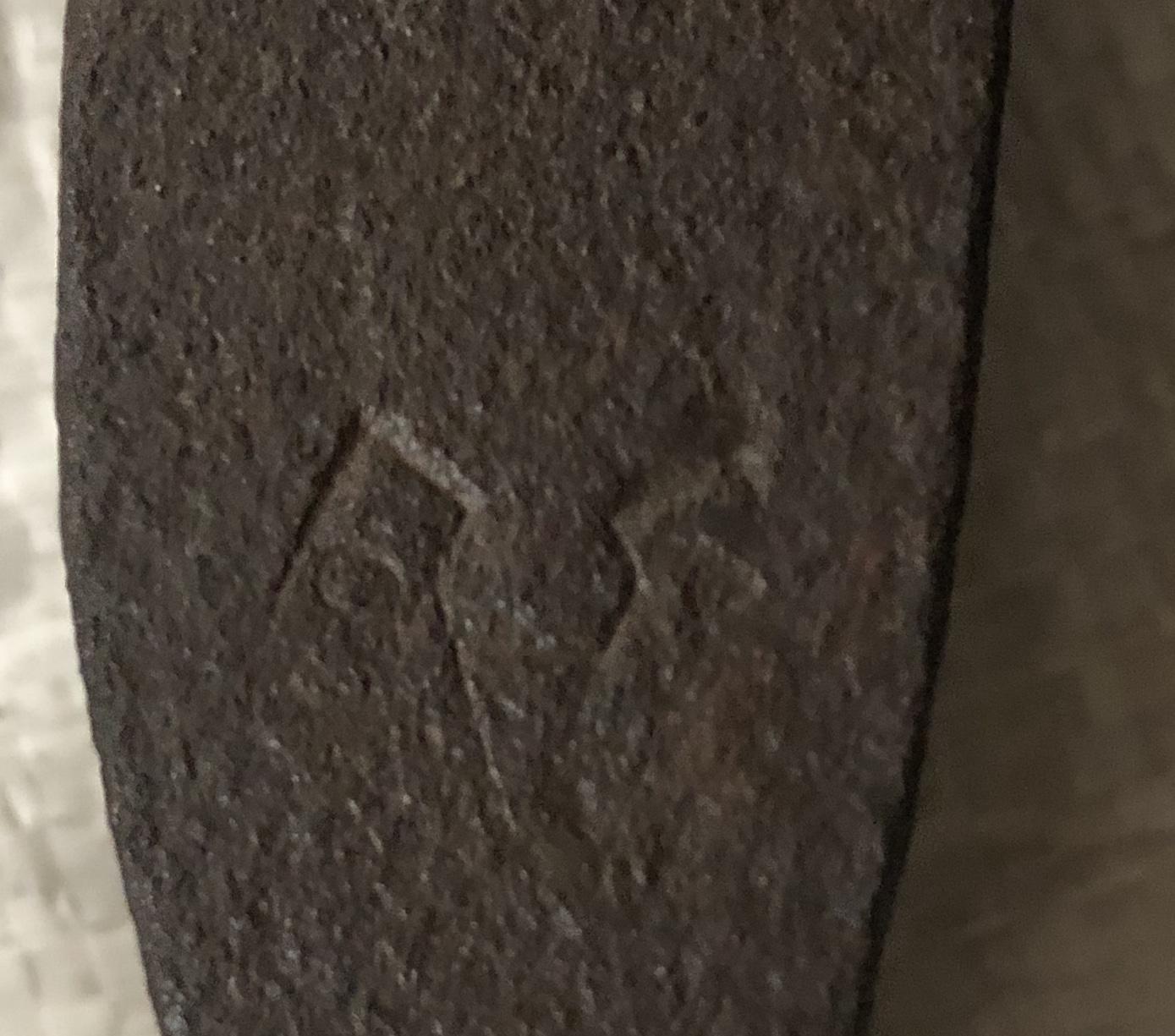
I found this in my grandfather’s barn where I had inherited a 1904 Soderfors anvil and forge a few months before. I’m not sure what it is. Not a regular Blacksmithing hammer. The handle hole in my opinion is too small for a striking handle. I would guess it is just for a holding handle like a top fuller or punch. I have two - one is a 3lb and one is a 3 1/2 lb. one of them has a touchmark, but I can’t make out what it is. Any help would be appreciated.